1. Introduction
Thank you for choosing the Membrane Solutions MSB5 Air Purifier. This device is designed to improve your indoor air quality by effectively filtering out various airborne particles. Featuring H13 True HEPA filtration, quiet operation, and a colorful night light, the MSB5 is ideal for bedrooms, homes, and offices. Please read this manual thoroughly before operating the device to ensure safe and optimal performance.

Figure 1: Membrane Solutions MSB5 Air Purifier
2. Important Safety Instructions
- Read all instructions before using the air purifier.
- Do not operate the air purifier if the cord or plug is damaged.
- Keep the air purifier away from water or wet areas.
- Ensure the filter is properly installed before operation.
- Unplug the device before cleaning or performing any maintenance.
- Do not block air inlets or outlets.
- This appliance is not intended for use by persons (including children) with reduced physical, sensory or mental capabilities, or lack of experience and knowledge, unless they have been given supervision or instruction concerning use of the appliance by a person responsible for their safety.
3. Package Contents
Verify that all items are present in the package:
- MSB5 Air Purifier Unit
- H13 True HEPA Filter (pre-installed)
- USB Cable (adapter not included)
- User Manual

Figure 2: Air Purifier with included USB cable. Note: Power adapter is not included.
4. Setup Guide
Follow these steps to set up your MSB5 Air Purifier:
- Unpack the Unit: Carefully remove the air purifier from its packaging.
- Remove Filter Packaging:
- Flip the machine over and rotate the base counter-clockwise to remove the cover.
- Take out the H13 True HEPA filter, which is pre-installed inside the unit.
- Remove the plastic packaging from the filter.
- Insert the filter back into the air purifier.
- Replace the base cover and turn it clockwise to lock it into place.
- Connect Power: Plug the provided USB cable into the air purifier and connect the other end to a 5V/1A USB power adapter (not included) or a compatible USB port.
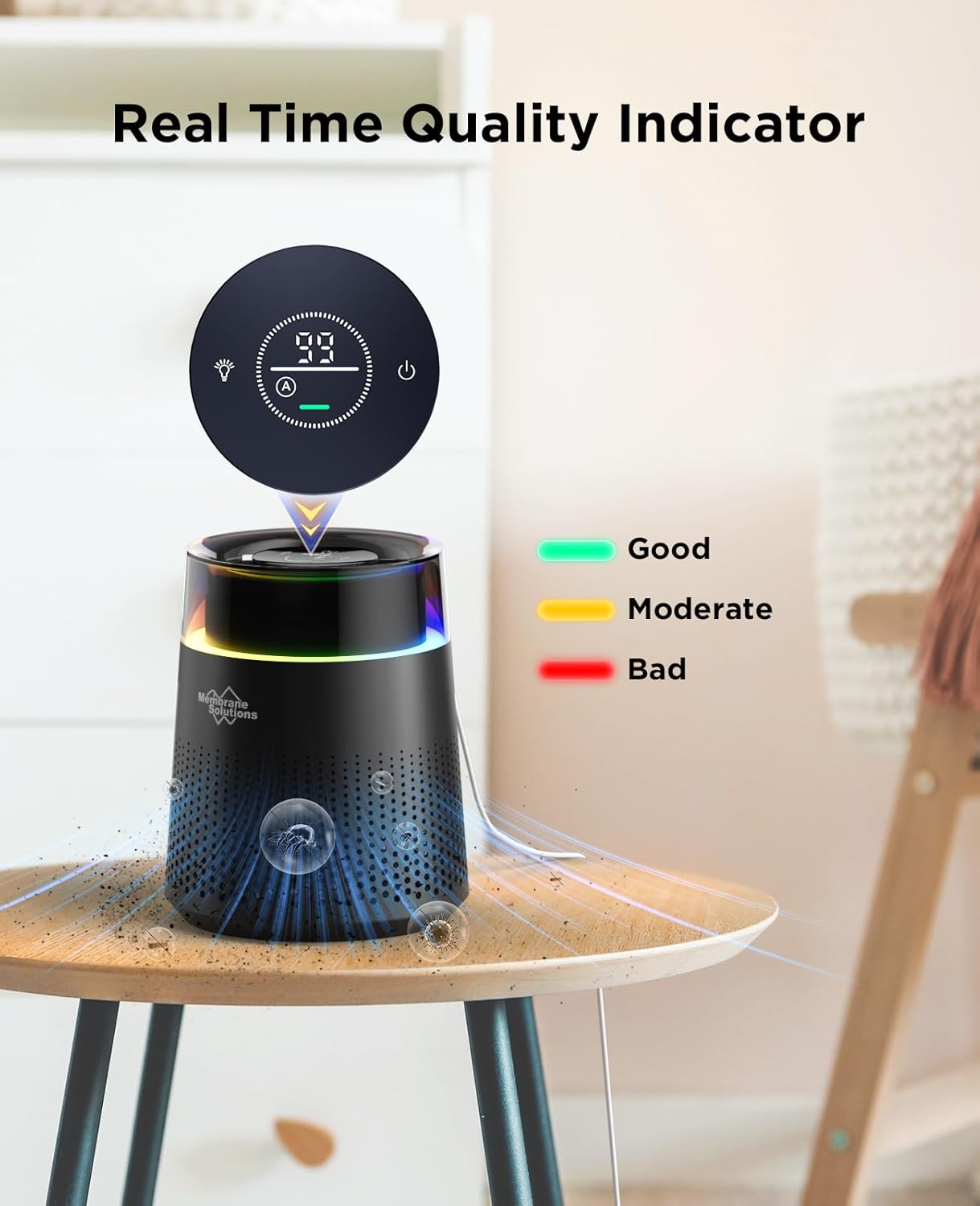
Figure 3: Illustrated steps for filter removal, unwrapping, re-installation, and connecting power.
5. Operating Instructions
The MSB5 Air Purifier features an intuitive touch control panel.
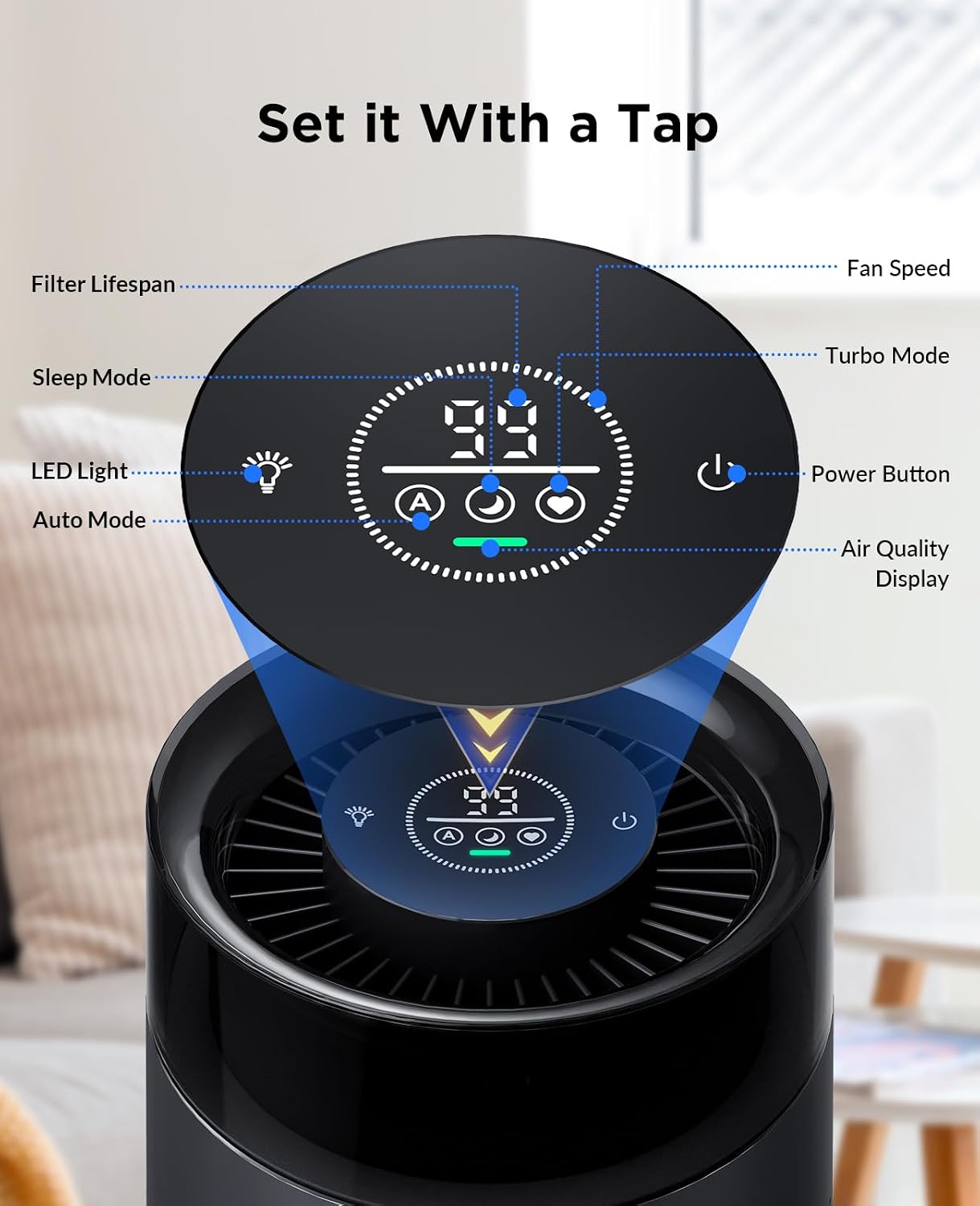
Figure 4: Control Panel Overview
- Power On/Off: Press the power button (⏻) to turn the unit on or off.
- Fan Speed Modes: The air purifier offers three fan speeds:
- Auto Mode (A): The air purifier automatically adjusts fan speed based on detected air quality.
- Sleep Mode (Zz): Operates at a quiet 20dB for undisturbed sleep while maintaining air quality.
- Turbo Mode (Fan Icon): Provides maximum air purification for quick results.
- Colorful Night Light: The unit features an RGB and color-changing light.
- Press the light button (💡) to cycle through different light modes (RGB, solid colors, off).
- Air Quality Display: The touch panel displays the current air quality.
- Green indicates Good air quality.
- Yellow indicates Moderate air quality.
- Red indicates Bad air quality.

Figure 5: Real-time Air Quality Indicator
The MSB5 refreshes air in rooms up to 215 ft² (20 m²) per hour, utilizing dual-channel technology and 360-degree air outlets for efficient circulation.
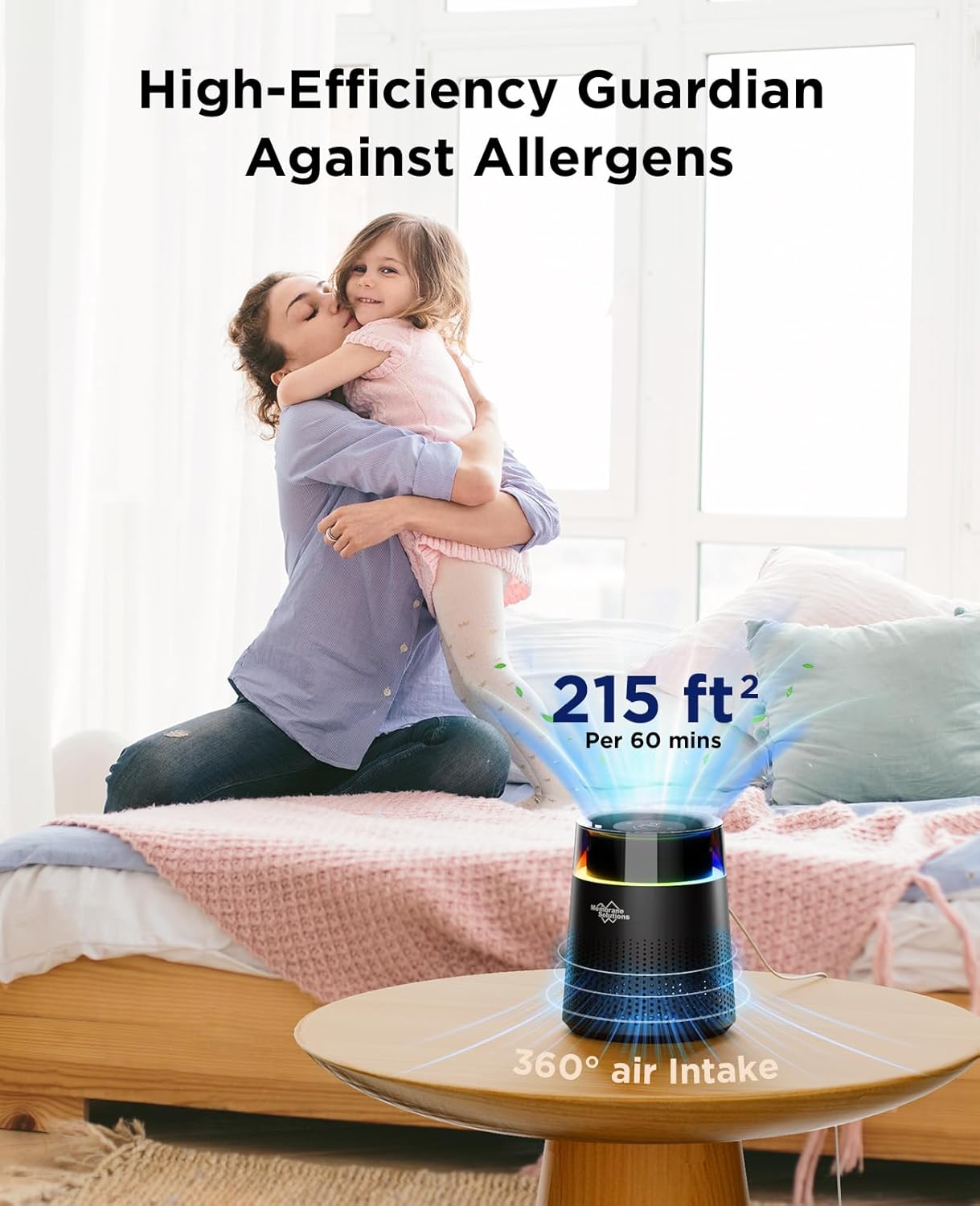
Figure 6: Effective Coverage Area
6. Maintenance
Filter Replacement
The MSB5 Air Purifier is equipped with a 99-day filter time reminder. When the filter usage life is less than 10 days, the LED data on the display will flash every 2 seconds, indicating that the filter needs to be replaced. For optimal performance, it is recommended to replace the filter cartridge once every 3 months.
To purchase genuine MSB5 Air Filters, search on Amazon for: B0CTH16HBF or B0CTH31KNB.
Steps for Filter Replacement:
- When the filter reset LED data flashes, it's time to replace the filter.
- Rotate the base counter-clockwise to remove it.
- Take out the dirty filter.
- Replace with a new MSB5 genuine filter.
- Tighten the cover by turning it clockwise.
- Turn on the purifier, then press and hold the reset button for 3 seconds to reset the filter timer.
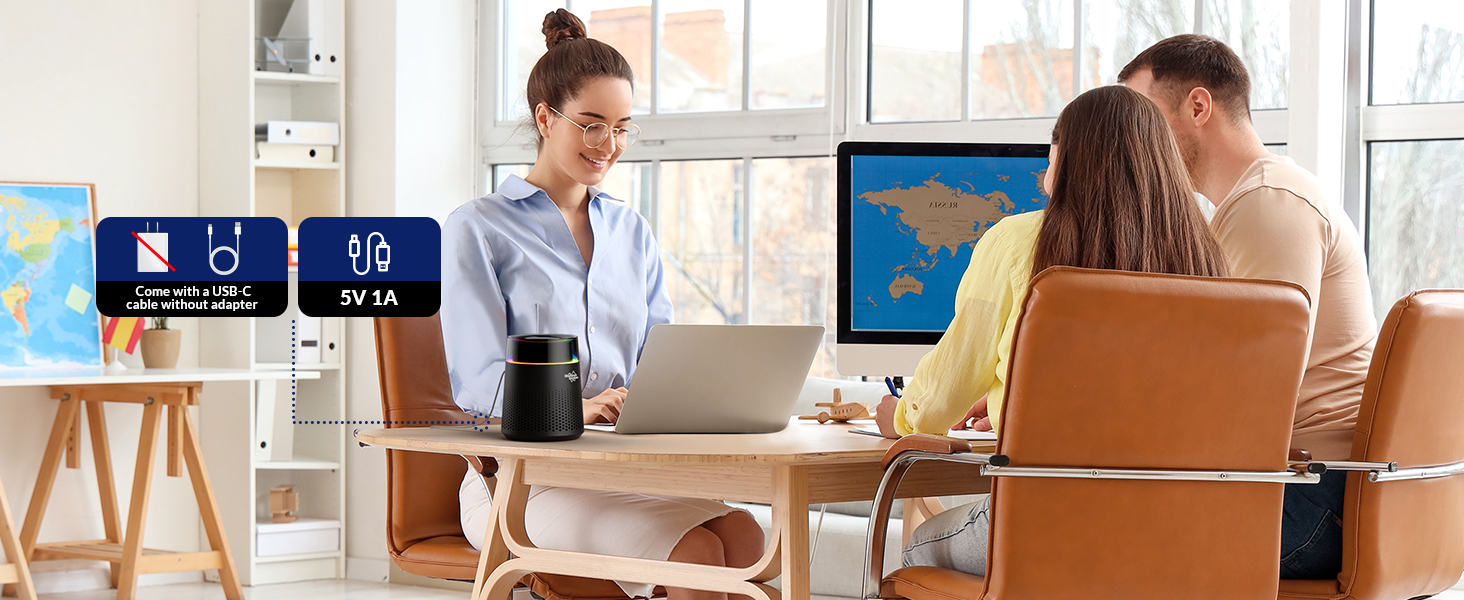
Figure 7: HEPA 13 Filter Replacement and Reset Process
7. Specifications
| Feature | Detail |
|---|---|
| Brand | Membrane Solutions |
| Model Number | MSB5 |
| Product Dimensions | 6.5"D x 6.5"W x 8"H (1.74 Pounds) |
| Floor Area Coverage | Up to 215 Square Feet (20 m²) |
| Filter Type | H13 True HEPA (3-stage filtration: Pre-Filter, H13 TRUE HEPA Filter, Activated Carbon Filter) |
| Noise Level | 20dB (Sleep Mode) |
| Power Source | USB Powered (5V/1A, adapter not included) |
| Wattage | 4 watts |
| Color | Black |
| Certification | FCC Certified |
8. Troubleshooting
If you encounter issues with your MSB5 Air Purifier, please refer to the following common problems and solutions:
- Device not turning on:
- Ensure the USB cable is securely connected to both the air purifier and a working power source (5V/1A adapter recommended).
- Check if the power outlet is functional.
- Verify that the filter's plastic packaging has been removed and the filter is correctly installed.
- Reduced airflow or unusual noise:
- Check if the air filter is clogged and needs replacement.
- Ensure there are no obstructions blocking the air inlet or outlet.
- Verify the base is securely locked in place.
- Air quality indicator always green/red:
- Ensure the air quality sensor is not blocked or dirty. Gently clean the sensor area if accessible.
- Allow the unit to run for some time in Auto mode to calibrate.
If the problem persists, please contact customer support.
9. Warranty and Support
Membrane Solutions stands behind the quality of its products. For warranty information, technical support, or any inquiries regarding your MSB5 Air Purifier, please visit the official Membrane Solutions website or contact their customer service team.
Website: www.membranesolutions.com (Example link, please refer to actual product documentation for correct URL)


