
Introduction
Thank you for choosing the Foxtop Atomic Wall Clock. This clock is designed to automatically set and update its time using the WWVB radio broadcast, ensuring accurate timekeeping. Please read this manual carefully before use to ensure proper setup and operation.
Product Features
- Automatic Time Setting: Receives WWVB radio signals to automatically display the correct time.
- Automatic Daylight Saving Time (DST) Adjustment: Features an AUTO DST switch for automatic adjustment.
- Easy to Read: Large black numbers on a white face with a clear glass front cover.
- Battery Powered: Operates on a single AA alkaline battery (not included).
- Easy to Hang: Includes a hook and a wide slot on the back for convenient wall mounting.
Package Contents
- 1 x Foxtop Atomic Wall Clock (12"Atomic)
- 1 x User Manual
- 1 x Wall Hook
Setup Instructions
1. Battery Installation
Locate the battery compartment on the back of the clock. Insert one AA alkaline battery (not included) according to the polarity markings (+/-). Ensure the battery is securely in place.

Image: Rear view of the clock, highlighting the battery slot and control switches.
2. Setting Time Zone and DST
On the back of the clock, you will find switches for Time Zone and DST. Adjust these settings before the clock attempts to receive the WWVB signal.
- Time Zone (ZONE) Switch: Select your correct time zone (PST/MST/CST/EST).
- Daylight Saving Time (DST) Switch: Move the DST switch to "ON" to enable automatic DST adjustment. If your region does not observe DST, set it to "OFF".
Image: Detailed view of the clock's rear panel, indicating the DST and Time Zone switches.
3. Initial Signal Reception
After installing the battery and setting the switches, the clock will automatically attempt to receive the WWVB signal. This process may take several minutes to a few hours, depending on your location and atmospheric conditions. Place the clock near a window for optimal reception.
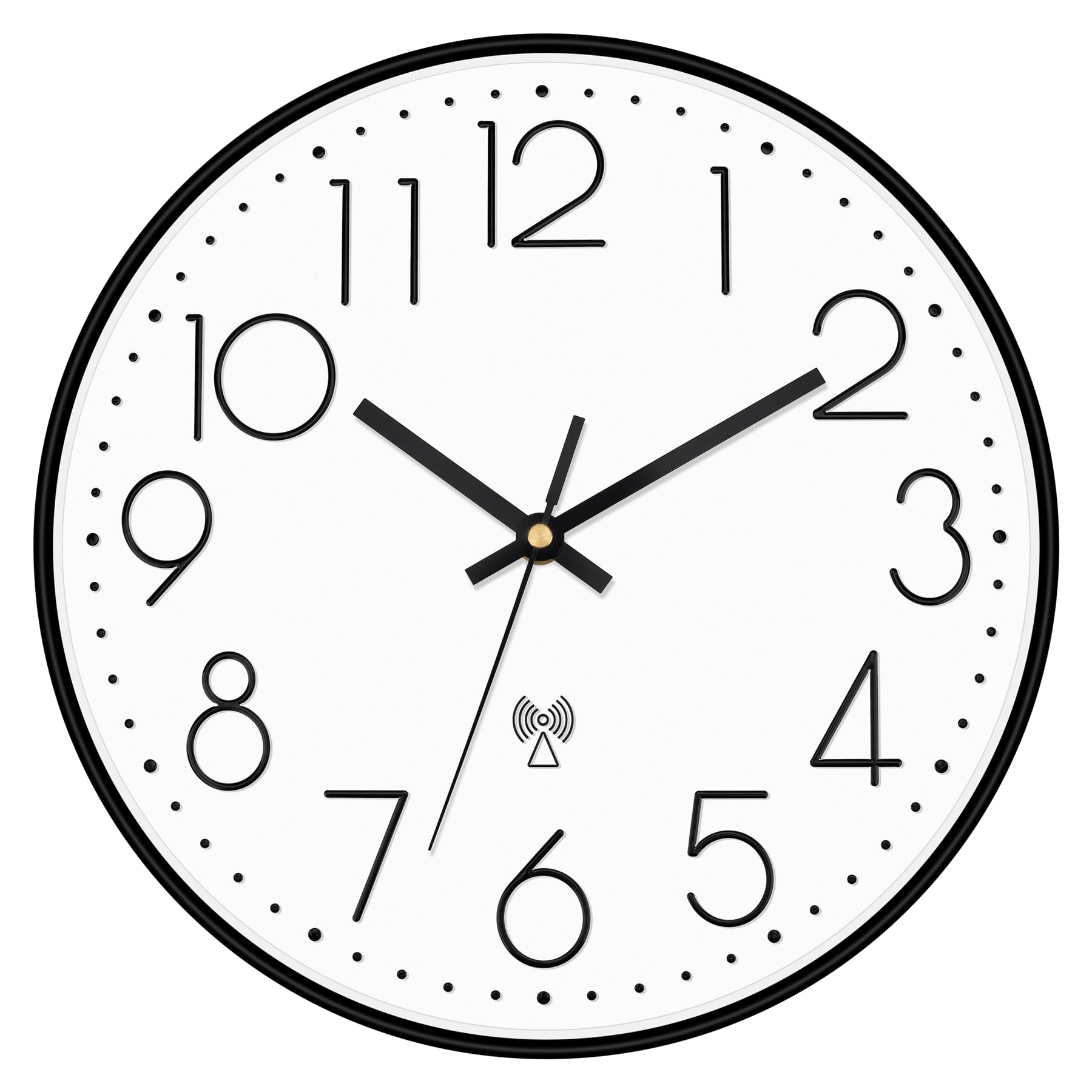
Image: Front view of the atomic wall clock, showing the radio signal icon indicating reception capability.
4. Mounting the Clock
Use the provided hook and the wide slot on the back of the clock to securely mount it on a wall. Ensure the mounting surface is stable.

Image: The clock displayed in a living room setting, demonstrating its wall-mounted appearance.
Operating Instructions
Automatic Time Synchronization
Once the clock successfully receives the WWVB signal, it will automatically set itself to the correct time for your selected time zone, including any DST adjustments. The clock will periodically synchronize to maintain accuracy.
Manual Time Setting (Optional)
In rare cases where the atomic signal cannot be received, you can manually set the time. Use the M.SET button on the back of the clock to enter manual setting mode. Use the adjustment wheel (typically next to the battery compartment) to set the time. Press M.SET again to exit manual mode.
Image: Rear view of the clock, indicating the M.SET button for manual time adjustments.
Forcing Signal Reception
If you wish to force the clock to attempt signal reception, press the REC button on the back of the clock. The clock will then try to acquire the WWVB signal.
Image: Rear view of the clock, indicating the REC button for initiating signal reception.
Daylight Saving Time (DST)
The clock is equipped with an automatic Daylight Saving Time adjustment feature. Ensure the DST switch on the back of the clock is set to "ON" if your area observes DST. If your area does not observe DST, set the switch to "OFF" to disable this feature.
Maintenance
- Cleaning: Wipe the clock with a soft, dry cloth. Avoid using abrasive cleaners or chemicals that may damage the finish or glass.
- Battery Replacement: Replace the AA battery annually or when the clock hands stop moving or become erratic.
- Environment: Keep the clock away from extreme temperatures, direct sunlight, and high humidity to ensure longevity and accurate operation.
Troubleshooting
| Problem | Possible Cause | Solution |
|---|---|---|
| Clock does not set time automatically. | Weak or no WWVB signal reception. Incorrect time zone or DST setting. | Ensure the clock is placed near a window. Verify Time Zone and DST switch settings. Press the REC button to force signal reception. Allow several hours for initial synchronization. |
| Clock hands are not moving. | Dead or low battery. | Replace the AA battery with a fresh one. |
| Clock is ticking loudly. | This model features a silent, non-ticking sweep movement. If ticking is heard, the mechanism may be faulty. | Contact customer support for assistance. |
| Time is incorrect after DST change. | DST switch is set to "OFF" or signal not received. | Ensure the DST switch is set to "ON". Allow time for the clock to receive the signal and adjust. |
Specifications
- Brand: Foxtop
- Model: 12"Atomic
- Color: Black
- Display Type: Analog
- Style: Modern
- Special Feature: Atomic (WWVB)
- Product Dimensions: 12"W x 12"H
- Power Source: Battery Powered (1 AA battery required, not included)
- Room Type: Bedroom, Classroom, Dining Room, Home Office, Study Room
- Shape: Round
- Indoor/Outdoor Usage: Indoor
- Material: Plastic
- Frame Material: Plastic
- Operation Mode: Atomic
- Dial Color: White
- Item Weight: 1.79 pounds
Warranty and Support
Foxtop is committed to providing high-quality products and excellent customer service. This product is covered by a standard return policy. For any questions, concerns, or technical support, please refer to the seller's contact information on the purchase platform or visit the official Foxtop store page.
We strive to ensure customer satisfaction and are dedicated to addressing any issues you may encounter with your Foxtop Atomic Wall Clock.