
CKSEKD IL-S100
CKSEKD IL-S100 Laser Sensor Photoelectric Switch Displacement Amplifier Measurement Probe User Manual
Model: IL-S100
1. Introduction
This user manual provides essential information for the safe and effective operation of the CKSEKD IL-S100 Laser Sensor Photoelectric Switch Displacement Amplifier Measurement Probe. Please read this manual thoroughly before using the product and retain it for future reference.
The IL-S100 is a high-precision laser sensor designed for displacement measurement and photoelectric switching applications. It integrates a laser emitter, receiver, and amplifier into a compact unit, suitable for various industrial automation and measurement tasks.
2. Safety Information
WARNING: LASER RADIATION
This product emits laser radiation. Avoid direct eye exposure to the laser beam. Always follow local safety regulations and use appropriate personal protective equipment (PPE) when operating this device.
- Do not disassemble or modify the sensor. Unauthorized modifications can lead to hazardous laser exposure and void the warranty.
- Ensure the power supply voltage matches the sensor's specifications.
- Keep the sensor away from water, dust, and corrosive substances.
- Handle the sensor with care to prevent physical damage.

Figure 1: Front view of the IL-S100 Laser Sensor, showing the laser aperture and warning label.
3. Product Overview
The IL-S100 sensor consists of a main body housing the optical components and electronics, and an integrated cable for power and signal transmission.
3.1 Components
- Sensor Body: Contains the laser emitter, receiver, and processing unit.
- Laser Aperture: Where the laser beam is emitted and received.
- Mounting Holes: For secure installation.
- Integrated Cable: For power supply and signal output.

Figure 2: Rear view of the IL-S100 Laser Sensor, displaying compliance information and model number.

Figure 3: Side view of the IL-S100 Laser Sensor, showing its compact profile.
4. Setup and Installation
4.1 Mounting the Sensor
- Select a stable and vibration-free location for mounting.
- Use appropriate screws to secure the sensor through its mounting holes. Ensure the sensor is firmly attached and aligned correctly with the target object.
- Position the sensor so that the laser beam has a clear path to the target and the reflected light can return to the receiver.

Figure 4: The IL-S100 Laser Sensor with its integrated cable fully extended, ready for connection.
4.2 Electrical Connections
Connect the integrated cable to a compatible power supply and control system. Refer to the wiring diagram (if provided separately) for specific pin assignments. Typically, the cable includes:
- Power input (e.g., +VDC, GND)
- Signal output (e.g., analog output, digital switch output)
CAUTION: Incorrect wiring can damage the sensor. Verify all connections before applying power.
5. Operating Instructions
5.1 Power On
Once the sensor is securely mounted and wired, apply power. The sensor may have an indicator light to confirm power is supplied and the laser is active.
5.2 Calibration (if applicable)
Depending on the application and specific model features, calibration may be required to set the measurement range or switching threshold. Refer to the detailed product datasheet for calibration procedures, if any.
5.3 Measurement and Detection
The IL-S100 operates by emitting a laser beam and detecting the reflected light from the target. The sensor then processes this information to provide a displacement measurement or a switching signal.
- Displacement Measurement: The analog output (if available) will correspond to the distance of the target from the sensor.
- Photoelectric Switching: The digital output will change state when a target enters or leaves the detection zone, based on the configured threshold.
Ensure the target surface is suitable for laser detection (e.g., not highly reflective or transparent without proper setup).
6. Maintenance
The CKSEKD IL-S100 is designed for minimal maintenance. However, regular inspection and cleaning can prolong its lifespan and ensure optimal performance.
- Cleaning: Gently clean the laser aperture and sensor body with a soft, lint-free cloth. If necessary, use a mild, non-abrasive cleaning solution. Do not use harsh chemicals or solvents.
- Inspection: Periodically check the cable for any signs of damage (cuts, fraying). Ensure mounting screws are tight.
- Environment: Maintain the operating environment within the specified temperature and humidity ranges.
7. Troubleshooting
If the sensor is not functioning as expected, refer to the following common issues and solutions:
| Problem | Possible Cause | Solution |
|---|---|---|
| No power indicator / Sensor not active | No power supply; Incorrect wiring; Damaged cable | Check power connections; Verify wiring according to diagram; Inspect cable for damage. |
| Inaccurate measurements / Erratic switching | Dirty lens; Obstruction in beam path; Unsuitable target surface; Sensor misalignment; Electrical interference | Clean laser aperture; Remove obstructions; Adjust sensor position; Shield cables from noise sources. |
| Sensor not detecting target | Target out of range; Laser beam blocked; Sensor damaged | Adjust target distance; Clear beam path; Contact support if sensor is damaged. |
If the problem persists after attempting these solutions, contact CKSEKD technical support.
8. Specifications
The following specifications are based on standard product information. Actual performance may vary depending on environmental conditions and specific application.
| Feature | Detail |
|---|---|
| Model | IL-S100 |
| Type | Laser Sensor Photoelectric Switch Displacement Amplifier Measurement Probe |
| Manufacturer | CKSEKD |
| Package Dimensions | 1.18 x 0.79 x 0.39 inches |
| Item Weight | 1.76 ounces |
| Number of pieces | 1 |

Figure 5: Packaging for the CKSEKD IL-S100 Laser Sensor.
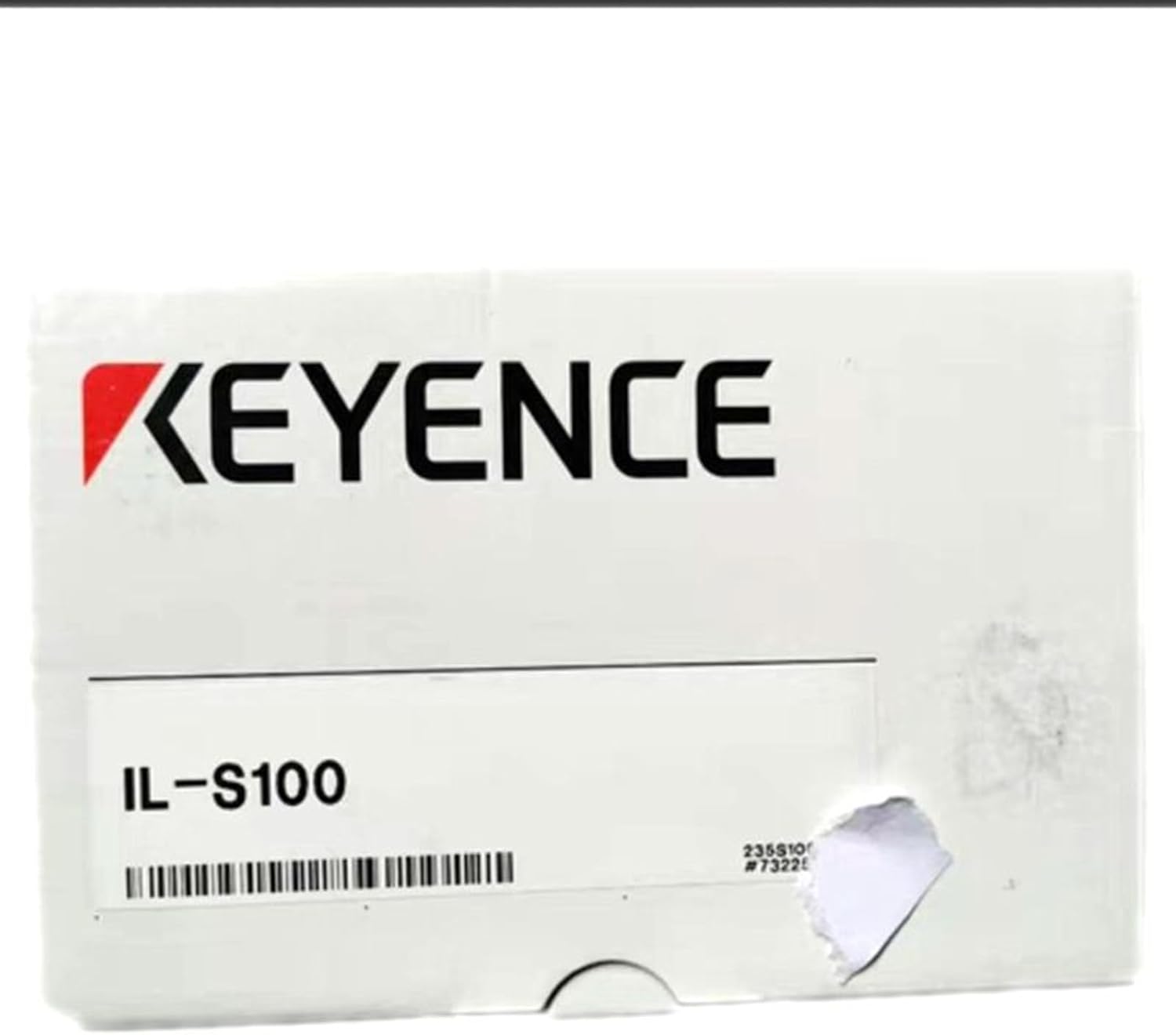
Figure 6: Close-up view of a single CKSEKD IL-S100 sensor box, showing the model number.
9. Warranty and Support
For warranty information and technical support, please refer to the documentation included with your purchase or contact CKSEKD customer service. Keep your purchase receipt as proof of purchase.
CKSEKD is committed to providing high-quality products and support. If you encounter any issues or have questions regarding the IL-S100 sensor, please reach out to our support team for assistance.
Ask a question about this manual
Ask about setup, troubleshooting, compatibility, parts, safety, or missing instructions. Manuals+ will review the question and use this page’s manual context to help answer it.