Introduction
Thank you for choosing the Breezary 52/42-IN LED Ceiling Fan. This manual provides essential information for the safe installation, operation, and maintenance of your new ceiling fan. Please read these instructions thoroughly before beginning installation and retain them for future reference.

Image 1: The Breezary 52/42-IN LED Ceiling Fan with black blades and gold finish, integrated into a modern living room setting.
Important Safety Instructions
- Electrical Safety: Always disconnect power at the main circuit breaker before installation or servicing. Ensure all electrical connections comply with local codes and national electrical codes.
- Mounting: The ceiling fan must be mounted to a structurally sound ceiling joist or an outlet box rated for fan support (at least 35 lbs).
- Blade Clearance: Ensure there is at least 7 feet (2.1 meters) clearance from the floor to the fan blades and at least 30 inches (76 cm) from the wall to the blade tips.
- Wiring: Consult a qualified electrician if you are unfamiliar with electrical wiring.
- Operation: Do not insert objects into the path of the fan blades.
- Light Kit: The integrated LED light kit is not user-serviceable. Do not attempt to replace individual LEDs.
Product Components
Your Breezary LED Ceiling Fan package includes the following main components:
- Motor Housing (with integrated LED light)
- Fan Blades (5 plywood blades)
- Downrod (5-inch, 1-inch diameter, for standard installation)
- Mounting Bracket
- Remote Control (requires 2 AAA batteries, not included)
- Hardware Pack (screws, wire nuts, etc.)

Image 2: Overview of the Breezary 52/42-IN LED Ceiling Fan, showcasing its black blades and gold finish.

Image 3: Top-down view of the five black plywood blades and the central gold motor housing.
Setup and Installation
Before You Begin: Ensure power is turned off at the circuit breaker. Gather necessary tools (screwdriver, wire strippers, ladder, etc.). This fan supports sloped ceilings up to 15 degrees.
- Mounting Bracket Installation: Secure the mounting bracket to the ceiling outlet box. Ensure the outlet box is rated for fan support.
- Downrod Assembly: Insert the downrod through the canopy and motor housing. Secure with the provided pin and screw.
- Wiring Connections: Carefully connect the fan's electrical wires to the household wiring according to the wiring diagram in the full instruction manual (not provided here). Ensure all connections are secure with wire nuts.
- Hang the Fan: Lift the fan assembly and hang it onto the mounting bracket.
- Blade Attachment: Attach each of the five fan blades to the motor housing using the provided screws. Ensure they are securely fastened.
- Canopy Installation: Slide the canopy up to the ceiling and secure it to the mounting bracket, covering the wiring.
- Power On: Restore power at the circuit breaker.
Note: For higher ceilings, an optional extended downrod is available for purchase separately from the Breezary store.
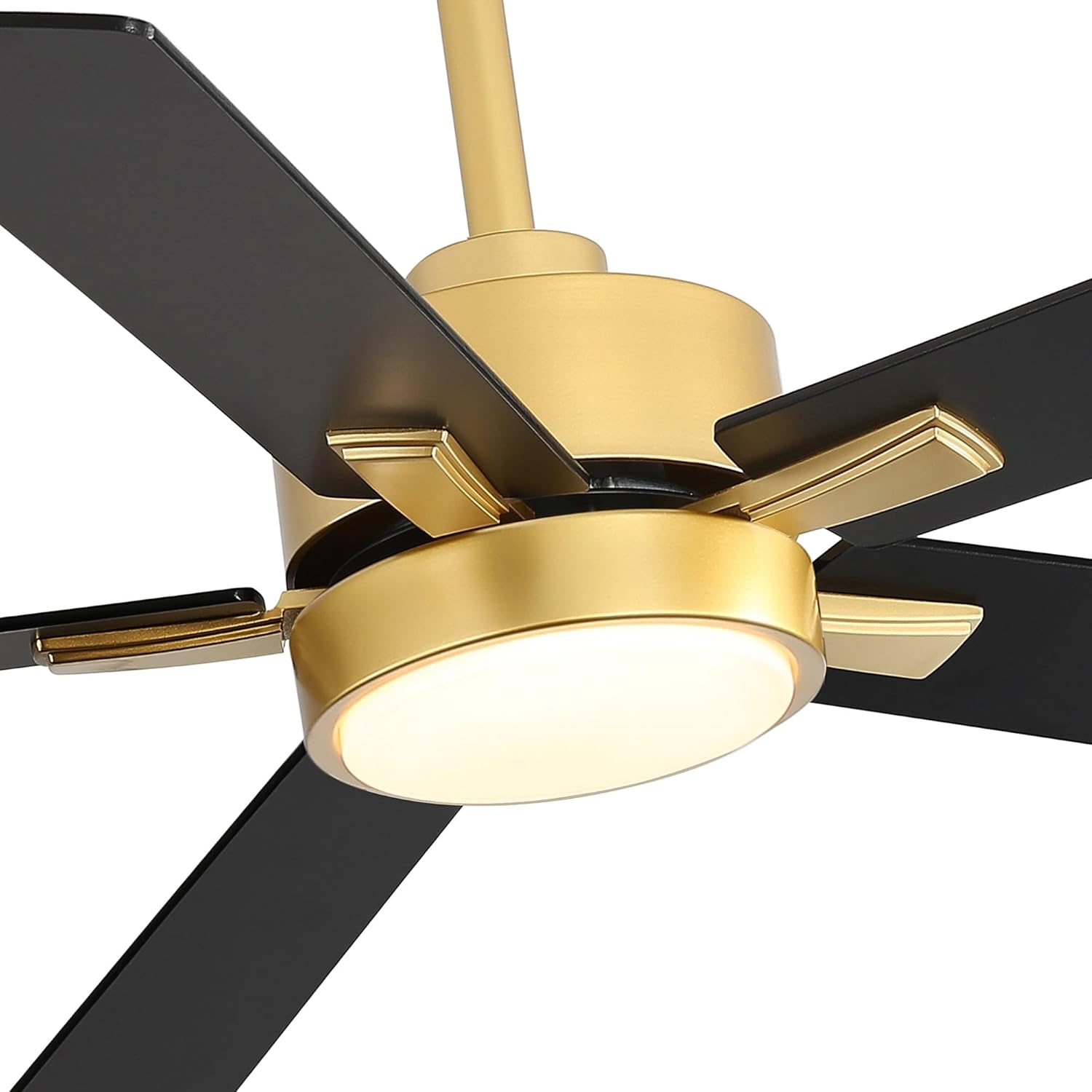
Image 4: Detailed view of the fan's gold motor housing and integrated LED light, illustrating the connection points for the blades.
Operating Instructions
Your Breezary ceiling fan is controlled by the included handheld remote control. Install 2 AAA batteries (not included) into the remote before use.
Remote Control Functions:
- Fan On/Off: Press the fan button to turn the fan on or off.
- Fan Speed: Adjust between 6 fan speeds.
- Fan Direction (Forward/Reverse): Change the fan's rotation direction for summer (downward airflow) or winter (upward airflow) operation.
- Light On/Off: Turn the integrated LED light on or off.
- Color Temperature Change: Cycle through 3 color temperatures (3000K/4000K/6500K for 52" model; 3000K/4500K/6500K for 42" model).
- Timing Function: Set a timer for the fan to turn off automatically.

Image 5: Illustration of the remote control's functions, showing the fan in both off and on states with the LED light illuminated.
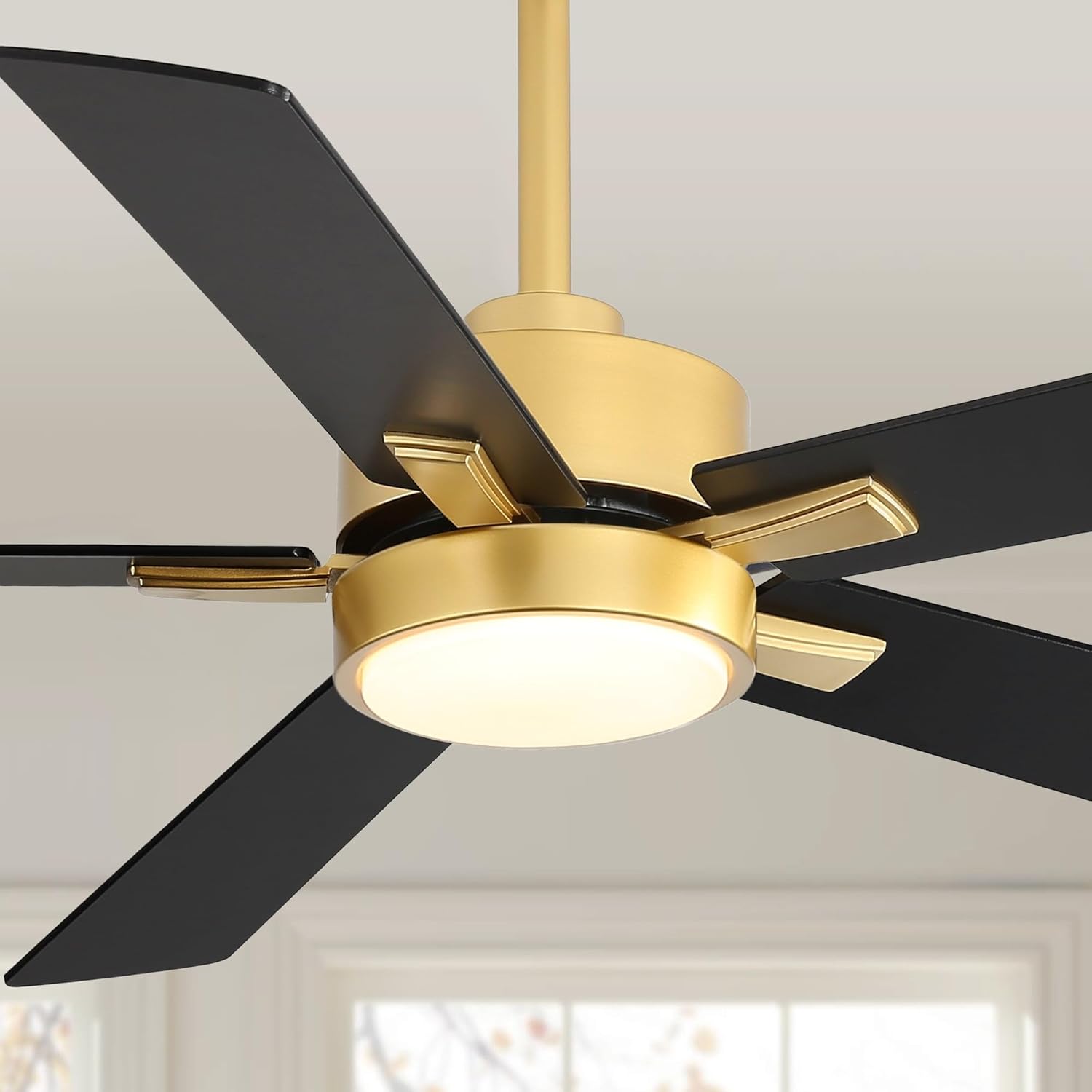
Image 6: A close-up view of the integrated LED light, showcasing its illumination.
Maintenance
Regular maintenance ensures optimal performance and longevity of your ceiling fan.
- Cleaning: To clean the fan, wipe with a soft, damp cloth. Do not use abrasive cleaners or solvents, as these may damage the finish or electrical components.
- Blade Cleaning: Dust the fan blades regularly to prevent dust buildup, which can affect balance and airflow.
- Tightness Check: Periodically check all screws and connections for tightness. Due to natural movement, some connections may become loose over time.
- Lubrication: The fan's DC motor is permanently lubricated and does not require additional oiling.

Image 7: Detailed view of the fan blades connecting to the gold motor housing, useful for maintenance checks.
Troubleshooting
Before attempting any repairs, ensure power is disconnected at the circuit breaker.
| Problem | Possible Cause | Solution |
|---|---|---|
| Fan does not start | No power to the fan; Loose wire connections; Remote control battery low or not installed. | Check circuit breaker; Verify all wire connections are secure; Replace remote control batteries. |
| Light does not work | Loose wire connection to light kit; Remote control issue. | Check light kit wiring; Ensure remote batteries are fresh and remote is paired (if applicable). |
| Fan wobbles | Loose blade screws; Unbalanced blades; Loose mounting bracket. | Tighten all blade screws; Use a balancing kit (not included) to balance blades; Ensure mounting bracket is securely fastened. |
| Noisy operation | Loose screws; Blades rubbing; Motor hum. | Check and tighten all screws; Ensure blades are not touching any part of the fan housing; A slight motor hum is normal for DC motors. |
Product Specifications
| Feature | Detail |
|---|---|
| Brand | Breezary |
| Model Name | 24024-AB |
| Sizes Available | 42-inch, 52-inch |
| Material | Acrylic (lampshade), Metal (fan body), Plywood (blades) |
| Style | Modern |
| Motor Type | Energy Efficient DC Motor |
| Number of Blades | 5 |
| Control Method | Remote Control |
| Fan Speeds | 6-speed |
| Light Type | Integrated LED |
| Light Output | 1200 Lumens, 18W LED |
| Color Temperature | 3000K/4000K/6500K (52"), 3000K/4500K/6500K (42") |
| Max Airflow | 3419 CFM |
| Sloped Ceiling Support | Up to 15 degrees |
| Room Size (approx.) | Up to 350 sqft |
| Downrod Included | 5-inch (diameter 1 inch) |
| UPC | 766646790810 |

Image 8: Visual summary of key specifications for the 52-inch Breezary ceiling fan, including style, timer, dimension, finish, room size, speed settings, light source, and control type.
Warranty Information
Breezary products are manufactured to high-quality standards. For specific warranty details regarding your 52/42-IN LED Ceiling Fan, please refer to the warranty card included with your purchase or contact Breezary customer support. Keep your proof of purchase for warranty claims.
Customer Support
If you have any questions, require assistance with installation, or need to troubleshoot an issue not covered in this manual, please contact Breezary customer support. You can find contact information on the official Breezary website or through the retailer where you purchased the product.
Visit the official Breezary Store for more products and support: Breezary Store


