
CBBEXP IX-080
CBBEXP IX-080 Programmable Logic Control Product User Manual
Model: IX-080
Product Overview
The CBBEXP IX-080 is a high-performance Programmable Logic Control (PLC) product designed for industrial automation applications. This manual provides essential information for the proper setup, operation, maintenance, and troubleshooting of your IX-080 unit.
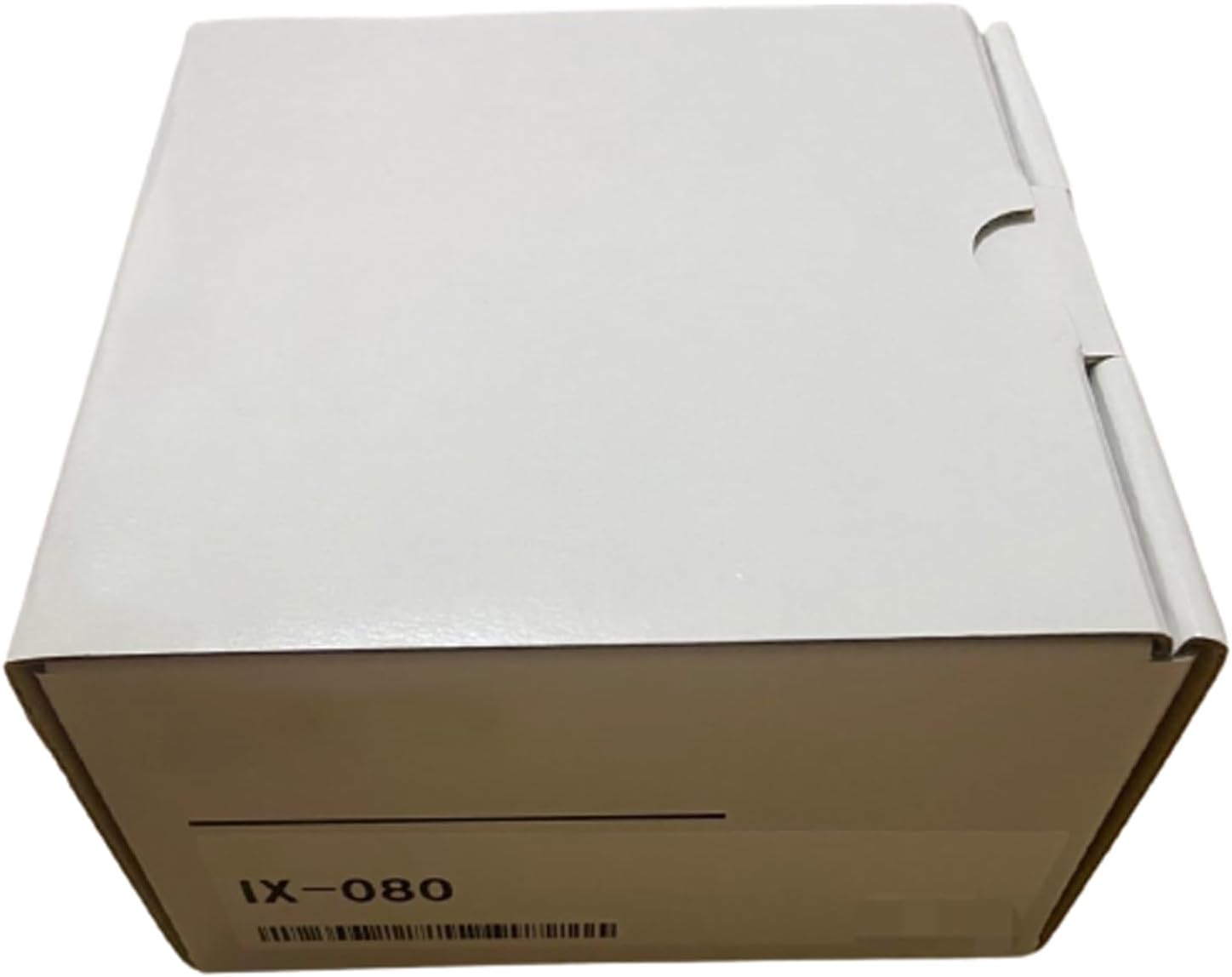
Figure 1: The CBBEXP IX-080 unit as supplied in its sealed packaging.
Key features include:
- Model: IX-080
- Type: Programmable Logic Control Product
- Condition: 100% NEW, sealed in original packaging.
Setup
Before beginning installation, ensure all components are present and undamaged. The IX-080 unit should be handled with care to prevent static discharge damage.
1. Unpacking and Inspection
Carefully remove the IX-080 from its packaging. Inspect the unit for any signs of physical damage that may have occurred during transit. If any damage is observed, contact your supplier immediately.
2. Environmental Requirements
Install the IX-080 in an environment that meets the following conditions:
- Temperature: 0°C to 55°C (32°F to 131°F)
- Humidity: 5% to 95% non-condensing
- Vibration: Minimal vibration environment.
- Dust: Low dust environment.
3. Mounting
The IX-080 is designed for industrial panel or DIN rail mounting. Secure the unit firmly using appropriate fasteners to prevent movement during operation. Ensure adequate ventilation space around the unit for optimal heat dissipation.
4. Wiring
Connect power supply, input, and output wiring according to the system design and local electrical codes. Refer to the wiring diagrams provided in the separate technical specification sheet for detailed connection points. Ensure power is disconnected before performing any wiring to prevent electrical shock or damage to the unit.
Operating Instructions
Once the IX-080 is properly installed and wired, it is ready for operation. This section outlines the basic steps for powering on and interacting with the unit.
1. Power On
Apply power to the IX-080 unit. Observe the status indicators (e.g., Power LED, Run LED) to confirm proper initialization. The Power LED should illuminate steadily, indicating the unit is receiving power.
2. Program Download
If the IX-080 requires a specific program for its application, connect it to a programming device (e.g., PC with compatible software) via the designated communication port. Follow the software instructions to download the PLC program to the unit's memory.
3. Run Mode
After successful program download, switch the unit to Run mode. This may involve a physical switch on the unit or a command via the programming software. The Run LED should illuminate, indicating the PLC is actively executing its loaded program.
4. Monitoring and Control
Monitor the system's behavior and PLC status through the programming software or connected HMI (Human Machine Interface). Adjust parameters or control outputs as required by your application, ensuring all changes are within safe operating limits.
Maintenance
Regular maintenance ensures the longevity and reliable operation of your IX-080 unit.
1. Routine Inspection
Periodically inspect the unit for:
- Accumulation of dust or debris on the unit's surface or ventilation openings.
- Loose wiring connections at terminals.
- Signs of overheating, such as discoloration or unusual odors.
- Environmental conditions (temperature, humidity) remaining within specified limits.
2. Cleaning
If dust or debris is present, gently clean the unit using a soft, dry cloth or compressed air. Ensure power is off before cleaning. Do not use liquid cleaners, solvents, or abrasive materials, as these can damage the unit's components or casing.
3. Firmware Updates
Check the manufacturer's website or contact support for any available firmware updates. Follow the provided instructions carefully when performing updates to ensure compatibility and prevent data loss or operational issues.
Troubleshooting
This section provides guidance for common issues you might encounter with the IX-080. For more complex problems, refer to the detailed technical manual or contact support.
| Problem | Possible Cause | Solution |
|---|---|---|
| Unit does not power on. | No power supply; incorrect wiring; faulty power supply. | Verify power connection to the unit; check wiring against the installation diagram; test the power supply unit. |
| Run LED not illuminated. | No program loaded; unit in Stop mode; program error. | Download the PLC program; switch the unit to Run mode (if applicable); check program logic for errors using programming software. |
| Communication error with PC. | Incorrect communication cable; missing or outdated driver; port settings mismatch. | Ensure the correct communication cable is used; install or update necessary drivers; verify serial port settings (baud rate, parity, etc.). |
If the problem persists after attempting these solutions, please contact technical support for further assistance.
Specifications
Detailed technical specifications for the CBBEXP IX-080:
- Model Number: IX-080
- Manufacturer: CBBEXP
- Product Type: Programmable Logic Control Product
- ASIN: B0CT93P6Z6
- Date First Available: January 25, 2024
- Further detailed specifications (e.g., power requirements, I/O points, memory capacity, communication protocols) are available in the product's comprehensive technical datasheet.
Warranty and Support
The CBBEXP IX-080 comes with a comprehensive warranty and dedicated customer support to ensure your satisfaction and product longevity.
Warranty Information
This product is 100% NEW and sealed in its original box. It is covered by a One-Year Warranty from the date of purchase. This warranty covers manufacturing defects and ensures the product meets its specified performance criteria under normal use. Please retain your proof of purchase for all warranty claims.
Customer Support
For technical assistance, troubleshooting beyond the scope of this manual, or warranty claims, please contact Zhengbang Automation, the specialized supplier of PLC hardware. They are committed to providing excellent customer service and possess extensive knowledge of leading automation brands.
Contact Information:
- Seller Name: Zhengbang Automation
- Amazon Seller Page: Zhengbang Automation on Amazon
- Please refer to your purchase documentation or the seller's Amazon page for direct contact methods such as email or phone number.
Ask a question about this manual
Ask about setup, troubleshooting, compatibility, parts, safety, or missing instructions. Manuals+ will review the question and use this page’s manual context to help answer it.