
CBBEXP GL-R12L
GL-R12L Programmable Logic Control Product User Manual
Brand: CBBEXP
1. Introduction
This user manual provides essential information for the proper installation, operation, maintenance, and troubleshooting of the CBBEXP GL-R12L Programmable Logic Control (PLC) product. Please read this manual thoroughly before using the device to ensure safe and efficient operation.
2. Product Overview
The GL-R12L is a Programmable Logic Control product designed for industrial automation applications. It is delivered new and sealed in its original packaging, ensuring product integrity.
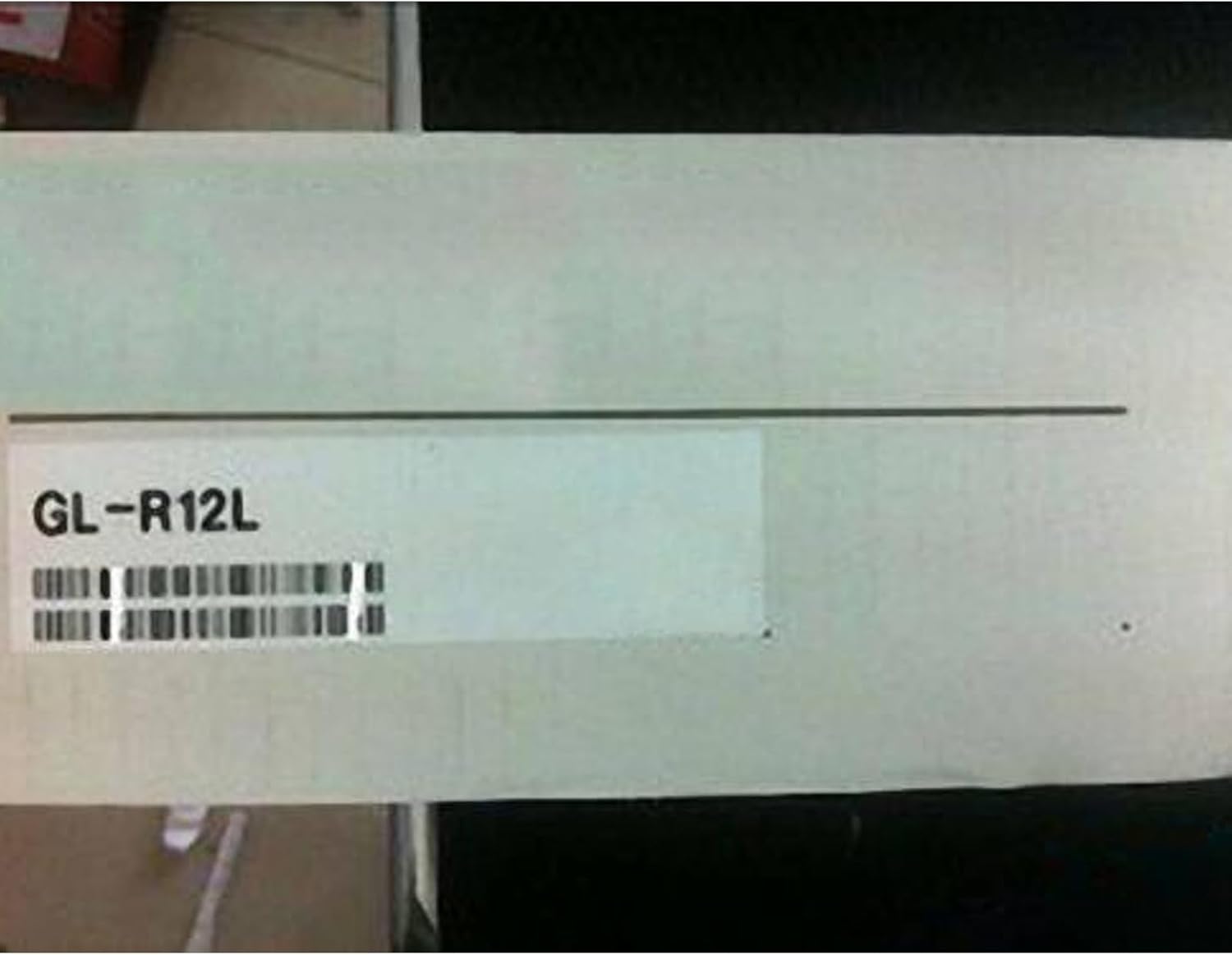
This image displays the packaging of the GL-R12L Programmable Logic Control product, clearly showing the model number 'GL-R12L' on a label.
Key Features:
- Model: GL-R12L
- Type: Programmable Logic Control Product
- Condition: 100% NEW sealed in box.
3. Setup
Proper setup is crucial for the reliable operation of your GL-R12L PLC. Follow these general guidelines:
- Unpacking: Carefully remove the GL-R12L from its packaging. Inspect for any visible damage during transit.
- Mounting: Securely mount the PLC in a suitable enclosure or panel, ensuring adequate ventilation and protection from environmental factors.
- Wiring: Connect power supply, input devices, and output devices according to the specific wiring diagrams provided with your system or application. Ensure all connections are secure and correctly polarized.
- Grounding: Properly ground the PLC to prevent electrical noise interference and ensure safety.
- Initial Power-Up: Before applying full power, double-check all connections. Apply power and observe indicator lights for normal operation.
4. Operating Instructions
Once the GL-R12L is set up, you can proceed with its operation. The specific operational steps will depend on the programmed logic and the application it controls.
- Programming: Load the desired control program into the PLC using compatible programming software and a suitable communication cable.
- Monitoring: Use the programming software to monitor the PLC's status, input/output states, and internal registers to verify correct program execution.
- Run Mode: Switch the PLC to RUN mode to execute the loaded program and control connected devices.
- Stop Mode: Switch the PLC to STOP mode to halt program execution for maintenance or program modifications.
- Data Backup: Regularly back up your PLC program to prevent data loss.
5. Maintenance
Regular maintenance helps ensure the longevity and reliable performance of your GL-R12L PLC.
- Cleaning: Keep the PLC and its enclosure clean and free from dust, dirt, and moisture. Use a soft, dry cloth for cleaning.
- Connection Checks: Periodically inspect all wiring connections for looseness or corrosion. Tighten as necessary.
- Environmental Control: Ensure the operating environment remains within the specified temperature and humidity ranges.
- Firmware Updates: Check the manufacturer's website for any available firmware updates that may improve performance or address issues.
6. Troubleshooting
If you encounter issues with your GL-R12L PLC, refer to the following common troubleshooting steps. For complex problems, contact technical support.
| Problem | Possible Cause | Solution |
|---|---|---|
| PLC not powering on | No power supply; Incorrect wiring; Blown fuse | Check power source; Verify wiring connections; Replace fuse if necessary |
| Inputs not responding | Sensor malfunction; Wiring issue; Incorrect program logic | Test sensor; Check input wiring; Review PLC program for logic errors |
| Outputs not activating | Actuator malfunction; Wiring issue; Incorrect program logic; Overload | Test actuator; Check output wiring; Review PLC program; Check for overcurrent/short circuits |
| Communication errors | Incorrect cable; Driver issues; Port settings mismatch | Verify cable type; Install/update drivers; Check communication port settings |
7. Specifications
The following are the key specifications for the GL-R12L Programmable Logic Control Product:
| Specification | Detail |
|---|---|
| Model | GL-R12L |
| Type | Programmable Logic Control Product |
| Manufacturer | CBBEXP |
| ASIN | B0CT93291Y |
8. Warranty and Support
The GL-R12L product comes with a One-Year Warranty from the date of purchase, covering manufacturing defects.
Zhengbang Automation, specializing in PLC hardware, is dedicated to providing excellent customer service. For any inquiries regarding specific models, quantities, or technical support, you are welcome to consult them online.
For further assistance or warranty claims, please contact your point of purchase or the manufacturer's authorized support channels.
Ask a question about this manual
Ask about setup, troubleshooting, compatibility, parts, safety, or missing instructions. Manuals+ will review the question and use this page’s manual context to help answer it.