
1. Introduction
This manual provides essential information for the safe and efficient use of the CBBEXP LK-031 Programmable Logic Control (PLC) Product. The LK-031 is designed for industrial automation applications, offering reliable control and monitoring capabilities. Please read this manual thoroughly before installation, operation, or maintenance to ensure proper functionality and to prevent damage or injury.
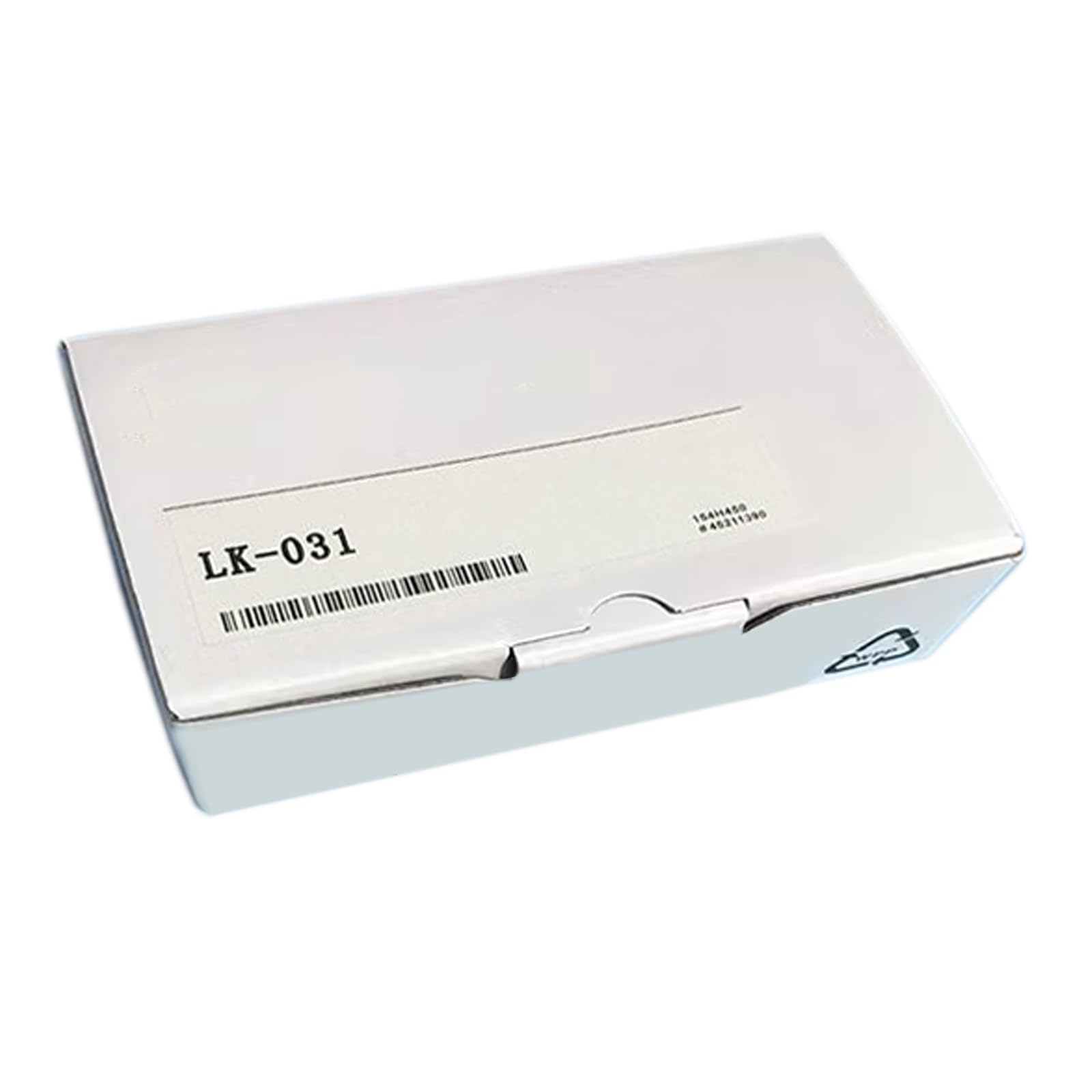
Figure 1: The CBBEXP LK-031 Programmable Logic Control Product. This image displays the compact design of the LK-031, highlighting its various input/output terminals and status indicators, essential for industrial control systems.
2. Setup and Installation
Proper installation is crucial for the performance and longevity of the LK-031. Follow these steps carefully:
- Mounting: Securely mount the LK-031 on a DIN rail or panel using appropriate fasteners. Ensure adequate ventilation around the unit to prevent overheating.
- Power Connection: Connect the power supply to the designated power terminals. Verify the voltage and current requirements specified in the technical specifications section. Ensure power is off before connecting.
- Input/Output Wiring: Connect input devices (sensors, switches) to the input terminals and output devices (relays, actuators) to the output terminals. Refer to the wiring diagram for correct terminal assignments. Use appropriate wire gauges.
- Communication Setup: If applicable, connect communication cables (e.g., Ethernet, RS-485) to the respective ports for programming or network integration.
- Initial Power-Up: After all connections are secure, apply power. Observe the status indicators for proper initialization.
3. Operating Instructions
The LK-031 operates based on programmed logic. Follow these general guidelines for operation:
- Programming: Use the compatible programming software to develop and download your control logic to the LK-031. Ensure the program is thoroughly tested before deployment.
- Input Monitoring: Monitor the status of input signals through the programming software or physical indicators on the unit.
- Output Control: The PLC will activate or deactivate output devices according to the programmed logic and input conditions.
- Mode Selection: If the unit has operational modes (e.g., RUN, STOP, PROGRAM), select the appropriate mode using the physical switch or software interface.
- Data Logging: Utilize any available data logging features to record operational parameters for analysis and troubleshooting.
4. Maintenance
Regular maintenance ensures optimal performance and extends the lifespan of your LK-031.
- Cleaning: Periodically clean the exterior of the unit with a soft, dry cloth. Avoid using harsh chemicals or abrasive materials. Ensure power is disconnected before cleaning.
- Connection Checks: Routinely inspect all wiring connections for tightness and signs of corrosion or damage. Re-tighten loose connections as necessary.
- Environmental Conditions: Ensure the operating environment remains within the specified temperature and humidity ranges to prevent component degradation.
- Firmware Updates: Check the manufacturer's website for any available firmware updates that may improve performance or address known issues.
5. Troubleshooting
This section provides solutions to common issues you might encounter with the LK-031.
| Problem | Possible Cause | Solution |
|---|---|---|
| No Power Indicator Light | No power supply, incorrect wiring, faulty power supply. | Check power source, verify wiring connections, test power supply unit. |
| Inputs Not Responding | Faulty sensor, incorrect wiring, program logic error. | Test sensor functionality, check input wiring, review PLC program logic. |
| Outputs Not Activating | Faulty actuator, incorrect wiring, program logic error, overloaded output. | Test actuator, check output wiring, review PLC program, verify output current limits. |
| Communication Error | Incorrect cable, wrong communication settings, software issue. | Verify cable type and connection, check communication parameters (baud rate, parity), restart software. |
6. Specifications
Key technical specifications for the CBBEXP LK-031:
- Model: LK-031
- Type: Programmable Logic Control Product
- Manufacturer: CBBEXP
- Condition: 100% NEW sealed in box
- ASIN: B0CT921WTH
- (Further detailed specifications such as input/output count, power requirements, operating temperature, etc., would typically be found in a full product datasheet.)
7. Warranty Information
The CBBEXP LK-031 Programmable Logic Control Product comes with a One-Year Warranty from the date of purchase. This warranty covers defects in materials and workmanship under normal use. It does not cover damage caused by misuse, accident, unauthorized modification, or improper installation. Please retain your proof of purchase for warranty claims.
8. Customer Support
For technical assistance, troubleshooting beyond this manual, or warranty inquiries, please contact CBBEXP customer support. We are devoted to providing excellent customer service.
Contact information (e.g., website, email, phone number) would typically be provided here by the manufacturer.
Zhengbang Automation specializes in PLC hardware and has large stock. You are welcome to consult them online for any model and quantity for good prices. Visit CBBEXP on Amazon