1. Introduction
Thank you for choosing the Eeese Hugo 13 L Electric Dehumidifier. This appliance is designed to efficiently remove excess moisture from the air, creating a more comfortable and healthier indoor environment. It is suitable for rooms up to 60 m² and features quiet operation, an automatic mode, and a dedicated laundry drying function. Please read this manual thoroughly before operating the unit to ensure safe and optimal performance.
2. Safety Instructions
Always observe the following basic safety precautions when using electrical appliances to reduce the risk of fire, electric shock, or injury.
- Electrical Safety: Ensure the power supply matches the rating label on the unit. Do not operate with a damaged cord or plug.
- Placement: Place the unit on a stable, level surface. Maintain a minimum clearance of 40 cm around the unit for proper airflow. Do not block air inlets or outlets.
- Water Tank: Always empty the water tank before moving the unit. Do not drink the collected water.
- IPX4 Rating: This unit has an IPX4 rating, meaning it is protected against splashing water from any direction. It is suitable for use in bathrooms or kitchens, but do not submerge the unit in water.
- Child Safety: The Eeese Hugo 13 L is equipped with child safety features. Keep children and pets away from the unit during operation. Do not allow children to play with the appliance.
- Maintenance: Unplug the unit before cleaning or performing any maintenance.
3. Product Overview
Familiarize yourself with the components of your Eeese Hugo 13 L Dehumidifier.
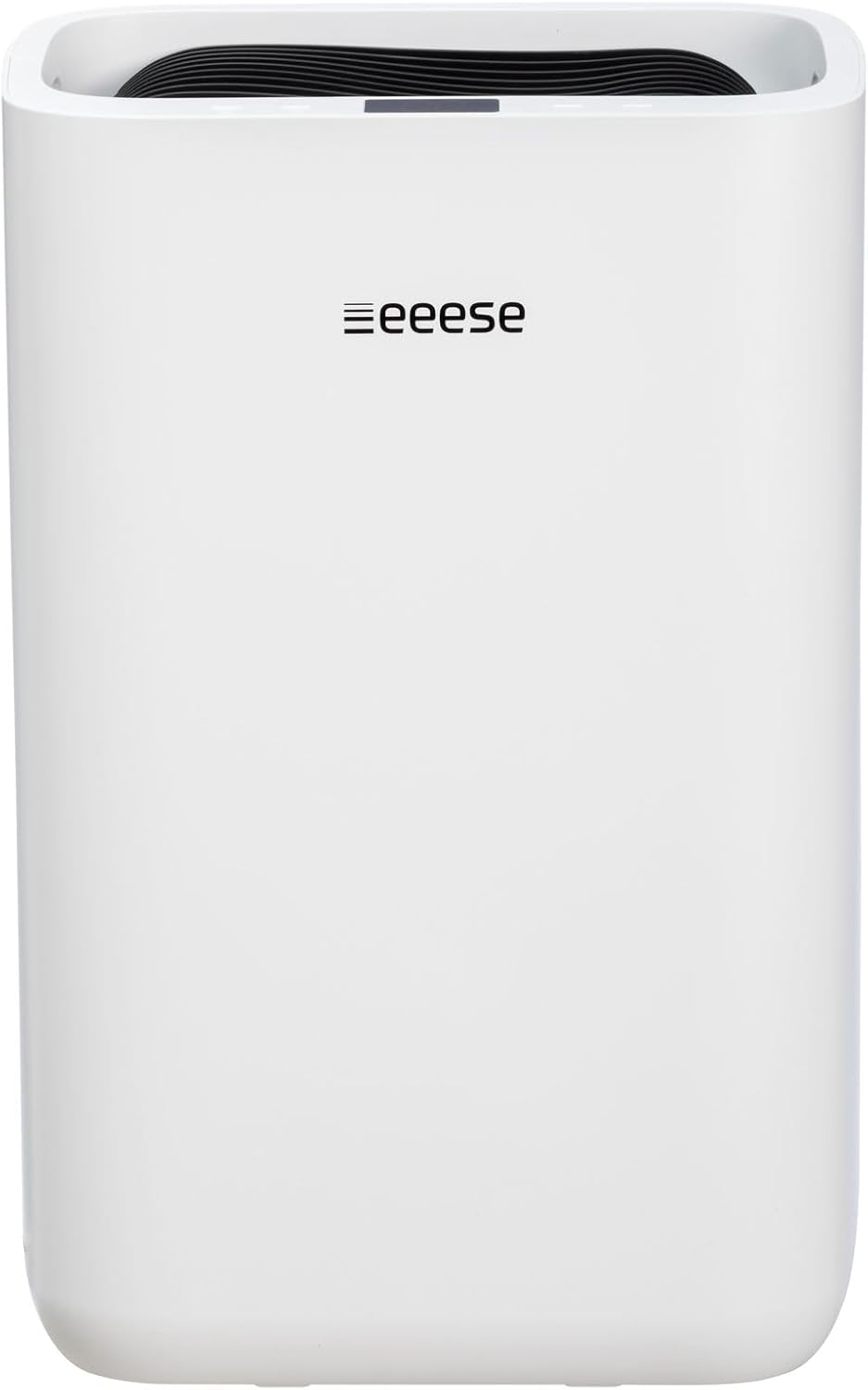
Figure 3.1: Front view of the Eeese Hugo 13 L electric dehumidifier, highlighting its sleek white design and the Eeese logo.

Figure 3.2: A view from the top-front, showcasing the dehumidifier's control panel and air outlet grille. The digital display is visible.

Figure 3.3: This close-up image details the control panel of the Eeese Hugo 13 L dehumidifier, including the digital display showing "35" (likely humidity level) and various control buttons. The air outlet grille is prominent.

Figure 3.4: The rear view of the dehumidifier, illustrating the air intake grille and the transparent water level indicator for the collection tank.
4. Setup
Follow these steps to set up your dehumidifier for first use.
- Unpacking: Carefully remove the dehumidifier from its packaging. Retain the packaging for future storage or transport.
- Placement: Choose a suitable location for the dehumidifier. For optimal performance, place it in the center of the room or the area with the highest humidity. Ensure there is a minimum clearance of 40 cm (15.7 inches) around all sides of the unit to allow for proper air circulation. The unit has a projection distance of 20 cm (7.9 inches).
- Power Connection: Plug the power cord into a grounded electrical outlet. Ensure the voltage matches the specifications of the unit.
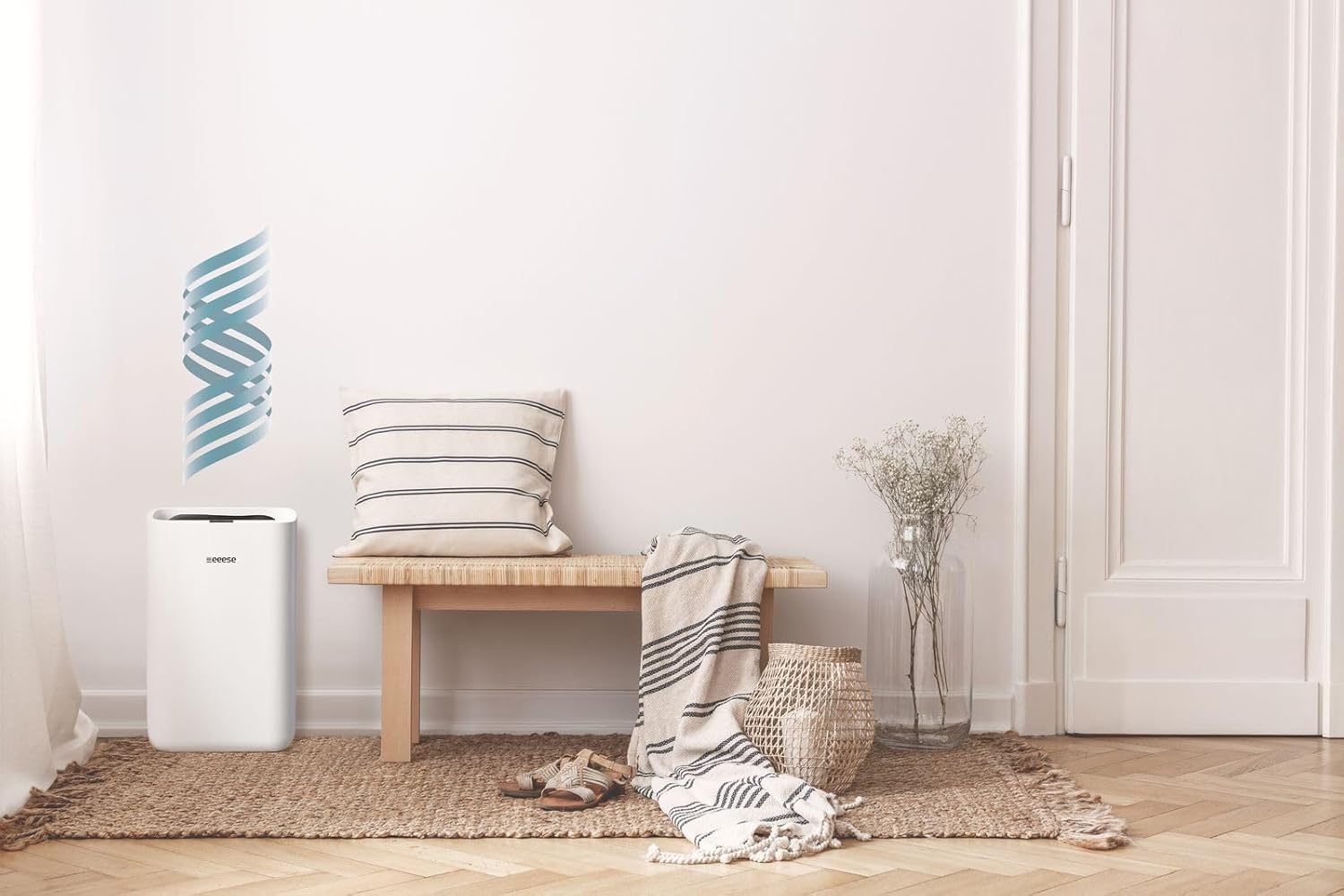
Figure 4.1: The dehumidifier is shown in a modern living room, demonstrating its compact size and how it blends into a home environment.

Figure 4.2: This image displays the dehumidifier in a bathroom, emphasizing its suitability for humid areas and its IPX4 splash protection.
5. Operating Instructions
Learn how to operate your Eeese Hugo 13 L Dehumidifier effectively.
5.1 Control Panel
Refer to Figure 3.3 for a detailed view of the control panel. The digital display shows the current humidity level or other settings. Buttons typically include Power, Mode Selection, Timer, and Humidity Setting.
5.2 Operating Modes
- Automatic Mode: The dehumidifier will automatically adjust its operation based on the ambient humidity to maintain a comfortable level. This is the recommended mode for general use.
- Laundry Drying Mode: This mode is designed to quickly dry clothes indoors by continuously operating at a high fan speed and dehumidification setting. Place the unit near the laundry for best results.
5.3 Water Tank Management
The unit will automatically shut off when the water tank is full. Empty the tank by carefully pulling it out from the unit, discarding the collected water, and then reinserting it firmly until it clicks into place. Ensure the tank is properly seated to resume operation.
6. Maintenance
Regular maintenance ensures the longevity and efficiency of your dehumidifier.
6.1 Cleaning the Unit
- Always unplug the dehumidifier before cleaning.
- Wipe the exterior with a soft, damp cloth. Do not use harsh chemicals or abrasive cleaners.
- Clean the air inlet and outlet grilles with a soft brush or vacuum cleaner to remove dust accumulation.
6.2 Filter Cleaning
The air filter should be cleaned regularly (e.g., every two weeks or as needed) to maintain optimal performance.
- Turn off and unplug the unit.
- Locate and remove the air filter (typically at the back or side of the unit).
- Clean the filter with a vacuum cleaner or wash it gently with warm, soapy water.
- Rinse thoroughly and allow the filter to air dry completely before reinserting it into the unit.
6.3 Water Tank Cleaning
Clean the water tank periodically to prevent mold and mildew growth.
- Remove the water tank from the unit.
- Wash the tank with mild detergent and water.
- Rinse thoroughly and dry before placing it back into the dehumidifier.
7. Troubleshooting
If you encounter issues with your dehumidifier, refer to the following common problems and solutions.
| Problem | Possible Cause | Solution |
|---|---|---|
| Unit does not turn on | No power supply Water tank full or not properly inserted | Check power cord and outlet Empty and reinsert water tank correctly |
| No dehumidification | Air filter clogged Room temperature too low Air inlets/outlets blocked | Clean the air filter Ensure room temperature is above 5°C (41°F) Clear any obstructions |
| Unit is noisy | Unit not on a level surface Loose parts | Place on a flat, stable surface Contact customer support if noise persists |
| Water leaks | Water tank not properly seated Drain hose (if used) is kinked or blocked | Reinsert water tank firmly Check and clear drain hose |
8. Specifications
Detailed technical specifications for the Eeese Hugo 13 L Dehumidifier.
| Specification | Value |
|---|---|
| Model Number | Parent_EEESE |
| Product Dimensions (W x D x H) | 20 x 38 x 44 cm (7.9 x 15 x 17.3 inches) |
| Dehumidification Capacity | 13 L/day (at 30°C, 80% RH) |
| Recommended Room Size | Up to 60 m² |
| Operating Mode | Automatic, Laundry Drying |
| Color | White |
| Minimum Clearance Required | 40 cm (15.7 inches) |
| Projection Distance | 20 cm (7.9 inches) |
| IP Rating | IPX4 (Splash-proof) |

Figure 8.1: A side profile of the Eeese Hugo 13 L dehumidifier, showing its slim design and integrated handle for portability.
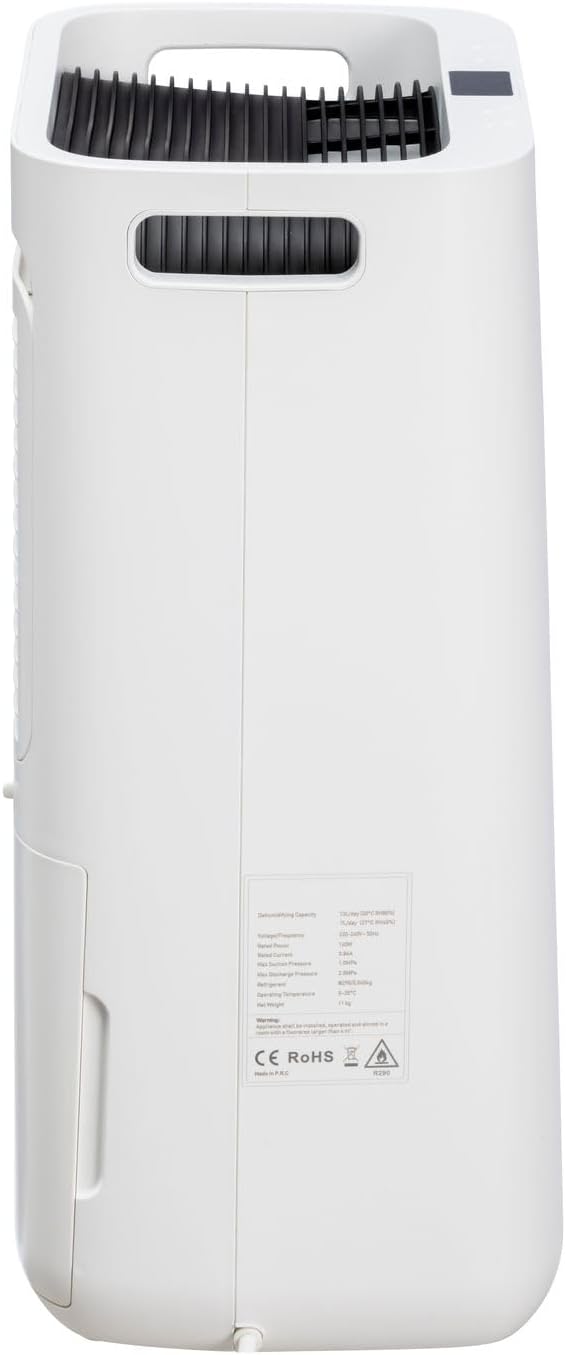
Figure 8.2: A detailed rear view showing the product's rating label with technical specifications and compliance marks (CE, RoHS).
9. Warranty and Support
For warranty information, please refer to the warranty card included with your product or visit the official Eeese air care website. If you require technical assistance or have questions not covered in this manual, please contact Eeese air care customer support.

Figure 9.1: The dehumidifier is visible in a room where an adult is playing with a child, subtly illustrating the product's child safety features and quiet operation.


