1. Introduction
This manual provides essential instructions for the safe and effective use of your eeTao 5V AC/DC USB Power Adapter. This adapter is designed to provide reliable power to compatible Cubii under-desk elliptical exercise machines, including models JR1+ F4A2, JR2+ Cubii GO, and Cubii Pro F3A1. Please read this manual thoroughly before use and retain it for future reference.

Image 1.1: The eeTao USB Power Adapter (implied by connection) with a Cubii elliptical machine and a smartphone displaying fitness data. This adapter is designed for charging such devices.
2. Setup Instructions
Follow these steps to properly set up your eeTao 5V AC/DC USB Power Adapter:
- Unpack the Adapter: Carefully remove the power adapter and any included cables from its packaging.
- Identify Adapter and Cable: The package includes the USB plug end 5V AC/DC adapter. You will need a compatible USB cable (e.g., USB-A to Micro-USB or USB-A to USB-C) for your Cubii device.
- Connect the Cable to Adapter: Insert the USB-A end of your charging cable into the USB port on the eeTao power adapter.
- Plug into Power Outlet: Extend the foldable prongs on the adapter and plug it into a standard 100-240VAC 50/60Hz wall outlet.
- Connect to Device: Connect the other end of the USB cable (e.g., Micro-USB or USB-C) to the charging port of your compatible Cubii elliptical exercise machine.
- Verify Connection: Ensure all connections are secure. Your Cubii device should indicate that it is receiving power or charging according to its own indicators.
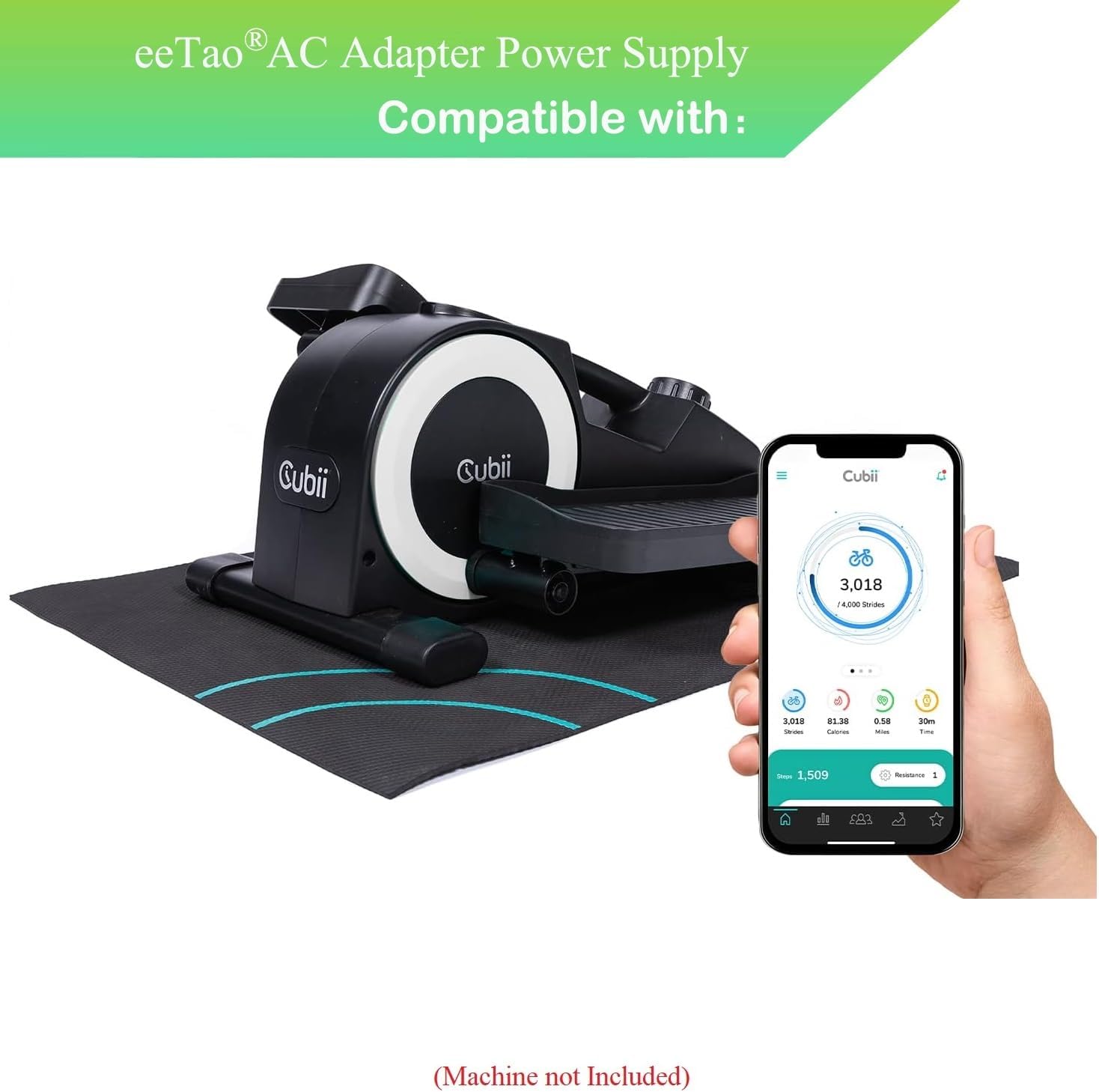
Image 2.1: The eeTao USB Power Adapter, showing its compact design and foldable AC prongs. The USB output port is located on the side.

Image 2.2: An example of a USB-A to Micro-USB charging cable, commonly used with compatible Cubii devices. Ensure your cable matches your device's port.
3. Operating Instructions
The eeTao 5V AC/DC USB Power Adapter is designed for simple operation:
- Power On: Once connected to a power outlet and your Cubii device, the adapter will automatically begin supplying power. There is no on/off switch on the adapter itself.
- Charging Indication: Refer to your Cubii elliptical machine's user manual for specific charging indicators (e.g., LED lights, screen display).
- Disconnection: To disconnect, first unplug the adapter from the wall outlet, then disconnect the USB cable from your Cubii device.
4. Maintenance
Proper care ensures the longevity and safe operation of your power adapter:
- Cleaning: Disconnect the adapter from all power sources before cleaning. Use a soft, dry cloth to wipe the exterior. Do not use liquid cleaners or solvents.
- Storage: Store the adapter in a cool, dry place away from direct sunlight and moisture when not in use. Avoid wrapping the cable too tightly around the adapter to prevent damage.
- Inspection: Periodically inspect the adapter and cable for any signs of damage, such as frayed wires, cracked casing, or bent prongs. If damage is observed, discontinue use immediately.
5. Troubleshooting
If you encounter issues with your power adapter, refer to the following common solutions:
| Problem | Possible Cause | Solution |
|---|---|---|
| Device not charging/powering on. |
|
|
| Adapter feels warm during use. | Normal operation. | A slight warmth is normal during operation. If the adapter becomes excessively hot, disconnect it immediately and contact customer support. |
| Adapter suddenly stops working. |
|
The adapter features built-in safety protections. Disconnect the adapter from the power source and the device. Wait a few minutes, then reconnect. If it still does not work, there might be an internal fault or a persistent issue with the connected device. Contact customer support. |
6. Product Specifications
Detailed specifications for the eeTao 5V AC/DC USB Power Adapter:
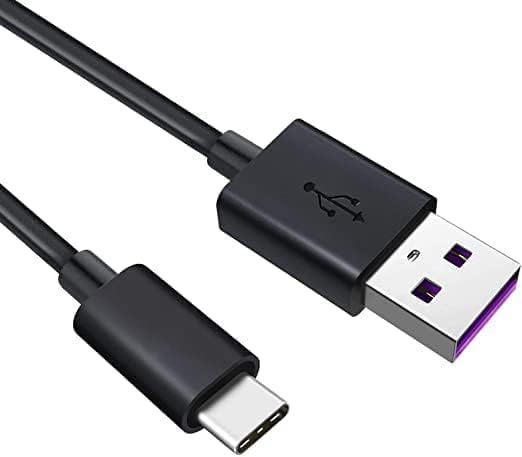
Image 6.1: Rear view of the eeTao power adapter, displaying technical specifications such as input voltage (100-240V AC), output (5V DC), and safety certifications (UL Listed, CE, RoHS).
- Brand: eeTao
- Model Number: Cubii JR1+ F4A2 Exercise Machine Adapter
- Input Voltage: 100-240VAC, 50/60Hz
- Output Voltage: 5V DC
- Amperage: 2 Amps
- Connector Type: USB (requires compatible USB cable)
- Compatible Devices: Cubii Under Desk Elliptical Exercise Machine (JR1+ F4A2, JR2+ Cubii GO, Cubii Pro F3A1)
- Special Features: Over Voltage Protection (OVP), Over Current Protection (OCP), Short Circuit Protection (SCP)
- Certifications: UL Listed, CE, CCC, RoHS
- Color: Black
- Item Weight: 2.89 ounces
- Package Dimensions: 4.25 x 3.5 x 1.5 inches
7. Warranty Information
Your eeTao 5V AC/DC USB Power Adapter is covered by the following warranty:
- Refund Policy: 30 days refund from the date of purchase.
- Exchange Policy: 24 months exchange from the date of purchase for manufacturing defects.
Please retain your proof of purchase for warranty claims.
8. Customer Support
For any questions, concerns, or technical assistance regarding your eeTao 5V AC/DC USB Power Adapter, please contact eeTao customer support through the retailer's platform where the product was purchased. Provide your product model number and purchase details for efficient service.


