
podoru KT-D003MINI
Podoru Magnetic Power Bank User Manual
Model: KT-D003MINI
1. Introduction
Thank you for choosing the Podoru 5000mAh Magnetic Power Bank. This portable charger is designed to provide convenient and efficient power to your compatible devices, especially iPhone 12/13/14/15/16 series, through both magnetic wireless charging and wired connections. Its compact design and robust safety features make it an ideal companion for daily use and travel.
2. What's in the Box
- Magnetic Wireless Power Bank x 1
- USB-C Charging Cable x 1
- Instruction Manual x 1
3. Safety Information
Please read all safety instructions carefully before using this product. Failure to follow these instructions may result in fire, electric shock, damage to the product, or property damage.
- Temperature Control: The power bank is equipped with 8 built-in low-temperature ice cores and a comprehensive multi-protect safety system including temperature control. It is normal for the power bank to be slightly warm during the energy transfer process.
- Magnetic Cases: If your iPhone overheats during wireless charging, especially with magnetic cases thicker than 2MM, please remove the magnetic case or pause charging until the device cools down.
- Overcharge Protection: The device includes overcharge protection to prevent battery damage.
- Short Circuit Protection: Built-in short circuit protection ensures safe operation.
- General Safety: Avoid dropping, disassembling, or exposing the power bank to extreme temperatures, direct sunlight, or liquids. Keep out of reach of children.

Figure 3.1: Superior Safety Features
4. Product Overview
Familiarize yourself with the components of your Podoru Magnetic Power Bank.

Figure 4.1: Power Bank Components
- Magnetic Wireless Charger: For MagSafe compatible devices.
- Battery Indicator: LED lights to show remaining power.
- Type-C Input/Output (20W PD Fast Charging): Universal port for charging the power bank or other devices.
- Lighting Input (12W Max): Dedicated input for charging the power bank using a Lighting cable.
- ON/OFF Button: To activate or deactivate the power bank.
5. Setup
5.1 Initial Charging of the Power Bank
Before first use, fully charge your Podoru Magnetic Power Bank.
- Connect the provided USB-C cable to the Type-C port on the power bank.
- Connect the other end of the USB-C cable to a compatible USB wall adapter (not included). Alternatively, you can use a Lighting cable to charge via the Lighting input port.
- The battery indicator lights will illuminate to show charging progress. Once all lights are solid, the power bank is fully charged.

Figure 5.1: Charging the Power Bank
6. Operating Instructions
6.1 Magnetic Wireless Charging
This power bank is designed for seamless magnetic wireless charging with iPhone 12/13/14/15/16 series.
- Ensure your iPhone is MagSafe compatible (iPhone 12 series or newer).
- Align the power bank with the back of your iPhone. The strong magnetic connection will snap it into place.
- Wireless charging will begin automatically, providing up to 15W.
- For optimal magnetic suction and charging efficiency, use a MagSafe compatible phone case or no case at all. Non-magnetic cases may prevent proper adsorption.
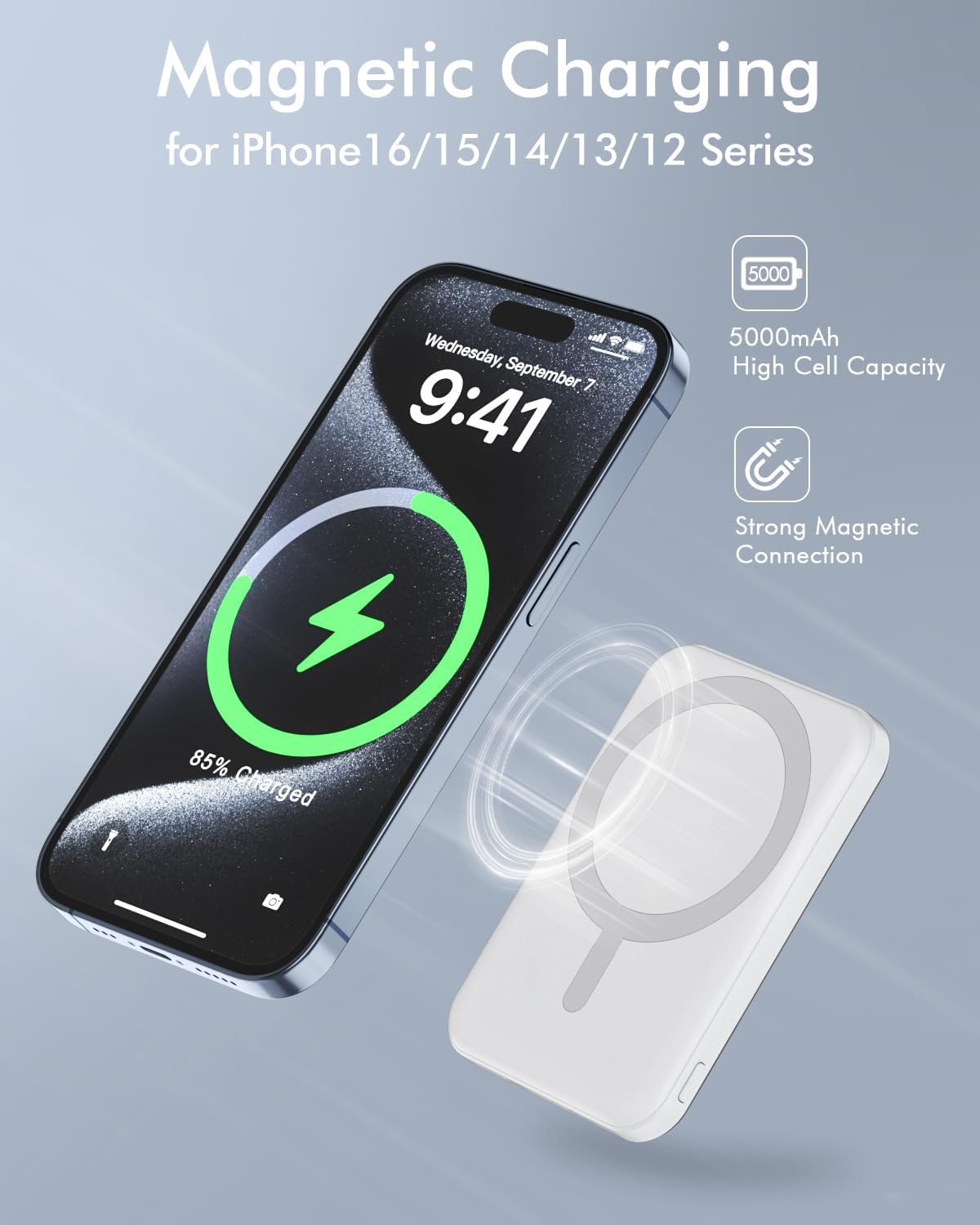
Figure 6.1: Magnetic Wireless Charging in Action

Figure 6.2: Using with Magnetic Cases

Figure 6.3: Magnetic Case Recommendation
6.2 Wired Charging
The power bank supports wired charging for a wide range of devices via its USB-C port.
- Connect one end of the USB-C cable to the Type-C port on the power bank.
- Connect the other end of the USB-C cable to your device's charging port.
- The power bank provides up to 20W USB-C output for fast wired charging.
6.3 Charging Two Devices Simultaneously
You can charge two devices at the same time using both wireless and wired connections.
- Attach your MagSafe compatible iPhone for wireless charging.
- Connect another device (e.g., tablet, another phone) to the USB-C port using a cable.

Figure 6.4: Charging Two Devices Simultaneously

Figure 6.5: Dual Device Charging
6.4 Pass-Through Charging
The power bank supports pass-through charging, allowing you to charge your phone and the power bank simultaneously.
- Connect your phone to the power bank (either wirelessly or via cable).
- Connect the power bank to a wall adapter using the USB-C or Lighting input port.
- Both your phone and the power bank will charge.

Figure 6.6: Pass-Through Charging Setup
7. Maintenance
- Cleaning: Use a soft, dry cloth to clean the surface of the power bank. Do not use harsh chemicals or abrasive materials.
- Storage: Store the power bank in a cool, dry place away from direct sunlight and extreme temperatures.
- Battery Care: To prolong battery life, fully charge the power bank at least once every three months if not in regular use.
8. Troubleshooting
| Problem | Possible Cause | Solution |
|---|---|---|
| Power bank not charging device wirelessly. | Device not MagSafe compatible; improper alignment; non-magnetic case; power bank battery low. | Ensure device is MagSafe compatible. Realign the power bank. Remove non-magnetic case or use a MagSafe compatible one. Recharge the power bank. |
| Power bank not charging device via cable. | Cable faulty; port dirty; power bank battery low. | Try a different cable. Clean the port gently. Recharge the power bank. |
| Power bank not charging itself. | Charging cable faulty; wall adapter faulty; port dirty. | Try a different charging cable and/or wall adapter. Clean the input port gently. |
| Device or power bank overheating during charging. | Normal heat generation; thick magnetic case; environmental temperature too high. | Slight warmth is normal. If excessive, remove thick magnetic cases (over 2MM). Pause charging until devices cool down. Ensure charging in a well-ventilated area. |
9. Specifications
| Feature | Detail |
|---|---|
| Model Number | KT-D003MINI |
| Battery Capacity | 5000 Milliamp Hours (mAh) |
| Product Dimensions | 5.6 x 3.4 x 0.6 inches |
| Item Weight | 4.2 ounces |
| Wireless Charging Output | 5W, 7.5W, 10W, 15W Max |
| USB-C Output | 20W Max (PD Fast Charging) |
| Lighting Input | 12W Max |
| USB-C Input | 18W Max |
| Battery Type | 1 Lithium Polymer battery (included) |
| Color | White (for this specific model) |
| Special Features | Lightweight, Slim, Fast Charging, Pocket Size, Wireless Charging |
10. Warranty and Support
Podoru products are manufactured with high-quality standards and undergo rigorous testing. This product is covered by a standard manufacturer's warranty against defects in materials and workmanship from the date of purchase. Please refer to the warranty card included in your package for specific terms and conditions.
For technical support, warranty claims, or general inquiries, please contact our customer service team via the contact information provided on the product packaging or our official website. Please have your model number (KT-D003MINI) and purchase details ready when contacting support.
11. Product Demonstration Video
Video 11.1: Overview of Podoru Magnetic Power Bank features, including its compact design, magnetic attachment, and charging capabilities.