
PowerSmart PS76101A
PowerSmart 20V Cordless Leaf Blower PS76101A User Manual
Model: PS76101A
1. Introduction
This manual provides essential information for the safe and efficient operation, maintenance, and troubleshooting of your PowerSmart 20V Cordless Leaf Blower, Model PS76101A. Please read this manual thoroughly before initial use and retain it for future reference.
2. Important Safety Information
Always observe basic safety precautions to reduce the risk of fire, electric shock, and personal injury. Keep children and bystanders away while operating the blower. Wear appropriate personal protective equipment, including eye protection and hearing protection.

Figure 1: Safety features on the PowerSmart 20V Cordless Leaf Blower, highlighting the lock-off button and on/off trigger switch for safe operation.
- Eye Protection: Always wear safety glasses or goggles.
- Hearing Protection: Use earplugs or earmuffs during operation.
- Secure Grip: Maintain a firm grip on the handle during use.
- Clear Area: Ensure the work area is clear of debris and bystanders.
- Battery Safety: Use only PowerSmart 20V batteries and chargers.
3. Package Contents
Verify that all items are present and in good condition upon unpacking.
- PowerSmart 20V Cordless Leaf Blower Unit
- 2 x 1.5AH Lithium-Ion Batteries
- Battery Charger
- 2 x Extension Nozzles
- User Manual (this document)

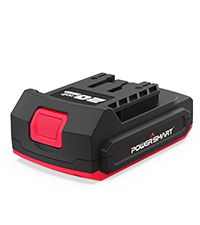
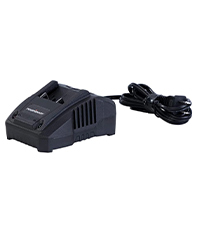
Figure 2: Main components included in the package: blower, battery, and charger.
4. Assembly & Setup
Follow these steps to assemble your leaf blower and prepare it for use.
- Attach the Nozzle: Align the extension nozzle with the blower's air outlet and twist until it locks securely into place. The blower features a 2-section tube design for adjustable length.
- Install the Battery: Ensure the battery is fully charged. Slide the battery pack into the battery slot on the blower until it clicks into place.
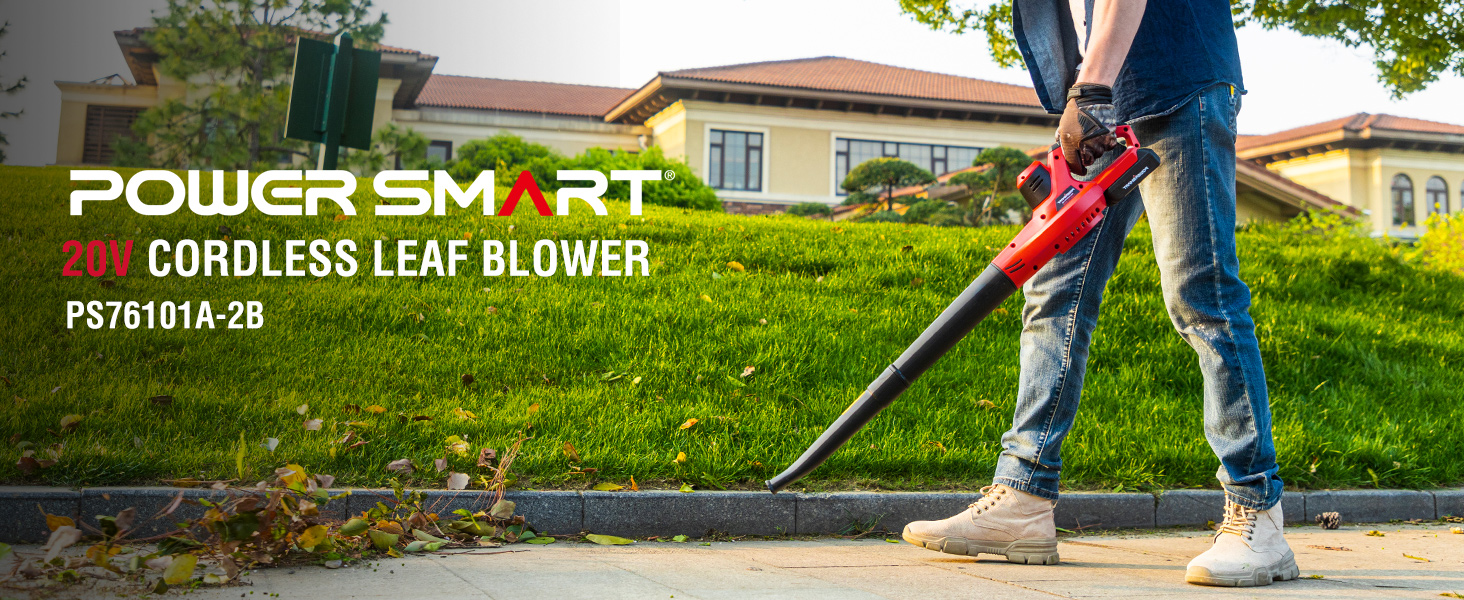
Figure 3: Assembly steps for the leaf blower, including attaching the nozzle and battery installation.
5. Operating Instructions
To operate the PowerSmart 20V Cordless Leaf Blower:
- Start the Blower: Press the lock-off button, then squeeze the ON/OFF trigger switch to start the blower.
- Adjust Air Speed: The blower operates in standard mode. For increased power, press the turbo button (if available on your model) to activate higher air speed.
- Blowing Technique: Hold the blower firmly and sweep from side to side to move leaves and debris effectively. The lightweight design (3.6 lbs) allows for comfortable use.
- Shutting Off: Release the ON/OFF trigger switch to turn off the blower.

Figure 4: The leaf blower in action, effectively clearing debris from various small areas.

Figure 5: Demonstrating the lightweight nature of the blower during use.
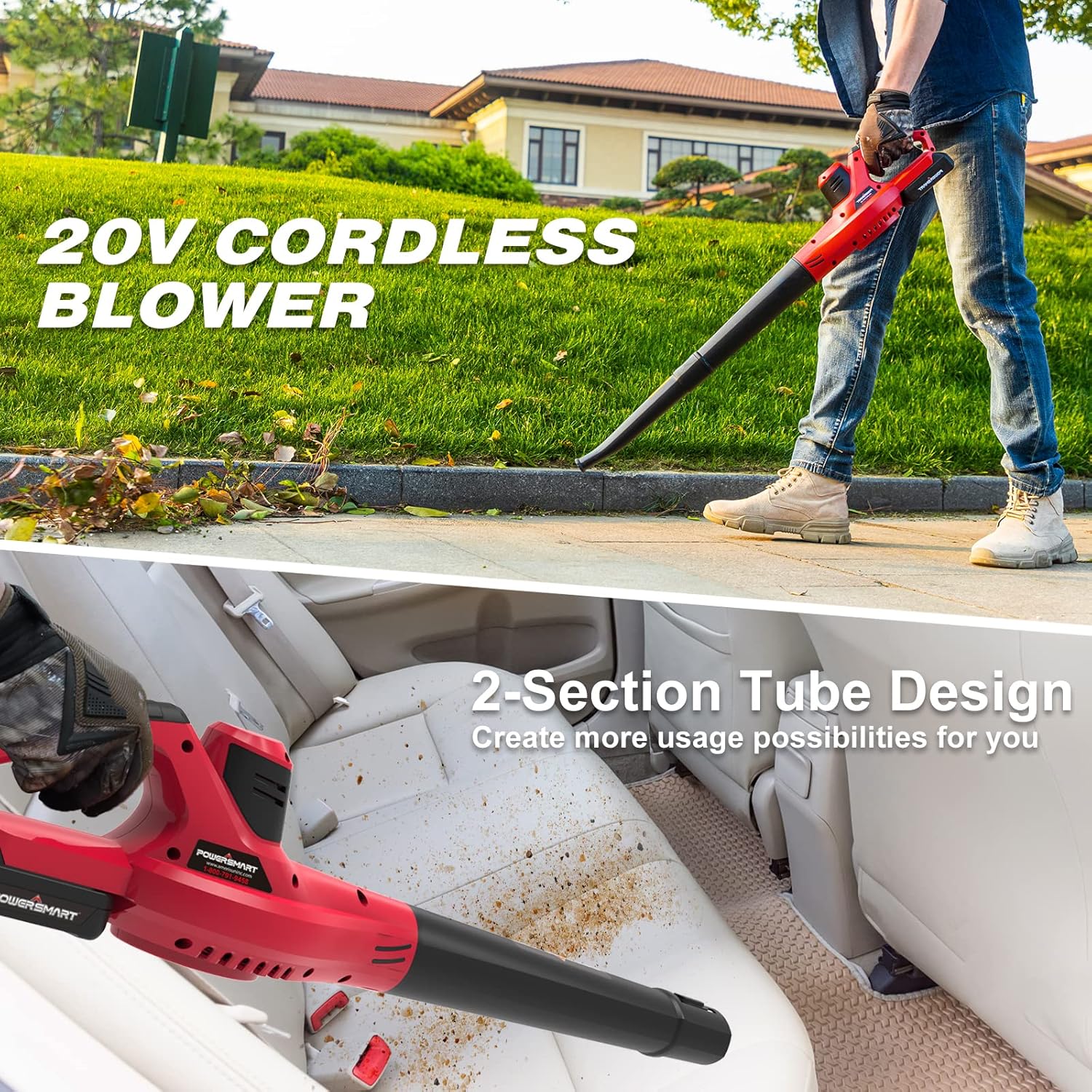
Figure 6: The 20V cordless blower in use for lawn care and demonstrating the versatility of its 2-section tube design for cleaning tight spaces like car interiors.
Video Demonstration: PowerSmart 20V Leaf Blower Cordless
Video 1: An official demonstration of the PowerSmart 20V Cordless Leaf Blower in action, showcasing its air speed and effectiveness in clearing leaves.
6. Battery & Charging
The leaf blower is powered by two 1.5AH Lithium-Ion batteries. For optimal performance, ensure batteries are fully charged before use.
- Charging Time: A standard charge takes approximately 2.5 hours per battery.
- Runtime: Each 1.5AH battery provides approximately 8+ minutes of runtime, extending to 16+ minutes with two batteries. Actual runtime may vary based on usage and turbo mode activation.
- Battery Protection: The batteries are equipped with overheat, overcharge, discharge, and short circuit protection.
- Compatibility: The 20V battery system is compatible with over 100 PowerSmart 20V power tools.
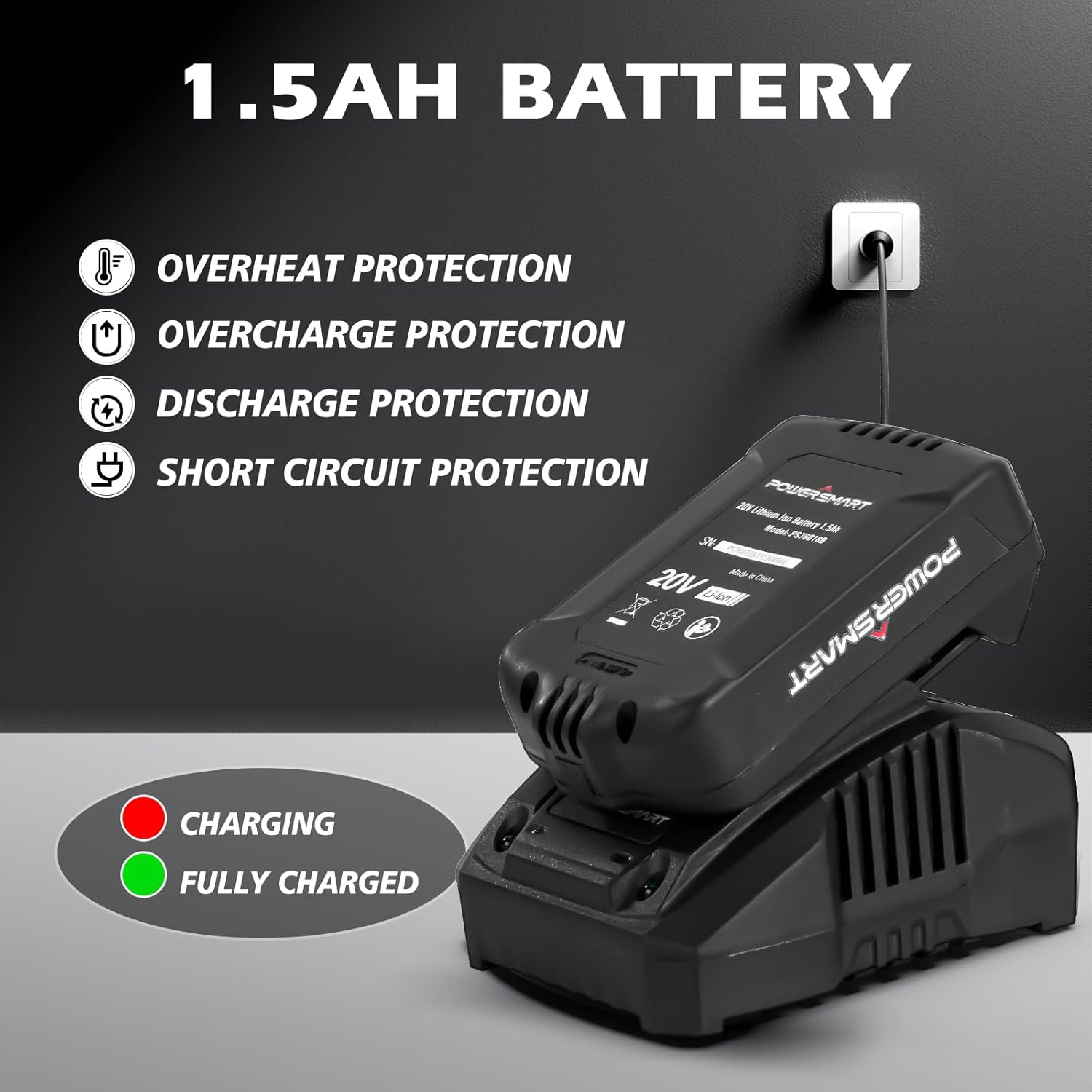
Figure 7: The 1.5AH battery and charger, illustrating charging status and built-in protection features.

Figure 8: The leaf blower with two batteries, emphasizing extended runtime.
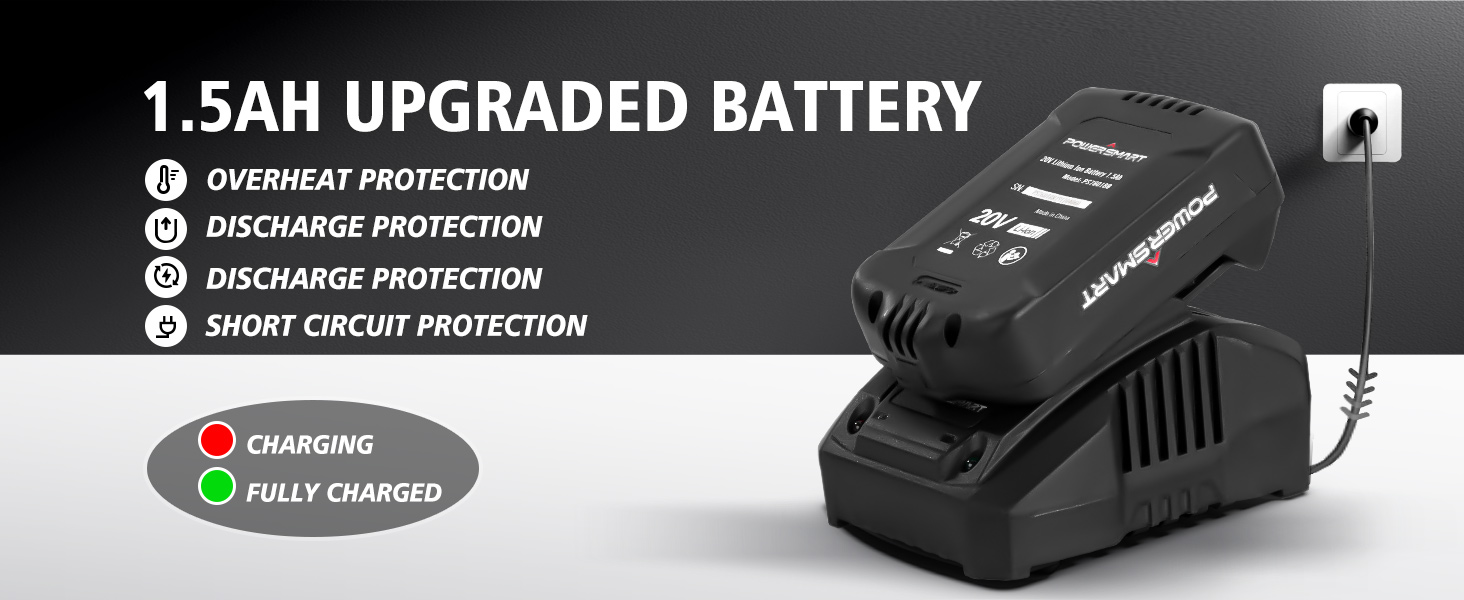
Figure 9: The PowerSmart 20V battery system, showcasing compatibility across a range of tools.
7. Maintenance
Regular maintenance ensures the longevity and optimal performance of your leaf blower.
- Cleaning: After each use, remove the battery and clean the blower's exterior with a damp cloth. Ensure air vents are free from debris to prevent overheating.
- Storage: Store the blower in a dry, secure location away from children. Remove the battery before long-term storage.
- Battery Care: Store batteries in a cool, dry place. Do not store fully discharged batteries for extended periods.
8. Troubleshooting
| Problem | Possible Cause | Solution |
|---|---|---|
| Blower does not start | Battery not installed correctly or discharged. Lock-off button not pressed. | Ensure battery is fully charged and properly seated. Press the lock-off button before squeezing the trigger. |
| Reduced air flow | Nozzle or air intake blocked. | Remove battery, then clear any obstructions from the nozzle or air intake vents. |
| Short runtime | Battery not fully charged or aged battery. Frequent use of turbo mode. | Fully charge battery before use. Consider replacing old batteries. Use turbo mode sparingly. |
9. Specifications
| Feature | Detail |
|---|---|
| Model Name | PS76101A |
| Power Source | Battery Powered (20V DC) |
| Air Speed | Up to 117 MPH |
| Air Flow | Up to 120 CFM |
| Item Weight | 3.6 Pounds |
| Noise Level | 65 Decibels |
| Battery Type | Lithium-Ion (1.5AH) |
| Included Components | Blower, 2 Batteries, Charger, User Manual, 2 Extension Nozzles |
10. Warranty & Support
PowerSmart products are designed for reliability. Should you encounter any issues or require parts, please contact PowerSmart customer support.
- Support: PowerSmart maintains over 500 certified repair centers in the U.S. and provides full replacement parts through its Illinois headquarters.
- Contact: For any issues, please contact PowerSmart directly.
- Protection Plans: Optional 2-Year and 3-Year Protection Plans are available for purchase.
Related documentsPS76101A

Ask a question about this manual
Ask about setup, troubleshooting, compatibility, parts, safety, or missing instructions. Manuals+ will review the question and use this page’s manual context to help answer it.