
1. Product Overview
The Lemorele P20-tx+rx Wireless HDMI Transmitter and Receiver Extender Kit provides a seamless solution for wirelessly transmitting high-definition video and audio. This plug-and-play system operates on 5G technology, offering stable transmission up to 164 feet (50 meters) in open spaces. It supports 1080P Full HD resolution at 60Hz, making it ideal for various applications including presentations, home entertainment, and live streaming.
The kit includes a compact transmitter (TX) and receiver (RX) unit, designed for portability and ease of use. It eliminates the need for long, messy HDMI cables, providing flexibility in setting up your display environment.
2. What's in the Box
Upon opening the package, you will find the following components:
- 1 x Lemorele Wireless HDMI Transmitter (TX)
- 1 x Lemorele Wireless HDMI Receiver (RX)
- 2 x USB-C Power Cables (approx. 100cm each)
- 1 x Micro HDMI Adapter
- 1 x Mini HDMI Adapter
- 1 x User Manual

Figure 2.1: Components included in the Lemorele Wireless HDMI Kit.
Video 2.1: Unboxing and initial overview of the Lemorele Wireless HDMI Transmitter and Receiver Kit.
3. Setup and Installation
The Lemorele Wireless HDMI Kit is designed for plug-and-play operation, requiring no software installation or complex network configuration.
3.1 Connecting the Transmitter (TX)
- Connect the TX unit to the HDMI output port of your source device (e.g., laptop, PC, game console, set-top box, camera). Use the appropriate Micro HDMI or Mini HDMI adapter if necessary.
- Connect the USB-C power cable to the TX unit and then to a USB power source (e.g., laptop USB port, USB wall adapter). Ensure the TX unit receives stable power.

Figure 3.1: TX unit connected to a laptop.
3.2 Connecting the Receiver (RX)
- Connect the RX unit to the HDMI input port of your display device (e.g., HDTV, projector, monitor).
- Connect the USB-C power cable to the RX unit and then to a USB power source (e.g., TV USB port, USB wall adapter). Ensure the RX unit receives stable power.

Figure 3.2: RX unit connected to a monitor.
3.3 Pairing and Initial Use
The TX and RX units are pre-paired at the factory. Once both units are powered on and connected to their respective devices, they will automatically establish a connection. The indicator lights on both units will confirm a successful connection.
Video 3.1: Demonstration of connecting the TX and RX units and establishing a connection.
4. Operating Instructions
4.1 Switching Display Modes (Windows)
The Lemorele Wireless HDMI Kit supports both Extended Mode and Mirror Mode for your display. To switch between these modes on a Windows PC:
- Ensure both TX and RX units are connected and powered.
- On your Windows laptop, press the Win + P keys simultaneously.
- A projection menu will appear on your screen. Select your desired mode:
- Duplicate: Mirrors your laptop screen onto the external display.
- Extend: Extends your desktop across both screens, allowing for more workspace.

Figure 4.1: HD Video Audio Wireless Streaming in action.
Video 4.1: Demonstration of switching between Extended and Mirror display modes.
4.2 Using with Cameras for Real-time Monitoring
The TX unit can be connected to a camera's HDMI output (using appropriate adapters) to wirelessly transmit the viewfinder screen to a larger display via the RX unit. This allows for real-time monitoring of your camera's feed, which is beneficial for photography, videography, and live events.

Figure 4.2: Direct Video for Live Stream setup with a camera.
5. Key Features
- Plug and Play: No drivers or software required. Automatic pairing for quick setup.
- 1080P Full HD: Supports stable output of 1080P@60Hz ultra-high-definition picture quality.
- 5G Wireless Transmission: Utilizes advanced 5G signal enhancement technology for reliable transmission.
- Extended Range: Wireless transmission distance up to 164 feet (50 meters) in open, barrier-free environments.
- Screen Mirroring & Extension: Easily switch between duplicating your screen or extending your desktop for increased productivity or multi-screen entertainment.
- Wide Compatibility: Compatible with laptops, desktops, MacBooks, cameras, DSLRs, set-top boxes, TV boxes, Blu-ray/DVD players, game consoles, HDTVs, projectors, and monitors. Supports popular streaming services.
- Portable Design: Lightweight and compact units for easy transport and setup anywhere.

Figure 5.1: Lemorele Wireless HDMI Kit main components.
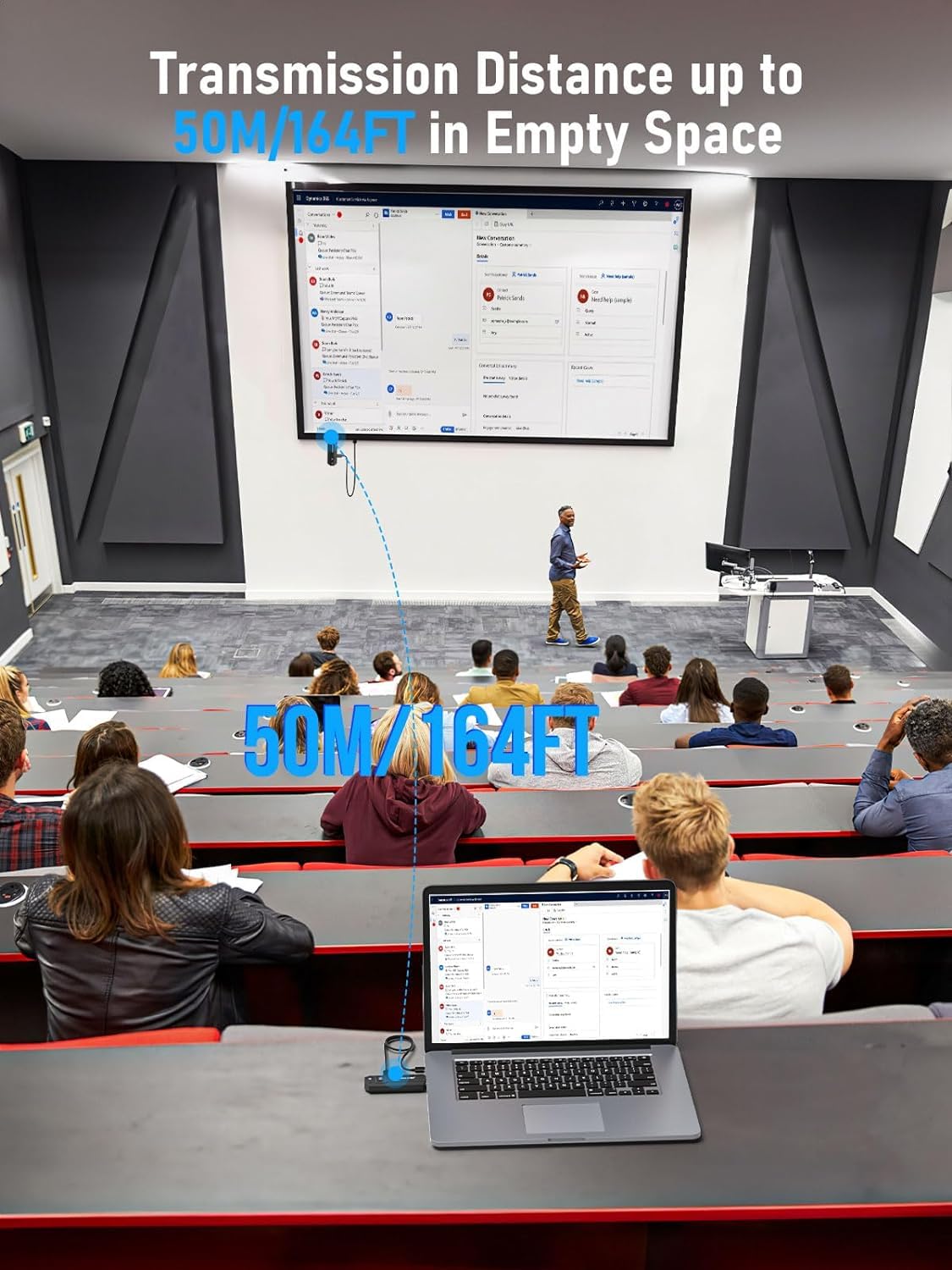
Figure 5.2: Plug & Play setup in an office environment.

Figure 5.3: Wireless transmission over a long distance in a classroom setting.
6. Specifications
| Feature | Detail |
|---|---|
| Product Dimensions | 10.8L x 3.3W x 1.3H Centimetres (approx. 10.79 x 3.27 x 1.27 cm) |
| Weight | 208.65 g |
| Item Model Number | P20 |
| Connectivity Technology | Wireless, HDMI |
| Wireless Communication Standard | 802.11ac (5G/2.4Ghz dual band) |
| Power Source | Corded Electric (USB-C) |
| Compatible Devices | Projector, Laptop, Television, Camera, PC, Switch, PS4/5, Set-top Box, Blu-ray/DVD players, etc. |
| Max Resolution Supported | 1080P@60Hz |
| Transmission Distance | Up to 50 meters (164 feet) in empty space |
7. Troubleshooting
If you encounter issues with your Lemorele Wireless HDMI Kit, please consider the following common solutions:
- No Signal/Black Screen:
- Ensure both TX and RX units are properly connected to their respective HDMI ports and receiving sufficient power.
- Verify that the display device is set to the correct HDMI input source.
- Try restarting both the source device and the display device.
- If pairing abnormality occurs, try pressing the launch button on the TX unit to re-establish connection.
- Poor Signal Quality/Interference:
- The transmission distance may be shortened when the signal penetrates obstacles (walls, furniture, etc.). Optimize the placement of the devices to minimize obstructions between the TX and RX units.
- Avoid placing the units near strong sources of electromagnetic interference (e.g., Wi-Fi routers, microwaves).
- Audio Issues:
- Check audio settings on your source device and ensure audio output is directed to the HDMI port.
- Verify that the display device's volume is not muted or set too low.
- Compatibility Issues:
- While widely compatible, ensure your source and display devices meet standard HDMI specifications.
For persistent issues, please refer to the full user manual or contact Lemorele customer support.
8. Safety Information
Please read and follow these safety guidelines to ensure safe operation and prolong the life of your device:
- Do not expose the device to water, moisture, or extreme temperatures.
- Avoid dropping or subjecting the device to strong impacts.
- Do not attempt to disassemble, repair, or modify the device. Refer all servicing to qualified personnel.
- Use only the provided power cables and adapters, or those recommended by the manufacturer.
- Keep the device away from heat sources and direct sunlight.
- Ensure proper ventilation to prevent overheating.
- Keep out of reach of children.
9. Warranty and Support
Lemorele products are designed for reliability and performance. This product comes with a standard manufacturer's warranty. For detailed warranty terms and conditions, please refer to the warranty card included in your package or visit the official Lemorele website.
If you require technical assistance, troubleshooting, or have questions about your product, please contact Lemorele customer support through their official channels. Please have your product model number and purchase information ready when contacting support.