Introduction
This manual provides comprehensive instructions for the installation, operation, and maintenance of your Anweller Smart Door Knob. Designed for convenience and security, this smart lock offers multiple unlocking methods and advanced features for various indoor and outdoor applications.
Key Features
- 4 Ways to Unlock: Fingerprint, Mobile App, Apple Watch, and Spare Mechanical Key.
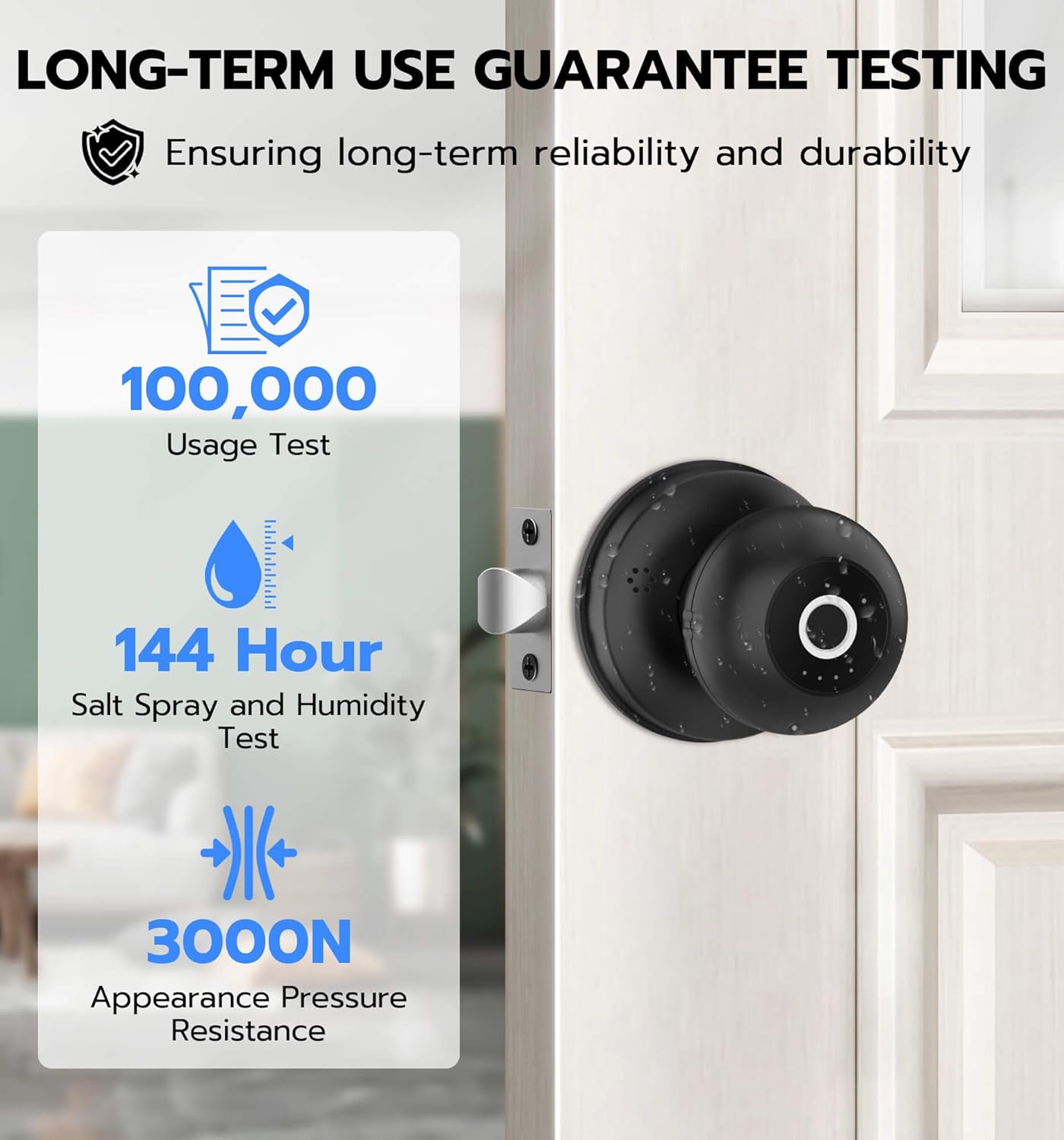
- High Security: Made of strong and durable Alloy Steel and Zinc.
- Easy DIY Installation: Simple to install with included screwdriver, no extra drilling needed. Reversible for left and right-handed doors.
- Low Power Consumption: Ensures long battery life (6+ months) with low battery reminders. Emergency power via power bank available.
- Excellent Customer Support: 12-month free replacement and lifetime technical support.

What's Included
- 1 x Front Handle
- 1 x Rear Handle
- 1 x Lock Latch
- 1 x Spindle
- 2 x Connecting Pipes
- 1 x Strike Plate
- 1 x Strike Hole Cover
- 2 x Mechanical Keys
- 1 x User Manual
- 1 x Screwdriver and All Screws
Specifications
| Feature | Description |
|---|---|
| Brand | Anweller |
| Model Number | Q1BF |
| Lock Type | Biometric, Smart |
| Material | Alloy Steel, Zinc |
| Dimensions (L x W x H) | 2.4 x 2.4 x 3.1 inches |
| Item Weight | 1.1 Pounds |
| Power Source | 4 AAA batteries (not included) |
| Connectivity | Bluetooth, Wi-Fi (via app) |
| Controller Type | Amazon Alexa, iOS, Android |
| Special Features | 4 Unlocking Ways, Emergency Power Unlock, Anti-Unlock, Battery Indicator, Auto-Lock & Passage Mode, 6 Months Standby Time |
Setup & Installation
Before Installation
Ensure your door meets the following requirements for proper fit and function:
- Door Thickness: 1-3/16" to 2-1/8" (30mm to 55mm)
- Backset: 2-3/8" or 2-3/4" (60mm or 70mm)
- Hole Diameter: 1-17/20" to 2-3/8" (47mm to 60mm)

Installation Steps
The Anweller Smart Door Knob is designed for easy DIY installation. A screwdriver is included in the package to assist you. Follow these general steps:
- Remove your existing door knob.
- Install the new latch into the door edge.
- Connect the front and rear handles, ensuring the connecting pipes and wires are properly aligned and secured.
- Insert 4 AAA batteries into the designated compartment (batteries not included).
- Test the lock's functionality and proceed to set up your preferred unlocking methods.

Operating Instructions
Unlocking Methods
1. Fingerprint Unlock
Place your registered finger on the fingerprint reader. The lock will quickly identify your fingerprint and unlock the door. The AI fingerprint reader is designed for sensitive and precise recognition.

2. Mobile App Unlock
Download the Anweller app on your smartphone (iOS or Android). Connect the lock via Bluetooth. Use the app interface to remotely unlock the door, manage users, and view history records.

3. Apple Watch Unlock
For compatible Apple Watch users, the Anweller app allows you to unlock the door directly from your watch, providing quick and convenient access.

4. Mechanical Key Unlock
In situations where electronic unlocking is not possible (e.g., completely drained batteries), use one of the two provided mechanical keys. The keyhole is discreetly located on the front handle.

Operating Modes
Auto-Lock Mode (Default)
The lock is set to automatically re-lock after a short period by default. This ensures your door is always secured after entry or exit.

Passage Mode
To enable continuous free access, press the Passage Mode button on the rear handle. A green light will indicate that the lock remains unlocked. Press it again to deactivate and return to Auto-Lock mode.
Privacy Mode
Activate Privacy Mode by pressing the dedicated button on the rear handle. A blue light will illuminate, indicating that the lock cannot be unlocked from the outside, providing enhanced privacy and security.

Mute Mode
To silence the lock's operational sounds, activate Mute Mode. This is ideal for maintaining quiet environments, such as nurseries or offices.

Maintenance
Battery Replacement
The Anweller Smart Door Knob operates on 4 AAA batteries (not included). Thanks to its low power consumption design, batteries can last for over 6 months. The lock will provide a low battery reminder when replacement is needed. To replace, remove the rear handle cover to access the battery compartment.
Cleaning
To maintain the appearance and functionality of your smart door knob, wipe the surface with a soft, dry cloth. Avoid using abrasive cleaners, solvents, or harsh chemicals, as these can damage the finish or internal components.
Troubleshooting
- Fingerprint Reader Unresponsive: Ensure your finger is clean and dry. Try re-registering your fingerprint through the app.
- Lock Not Responding (Battery Drained): Use a power bank connected to the USB-C port on the handle for temporary power, or use the mechanical backup key.
- App Connectivity Issues: Verify Bluetooth is enabled on your device and you are within range. Try restarting the app or re-pairing the lock in the app settings.
- Lock Not Auto-Locking: Check if Passage Mode is activated. Deactivate Passage Mode to re-enable auto-locking.
Warranty & Support
Anweller is committed to providing excellent customer service. Your Smart Door Knob comes with a 12-month free replacement period. Additionally, Anweller offers free lifetime technical support to assist you with any questions or issues you may encounter.
For support, please contact Anweller customer service directly. The seller for this product is eLinkSmart.