1. Product Overview
The Kwikset Halo Keypad Wi-Fi Smart Door Lock with Prescott Entry Handleset and Lever provides secure, keyless entry and remote access control for your home. This Wi-Fi enabled smart lock integrates directly with your home network, eliminating the need for a separate hub. It allows for remote locking/unlocking, user code management, activity monitoring, and smart home integration.

Image: The Kwikset Halo Keypad Wi-Fi Smart Door Lock paired with the Prescott Entry Handleset and Lever, showcasing the complete exterior door hardware.
2. Setup and Installation
Installation of the Kwikset Halo Smart Lock and Prescott Handleset is designed for a do-it-yourself approach, typically requiring only a screwdriver. For doors missing a bottom handleset support hole, a drill may be necessary. The lock is compatible with standard doors measuring 1-3/8 to 1-3/4 inches thick, and features an adjustable latch backset from 2-3/8 to 2-3/4 inches for flexible installation.
Initial Setup with Kwikset App
- Download the Kwikset app from your device's app store.
- Follow the in-app instructions to create an account and add your new Halo Smart Lock.
- Connect the lock to your home's existing Wi-Fi network (2.4 GHz required). No additional hub is needed.
- Calibrate the lock and test its functionality through the app.
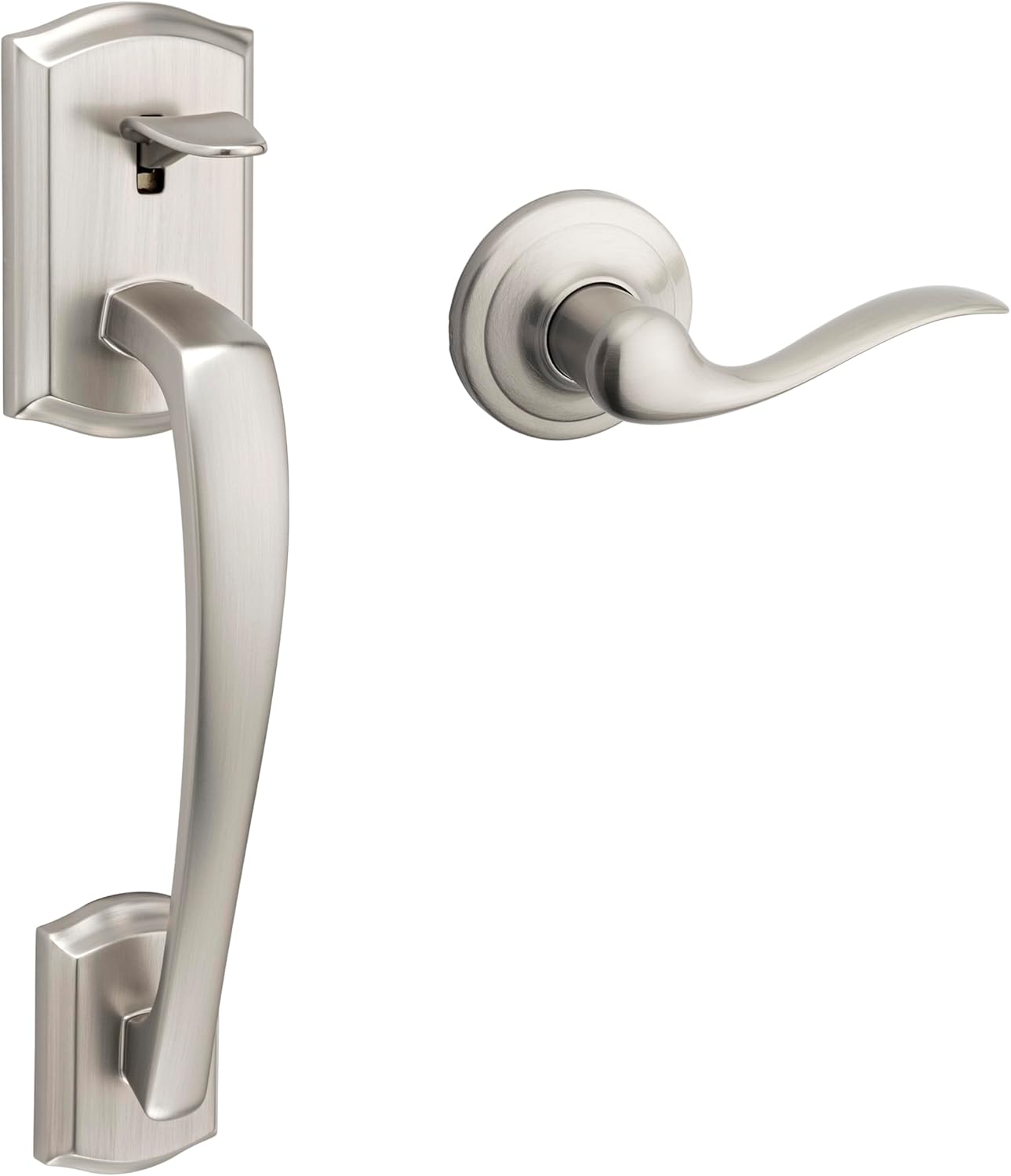
Image: The Kwikset Prescott Entry Handleset and Lever, components of the door hardware.
3. Operating the Smart Lock
Remote Control and Monitoring
Utilize the Kwikset app to remotely lock and unlock your door from any location with an internet connection. The app also provides instant notifications for any unusual lock activity, including invalid code attempts or tampering.
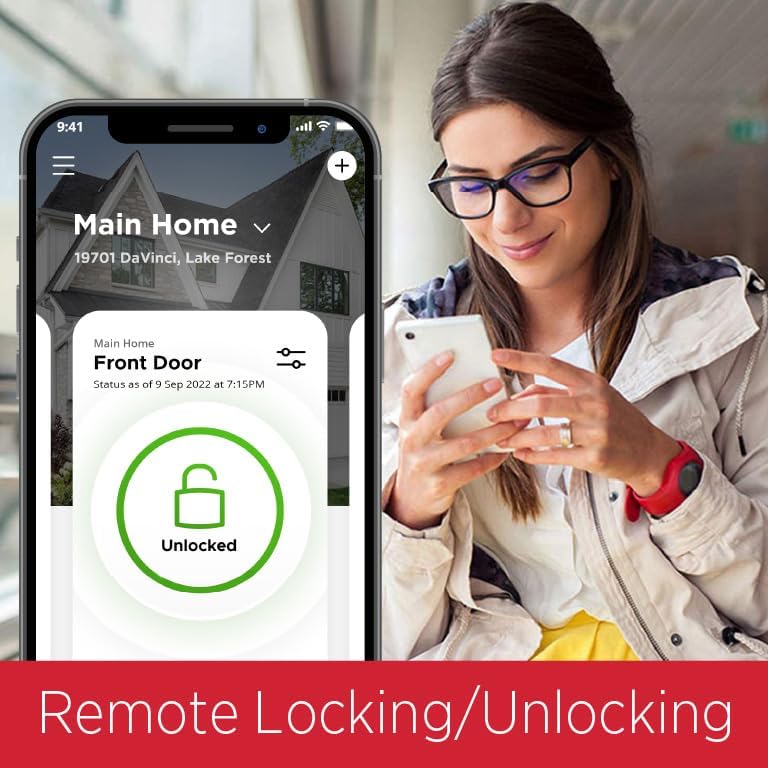
Image: A smartphone screen displaying the Kwikset app interface, showing the 'Unlocked' status for a front door.
Keypad Access and User Codes
The backlit keypad supports up to 250 unique user access codes. Through the Kwikset app, you can easily program, manage, and delete these codes. Schedule access windows for specific users or generate one-time codes for guests, providing flexible and secure entry management.
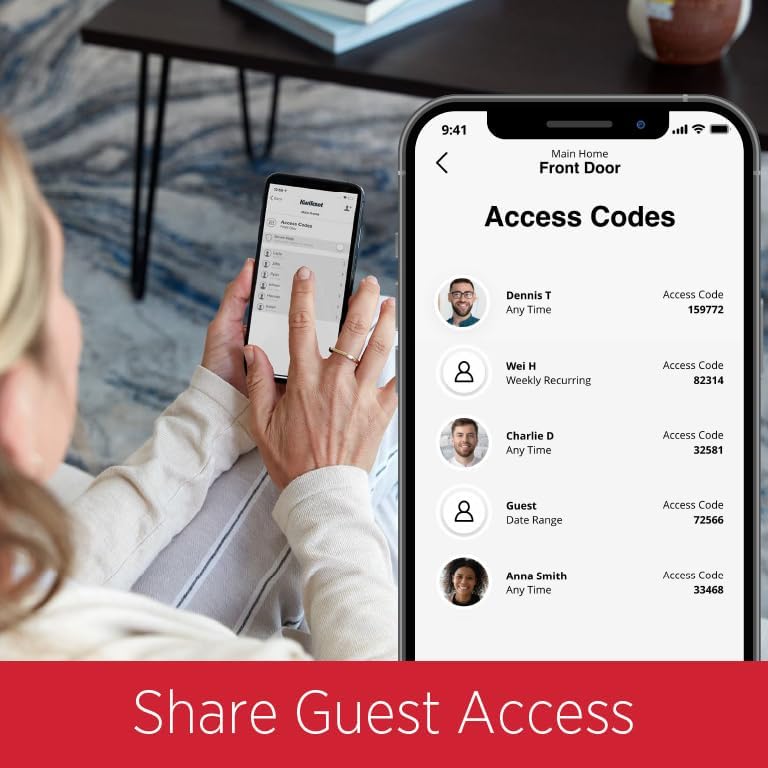
Image: A smartphone screen displaying the Kwikset app's 'Access Codes' section, listing various users and their assigned codes.
Video: This video demonstrates how to use the Kwikset Halo App's Time Fencing feature to set up scheduled access for specific users, such as a dog walker, allowing entry only during designated times.
Smart Home Integration
The Halo Smart Lock works with Amazon Alexa and Google Home, allowing you to control your lock using voice commands. You can also integrate it into smart home automations for enhanced convenience and security.

Image: A Kwikset smart lock displayed alongside the 'Works with Alexa' and 'Works with Google Home' logos, indicating compatibility with these smart home platforms.
Auto-Lock Security
Configure the auto-lock feature to automatically secure your door after a set duration following entry or exit. This ensures your home remains protected even if you forget to manually lock the door.
Activity History
The Kwikset app maintains a detailed activity log, allowing you to review who entered or exited your home and when. This feature provides an overview of your lock's usage history.
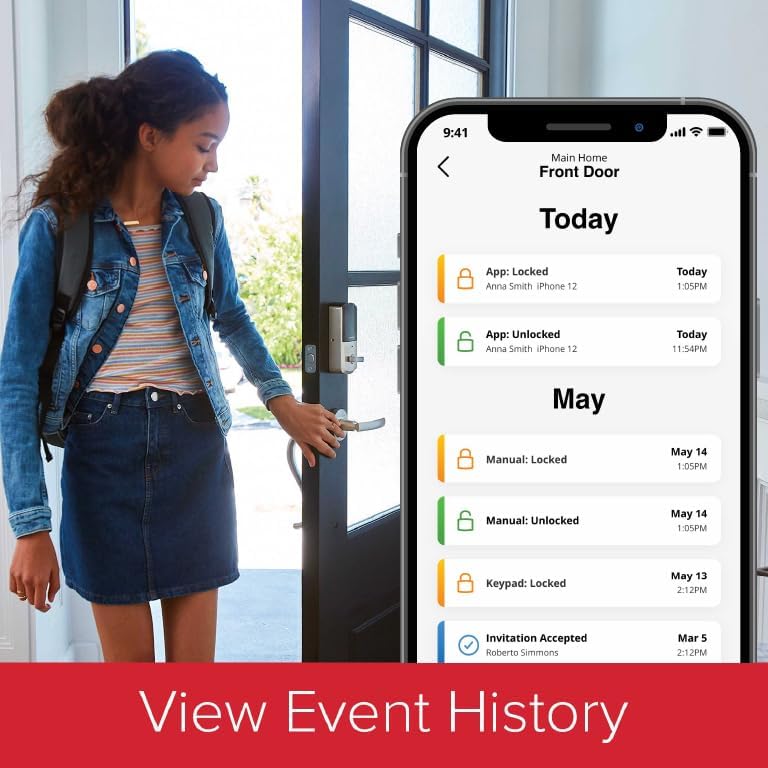
Image: A smartphone screen displaying the Kwikset app's 'Today' and 'May' sections, showing a chronological list of lock events such as manual locks, unlocks, and keypad entries.
Video: This video illustrates the Kwikset Halo App's Smart Lock History feature, demonstrating how users can view a timeline of who entered and exited their home, providing peace of mind and security monitoring.
SmartKey Security
The SmartKey Security feature allows you to re-key your lock yourself in seconds, providing flexibility if keys are lost or if you move to a new residence. This technology also offers advanced protection against common break-in techniques.
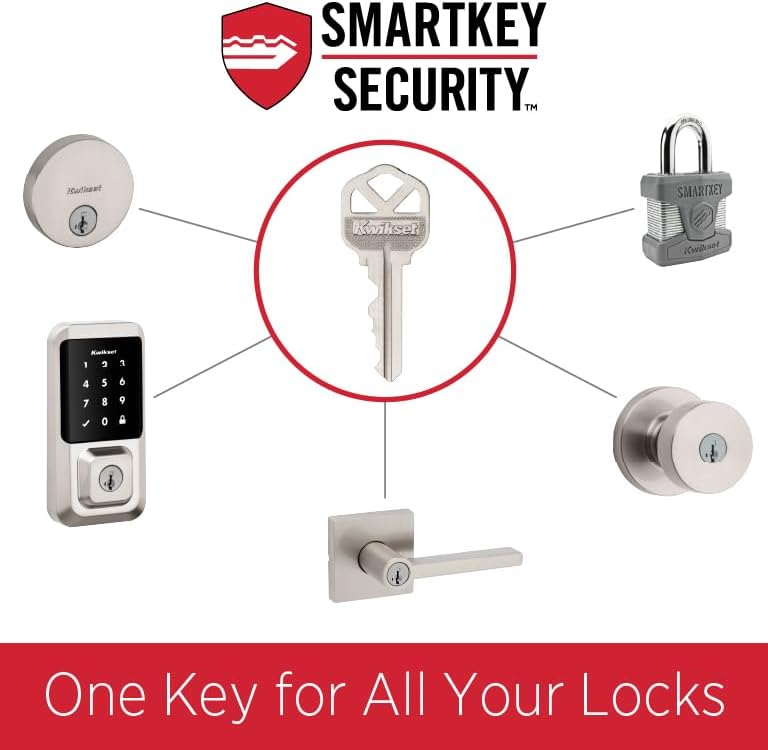
Image: A diagram illustrating the Kwikset SmartKey Security system, showing a key, a re-key tool, and various lock types that can be re-keyed to a single key.
4. Maintenance
To ensure optimal performance and longevity of your Kwikset Halo Smart Lock and Handleset, regular maintenance is recommended. Keep the exterior surfaces clean using a soft, damp cloth. Avoid abrasive cleaners or solvents that could damage the finish or electronic components.
Microban Antimicrobial Protection
Certain Kwikset products, including components of this lock, feature Microban antimicrobial technology. This protection is built into the product finish to inhibit the growth of bacteria on the surface, contributing to a cleaner home environment. This technology is not a substitute for normal cleaning practices.
Video: This video highlights Kwikset products featuring Microban antimicrobial technology, explaining how it helps keep surfaces cleaner by inhibiting bacterial growth.
5. Troubleshooting
If you encounter issues with your Kwikset Halo Smart Lock, consider the following general troubleshooting steps:
- Connectivity Issues: Ensure your home Wi-Fi network is active and the lock is within range. Check the Kwikset app for connection status.
- Keypad Not Responding: Verify that the batteries are properly installed and have sufficient charge. Replace batteries if necessary.
- Access Code Problems: Confirm that the access code is entered correctly. Check the Kwikset app to ensure the code is active and within any set schedule.
- Lock Not Engaging/Disengaging: Inspect the door and frame for any obstructions. Ensure the latch and deadbolt operate smoothly without resistance.
- Intrusion Detection Alerts: If you receive notifications about invalid code attempts or tampering, review the activity history in the Kwikset app to identify potential security concerns.
For more detailed troubleshooting or persistent issues, refer to the comprehensive support resources available through the Kwikset app or Kwikset's official website.
6. Specifications
| Feature | Detail |
|---|---|
| Brand | Kwikset |
| Model Name | Halo Keypad Wi-Fi Smart Door Lock |
| Item Model Number | HC-KW9938000x |
| Lock Type | Keypad, Electronic Deadbolt |
| Special Feature | Keyless, Wi-Fi Enabled (No Hub Required) |
| Material | Metal |
| Color | Nickel |
| Finish Type | Nickel Finish |
| Door Thickness Compatibility | 1-3/8 to 1-3/4 inches |
| Adjustable Latch Backset | 2-3/8 to 2-3/4 inches |
| User Access Codes | Up to 250 |
| Connectivity Protocol | Wi-Fi |
| Controller Type | Amazon Alexa, Google Home |
| Control Method | App, Remote, Voice |
| Included Components | Handleset, Interior Lever, Adjustable Latch, Screws, Strike Plate, Installation Hardware, Install Guide |
7. Warranty Information
The Kwikset Halo Keypad Wi-Fi Smart Door Lock with Prescott Entry Handleset and Lever is backed by a lifetime mechanical and finish warranty. For complete details regarding warranty coverage, terms, and conditions, please refer to the official Kwikset warranty documentation or visit the Kwikset website.
8. Support
For further assistance, technical support, or to access additional resources, please utilize the following options:
- Kwikset App: The Kwikset app provides in-app support, FAQs, and guides.
- Kwikset Website: Visit the official Kwikset website for comprehensive product information, installation videos, troubleshooting guides, and contact information for customer service.
- Customer Service: Contact Kwikset customer service directly for personalized support.


