Introduction
The Yostyle Table Lamp with Alarm Clock Base is a multi-functional device designed to enhance your bedroom or living room. It combines a bedside lamp with an alarm clock, integrated USB and AC power outlets, an FM radio, and a speaker. The lamp features a square fabric lampshade and touch control for adjusting brightness, offering convenience and versatility.
Package Contents
- Yostyle Table Lamp with Alarm Clock Base
- Power Adapter (integrated 6Ft Extension Cord)
- User Manual
- (Note: Bulb not included, requires E26 base)
Setup
- Unpacking: Carefully remove all components from the packaging.
- Bulb Installation: Screw an E26 base bulb (not included) into the lamp socket.
- Placement: Place the lamp on a stable, flat surface such as a bedside table or desk.
- Power Connection: Plug the integrated 6-foot extension cord into a standard AC power outlet.
- Initial Power On: The clock display will illuminate. Set the current time and any desired alarms as per the Operating Instructions.

Image: The Yostyle Table Lamp with its digital clock display and charging capabilities. This image illustrates the lamp's primary function as a bedside companion, offering both illumination and device charging.
Operating Instructions
Lamp Operation
- Turning On/Off: Touch any metal part of the lamp pole to turn the lamp on or off.
- Brightness Adjustment: Repeatedly touch the lamp pole to cycle through 3 brightness levels (Low, Medium, High).

Image: A person demonstrating the touch control feature of the Yostyle Table Lamp. The image highlights the ease of adjusting the lamp's brightness by simply touching its metal pole.
Clock and Alarm Functions
- Setting Time: Refer to the buttons on the alarm clock base for time setting controls. Typically, a "Time Set" or "Clock" button is used in conjunction with "+" and "-" buttons.
- Setting Alarms: The unit supports dual alarms (AL1, AL2). Use the "Alarm Set" buttons to configure alarm times.
- Snooze Function: Press the "Snooze" button (often combined with "Sleep" or "Dimmer") for an additional 9 minutes of sleep.
- Clock Display Brightness: Adjust the clock display's brightness through 4 levels using the dedicated dimmer button.
- Time Format: The clock supports A/PM time format for clear visibility.
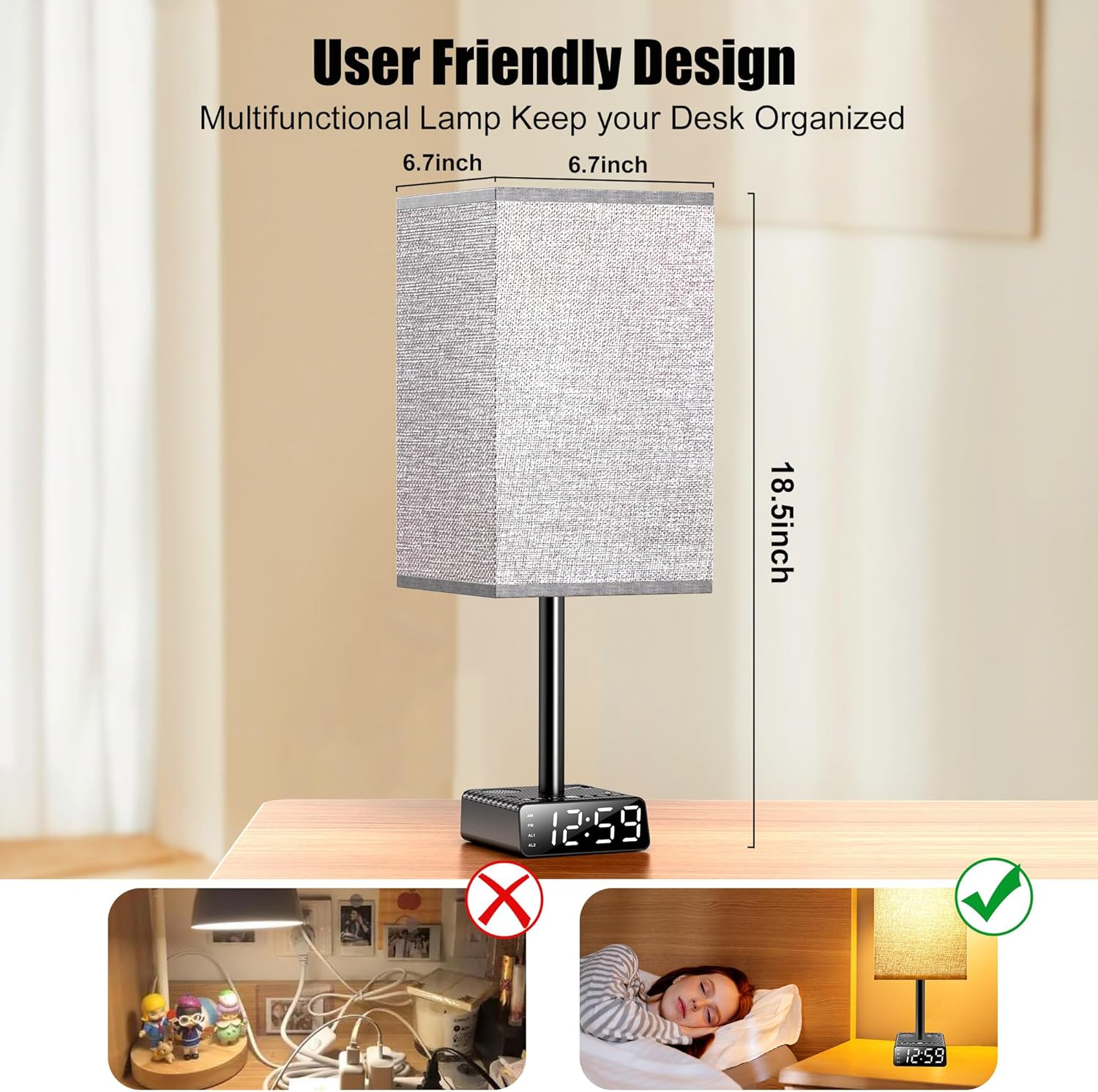
Image: The Yostyle Table Lamp's alarm clock display, illustrating the dual alarm settings and the four levels of display brightness. This visual guide helps users understand the clock's customizable features.
Charging Ports
The lamp base includes multiple charging options:
- 1x USB-A Port: 5V 1A output for standard device charging.
- 1x USB-C Port: 5V 2.2A output for faster charging of compatible devices.
- 1x AC Power Outlet: 1250W max output for plugging in other electrical appliances.
These charging ports function independently of the lamp's light being on or off.
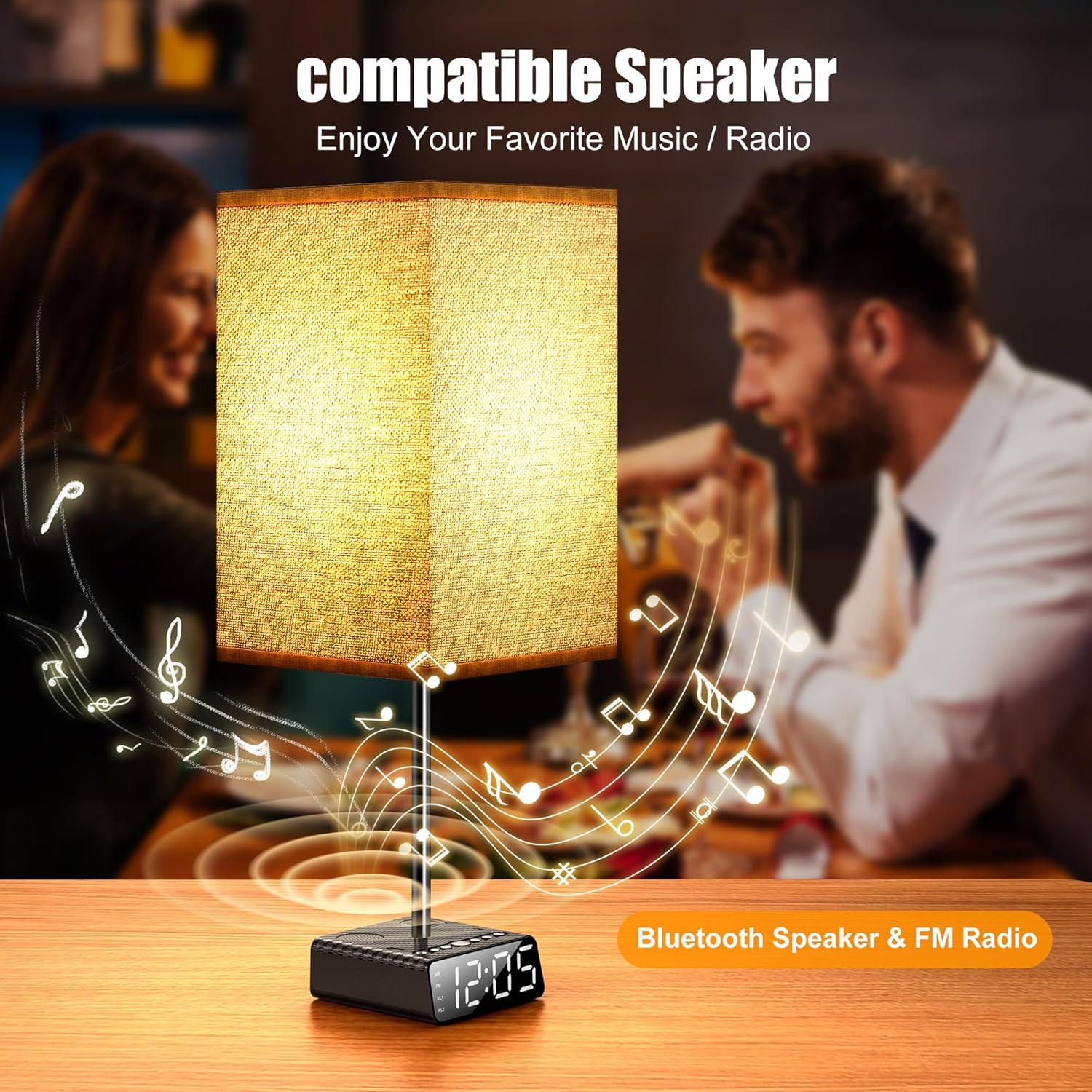
Image: The Yostyle Table Lamp's base with various charging ports, including USB-C, USB-A, and an AC outlet. This image demonstrates the lamp's capability to charge multiple devices simultaneously.
FM Radio & Speaker
- FM Radio: Tune into FM radio stations using the controls on the base.
- Bluetooth Speaker: Pair your device via Bluetooth to play audio through the integrated 4 Ohm 3W speaker.
- Timer Function: Set customizable timers (30/60/90 minutes) for FM radio or Bluetooth playback, ideal for relaxation or sleep.
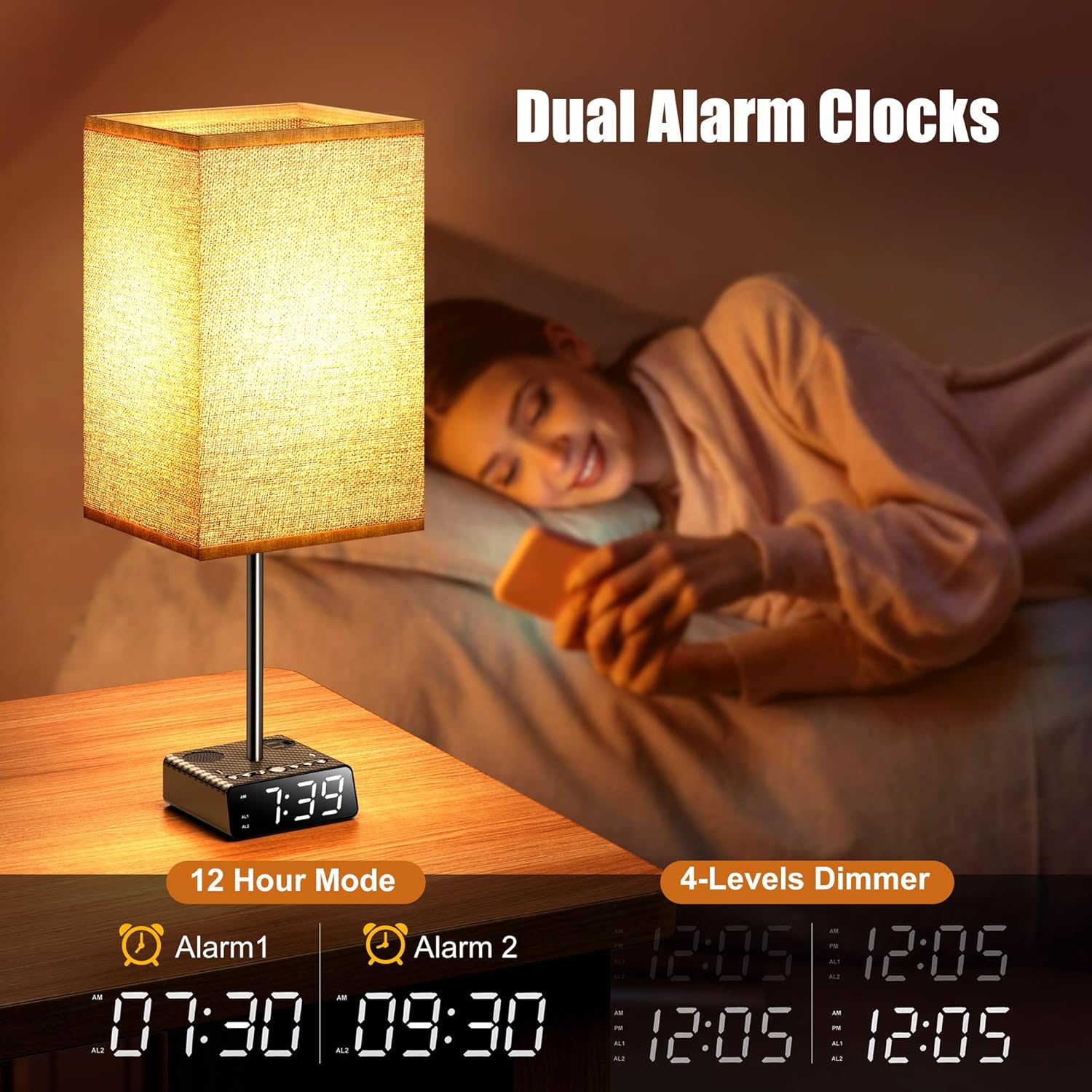
Image: The Yostyle Table Lamp with graphic elements suggesting music playback, highlighting its integrated Bluetooth speaker and FM radio capabilities. This image conveys the lamp's audio features.
Maintenance
- Cleaning: Unplug the lamp before cleaning. Use a soft, dry cloth to wipe the lamp base and shade. Do not use liquid cleaners or abrasive materials.
- Bulb Replacement: Ensure the lamp is unplugged and the bulb is cool before replacing. Use only E26 base bulbs.
- General Care: Avoid placing the lamp in excessively humid environments or near heat sources. Do not expose to direct sunlight for prolonged periods.
Troubleshooting
| Problem | Possible Cause | Solution |
|---|---|---|
| Lamp does not turn on. | Not plugged in; loose bulb; faulty bulb. | Ensure power cord is securely plugged in. Check if bulb is screwed in tightly. Replace bulb if necessary. |
| Clock display is dim or off. | Brightness setting too low; power issue. | Press the dimmer button to increase brightness. Check power connection. |
| Charging ports not working. | Device not compatible; cable issue; power issue. | Ensure device is compatible. Try a different charging cable. Verify lamp is powered on. |
| FM Radio static or poor reception. | Weak signal; interference. | Adjust the lamp's position. Try tuning to a stronger station. |
| Bluetooth not connecting. | Device not in pairing mode; too far from lamp. | Ensure Bluetooth is enabled on your device and the lamp is in pairing mode. Move device closer to the lamp. |
Specifications
- Model: Yo-Clock-touch
- Dimensions: 6.69"D x 6.69"W x 18.5"H
- Item Weight: 2 Pounds
- Lamp Type: LED (bulb not included)
- Bulb Base: E26
- Shade Material: Fabric (Oatmeal color)
- Base Material: Metal
- Switch Type: Touch Control (3 brightness levels)
- Power Source: Corded Electric
- USB-A Output: 5V 1A
- USB-C Output: 5V 2.2A
- AC Power Outlet: 1250W max
- Extension Cord Length: 6 Ft
- Speaker: 4 Ohm 3W
- Clock Display: 4-level dimmable, A/PM format
- Alarm: Dual alarms with 9-minute snooze
- Timer Function: 30/60/90 minutes for audio playback
- Indoor/Outdoor Usage: Indoor
Warranty and Support
Yostyle products are crafted with premium-grade materials and manufactured to meet high professional standards. For any issues or inquiries regarding your Yostyle Table Lamp, please contact Yostyle customer support. We are committed to resolving concerns promptly and effectively.
Please retain your purchase receipt for warranty purposes.


