1. Introduction
This manual provides essential information for the setup, operation, and maintenance of your Wobble 43-inch UD Series 4K Ultra HD Smart LED Google TV. Please read this manual thoroughly before using the television and retain it for future reference.
Your Wobble TV features a 4K Ultra HD display, Google TV operating system, powerful audio, and various connectivity options for an enhanced viewing experience.
2. Safety Information
Always observe the following safety precautions to prevent damage and ensure safe operation:
- Do not expose the TV to rain or moisture.
- Ensure proper ventilation around the TV.
- Do not block ventilation openings with items like newspapers, table-cloths, or curtains.
- Protect the power cord from being walked on or pinched.
- Unplug the TV during lightning storms or when unused for long periods.
- Refer all servicing to qualified service personnel.
3. Package Contents
Verify that all items listed below are included in your package:
- 1N LED TV
- 1N Remote Control
- 2N Stands
- 2N AAA batteries
- 1N Wall mount kit
- 4N Screws
- 1N Warranty card
- 1N User Manual
- 1N Mini AV cable
- 1N Power cord
4. Physical Overview

Figure 4.1: Front view of the Wobble 43-inch UD Series TV, highlighting its Zero-Frame Design, 24W HD Speakers, Dolby Audio, Motion Frame Stabilization, and Dual Band Wi-Fi capabilities.

Figure 4.2: Detailed dimensions of the Wobble 43-inch TV, showing length (95.69 cm / 37.67 in), height with stand (63.2 cm / 24.8 in), height without stand (56.43 cm / 22.21 in), and width with stand (24.9 cm / 9.8 in).

Figure 4.3: Overview of the multi-port panel on the Wobble TV, including AV IN, Antenna, 2x USB 2.0 ports, 3x HDMI 2.0 ports (with HDMI-1 ARC support), Optical audio output, and a LAN port for wired internet connection.
5. Setup
5.1 Stand Installation
- Carefully place the TV screen-down on a soft, flat surface to prevent damage.
- Align the TV stands with the corresponding screw holes on the bottom of the TV.
- Secure the stands using the provided screws.
5.2 Wall Mounting (Optional)
If you prefer wall mounting, use the included wall mount kit. It is recommended to have this installed by a qualified technician.
5.3 Initial Power On and Network Connection
- Connect the power cord to the TV and a power outlet.
- Press the power button on the remote control or TV.
- Follow the on-screen instructions to complete the initial setup, including language selection, time zone, and network connection.
- For network connection, select your Wi-Fi network and enter the password, or connect an Ethernet cable to the LAN port.
6. Operating Instructions
6.1 Google TV Interface

Figure 6.1: The Google TV home screen displaying content recommendations, watchlist, and various streaming applications like YouTube, Netflix, and Prime Video. The TV supports over 10,000 apps from the Google Play Store.
Your Wobble TV runs on Google TV, providing a personalized experience with content recommendations, a watchlist, and personal profiles. Navigate using the remote control to access apps, movies, shows, and your library.
6.2 Smart Remote Control

Figure 6.2: The Wobble Smart Remote Control, featuring easy navigation buttons and dedicated hotkeys for quick access to popular streaming services like Netflix, Prime Video, and YouTube.
The included Smart Remote features dedicated hotkeys for quick access to popular streaming services like Netflix, Prime Video, and YouTube. It also supports voice commands via Google Assistant.
6.3 Voice Control with Google Assistant

Figure 6.3: The TV screen showing a football match, with the 'Hey Google' prompt indicating active voice control. Use your voice to search for content, control playback, and manage smart home devices.
Press the Google Assistant button on your remote and say "Hey Google" to control your TV, search for content, get answers, and manage smart home devices using your voice.
6.4 Chromecast Built-in

Figure 6.4: A smartphone casting content to the Wobble TV, demonstrating the Chromecast built-in feature. This allows you to stream content directly from your mobile devices to the TV.
With Chromecast built-in, you can cast movies, shows, photos, and more from your phone, tablet, or laptop directly to your TV.
6.5 Google Meet
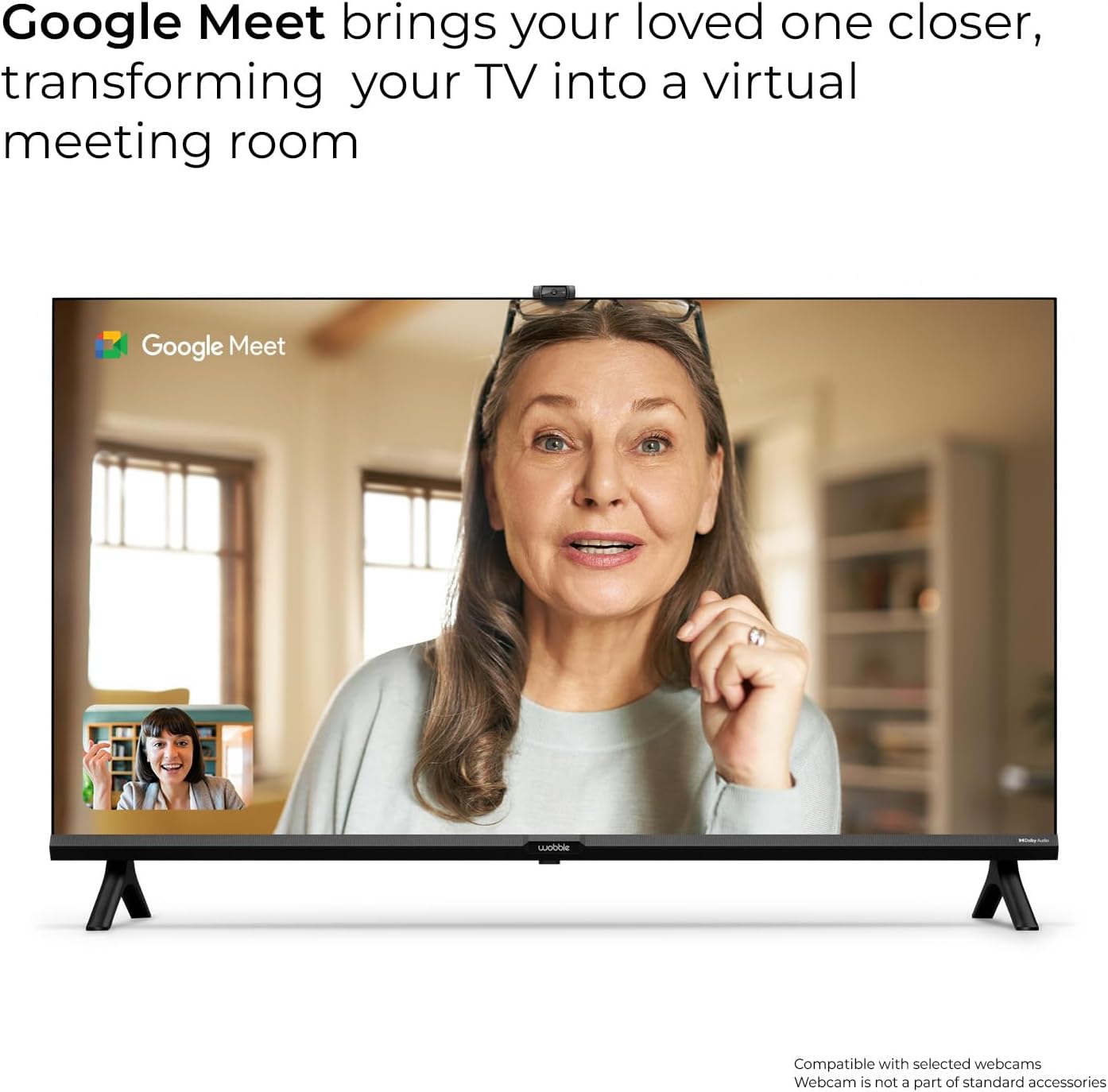
Figure 6.5: The Wobble TV displaying a Google Meet video call, transforming your TV into a virtual meeting room. Compatible with selected webcams (webcam not included).
The TV supports Google Meet, allowing you to conduct video calls and meetings directly from your television. A compatible webcam (sold separately) is required.
7. Connectivity
Your Wobble TV offers various connectivity options:
- Wi-Fi: Dual-band Wi-Fi (2.4GHz / 5GHz) for fast and stable wireless internet connection.
- Bluetooth v5.0: Connect wireless headphones, soundbars, or other Bluetooth devices.
- HDMI 2.0 x 3: Connect external devices such as set-top boxes, gaming consoles, laptops, and Blu-ray players. HDMI-1 supports ARC (Audio Return Channel).
- USB 2.0 x 2: Connect USB storage devices to play media files or for software updates.
- Ethernet (LAN): For a stable wired internet connection.
- AV IN: For connecting older devices with composite video and stereo audio outputs.
- Antenna: For connecting a terrestrial or cable antenna.
- Optical: Digital audio output for connecting to compatible sound systems.

Figure 7.1: Illustration of dual-band Wi-Fi connectivity, ensuring fast and efficient internet access for streaming and online activities.
8. Display and Audio Features
8.1 4K Ultra HD Resolution
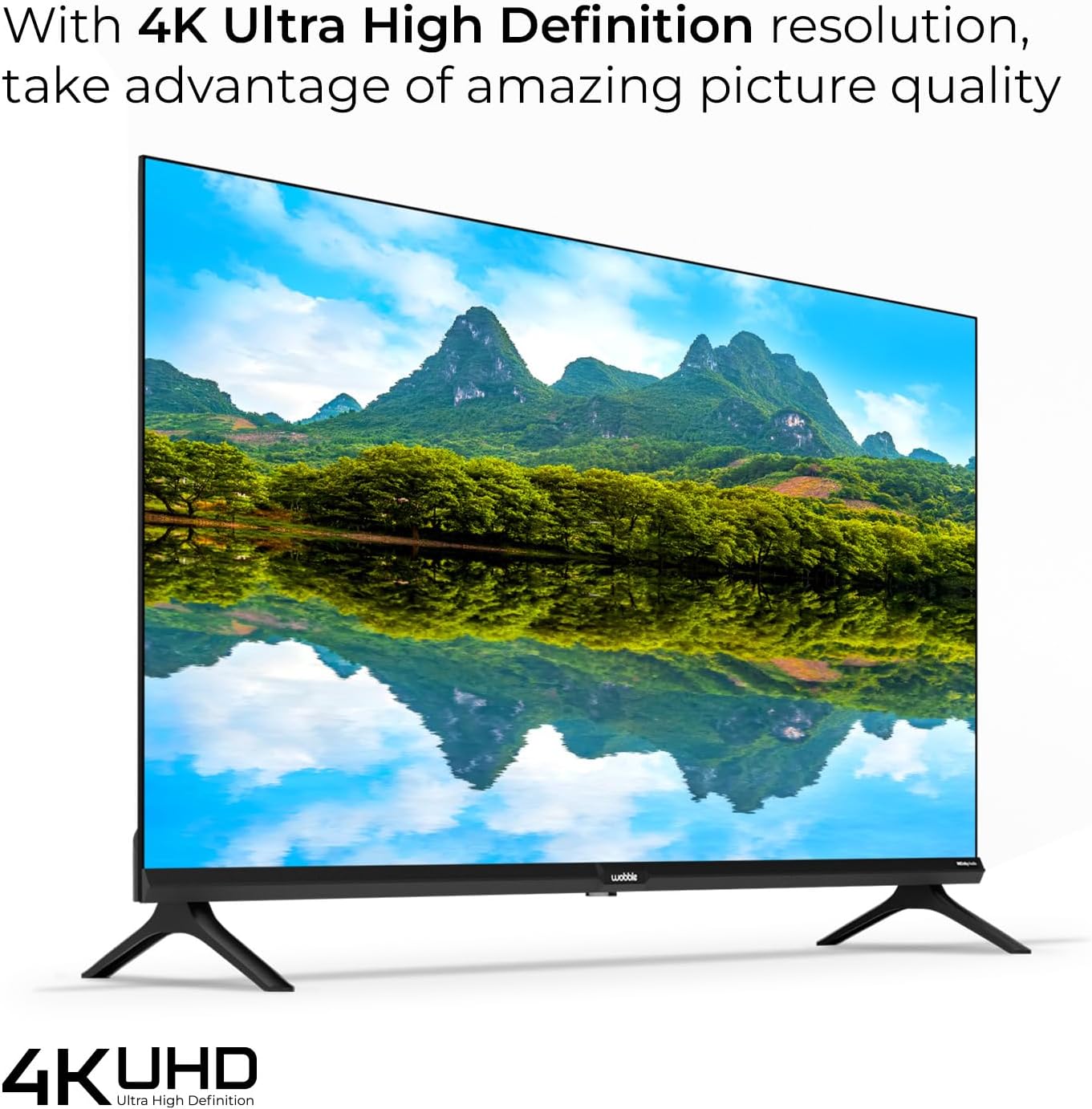
Figure 8.1: The Wobble TV displaying a vibrant 4K Ultra High Definition image of a landscape, showcasing the exceptional picture quality and detail.
Experience stunning visuals with 4K Ultra HD (3840 x 2160) resolution, offering four times the detail of Full HD. The 178-degree wide viewing angle ensures clear images from various positions.
8.2 HDR10 with HLG

Figure 8.2: The Wobble TV displaying a scene with hot air balloons, illustrating the brilliant contrast and lifelike colors achieved with HDR10 and HLG compatibility.
HDR10 with HLG (Hybrid Log-Gamma) compatibility delivers brilliant contrast and lifelike colors, enhancing the dynamic range of your content.
8.3 Motion Frame Stabilising Engine (MFSE)

Figure 8.3: A racing car image demonstrating the Motion Frame Stabilising Engine (MFSE), which ensures fluid motion and seamless transitions in fast-paced scenes.
The Motion Frame Stabilising Engine (MFSE) ensures fluid motion and seamless transitions, reducing blur in fast-paced action scenes.
8.4 Dolby Audio

Figure 8.4: The Wobble TV displaying a musician playing guitar, with sound waves emanating from the TV, symbolizing the powerful and immersive audio experience provided by Dolby Audio.
The 20 Watt powerful speakers combined with Dolby Audio deliver an immersive and rich sound experience.
9. Troubleshooting
If you encounter issues with your Wobble TV, refer to the following common solutions:
- No Power: Ensure the power cord is securely connected and the power outlet is functional. Try a different outlet.
- No Picture/Sound: Check all cable connections (HDMI, AV, Antenna). Ensure the correct input source is selected on the TV.
- Remote Not Working: Replace the AAA batteries in the remote control. Ensure there are no obstructions between the remote and the TV's IR sensor.
- Poor Wi-Fi Connection: Ensure the TV is within range of your Wi-Fi router. Restart your router and the TV. Consider using a wired Ethernet connection for stability.
- Apps Not Loading: Check your internet connection. Clear the cache for the problematic app in the TV settings, or reinstall the app.
- Picture Quality Issues: Adjust picture settings (brightness, contrast, color) in the TV menu. Ensure the content source is high quality (e.g., 4K content for 4K display).
For persistent issues, please contact customer support.
10. Specifications
| Feature | Specification |
|---|---|
| Model Number | WB43GTAW9602UDFL |
| Screen Size | 43 Inches (109 cm) |
| Resolution | 4K Ultra HD (3840 x 2160) |
| Refresh Rate | 60 Hz |
| Viewing Angle | 178 Degree Wide |
| Display Technology | LED |
| Processor | 64bit Quad Core Processor (XRT Processor) |
| RAM | 2GB |
| Storage | 16GB |
| Operating System | Google TV |
| Sound Output | 20 Watt |
| Audio Technology | Dolby Audio |
| Wi-Fi | Dual Band |
| Bluetooth | v5.0 |
| HDMI Ports | 3 (HDMI 2.0, 1 with ARC) |
| USB Ports | 2 (USB 2.0) |
| Other Connectivity | Ethernet, AV In, Antenna, Optical |
| Special Features | Google TV, Smart Remote, HDR10, HLG, Chromecast built-in, Google Assistant, Google Meet, MFSE |
| Product Dimensions (D x W x H) | 24.9 x 95.69 x 63.2 cm |
| Item Weight | 6.13 kg |

Figure 10.1: Visual representation of the TV's internal components, highlighting the XRT Processor, 2GB RAM, and 16GB Storage for robust performance.
11. Warranty and Support

Figure 11.1: Wobble's comprehensive warranty and support details, including 1-year warranty, doorstep service, certified engineers, and contact information.
Your Wobble TV comes with a 1-year comprehensive warranty from the date of purchase. This warranty covers manufacturing defects and ensures a worry-free experience.
Customer Support:
- Doorstep Service: Available in over 19000+ Pin Codes.
- Certified Engineers: Professional assistance for any service needs.
- Service Availability: Monday - Sunday.
- Email Support: support@wobble.in
- Phone Support: +91 7065020269
- Website: www.wobble.in