1. Introduction
Thank you for choosing the Tosuny Full HD 1080P 16MP Digital Camera Camcorder. This device is designed for capturing high-quality photos and videos, featuring a 2.4-inch rotatable screen, 16X digital zoom, and a built-in fill light. This manual provides essential information for the safe and effective use of your new camera. Please read it thoroughly before operation and retain it for future reference.
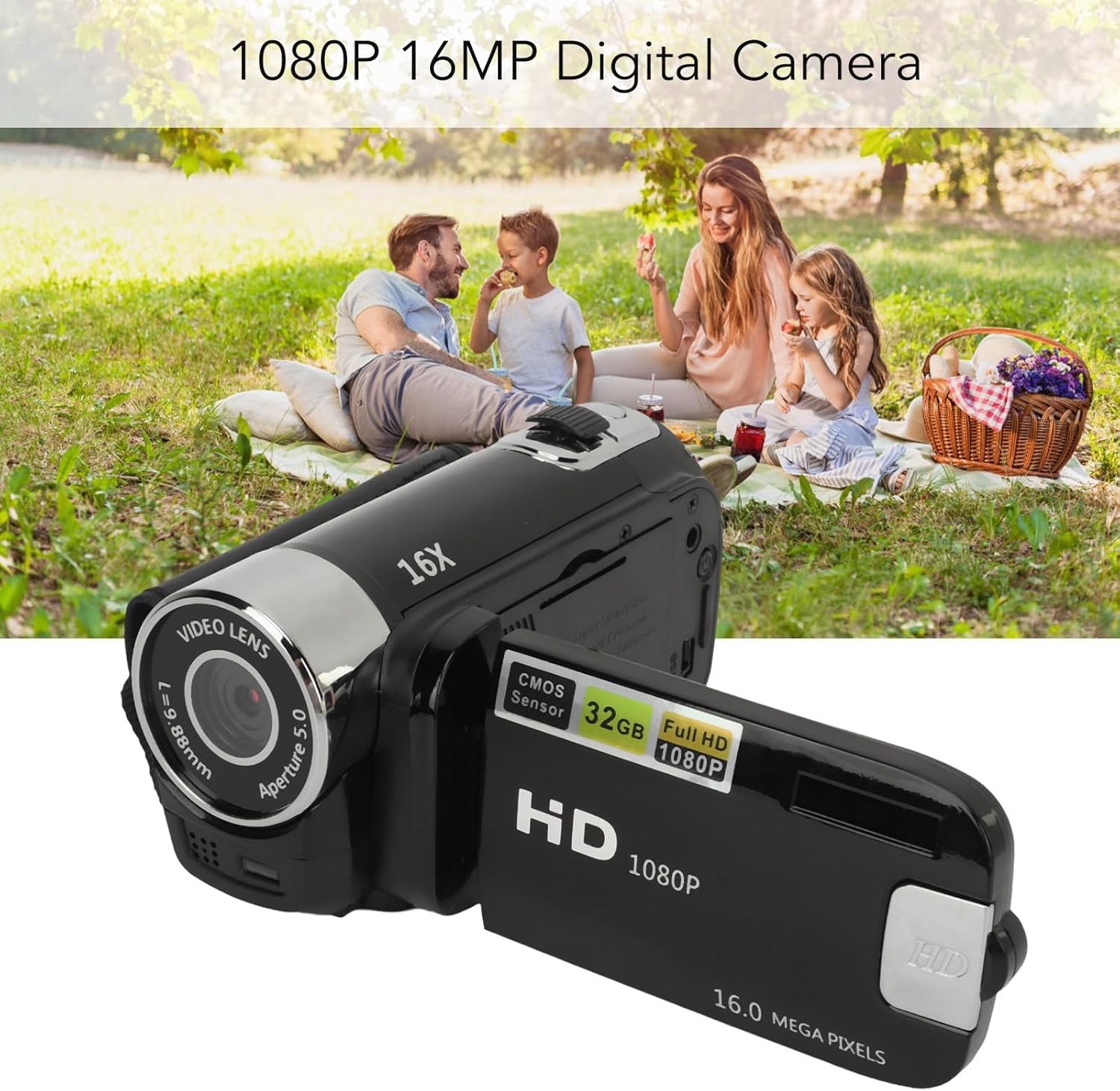
Image 1.1: Tosuny 1080P 16MP Digital Camera Camcorder capturing family moments.
2. Safety Information
- Do not expose the camera to water or moisture.
- Avoid dropping the camera or subjecting it to strong impacts.
- Keep the camera away from extreme temperatures and direct sunlight.
- Do not attempt to disassemble or repair the camera yourself. Contact qualified service personnel.
- Use only the specified battery type (BL-5C) and charging cable.
- Keep out of reach of children.
3. Package Contents
Verify that all items are present in the package:
- 1 x Digital Video Recorder (Camera)
- 1 x USB Charging Cable
- 1 x User Manual
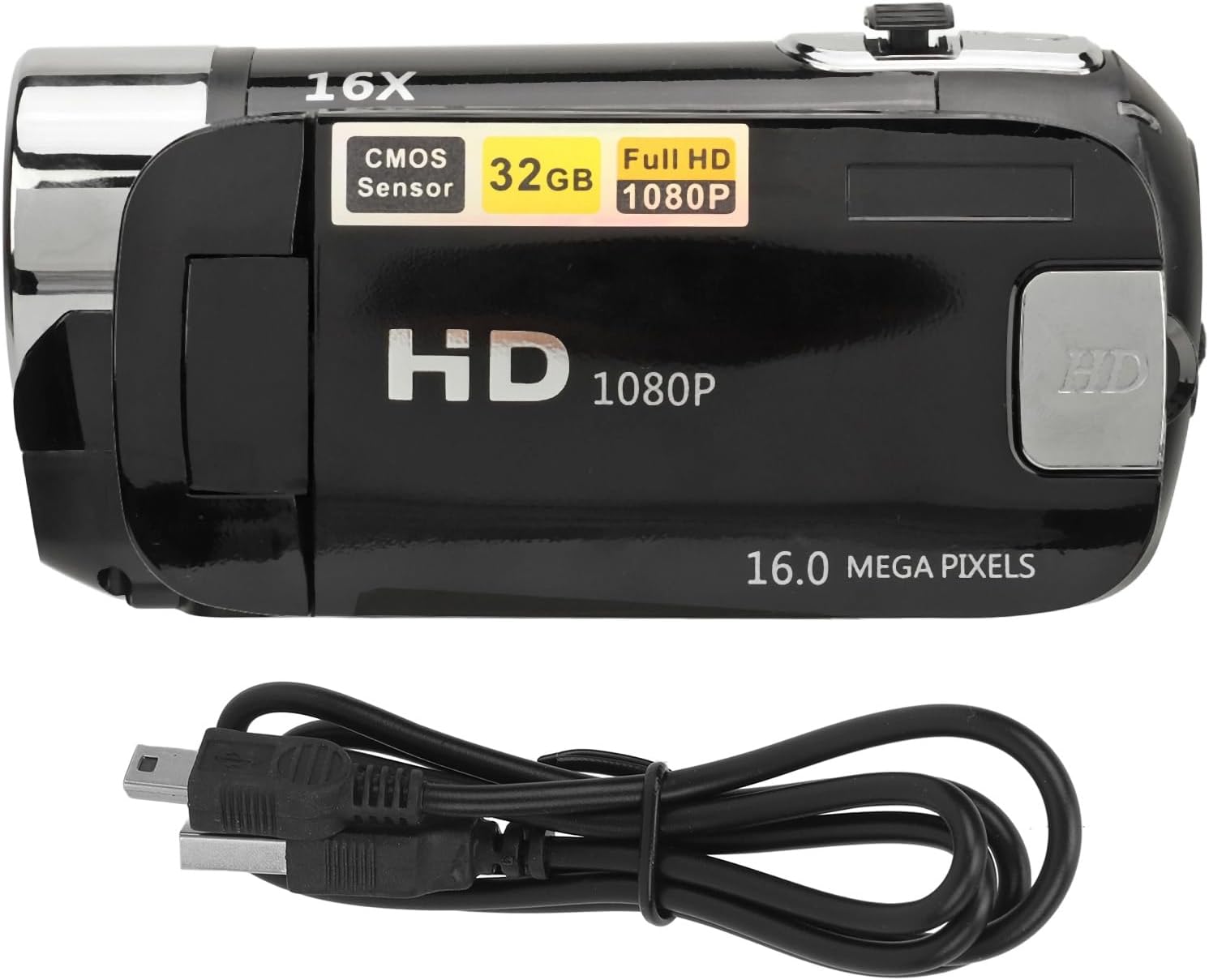
Image 3.1: Tosuny Digital Camera Camcorder and included USB charging cable.
4. Product Overview
Familiarize yourself with the main components of your camera:

Image 4.1: Rear view of the camera with the rotatable screen open, showing ports and controls.
- Video Lens: Main lens for capturing images and videos.
- Fill Light: Provides additional illumination in low-light conditions.
- 2.4-inch Rotatable Screen: Displays live view, menus, and playback. Can be rotated for selfies.
- Power Button: Turns the camera on/off.
- Shutter/Record Button: Initiates photo capture or video recording.
- Zoom Control: Adjusts the digital zoom level.
- USB Port: For charging and data transfer.
- Memory Card Slot: For inserting a standard memory card (up to 32GB).
5. Setup
5.1. Battery Installation and Charging
The camera comes with an integrated BL-5C lithium battery (1020 mAh). Ensure the battery is charged before first use.
- Connect the camera to a power source using the provided USB charging cable.
- The charging indicator will illuminate. Once fully charged, the indicator may change color or turn off.
5.2. Memory Card Installation
A standard memory card (up to 32GB, not included) is required to store photos and videos.
- Locate the memory card slot on the camera.
- Insert the memory card with the metal contacts facing the correct direction (refer to the diagram near the slot if available) until it clicks into place.
- To remove, gently push the card in until it springs out.
5.3. Powering On/Off
To power on the camera, press and hold the Power button for 2 to 3 seconds. To power off, press and hold the Power button again.
5.4. Language Settings
The camera supports 17 languages. To change the language, navigate through the camera's menu settings using the directional buttons and select your preferred language.
6. Operating Instructions
6.1. Taking Photos
- Ensure the camera is in photo mode (if applicable, check the screen icon).
- Frame your shot using the 2.4-inch screen.
- Press the Shutter button to capture the image.
6.2. Recording Videos
- Switch the camera to video recording mode.
- Press the Record button to start recording. A timer or indicator will appear on the screen.
- Press the Record button again to stop recording.

Image 6.1: The camera is suitable for capturing outdoor activities.
6.3. Using Digital Zoom
Use the Zoom control buttons (usually marked with 'W' for Wide and 'T' for Telephoto) to adjust the 16X digital zoom. Press 'T' to zoom in and 'W' to zoom out.

Image 6.2: Demonstrating the 16X digital zoom feature.
6.4. Using the Fill Light
The camera features a built-in fill light for improved visibility in dark environments. Activate the fill light via the dedicated button or through the camera's menu settings.
6.5. Selfie Mode with Rotatable Screen
The 2.4-inch screen can be rotated to face forward, allowing for easy self-portraits and vlogging.

Image 6.3: The rotatable screen enables convenient selfie and vlogging.
6.6. Playback Mode
To review your captured photos and videos, switch to playback mode. Use the directional buttons to navigate through your media files.
6.7. Connecting to a Computer (USB)
Connect the camera to your computer using the provided USB cable to transfer files. The camera will appear as a removable disk drive on your computer.
6.8. Advanced Functions
The camera supports various functions accessible through the menu:
- Electronic Anti-shake: Helps stabilize footage.
- Loop Recording: Records video continuously, overwriting older files when the memory card is full.
- Time Watermark: Adds a date and time stamp to your photos and videos.
- External Microphone Support: Allows connection of an external microphone for enhanced audio quality.
7. Maintenance
- Cleaning: Use a soft, dry cloth to clean the camera body. For the lens, use a specialized lens cleaning cloth and solution.
- Storage: Store the camera in a cool, dry place away from dust and direct sunlight when not in use. Remove the memory card if storing for extended periods.
- Battery Care: Charge the battery regularly, even if the camera is not in frequent use, to maintain battery health.
8. Troubleshooting
- Camera does not power on: Ensure the battery is charged. Press and hold the power button for 2-3 seconds.
- Cannot take photos/record videos: Check if a memory card is inserted and has sufficient free space. Ensure the camera is in the correct mode.
- Poor image/video quality: Ensure the lens is clean. Check lighting conditions and use the fill light if necessary.
- Computer does not recognize camera: Ensure the USB cable is properly connected. Try a different USB port or cable.
- Screen is blank or frozen: Try restarting the camera by holding the power button. If unresponsive, allow the battery to drain completely and then recharge.
9. Specifications
| Feature | Specification |
|---|---|
| Image Resolution | 1MP, 2MP, 3MP, 5MP, 12MP, 16MP |
| Image Format | JPG |
| Video Resolution | 1080p (maximum) |
| Video Format | AVI |
| Screen Size | 2.4 inches LCD |
| Digital Zoom | 16x |
| Shutter | Electronic |
| Storage | Supports standard memory card up to 32GB (not included) |
| Battery | 1 x BL-5C Lithium Battery, 1020 mAh (integrated) |
| Languages | 17 languages |
| Connectivity | USB |
| Image Stabilization | Electronic |
| Material | ABS |
10. Warranty and Support
For warranty information and technical support, please refer to the documentation provided with your purchase or contact the retailer. Keep your proof of purchase for any warranty claims.


