Introduction
The Xiaomi Redmi Note 13 Pro 5G is a feature-rich smartphone designed for a comprehensive mobile experience. It boasts a flagship-level 200MP OIS camera for exceptional photography, a vibrant 1.5K 120Hz AMOLED display for immersive viewing, and powerful performance for smooth operation. This manual provides essential information for setting up, operating, maintaining, and troubleshooting your device.
Key Features:
- Flagship-level 200MP OIS anti-shake main camera with Super QPD for faster focusing.
- 6.67" AMOLED display with 1.5K resolution, 120Hz refresh rate, and 1800nits peak brightness.
- Powered by Snapdragon 7s Gen 2 Mobile Platform for robust performance.
- Dual SIM support (nano SIM + nano SIM or nano SIM + eSIM) with 5G connectivity.
- In-screen fingerprint sensor and AI Face Unlock for enhanced security.
- Dual speakers with Dolby Atmos and a 3.5mm headphone jack.
Setup
1. Unboxing and Initial Inspection:
Carefully remove all components from the packaging. Ensure the following items are present:
- Xiaomi Redmi Note 13 Pro 5G Smartphone
- Wall Adapter (67W fast charger)
- USB Cable
- SIM Tray Ejector
- Fast Car charger

Image: Front and back view of the Xiaomi Redmi Note 13 Pro 5G in Ocean Teal.
2. SIM Card Installation:
- Locate the SIM card tray on the side of the device.
- Insert the SIM tray ejector tool into the small hole next to the tray.
- Gently push until the tray pops out.
- Place your nano SIM card(s) or eSIM (if applicable) into the tray with the gold contacts facing down.
- Carefully reinsert the tray into the device.
3. Powering On and Initial Configuration:
- Press and hold the Power button until the Xiaomi logo appears.
- Follow the on-screen prompts to select your language, region, and connect to a Wi-Fi network.
- Sign in with your Google account or create a new one.
- Set up your preferred security methods, including the in-screen fingerprint sensor and AI Face Unlock.

Image: The Xiaomi Redmi Note 13 Pro 5G displaying its model name on the screen.
Operating Your Device
Display Features:
The 6.67-inch AMOLED display offers a stunning visual experience with a 1.5K resolution (2712x1220, 446PPI) and a smooth 120Hz refresh rate. It reaches up to 1800nits peak brightness, ensuring clear visibility even in bright conditions. The display supports 12-bit color depth, DCI-P3 100% color gamut, and Dolby Vision for vibrant and accurate colors. Eye comfort is prioritized with 1920Hz PWM dimming and TÜV Rheinland certifications for Low Blue Light, Circadian Friendly, and Flicker Free.
Camera System:
Capture iconic shots with the flagship-level 200MP main camera featuring Optical Image Stabilization (OIS) and Super QPD for fast, accurate focusing. The camera system also includes an 8MP ultra-wide camera (f/2.2) and a 2MP macro camera (f/2.4). The powerful combination of OIS and Electronic Image Stabilization (EIS) significantly improves anti-shaking performance for both photos and videos. The Xiaomi Imaging Engine optimizes picture quality and speed using advanced AI algorithms.
- Rear Camera Video Recording:
- 4K (3840x2160) at 30fps
- 1080p (1920x1080) at 30/60fps
- 720p (1280x720) at 30fps
- Slow motion: 1080p at 120fps, 720p at 120/240fps
Performance:
The device is powered by the Snapdragon 7s Gen 2 Mobile Platform, built on 4nm process technology. It features an Octa-core CPU up to 2.4GHz and an Adreno GPU, providing smooth multitasking, gaming, and application performance. With 8GB of RAM, the phone handles demanding tasks efficiently.
Audio and Connectivity:
Enjoy rich audio with dual speakers supporting Dolby Atmos. A 3.5mm headphone jack is also included for wired audio options. For connectivity, the phone supports 5G (n1/3/5/7/8/20/28/38/40/41/66/77/78) and 4G LTE (Bands 1/2/3/4/5/7/8/12/13/17/18/19/20/26/28/66, TDD: 38/40/41). It also features comprehensive GPS capabilities including L1, GLONASS G1, BDS B1, and Galileo E1.
Maintenance
Battery Care:
The device is equipped with a 5000/5100 Milliamp Hours battery. To maximize battery life:
- Use the provided 67W fast charger and USB cable for optimal charging speed.
- Avoid extreme temperatures, as they can degrade battery performance.
- For long-term storage, charge the battery to around 50% and power off the device.
Cleaning Your Device:
To clean your phone, use a soft, lint-free cloth. Avoid using harsh chemicals or abrasive materials that could damage the screen or finish. For stubborn smudges, slightly dampen the cloth with water or a screen-specific cleaning solution.
Software Updates:
Regularly check for and install software updates to ensure your device has the latest features, security patches, and performance improvements. You can usually find this option in the device's settings under "About phone" or "System updates."
Troubleshooting
Common Issues and Solutions:
| Issue | Possible Solution |
|---|---|
| Device not powering on | Ensure the battery is charged. Connect to the charger for at least 15 minutes, then try powering on again. |
| Poor network signal | Check SIM card insertion. Restart the device. Verify network settings or contact your carrier. |
| Apps crashing or freezing | Clear app cache/data in settings. Update the app. If persistent, uninstall and reinstall the app. |
| Battery drains quickly | Reduce screen brightness. Close background apps. Disable unnecessary features like GPS or Wi-Fi when not in use. |
| Fingerprint sensor not working | Ensure your finger is clean and dry. Re-register your fingerprints in settings. |
If issues persist, consider performing a factory reset (back up your data first) or contacting Xiaomi customer support.
Specifications
| Feature | Detail |
|---|---|
| Model Name | Note 13 pro 5g |
| Brand | Xiaomi |
| Operating System | Android |
| Display Size | 6.67 Inches AMOLED |
| Resolution | 2712x1220 (1.5K) |
| Refresh Rate | 120 Hz |
| Processor | Snapdragon 7s Gen 2 Mobile Platform (Octa-core CPU up to 2.4GHz) |
| RAM | 8 GB |
| Main Camera | 200MP OIS |
| Ultra-Wide Camera | 8MP |
| Macro Camera | 2MP |
| Battery Capacity | 5000/5100 mAh |
| Charging | 67W Fast Charging |
| Connectivity | 5G, 4G LTE, Wi-Fi, Bluetooth |
| Security | In-screen fingerprint sensor, AI Face Unlock |
| Audio Jack | 3.5 mm |
| Dimensions | 0.39 x 0.39 x 0.39 inches |
| Item Weight | 1.26 pounds |
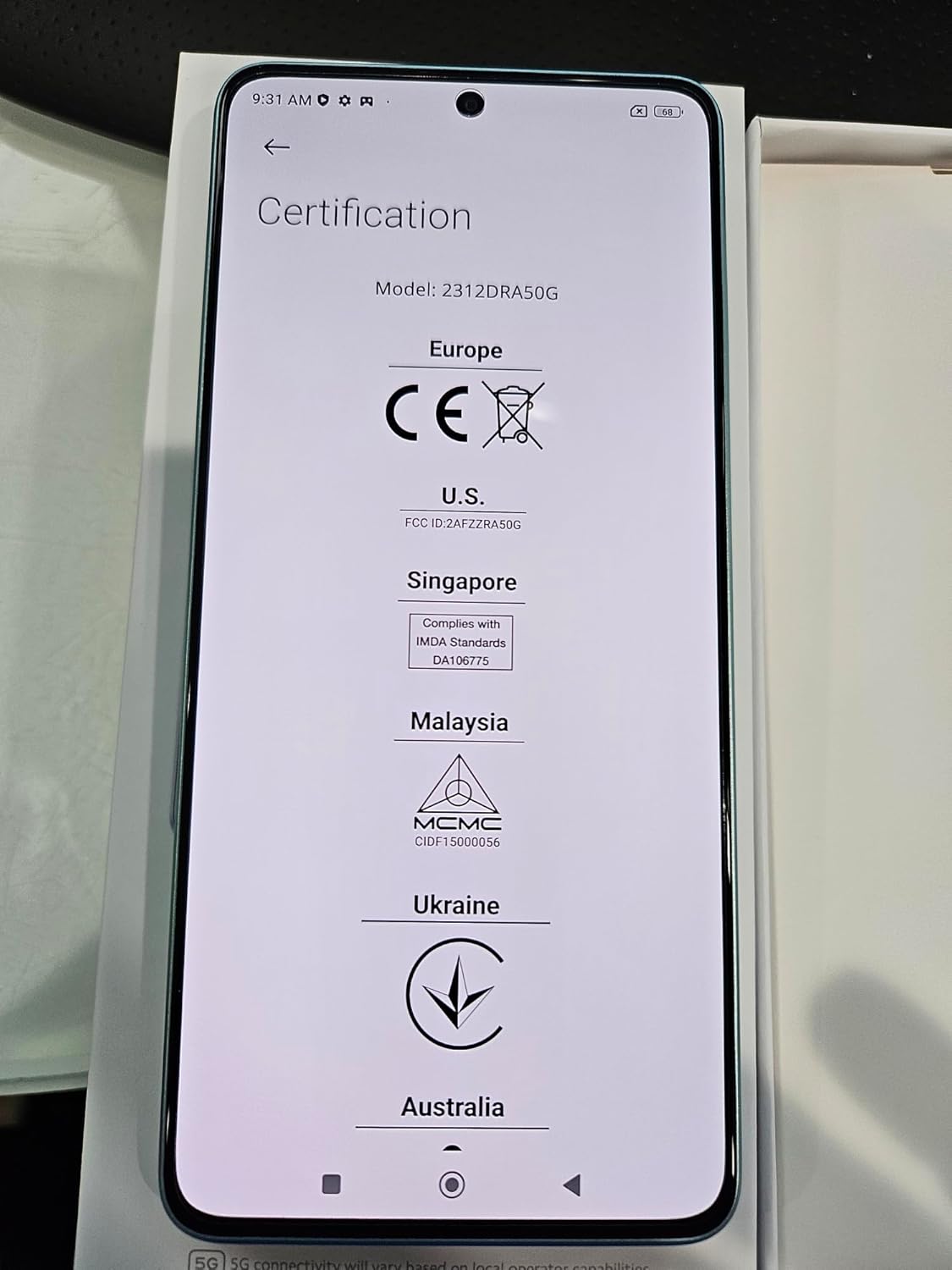
Image: Certification screen of the Xiaomi Redmi Note 13 Pro 5G.
Warranty and Support
Your Xiaomi Redmi Note 13 Pro 5G comes with a standard manufacturer's warranty. For detailed warranty terms and conditions, please refer to the warranty card included in your product packaging or visit the official Xiaomi website. For technical support, troubleshooting assistance beyond this manual, or service inquiries, please contact Xiaomi customer service through their official channels.
You can find more information and support resources on the official Xiaomi website: www.mi.com


