1. Introduction
Thank you for choosing the Vividmoo Countertop Nugget Ice Maker. This portable and efficient ice machine is designed to provide you with soft, chewable nugget ice quickly and conveniently, perfect for enhancing your favorite beverages at home, in the kitchen, or at the office. Please read this manual thoroughly before operation to ensure safe and optimal performance.

Figure 1: The Vividmoo Countertop Nugget Ice Maker, showcasing its sleek design and the type of ice it produces.
2. Important Safety Instructions
- Read all instructions before operating the appliance.
- Ensure the power outlet voltage matches the appliance's requirements (115V~60Hz).
- Do not immerse the power cord, plug, or any part of the appliance in water or other liquids.
- Unplug from the outlet when not in use and before cleaning.
- Do not operate any appliance with a damaged cord or plug, or after the appliance malfunctions or has been damaged in any manner.
- Keep the appliance away from heat sources and direct sunlight.
- Ensure proper ventilation around the unit. Allow at least 6 inches of space around the ice maker when in use.
- This appliance is for household use only.
- Before plugging in your ice maker for the first time, allow it to stand upright for at least 2 hours to allow the refrigerant fluid to settle.
3. Product Overview
The Vividmoo Nugget Ice Maker is designed for convenience and efficiency. Key features include:
- Nugget Ice Production: Produces soft, chewable nugget ice, ideal for beverages.
- High Capacity: Capable of producing up to 33 pounds of ice in 24 hours.
- Low Noise Operation: Utilizes advanced compressor technology for a quiet operation at approximately 43dB.
- Compact Design: Measures 8.50 x 11.22 x 12.60 inches, fitting easily on most countertops.
- One-Button Operation: Simple and intuitive control for ice making and cleaning.
- Self-Cleaning Function: Automated cleaning routine for easy maintenance.
- Infrared Sensor: Prevents ice overflow by automatically stopping production when the basket is full.
- Circular Indicator Light: Notifies you when to refill water or when the ice basket is full.
- Portable Handle: For easy transport and placement.

Figure 2: Compact design and capacity details of the ice maker.
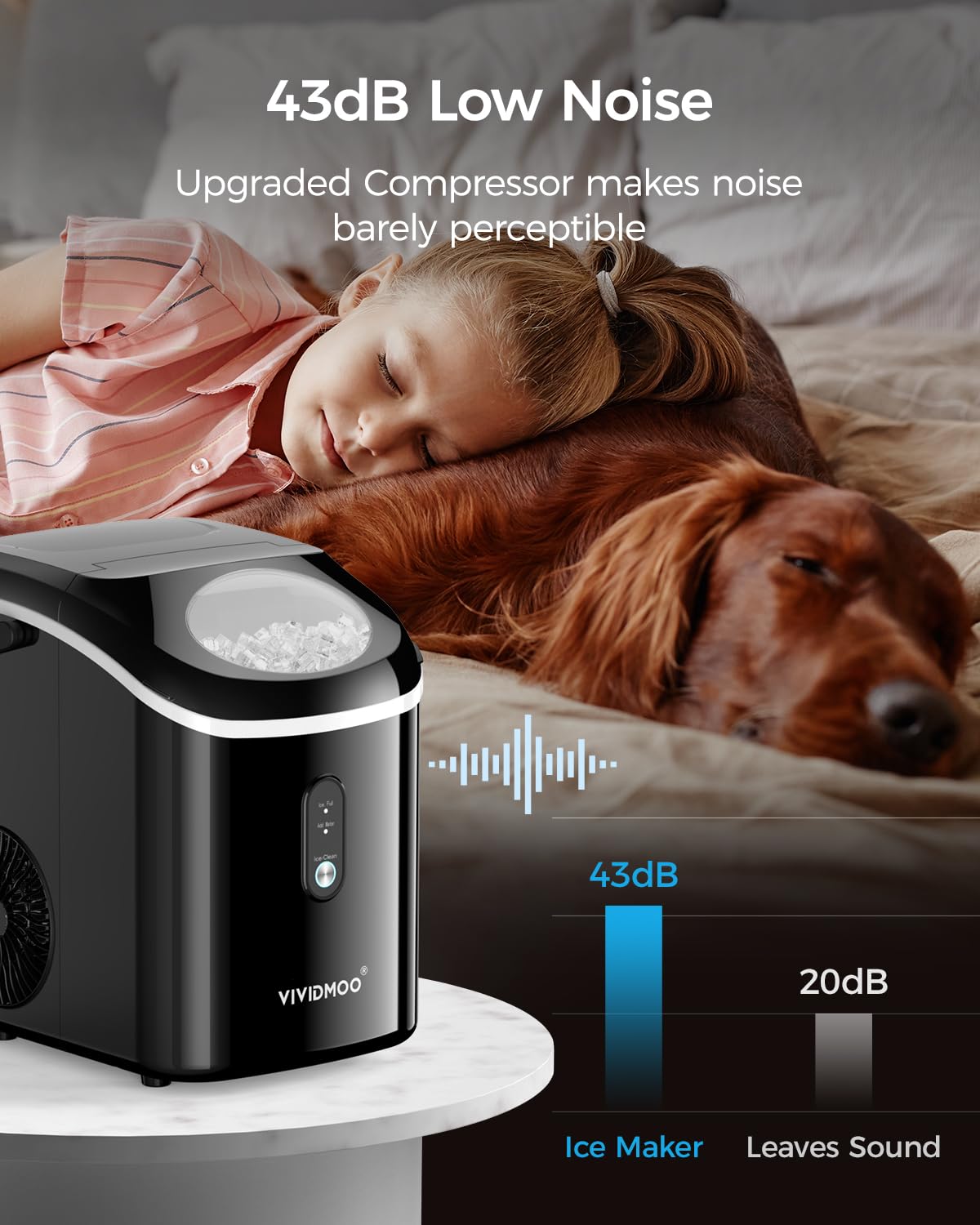
Figure 3: Illustrates the low noise operation of the ice maker at 43dB.

Figure 4: Example of the chewable nugget ice produced by the machine.
4. Setup
- Unpacking: Carefully remove the ice maker from its packaging. Remove all packing materials, tapes, and labels.
- Placement: Place the ice maker on a stable, level surface, away from direct sunlight and heat sources. Ensure there is at least 6 inches of clear space around the unit for proper ventilation.
- Settle Refrigerant: Before plugging in the ice maker for the first time, allow it to stand upright for at least 2 hours. This allows the refrigerant fluid to settle, which is crucial for optimal performance and longevity.
- Initial Cleaning: Before first use, clean the interior of the ice maker. Refer to the 'Maintenance' section for detailed cleaning instructions.
- Add Water: Open the top lid and fill the water tank with clean, potable water up to the 'MAX' fill line. The tank capacity is approximately 4.6 cups (1.1L).
- Connect Power: Plug the power cord into a standard 115V~60Hz electrical outlet.
5. Operating Instructions
Operating your Vividmoo Nugget Ice Maker is simple and straightforward:
- Start Ice Production: After adding water and plugging in the unit, press the 'ICE/CLEAN' button once. The indicator light will illuminate, and the ice making process will begin.
- Fast Ice Making: The ice maker can produce its first batch of nugget ice in as little as 5 minutes.
- Ice Full Indicator: When the ice basket is full, the 'Ice Full' indicator light will turn on, and the ice maker will automatically pause production to prevent overflow. Once ice is removed, production will resume.
- Add Water Indicator: If the water level in the tank is too low, the 'Add Water' indicator light will turn on. Refill the water tank to continue ice production.
- Retrieving Ice: Use the provided ice scoop to retrieve ice from the basket. The transparent window allows you to monitor the ice level without opening the lid.

Figure 5: The ice maker's rapid ice production capability.
6. Maintenance
Regular cleaning and maintenance will ensure the longevity and hygiene of your ice maker.
- Self-Cleaning Function:
- Ensure the water tank is filled with clean water.
- Press and hold the 'ICE/CLEAN' button for 5 seconds to activate the self-cleaning cycle.
- The self-cleaning process will run for approximately 15 minutes.
- Once the cycle is complete, remove the drain cap at the bottom of the unit to drain the water.
- Manual Cleaning:
- Unplug the ice maker from the power outlet.
- Drain any remaining water from the tank.
- Wipe the interior with a soft cloth and a mild detergent solution. Rinse thoroughly with clean water.
- The top-open lid design allows for thorough deep cleaning of the interior.
- Clean the exterior with a soft, damp cloth. Do not use abrasive cleaners or solvents.
- Ensure all parts are completely dry before reassembling and storing or operating the unit.

Figure 6: Steps for utilizing the self-cleaning function.
7. Troubleshooting
If you encounter issues with your ice maker, please refer to the following common problems and solutions:
| Problem | Possible Cause | Solution |
|---|---|---|
| Ice maker not turning on | No power; unit not plugged in correctly. | Check power cord connection and wall outlet. Ensure the unit has settled upright for at least 2 hours if recently moved. |
| No ice production | Water tank empty; 'Add Water' indicator on. | Fill the water tank with clean water. |
| Ice basket full; 'Ice Full' indicator on. | Remove ice from the basket. | |
| Ice is not forming or is too small | Ambient temperature too high; poor ventilation. | Ensure the unit is in a cool, well-ventilated area. Allow 6 inches of space around the unit. |
| Water quality issues. | Use distilled or purified water. | |
| Unusual noise during operation | Unit not level; internal components vibrating. | Ensure the ice maker is on a flat, stable surface. If noise persists, contact customer support. |
| Ice melts quickly in the basket | This is normal for countertop ice makers as they are not freezers. | Transfer ice to a freezer for long-term storage. |
8. Specifications
| Feature | Detail |
|---|---|
| Model Name | HZB-15N/S |
| Product Dimensions (D x W x H) | 14.8" x 9.9" x 12.8" |
| Weight | 21.47 Pounds |
| Ice Production Capacity | 33 lbs / 24 hours |
| Water Tank Capacity | 1.1 Liters (approx. 4.6 Cups) |
| Wattage | 192 W |
| Voltage | 115V~60Hz |
| Refrigerant | R600a |
| Included Accessories | Ice Scoop, Manual Instruction |

Figure 7: Detailed specifications and components of the ice maker.
9. Warranty & Support
Vividmoo offers a 24-month warranty for your ice maker, ensuring peace of mind with your purchase. Additionally, we provide lifetime technical support to assist you with any questions or issues you may encounter.
For any inquiries or support needs, please feel free to contact Vividmoo customer service. We are committed to ensuring your satisfaction.


