
BFOUR BF-30-G
BFOUR Bluetooth Meat Thermometer Wireless Instruction Manual
Model: BF-30-G
Brand: BFOUR
1. Introduction
Thank you for choosing the BFOUR Bluetooth Meat Thermometer Wireless. This device is designed to help you achieve perfectly cooked meats with ease, offering wireless monitoring, a smart booster with an LCD screen, and a durable, waterproof probe.
Package Contents:
- 1 x BFOUR Bluetooth Meat Thermometer Booster
- 1 x Stainless Steel Probe
- 1 x Type-C Charging Cable
- 1 x User's Manual (this document)

Image: The BFOUR Bluetooth Meat Thermometer, showing the booster unit, the stainless steel probe, and a smartphone displaying the companion app with temperature readings.
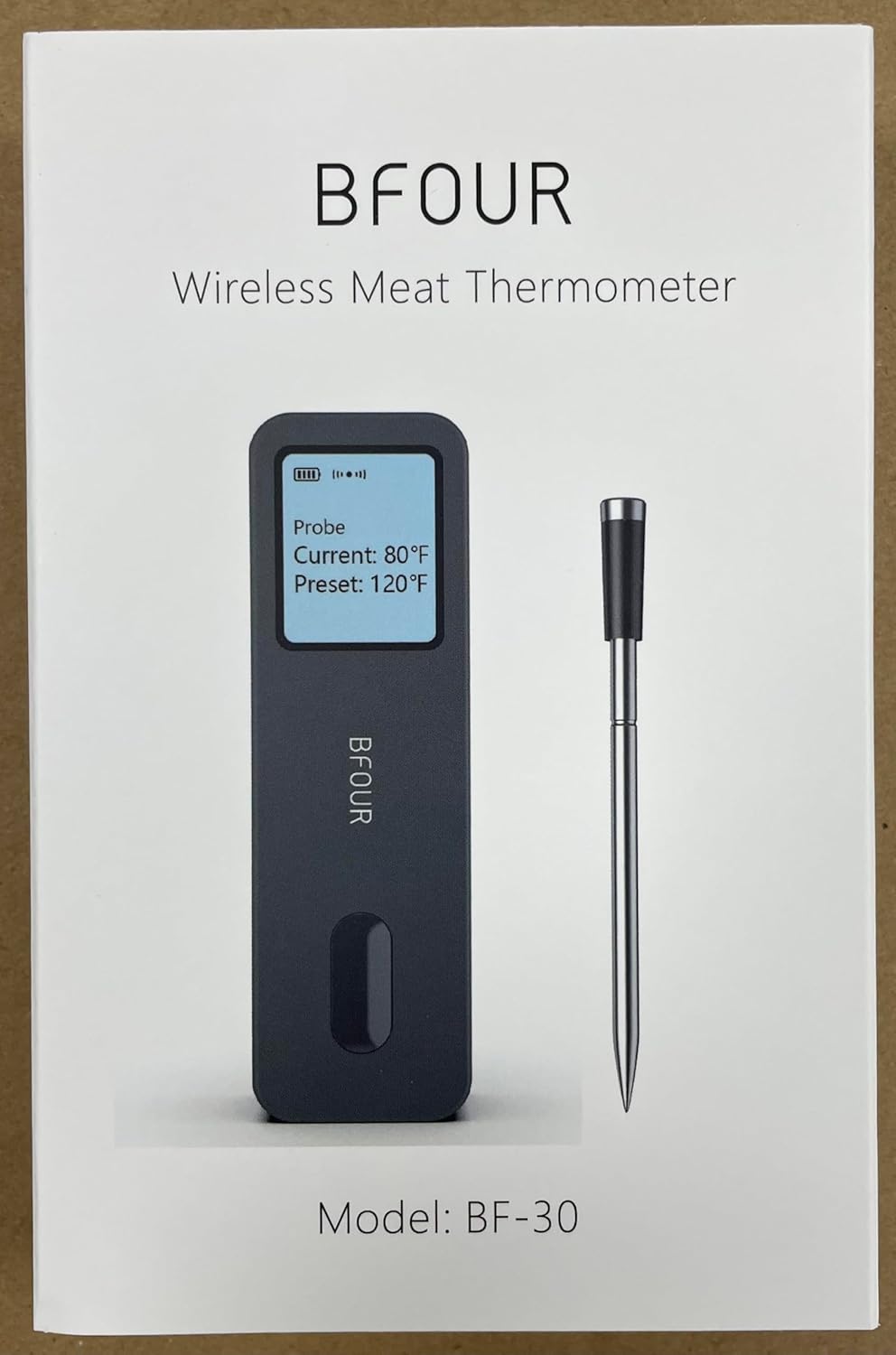
Image: Front view of the BFOUR Wireless Meat Thermometer product packaging, featuring the device and its model number BF-30.
2. Important Safety Information
- Probe Insertion: Always ensure the safety notch on the probe is completely covered by the meat to prevent damage from high temperatures. The food temperature sensor is rated for 0°C-100°C / 32°F-212°F, and the ceramic handle for 0°C-300°C / 32°F-572°F.
- Booster Charging: Boosters cannot be charged with fast chargers. Use only the provided Type-C cable or a standard 5V/1A charger.
- Water Resistance: The probe is IP67 waterproof and dishwasher safe. The main booster unit is not waterproof and should only be wiped clean with a towel.
- Ambient Temperature: The probe is designed to measure internal meat temperature only and cannot measure ambient temperature.
- Heat Exposure: Do not expose the probe's ceramic handle directly to open flames or extreme heat for prolonged periods beyond its rated temperature.

Image: A diagram illustrating the correct insertion depth for the probe, emphasizing that the safety notch must be fully covered by the meat. It also shows the temperature ranges for the food temperature sensor and the ceramic handle.

Image: The back of the product box, displaying QR codes for the companion app and a caution symbol indicating that the booster should not be charged with fast chargers.
3. Setup Guide
- Download the "BF Home" App: Scan the QR code on the product packaging or search for "BF Home" in your device's app store.
- Initial Charge: Charge the booster for at least 20 minutes before first use. The probe can be quickly charged in 2 minutes and lasts over 60 hours, while the booster lasts over 40 hours on a full charge. Use the provided Type-C cable.
- Insert Probe: Insert the stainless steel probe into the thickest part of the meat, ensuring the safety notch is completely covered.
- Connect via Bluetooth: Open the "BF Home" app on your smartphone. The app will automatically search for and connect to the BFOUR thermometer booster via Bluetooth 5.2. Ensure Bluetooth is enabled on your device.
- Set Cooking Preferences: Within the app, select the type of meat and desired doneness. The app will display the target temperature.

Image: A visual guide showing four easy steps to use the thermometer: downloading the app, charging the device, inserting the probe into meat, and setting cooking preferences in the app.
Setup Video Guide:
Video: An official BFOUR video demonstrating the setup and basic usage of the BF-30 Wireless Meat Thermometer, including probe insertion and app interaction.
4. Operating Instructions
Using the Smart Booster:
The booster features an HD LCD screen that displays essential information without needing to check your phone constantly. It shows:
- Set temperature
- Current temperature
- Battery status (booster and probe)
- Bluetooth connection status
Using the "BF Home" App:
The app provides comprehensive monitoring and control features:
- Remote Monitoring: Monitor the meat's temperature from up to 328 feet (100 meters) away in open areas thanks to advanced Bluetooth 5.2 technology.
- Temperature Alerts: Both the booster and the app will alert you when the set temperature is reached, when the probe is disconnected, or if the internal measured temperature is exceeded.
- Customization: Set target temperatures, pre-alarms, and view downloadable temperature graphs to track cooking progress.
- History: Save alarm history and other cooking data for future reference.

Image: The BFOUR thermometer booster positioned near a grill, with a smartphone showing the "BF Home" app interface, highlighting the 328ft/100m remote monitoring range.

Image: A smartphone screen displaying the "BF Home" app, showing a temperature graph and options for target temperature alerts, pre-alarms, and history tracking.
5. Care and Maintenance
Cleaning:
- Probe: The stainless steel probe is IP67 waterproof and can be cleaned under running water or in a dishwasher.
- Booster: The main booster unit is not waterproof. Wipe it clean with a dry or slightly damp towel. Do not submerge it in water.

Image: Hands cleaning the stainless steel probe under running water, demonstrating its IP67 waterproof rating.
Charging and Battery Life:
- The booster lasts over 40 hours on a full charge.
- The probe can be quickly charged in 2 minutes and lasts over 60 hours.
- Recharge both units using the provided Type-C cable. Avoid fast chargers.

Image: A visual representation of the powerful battery life, indicating the booster's 40-hour battery life and the probe's 36-hour (or 60-hour as per feature bullet) battery life, with a total capacity of 500 mAh.
Storage:
The booster unit features an integrated magnet for convenient storage on metallic surfaces like refrigerators or oven exteriors.

Image: A hand demonstrating the integrated magnet feature of the thermometer booster by attaching it to a metallic surface, such as an oven door.
6. Troubleshooting
| Problem | Possible Cause | Solution |
|---|---|---|
| No Bluetooth Connection | Bluetooth is off on phone/booster; out of range; low battery. | Ensure Bluetooth is enabled. Move closer to the booster. Charge the booster and probe. Restart the app and device. |
| Inaccurate Temperature Readings | Probe not fully inserted; probe damaged; incorrect meat setting in app. | Ensure the probe's safety notch is fully covered by meat. Check probe for visible damage. Verify meat type and doneness settings in the app. |
| Booster Screen Not Responding | Low battery; device frozen. | Charge the booster. Try restarting the booster (if applicable, by holding power button or letting battery drain and recharge). |
| App Alerts Not Working | App notifications disabled; phone in silent mode; app not running in background. | Check phone's notification settings for the "BF Home" app. Ensure phone is not on silent. Keep the app running in the foreground or allow background activity. |
If you encounter issues not listed here, please refer to the Warranty & Support section for assistance.
7. Specifications
- Model: BF-30-G
- Connectivity: Bluetooth 5.2
- Wireless Range: Up to 328 feet (100 meters) in open areas
- Probe Temperature Range (Food Sensor): 0°C-100°C (32°F-212°F)
- Probe Temperature Range (Ceramic Handle): 0°C-300°C (32°F-572°F)
- Probe Waterproof Rating: IP67
- Booster Display: HD LCD Screen
- Booster Battery Life: Over 40 hours (full charge)
- Probe Battery Life: Over 60 hours (full charge, 2-minute quick charge)
- Charging Port: Type-C
- Material: Stainless Steel (probe), other materials for booster.
- Special Features: Alarm, App Companion, High Accuracy, Large Display, Waterproof (probe), Integrated Magnet.
- Product Dimensions: 3.93 x 4.72 x 1.18 inches (Booster)
- Weight: 5.64 ounces
8. Warranty and Support
The BFOUR Bluetooth Meat Thermometer Wireless comes with a worry-free 12-month warranty from the date of purchase.
For any product inquiries, technical support, or warranty claims, please contact BFOUR customer service through the platform where you purchased the product or visit the official BFOUR website for contact information.
We are committed to providing friendly and helpful customer service.
Ask a question about this manual
Ask about setup, troubleshooting, compatibility, parts, safety, or missing instructions. Manuals+ will review the question and use this page’s manual context to help answer it.