Introduction
Thank you for choosing the Zunate Air Handheld Turbo Fan. This device is designed for efficient and powerful air delivery, suitable for various cleaning and drying tasks. Featuring a high-speed brushless motor and a portable, cordless design, it offers convenience and performance. Please read this manual thoroughly before use to ensure proper operation and maintenance.
Important Safety Information
Please observe the following safety precautions to prevent injury or damage to the device:
- Do not expose the device to water or excessive moisture.
- Keep out of reach of children.
- Do not block the air intake or outlet during operation.
- Use only the provided charging cable and a compatible power adapter.
- Avoid operating the fan in environments with flammable gases or liquids.
- Do not attempt to disassemble or repair the device yourself. Contact customer support for assistance.
- Store the device in a cool, dry place when not in use.
Package Contents
Verify that all items are present in your package:
- 1 x Zunate Air Handheld Turbo Fan
- 1 x USB Type-C Charging Cable
- 1 x User Manual

Image: The Zunate Air Handheld Turbo Fan shown alongside its USB Type-C charging cable.
Product Overview
Familiarize yourself with the components of your Zunate Air Handheld Turbo Fan:

Image: A side view of the Zunate Air Handheld Turbo Fan, highlighting its ergonomic design and control button.
- Air Outlet Nozzle: Directs the high-speed airflow.
- Power/Mode Button: Controls power on/off and switches between fan speeds.
- Air Intake: Where air is drawn into the fan.
- USB Type-C Charging Port: For charging the internal batteries.
- LED Indicator Lights: Display battery status and charging progress.

Image: A close-up view of the air outlet nozzle, designed for focused airflow.

Image: A detailed view of the air intake grill, where air enters the device.

Image: A close-up of the USB Type-C charging port and the four LED indicator lights on the device's base.
Setup
1. Charging the Device
Before first use, fully charge the Zunate Air Handheld Turbo Fan.
- Connect the provided USB Type-C charging cable to the charging port on the device.
- Connect the other end of the USB cable to a compatible USB power adapter (not included) or a computer USB port.
- The LED indicator lights will illuminate to show charging status. All four lights will be solid when fully charged.
- The device supports 13W fast charging.
Note: The working time in 1st gear is up to 4 hours on a full charge.
Operating Instructions
Power On/Off and Speed Adjustment
The Zunate Air Handheld Turbo Fan features a simple one-button operation for power and speed control.
- To Power On: Press and hold the Power/Mode button for approximately 2 seconds until the fan starts.
- To Adjust Speed: Once powered on, short press the Power/Mode button to cycle through the three available speed gears:
- Gear 1: 40,000 RPM (Low Speed)
- Gear 2: 80,000 RPM (Medium Speed)
- Gear 3: 130,000 RPM (High Speed)
- To Power Off: Press and hold the Power/Mode button for approximately 2 seconds until the fan stops.
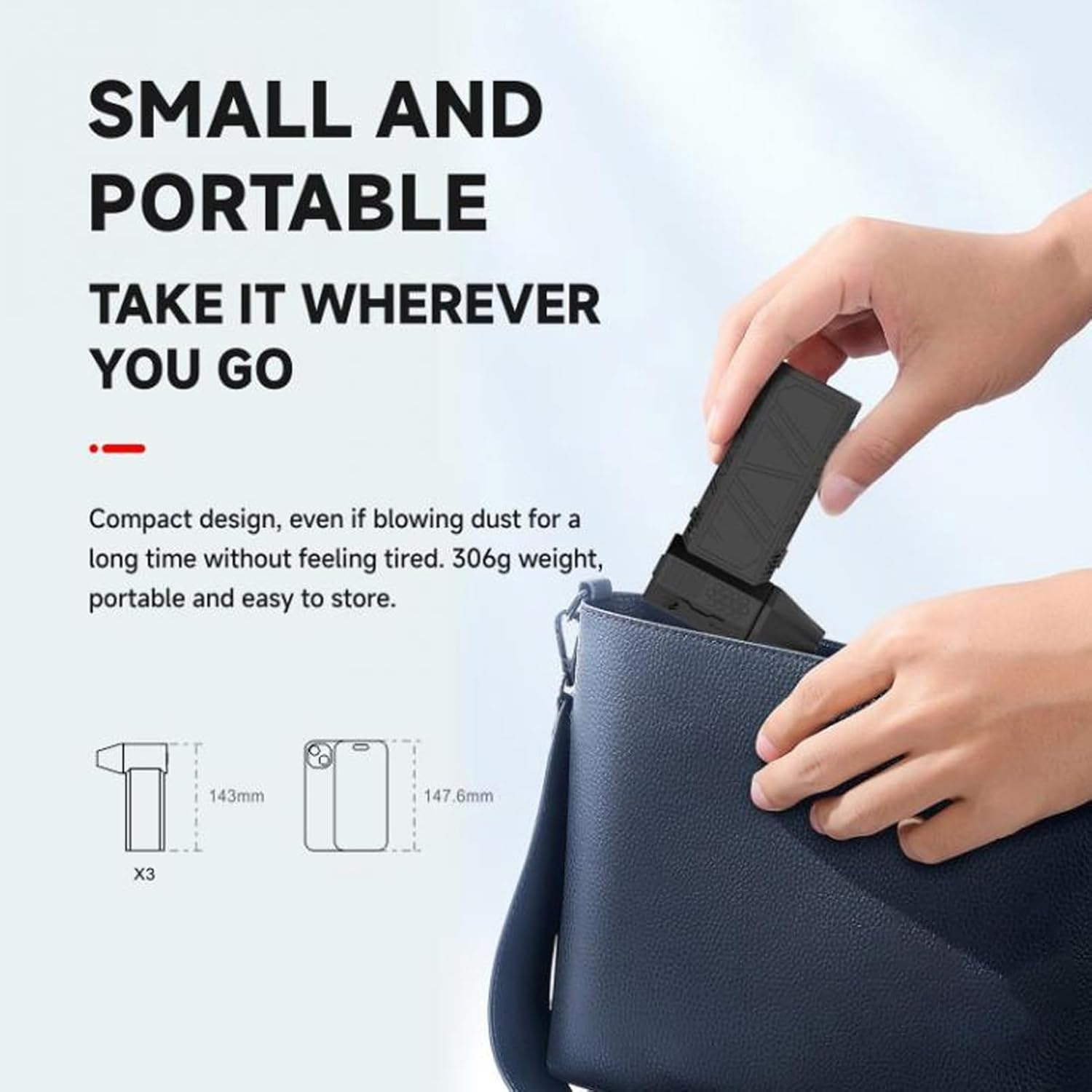
Image: A person holding the turbo fan, illustrating its handheld operation for various tasks.
Applications
This handheld turbo fan is versatile and can be used for:
- Cleaning computer keyboards and other electronics.
- Blowing dust from hard-to-reach areas.
- Assisting with charcoal ignition for barbecues.
- Blowing light snow from car surfaces.
- General drying tasks.

Image: The Zunate Air Handheld Turbo Fan being used to effectively clean dust from a computer keyboard.
Maintenance
Cleaning
To ensure optimal performance and longevity of your turbo fan:
- Ensure the device is powered off and unplugged before cleaning.
- Wipe the exterior of the fan with a soft, dry cloth.
- Do not use harsh chemicals, abrasive cleaners, or immerse the device in water.
- Periodically check the air intake and outlet for any obstructions and gently remove them if present.
Storage
When not in use for extended periods:
- Store the fan in a cool, dry place, away from direct sunlight and extreme temperatures.
- Ensure the battery is partially charged (around 50%) before storing to prolong battery life.
Troubleshooting
If you encounter issues with your Zunate Air Handheld Turbo Fan, refer to the following common problems and solutions:
| Problem | Possible Cause | Solution |
|---|---|---|
| Fan does not turn on. | Battery is depleted. | Charge the device fully using the provided USB Type-C cable. |
| Fan stops unexpectedly. | Low battery or overheating protection activated. | Recharge the battery. Allow the device to cool down if it has been used continuously for a long period. |
| Weak airflow. | Air intake or outlet is obstructed. | Check for and remove any debris blocking the air intake or outlet. |
| Device not charging. | Faulty cable or power adapter. | Ensure the USB cable is securely connected. Try a different USB power adapter or cable. |
Specifications
| Feature | Detail |
|---|---|
| Model Name | Zunateqbwco0eiah |
| Motor Type | Brushless DC High Speed Motor |
| Speed Gears | 3 Gears (40,000 RPM, 80,000 RPM, 130,000 RPM) |
| Maximum Wind Speed | 52+ M/S |
| Battery Type | 2 x Polymer Battery (built-in) |
| Battery Capacity | 3000mAh x 2 (Total 6000mAh) |
| Working Time (Gear 1) | Up to 4 hours |
| Charging Interface | USB Type-C |
| Fast Charging | 13W Supported |
| Material | ABS Plastic |
| Dimensions | 7.09 x 5.12 x 1.97 inches (Package Dimensions) |
| Item Weight | 1.06 pounds |
Warranty and Support
Zunate products are designed for reliability and performance. For warranty information or technical support, please refer to the warranty card included with your product or visit the official Zunate website. Please retain your proof of purchase for any warranty claims.
For further assistance, you may contact Zunate customer service through their official channels.