1. Introduction
Welcome to the RERBO E60 Smart Sunglasses user manual. This guide provides comprehensive instructions for the proper setup, operation, maintenance, and troubleshooting of your new Bluetooth audio glasses. Please read this manual thoroughly before using the product to ensure optimal performance and longevity.

Image 1.1: RERBO E60 Smart Sunglasses. These sunglasses integrate audio functionality with eye protection.
2. Product Overview
2.1 Key Features
- Open-Ear Sound Experience: Enjoy audio without blocking your ears, maintaining awareness of your surroundings. Dual micro stereo speakers provide a quality audio experience while protecting privacy.
- UV400 Polarized Lenses: Protect your eyes from sun glare and harmful UV rays, suitable for various outdoor activities.
- IP5 Water Resistance: Designed to resist sweat and rain, making them suitable for outdoor sports and activities.
- Touch Controls: Manage calls, music playback (play/pause, skip tracks), adjust volume, and activate voice assistants directly from the glasses.
- Comfortable Design: Lightweight and flexible frame for extended wear during relaxation or exercise.
2.2 Components and Controls

Image 2.1: Key components of the RERBO E60 Smart Sunglasses, including buttons, speakers, and the charging port.
- Upper Button: Used for various control functions.
- Lower Button: Used for various control functions.
- Speaker: Integrated open-ear speakers on both temples.
- Type-C Charging Port: For connecting the charging cable.
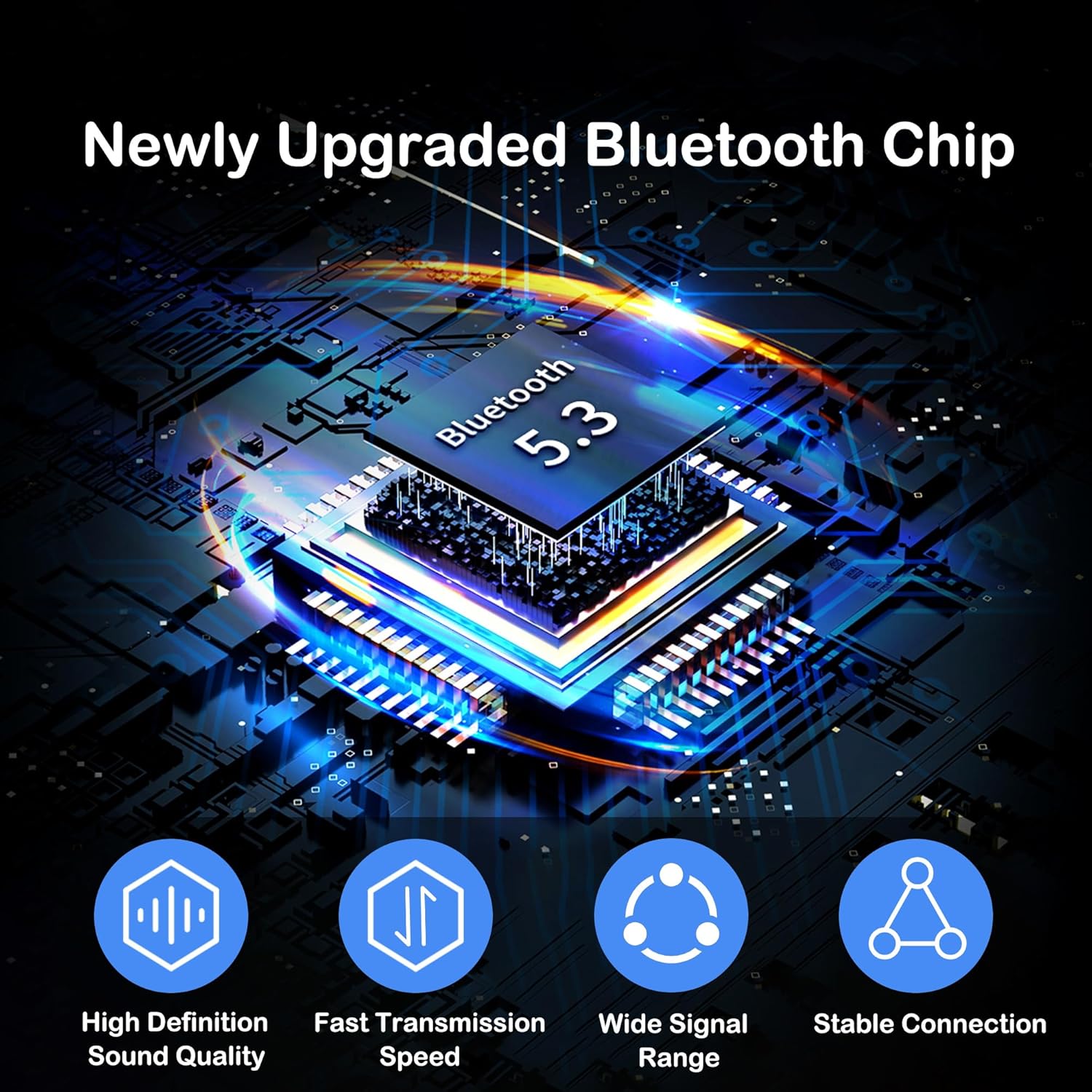
Image 2.2: The RERBO E60 features an upgraded Bluetooth 5.3 chip for enhanced connectivity and audio performance.
3. Setup
3.1 Charging the Device
Before initial use, fully charge your RERBO E60 Smart Sunglasses. A full charge typically takes approximately 2 hours.
- Locate the Type-C charging port on the glasses (refer to Image 2.1).
- Connect the provided Type-C charging cable to the glasses and the other end to a standard USB power adapter (not included) or a computer's USB port.
- The indicator light on the glasses will show the charging status (e.g., red for charging, blue/green for fully charged).
Note: For long-term storage, charge the battery at least once every month to maintain battery health.
3.2 Bluetooth Pairing
To connect your RERBO E60 Smart Sunglasses to a smartphone or other Bluetooth-enabled device:
- Ensure the glasses are sufficiently charged and powered off.
- Press and hold the power button (typically one of the side buttons) on the glasses until the indicator light flashes, indicating pairing mode.
- On your smartphone or device, navigate to the Bluetooth settings.
- Search for available devices and select "RERBO E60" (or similar name) from the list.
- Once connected, the indicator light on the glasses will change, and you will hear an audio confirmation.
The glasses will automatically attempt to reconnect to the last paired device when powered on.
4. Operating Instructions
4.1 Power On/Off
- Power On: Press and hold the power button (refer to Image 2.1 for button location) for approximately 3 seconds until the indicator light illuminates and you hear a power-on prompt.
- Power Off: Press and hold the power button for approximately 5 seconds until the indicator light turns off and you hear a power-off prompt.
4.2 Music Playback
Once connected to your device, you can control music playback using the buttons on the glasses:
- Play/Pause: Short press the upper or lower button.
- Next Track: Double-press the upper button.
- Previous Track: Double-press the lower button.
- Volume Up: Long press the upper button.
- Volume Down: Long press the lower button.
4.3 Call Management
Manage phone calls directly from your RERBO E60 Smart Sunglasses:
- Answer Call: Short press the upper or lower button when an incoming call rings.
- End Call: Short press the upper or lower button during an active call.
- Reject Call: Long press the upper or lower button when an incoming call rings.
4.4 Voice Assistant Activation
Activate your device's voice assistant (Siri, Google Assistant, etc.) for hands-free commands:

Image 4.1: Activating your smartphone's voice assistant through the RERBO E60 Smart Sunglasses.
- Activate Voice Assistant: Short press and hold either the upper or lower button for 2 seconds.
4.5 Polarized Lenses
The RERBO E60 Smart Sunglasses are equipped with HD polarized lenses that provide UV400 protection and effectively block glare, enhancing visual clarity and reducing eye strain, especially in bright conditions.

Image 4.2: Visual effect of HD polarized lenses, showing reduced glare.
5. Maintenance
Proper care and maintenance will extend the lifespan of your RERBO E60 Smart Sunglasses.
- Cleaning Lenses: Use the provided cleaning cloth or a soft, lint-free cloth to gently wipe the lenses. For stubborn smudges, use a lens cleaning spray specifically designed for polarized lenses. Avoid using abrasive materials or harsh chemicals.
- Cleaning Frame: Wipe the frame with a soft, damp cloth. Avoid submerging the glasses in water, despite their IP5 water resistance, to prevent damage to electronic components.
- Water Resistance: The IP5 rating means the glasses are resistant to splashes and light rain. Do not expose them to strong jets of water or submerge them. Dry them thoroughly if they get wet.
- Storage: Store the glasses in their protective pouch or case when not in use to prevent scratches and damage. Avoid exposing them to extreme temperatures (hot or cold) or direct sunlight for prolonged periods.
- Battery Care: As mentioned in Section 3.1, if the glasses will not be used for an extended period, charge them at least once every month to prevent deep discharge and preserve battery capacity.
6. Troubleshooting
If you encounter issues with your RERBO E60 Smart Sunglasses, refer to the following common problems and solutions:
| Problem | Possible Cause | Solution |
|---|---|---|
| Glasses do not power on. | Low battery. | Charge the glasses fully (refer to Section 3.1). |
| Cannot pair with device. | Glasses not in pairing mode; Bluetooth off on device; device too far. | Ensure glasses are in pairing mode. Turn Bluetooth on your device. Move device closer to glasses. Try restarting both devices. |
| No sound or poor sound quality. | Volume too low; glasses not connected; speakers obstructed. | Increase volume on glasses and connected device. Re-pair the glasses. Ensure speakers are not covered. |
| Glasses not charging. | Faulty cable or adapter; charging port obstruction. | Try a different Type-C cable and USB adapter. Ensure the charging port is clean and free of debris. |
| Voice assistant not responding. | Incorrect activation; device not connected. | Ensure glasses are connected and try holding the button for 2 seconds. Check voice assistant settings on your paired device. |
7. Specifications

Image 7.1: Detailed product parameters for the RERBO E60 Smart Sunglasses.
| Feature | Detail |
|---|---|
| Model | E60 |
| Brand | RERBO |
| Frame Material | Resinous |
| Lens Color | Black |
| Lens Material | PC (Polycarbonate) |
| Charging Time | Approximately 2 hours |
| Usage Time | 5-7 hours |
| Standby Time | Approximately 200 hours |
| Battery Capacity | 110mAh Lithium Ion |
| Bluetooth Protocol | 5.3 |
| Sound Channel | Dual speakers, stereo |
| Product Size | 150 x 145 x 47mm (5.91 x 5.71 x 1.85 inches) |
| Charging Voltage/Current | DC-5V |
| Water Resistance Rating | IP5 |
| Item Weight | 3.98 ounces (0.11 Kilograms) |
8. Warranty and Support
RERBO is committed to providing quality products and customer satisfaction. While specific warranty details are not provided in this manual, if you encounter any issues such as defects, damage, or missing parts upon receiving your product, please contact our customer support team immediately.
Our support team aims to respond within 24 hours to assist you with any concerns or questions regarding your RERBO E60 Smart Sunglasses.
For assistance, please refer to the contact information provided with your purchase or visit the official RERBO website.
9. Application Scenes
The RERBO E60 Smart Sunglasses are designed for versatility and can be used in various outdoor activities, combining audio entertainment with eye protection.

Image 9.1: Examples of outdoor activities where the RERBO E60 Smart Sunglasses can be utilized.


