1. Introduction
This manual provides essential information for the safe and effective use of CPANCELL LR43 / AG12 Alkaline Button Batteries. These high-performance batteries are designed to provide reliable and long-lasting power for a wide range of small electronic devices.
2. Product Overview
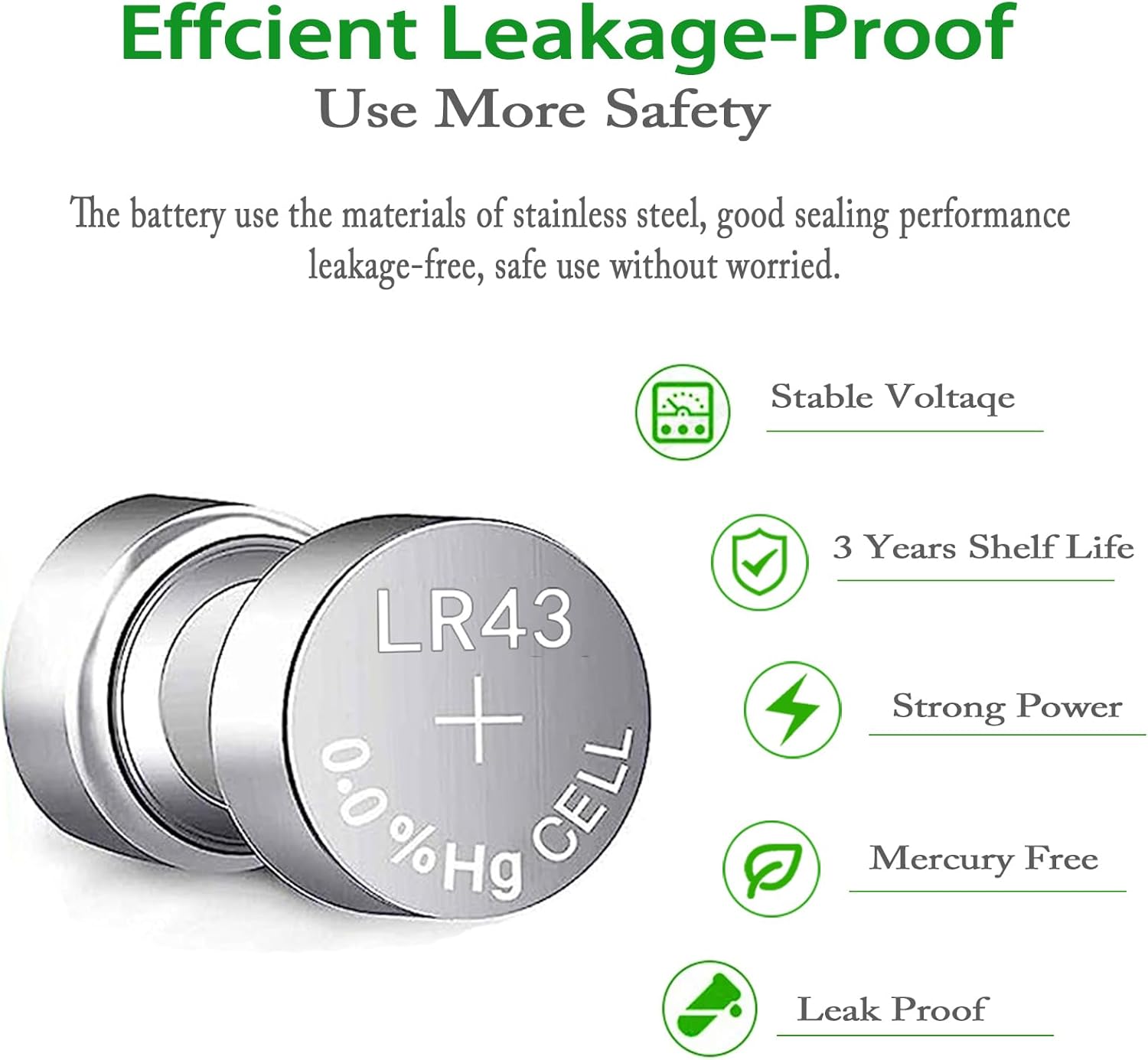
CPANCELL LR43 / AG12 batteries are 1.5V alkaline button cells known for their stable voltage output and extended shelf life. They are mercury-free and designed with leakage-proof technology to protect your devices.
2.1 Compatible Battery Types
These batteries are compatible with and can replace the following common battery types:
- SR43W, SR43, SR1142, SB-B8, 280-41, H, V386, D386, 260, S1142E, GP386
- AG12, AG-12, 386, SG12, LR43, 386A, 386X, CR43, LR1144, RW44
- SR1142PW, 386B, BSR43H, SR43H, E386, V12GA
2.2 Key Features
- Long-lasting and Powerful Energy: High-density technology provides extended power.
- Leakage Free and Safe: Tested under strict quality control standards to improve reliability and protect electrical appliances.
- Stable Voltage: Maintains consistent 1.55V output.
- 3 Years Shelf Life: Ensures longer battery life and long-lasting power when stored correctly.
- Mercury-Free: Environmentally conscious design.



3. Important Safety Information
Please read and adhere to all safety warnings to prevent injury or damage to property.
- WARNING: Keep out of reach of children and babies.
- WARNING: The battery is hazardous, no matter it is new, used or in any status.
- WARNING: Swallowing can lead to chemical burns, perforation of soft tissue. And death, severe burns can occur within 2 hours of ingestion.
- WARNING: Seek medical attention immediately if a battery is swallowed.
Additional safety precautions:
- Do not recharge, disassemble, heat, or dispose of in fire.
- Do not mix old and new batteries, or different types of batteries.
- Ensure correct polarity (+/-) when inserting batteries.
- Remove exhausted batteries promptly from devices.
- Store batteries in their original packaging in a cool, dry place.

4. Setup and Installation
Follow these general steps to install the button cell battery into your device. Always refer to your device's specific instruction manual for detailed battery replacement procedures.
- Identify Battery Compartment: Locate the battery compartment on your electronic device. This is often on the back, bottom, or side, secured by a screw or a latch.
- Open Compartment: Use the appropriate tool (e.g., a small screwdriver, coin, or fingernail) to open the battery compartment cover.
- Remove Old Battery (if applicable): Carefully remove the old battery, noting its orientation (which side was facing up). Dispose of old batteries responsibly according to local regulations.
- Insert New Battery: Insert the new CPANCELL LR43 / AG12 battery with the positive (+) side facing up, or as indicated by the polarity markings inside the device's battery compartment. Ensure it sits securely.
- Close Compartment: Replace the battery compartment cover and secure it firmly.
- Test Device: Power on your device to confirm the battery is correctly installed and functioning.
5. Operation
Once installed, the CPANCELL LR43 / AG12 battery will provide power to your device. These batteries are designed for consistent performance in various applications such as:
- Watches and Clocks
- Calculators
- Small Electronic Toys
- Remote Controls
- Medical Devices (e.g., some thermometers)
- Keyless Entry Remotes
The battery operates automatically once installed. No user interaction is required beyond initial installation and eventual replacement.
6. Maintenance and Storage
Proper maintenance and storage can extend the life and ensure the safety of your batteries.
- Storage: Store unused batteries in their original packaging in a cool, dry place, away from direct sunlight and extreme temperatures.
- Temperature: Avoid storing or using batteries in excessively hot or cold environments, as this can affect performance and lifespan.
- Handling: Do not handle batteries with wet hands or allow them to come into contact with metal objects, which could cause a short circuit.
- Disposal: Dispose of used batteries according to local regulations. Do not throw them in household trash. Many retailers and recycling centers offer battery recycling programs.
- Cleaning: If battery terminals appear dirty, gently wipe them with a clean, dry cloth before installation.
7. Troubleshooting
| Problem | Possible Cause | Solution |
|---|---|---|
| Device not powering on after battery installation. | Incorrect battery polarity; Battery not seated correctly; Battery is depleted (unlikely for new battery); Device malfunction. | Check battery orientation (+/-). Ensure battery is firmly seated. Try a different new battery. Consult device manual for troubleshooting. |
| Device performance is poor or intermittent. | Battery nearing end of life; Poor contact with terminals; Device issue. | Replace battery with a new one. Clean battery contacts in the device. Consult device manual. |
| Battery appears swollen or leaking. | Overheating; Damage; Defect. | Immediately and carefully remove the battery (wearing gloves if possible) and dispose of it safely. Do NOT use the battery or device. Contact CPANCELL support. |
8. Specifications
- Battery Type: Alkaline Button Cell
- Model Numbers: LR43, AG12 (and equivalents listed in Section 2.1)
- Voltage: 1.5 Volts
- Unit Count: 10.0 Count
- Composition: Alkaline, Mercury-Free
- Shelf Life: Up to 3 years
- Item Weight: 0.704 ounces (for 10 batteries)
- Package Dimensions: 6.5 x 2.17 x 0.28 inches
- Manufacturer: CPANCELL
9. Warranty and Support
CPANCELL batteries are manufactured under strict quality control standards. For any questions, concerns, or support regarding your CPANCELL batteries, please contact the seller or CPANCELL directly.
Seller: CPANCELL (via Amazon.com)
Please refer to your purchase receipt or Amazon order details for specific return and warranty information provided by the seller.


