
Introduction
Thank you for choosing the Huuger 70-Inch Computer Desk. This manual provides detailed instructions for assembly, operation, maintenance, and troubleshooting to ensure you get the most out of your new desk. Designed for versatility, this desk is suitable for home offices, study areas, and gaming setups, offering ample space and a sturdy structure.

Image: The Huuger 70-inch computer desk in a home office setting, showcasing its large desktop surface accommodating multiple devices.
Product Features
- Long Desk: 70.9''x23.6'' desktop provides ample space for computers, peripherals, and other essentials.
- Versatile Use: Ideal for office, gaming, or study environments.
- Reinforced Structure: Constructed from durable particleboard and thick steel tubes with reinforcement struts for stability.
- Simplified Package: Compact packaging (54.3" L x 26.2" W x 3.2" H) for easy delivery and transport.
- Easy Assembly: Simple structure with clear instructions and included tools, allowing for assembly in less than 40 minutes.
Setup and Assembly
Before beginning assembly, ensure all parts are present and undamaged. Refer to the included parts list and hardware pack. Assembly typically takes 15-20 minutes with the provided tools.
Parts List:
- Desktop Panels (2-3 sections depending on size)
- Long Support Rods (2)
- U-shaped Leg Frames (2)
- Reinforcement Struts (2)
- Adjustable Feet (4)
- Hardware Pack (screws, Allen wrench)
Assembly Steps:
- Unpack all components and lay them out on a clean, soft surface to prevent scratches.
- Attach the U-shaped leg frames to the desktop panels using the provided screws. Ensure they are securely fastened.
- Connect the two long support rods between the leg frames. These rods provide additional stability.
- Install the reinforcement struts diagonally from the leg frames to the underside of the desktop for enhanced rigidity.
- Screw the adjustable feet into the bottom of each leg frame. These can be adjusted to level the desk on uneven surfaces.
- Carefully stand the desk upright.

Image: Diagram illustrating the simplified packaging and the main hardware components for assembly.
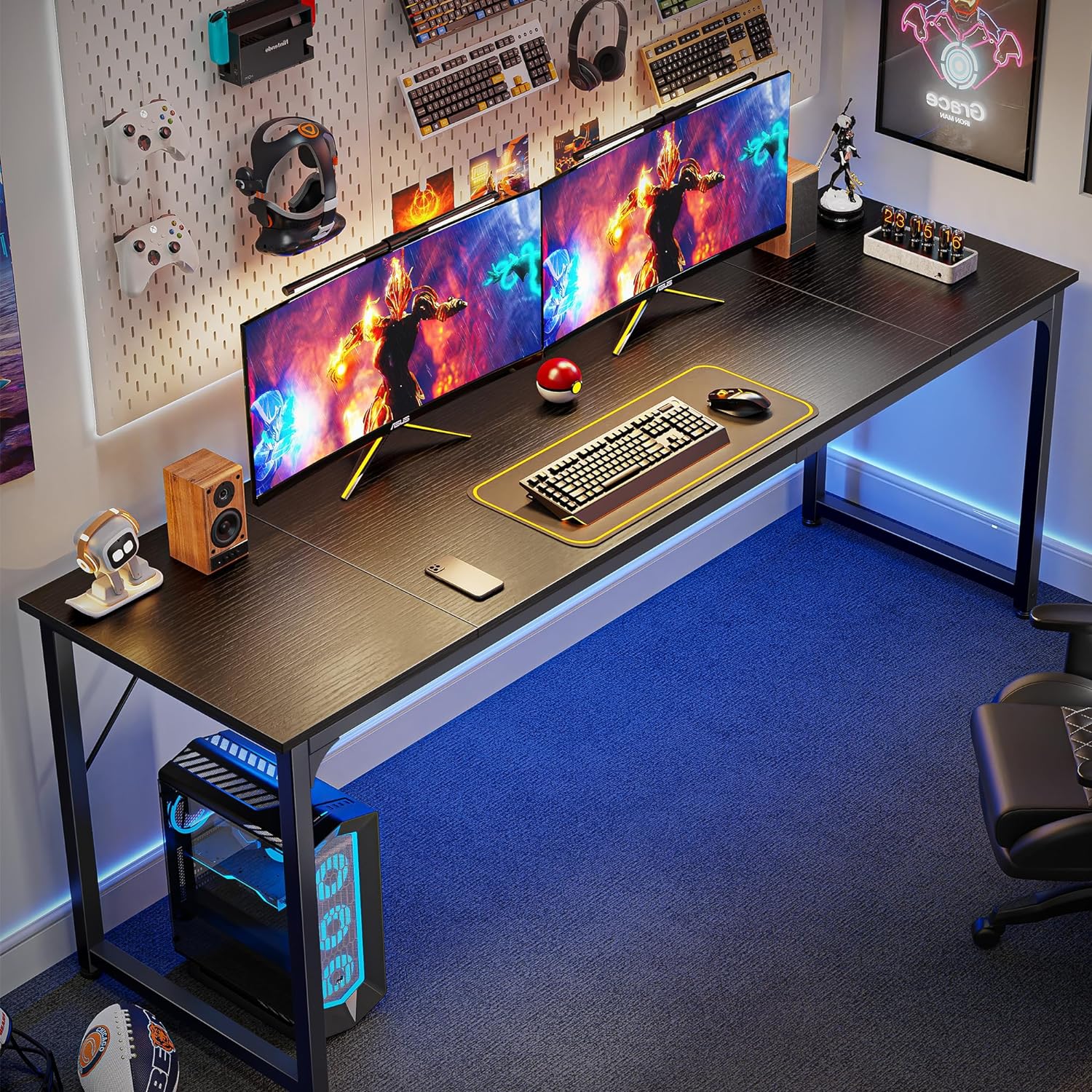
Image: Visual representation of the desk dimensions: 70.9" W x 23.6" D x 29.7" H.
Operating Instructions
The Huuger Computer Desk is designed for straightforward use. Once assembled, it provides a stable and spacious surface for various activities.
Usage Tips:
- Place your computer, monitors, and other equipment evenly across the desktop to distribute weight.
- Utilize the large legroom for comfortable seating and movement.
- Adjust the leveling feet as needed to ensure the desk remains stable on any floor surface.
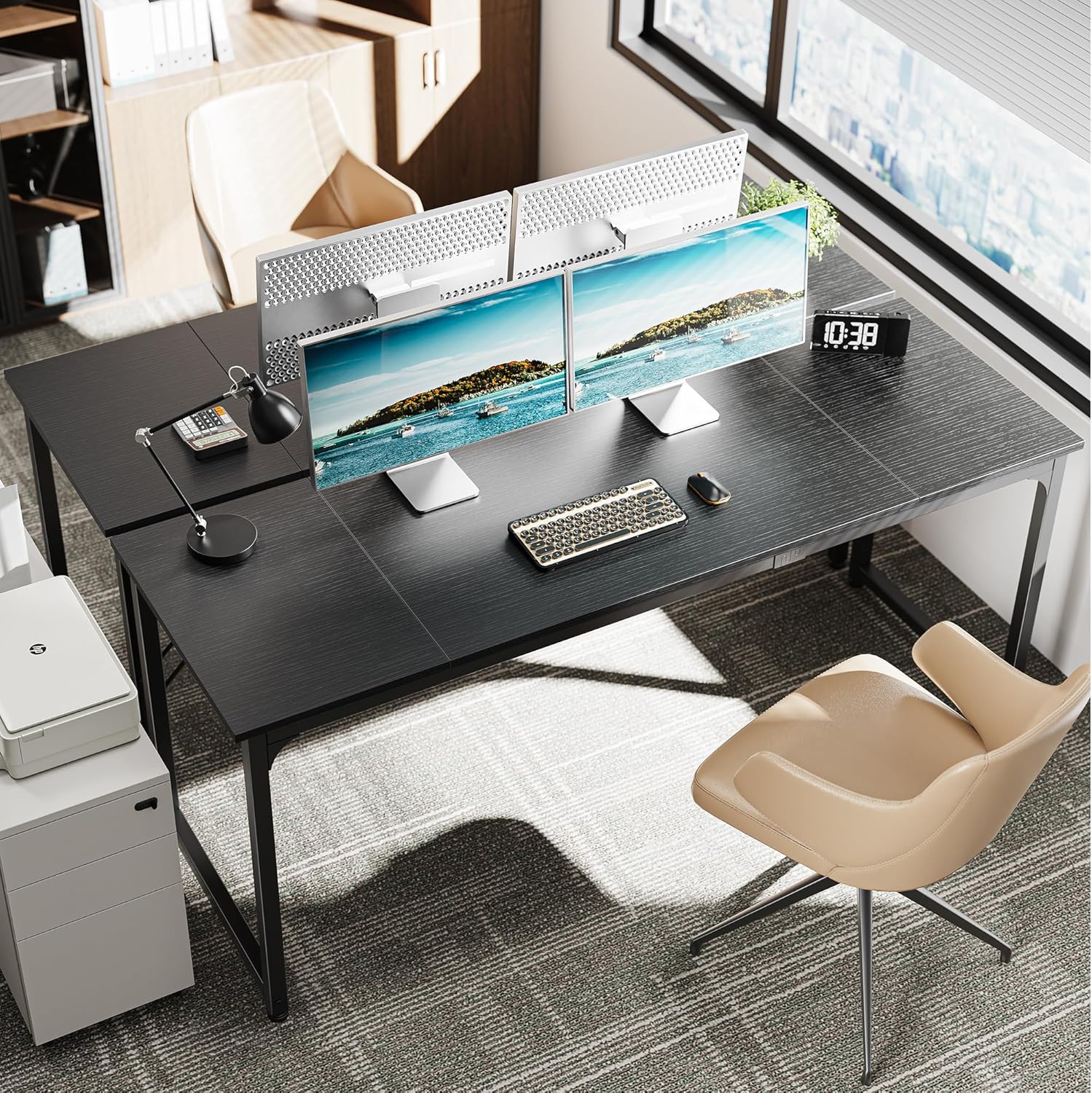
Image: The desk set up in an office environment, demonstrating its capacity for dual monitors and office accessories.
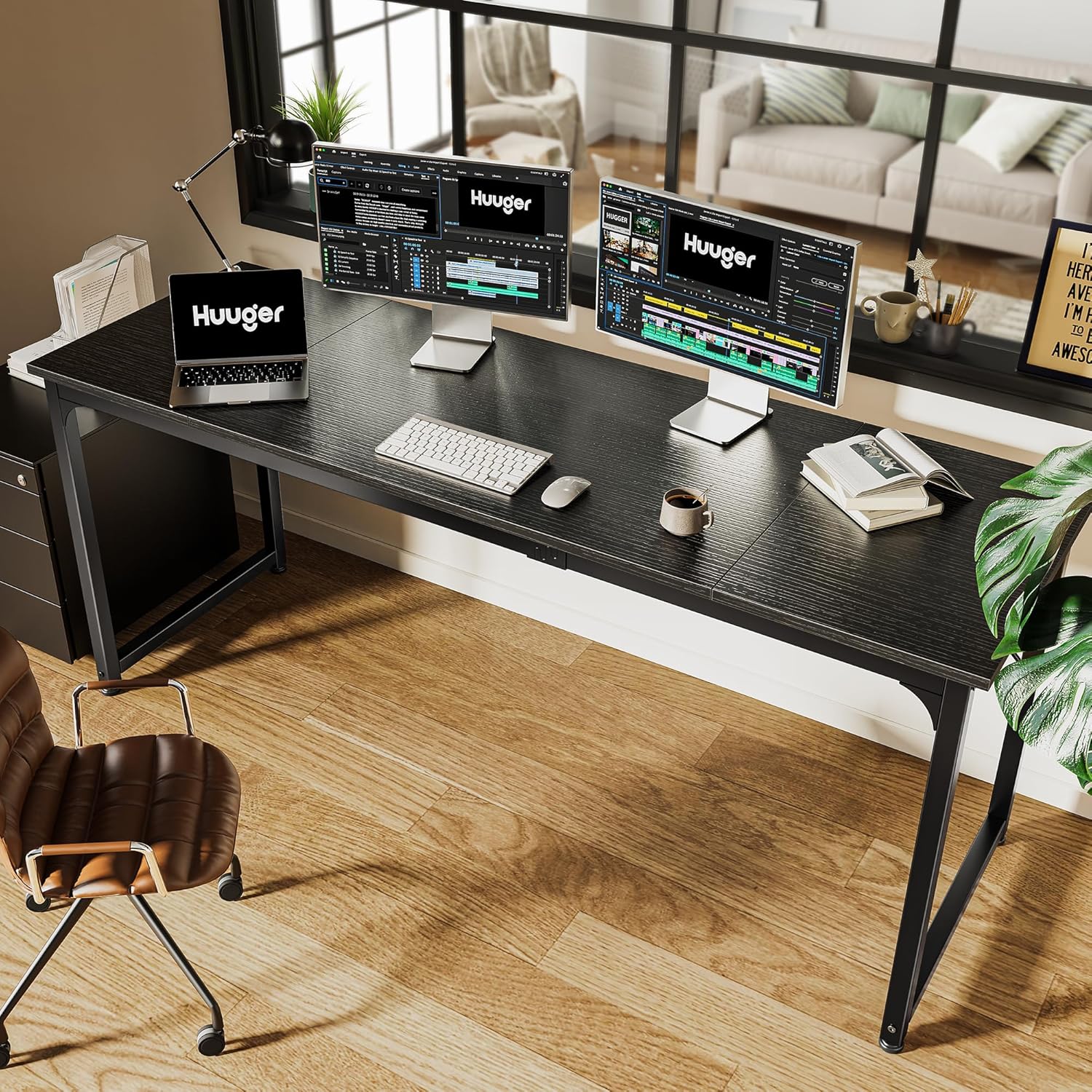
Image: The desk configured as a gaming station, highlighting its spaciousness for gaming equipment.
Maintenance
To maintain the appearance and longevity of your Huuger Computer Desk, follow these simple maintenance guidelines:
- Cleaning: Wipe the desk surface with a damp cloth. Avoid harsh chemicals or abrasive cleaners that may damage the finish.
- Spills: Immediately wipe up any spills to prevent staining or damage to the particleboard.
- Heat Protection: Use coasters or protective pads under hot items to prevent heat marks.
- Weight Distribution: Avoid placing excessively heavy items on one concentrated area. Distribute weight evenly.
- Regular Checks: Periodically check and tighten all screws and connections to ensure the desk remains stable.
Troubleshooting
If you encounter any issues with your Huuger Computer Desk, refer to the common problems and solutions below:
| Problem | Possible Cause | Solution |
|---|---|---|
| Desk wobbles or is unstable. | Uneven floor; loose screws; improper assembly. | Adjust the leveling feet; tighten all screws; re-check assembly steps. |
| Parts missing or damaged upon arrival. | Shipping damage; packaging error. | Contact Huuger customer support with your order details for replacement parts. |
| Difficulty during assembly. | Misinterpretation of instructions; incorrect part orientation. | Review the visual instructions carefully; ensure parts are oriented correctly before tightening. |
Specifications
- Brand: Huuger
- Product Dimensions: 23.6"D x 70.9"W x 29.7"H
- Color: Black
- Style: Modern
- Base Material: Metal
- Top Material Type: Engineered Wood
- Finish Type: Polished
- Special Feature: Storage (implied by product description, though no specific storage units are listed for this model)
- Room Type: Bedroom, Living Room, Office, Study Room
- Recommended Uses: Office, Working, Gaming
- Assembly Required: Yes
- Recommended Number of People for Assembly: 1
- Included Components: Headphone Hook, Keyboard Tray
- Tabletop Thickness: 0.75 Inches

Image: A close-up view of the desk surface texture and the sturdy metal leg frame.

Image: Detail showing the stable struts for reinforcement and the adjustable feet for leveling.
Warranty and Support
For warranty information, product support, or to order replacement parts, please contact Huuger customer service. Keep your purchase receipt and model number handy for faster service.
Contact Information: Please refer to the contact details provided on the Huuger official website or your purchase platform for the most up-to-date support information.
You can also visit the Huuger Store on Amazon for more information and products.


