
Introduction
This user manual provides comprehensive instructions for the setup, operation, and maintenance of your virtavo VistaFlask 2K Wireless Outdoor Security Camera. Please read this manual thoroughly before using the product to ensure optimal performance and safety.

The virtavo VistaFlask 2K Security Camera, a wireless outdoor camera designed for home security.
Product Overview
The virtavo VistaFlask 2K Security Camera is a versatile and robust solution for monitoring your property. Key features include:
- Long-Lasting Battery & Weatherproof Design: Equipped with a 4400mAh rechargeable lithium battery, providing 1-3 months of operation per charge. Designed to withstand various environmental conditions.
- Superior 2K QHD Imaging & Color-Rich Night Vision: Captures clear 2K QHD resolution video with Starlight technology, F1.6 aperture, and 3.0mm focal length for vivid, color-rich images even in low light, supported by 2 high-intensity IR LEDs.
- Advanced PIR Motion Detection & Smart Alerts: Features a 30-foot range PIR motion detection system, sending instant alerts to your 'HOME V' app. Supports two-way communication.
- Effortless Installation & Remote Access: Wireless setup eliminates the need for cables. Manage and control the camera remotely via the 'HOME V' app from anywhere with an internet connection.
- Secure Storage Options & Enhanced Privacy: Supports local SD card storage (32GB to 256GB) for continuous recording and offers optional cloud storage plans with video encryption for privacy.
Specifications
| Feature | Detail |
|---|---|
| Model Name | LJH10 |
| Indoor/Outdoor Usage | Outdoor, Indoor |
| Power Source | Battery Powered (4400mAh Lithium Ion) |
| Connectivity Protocol | Wi-Fi (2.4g wireless technology) |
| Controller Type | APP ‘HOME V’, Amazon Alexa |
| Mounting Type | Wall Mount |
| Video Capture Resolution | 2K QHD |
| Viewing Angle | 120 Degrees |
| Night Vision Range | 30 Feet |
| Dimensions (L x W x H) | 2.7 x 1.3 x 3.2 inches |
| Water Resistance Level | Waterproof (IP65) |
| Item Weight | 11.2 ounces |
| Optical Zoom | 10x |
| Field Of View | 130 Degrees |
| Low Light Technology | Night Color (Starlight) |
| Alert Type | Motion Only |
| Special Features | Waterproof, Night Vision, 2-Way Audio, Image Sensor, Motion Sensor |
Setup Guide
1. Charging the Camera
Before initial use, fully charge the camera for at least 8 hours. The camera is equipped with a 4400mAh rechargeable lithium battery, designed to last 1 to 3 months on a single charge depending on usage.

Internal view of the virtavo camera highlighting its battery-powered design.
2. App Installation
Download and install the 'HOME V' app on your smartphone. The app is available for both iOS and Android devices. Search for 'HOME V' in your device's app store.
3. Pairing and Wi-Fi Connection
- Open the 'HOME V' app and create an account or log in.
- Follow the in-app instructions to add a new device. Ensure your camera is powered on and within range of your 2.4GHz Wi-Fi network.
- The app will guide you through the pairing process, which typically involves scanning a QR code displayed on your phone with the camera.

The virtavo camera wirelessly connecting to a home Wi-Fi network for remote access.
4. Mounting the Camera
The virtavo VistaFlask camera is designed for easy wall mounting. Choose a location that provides the desired viewing angle and is within Wi-Fi range. The camera is weatherproof (IP65 rated) and suitable for outdoor use.

The virtavo camera mounted outdoors, showcasing its rainproof and weatherproof capabilities.
Operating Instructions
1. Live View and Remote Access
Access the 'HOME V' app to view live footage from your camera anytime, anywhere. Ensure your smartphone has an active internet connection. You can monitor your home remotely, providing peace of mind.

A smartphone displaying a live feed from the camera, showing a motion alert notification.
2. Motion Detection and Alerts
The camera features advanced PIR motion detection with a 30-foot range. When motion is detected, you will receive instant alerts on your 'HOME V' app. You can customize detection sensitivity and notification frequency within the app settings.

The virtavo camera actively detecting motion, triggering an alarm and alert push notification.
3. Night Vision
The camera provides clear night vision using Starlight technology and 2 high-intensity IR LEDs. This allows for vivid, color-rich images even in low-light conditions. A black and white infrared mode is also available.
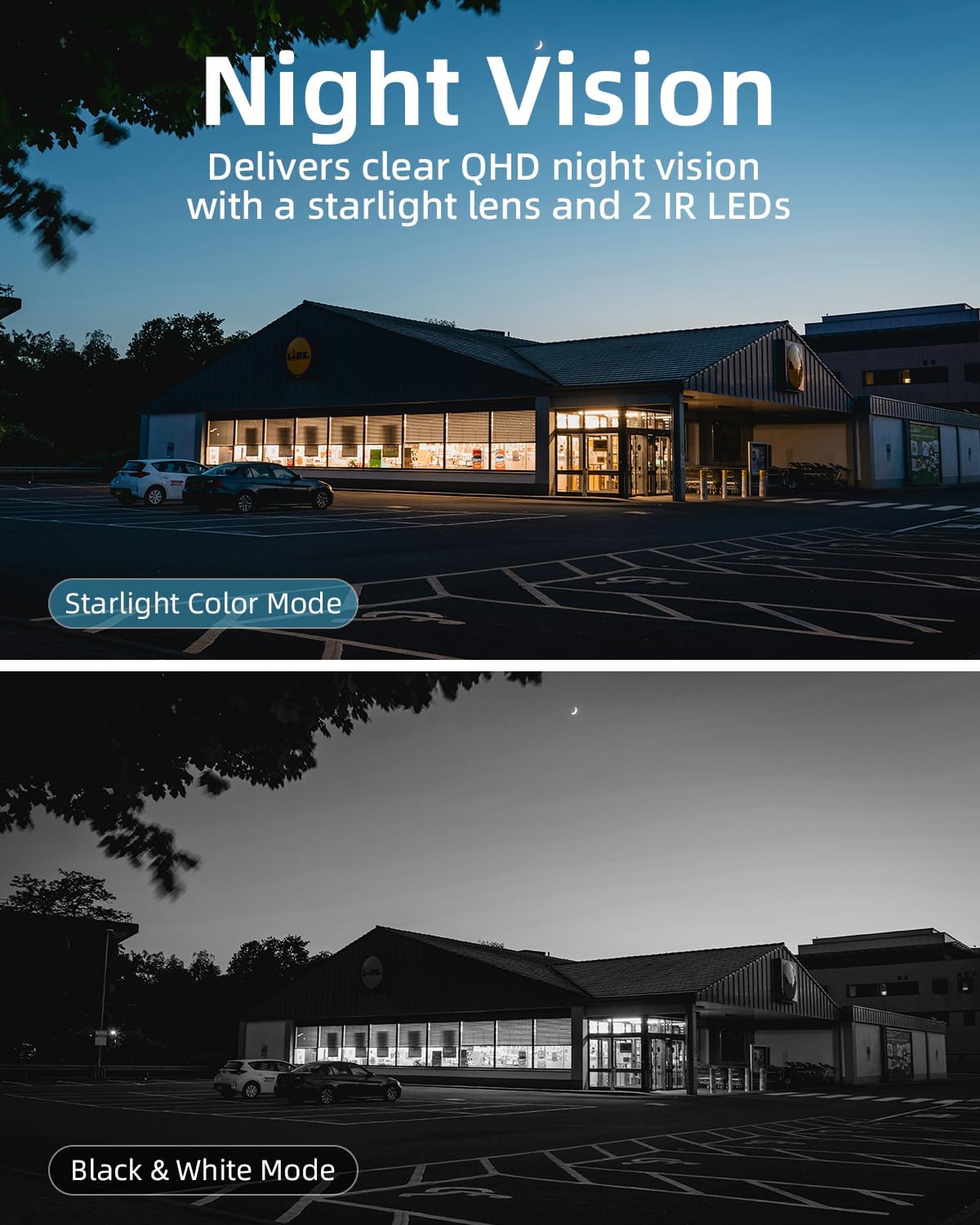
A comparison demonstrating the clear QHD night vision in Starlight Color Mode versus traditional Black & White Mode.
4. Two-Way Audio
Utilize the built-in microphone and speaker for two-way communication. This feature allows you to speak to visitors or deter intruders directly through the 'HOME V' app.
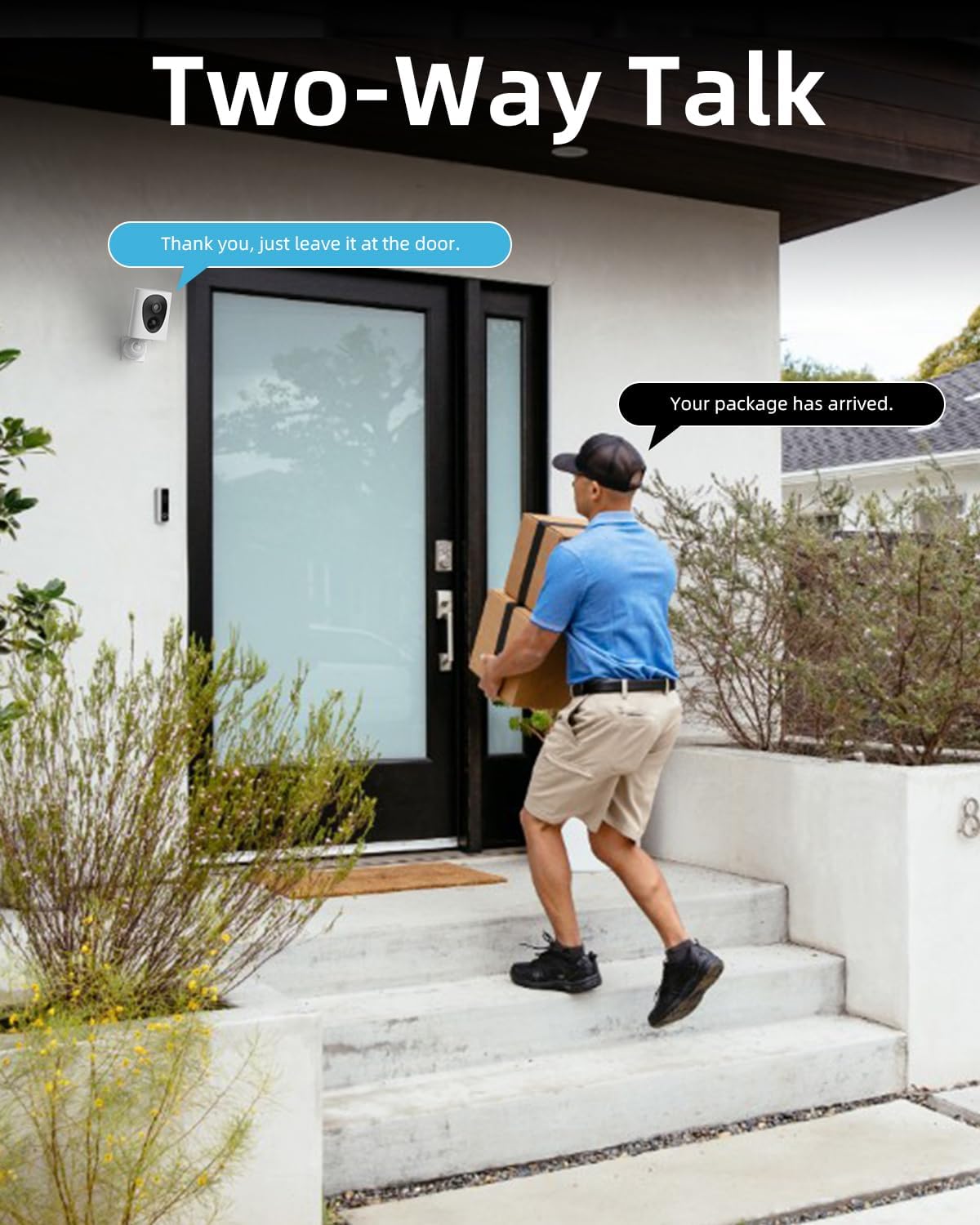
A person interacting with a delivery driver using the camera's two-way talk feature.
5. Storage Options
The camera supports local storage via an SD card (32GB to 256GB) for continuous recording. Additionally, optional cloud storage plans are available through the 'HOME V' app, offering enhanced features like snapshot alerts and advanced AI capabilities.
Maintenance
- Battery Recharging: Recharge the camera battery when prompted by the app or when the battery level is low. A full charge can take approximately 8 hours.
- Cleaning: Periodically clean the camera lens and body with a soft, damp cloth to ensure clear image quality and proper operation. Avoid abrasive cleaners.
- Firmware Updates: Keep your camera's firmware updated through the 'HOME V' app to ensure optimal performance, new features, and security enhancements.
Troubleshooting
| Problem | Possible Cause | Solution |
|---|---|---|
| Camera not connecting to Wi-Fi or frequent disconnections. | Weak Wi-Fi signal; incorrect Wi-Fi password; camera too far from router. | Ensure camera is within optimal range of your 2.4GHz Wi-Fi router. Verify Wi-Fi password. Consider a Wi-Fi signal booster if range is an issue. |
| No motion detection alerts received. | Low battery; incorrect app settings; weak Wi-Fi signal affecting notification delivery. | Check battery level and recharge if necessary. Verify motion detection settings and notification frequency in the 'HOME V' app. Ensure stable Wi-Fi connection. |
| Battery drains quickly. | Frequent motion detections; continuous live view; weak Wi-Fi signal causing camera to work harder. | Adjust motion detection sensitivity and frequency in the app. Limit continuous live viewing. Improve Wi-Fi signal strength to the camera. |
| Poor image quality. | Dirty lens; low light conditions; network bandwidth issues. | Clean the camera lens. Ensure adequate lighting for optimal color night vision. Check your internet speed. |
Warranty and Support
For warranty information, technical support, or any inquiries regarding your virtavo VistaFlask 2K Security Camera, please contact virtavo customer service. Refer to the product packaging or the 'HOME V' app for specific contact details or visit the official virtavo website.
Many common issues can be resolved by checking the FAQ section within the 'HOME V' app or on the virtavo support page.


