
Ralcam H408B-S1.5M
Ralcam Two-Way Articulating Borescope User Manual
Brand: Ralcam | Model: H408B-S1.5M
1. Introduction
The Ralcam Two-Way Articulating Borescope is an advanced industrial inspection camera designed for precise visual inspection in hard-to-reach areas. Featuring a flexible, semi-rigid cable with a two-way articulating probe, a high-definition display, and adjustable LED lighting, this borescope provides clear and detailed views for various applications, including automotive mechanics and aircraft maintenance.
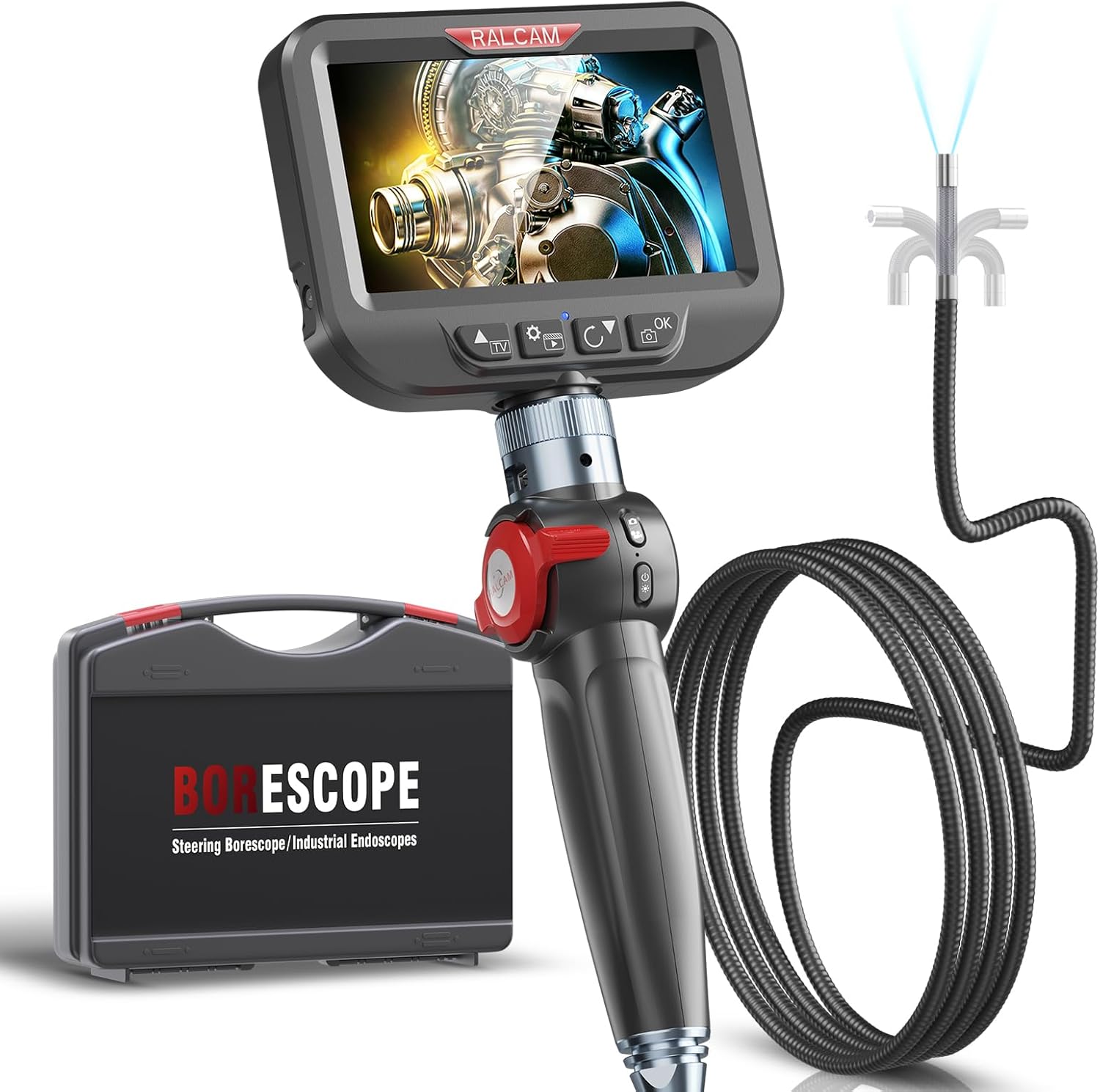
Figure 1: Ralcam Two-Way Articulating Borescope and accessories.
Key Features:
- Two-Way Articulating Probe: 180° articulation for navigating complex spaces and achieving desired viewing angles.
- High-Definition Display: 4.3-inch HD IPS screen provides clear, true-color images and videos at 1920 x 1080P resolution. No external app required.
- Optimized Camera Lens: 8.5mm diameter lens with 2.0MP camera, 4X zoom, and 8 adjustable LED lights for clear visibility in dark environments.
- Durable Semi-rigid Cable: 5.0FT semi-rigid cable offers a balance of flexibility and rigidity for easy maneuverability and extended reach.
- Intelligent High Temperature Protection: Automatic power-off function activates if the equipment temperature exceeds 95°C to prevent damage.
- Robust Design: IP67 waterproof and oil-proof, suitable for challenging industrial environments.
- Long-lasting Battery: Built-in 2600mAh rechargeable battery provides up to 4 hours of continuous operation.
2. What's in the Box
Verify that all items are present in the package:
- Ralcam Two-Way Articulating Borescope Unit
- Semi-rigid Cable with 8.5mm Lens
- USB-C Charging/Data Transfer Cable
- User Manual
- Portable Toolbox/Carrying Case
3. Setup
- Charge the Device: Connect the borescope to a power source using the provided USB-C cable. The battery indicator on the screen will show charging status. A full charge provides up to 4 hours of use.
- Attach the Screen: The 4.3-inch IPS display is detachable for convenience. Ensure it is securely attached to the main handle unit before use.

Figure 2: Detachable screen for easy transport and replacement.
- Insert Memory Card: A 16GB memory card is included and pre-installed for storing photos and videos. Ensure it is properly seated in the designated slot.

Figure 3: Location of the 16GB memory card slot.
- Power On: Press and hold the power button to turn on the borescope. The display will illuminate.
4. Operating Instructions
4.1. Probe Articulation
The Ralcam borescope features a two-way 180° articulating probe, allowing you to steer the camera tip to inspect various angles within confined spaces. Use the wheel control on the handle to precisely adjust the probe's direction.

Figure 4: The 180° wheel control allows the probe to bend at any angle for comprehensive inspection.
The semi-rigid cable maintains its shape, making it easier to maneuver through tight bends and maintain control over the camera's position.
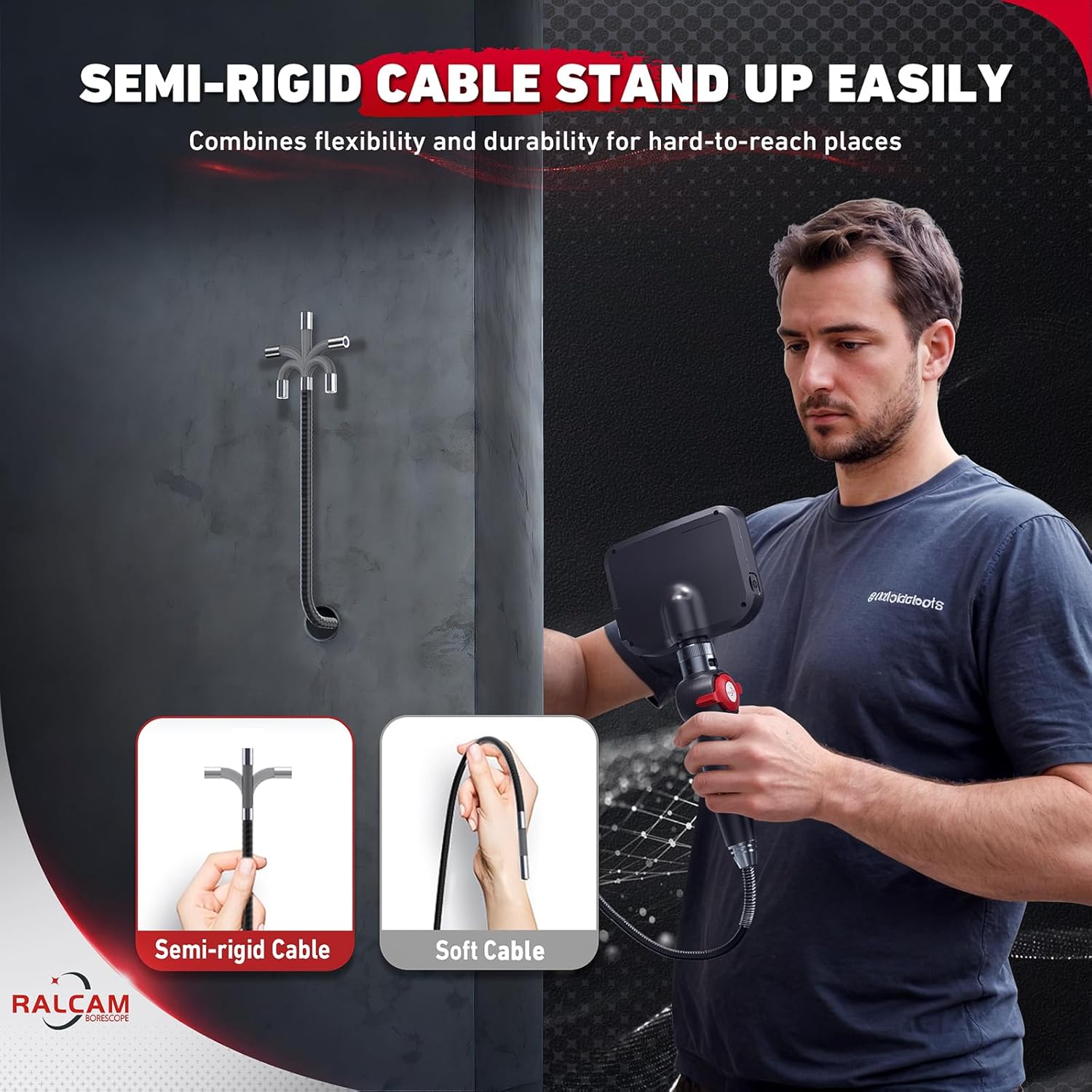
Figure 5: The semi-rigid cable offers superior control compared to soft cables.
4.2. Adjusting LED Illumination
The 8.5mm camera lens is equipped with 8 adjustable LED lights to provide optimal illumination in dark environments. Use the dedicated buttons on the device to cycle through different brightness levels (0%, 60%, 80%, 100%) to suit your inspection needs.

Figure 6: Adjustable LED lights ensure clear visibility in various conditions.
4.3. Capturing Images and Videos
The 4.3-inch HD IPS screen displays live video feed. To capture images or record videos, use the dedicated buttons on the control panel. Captured media is saved directly to the installed 16GB memory card.
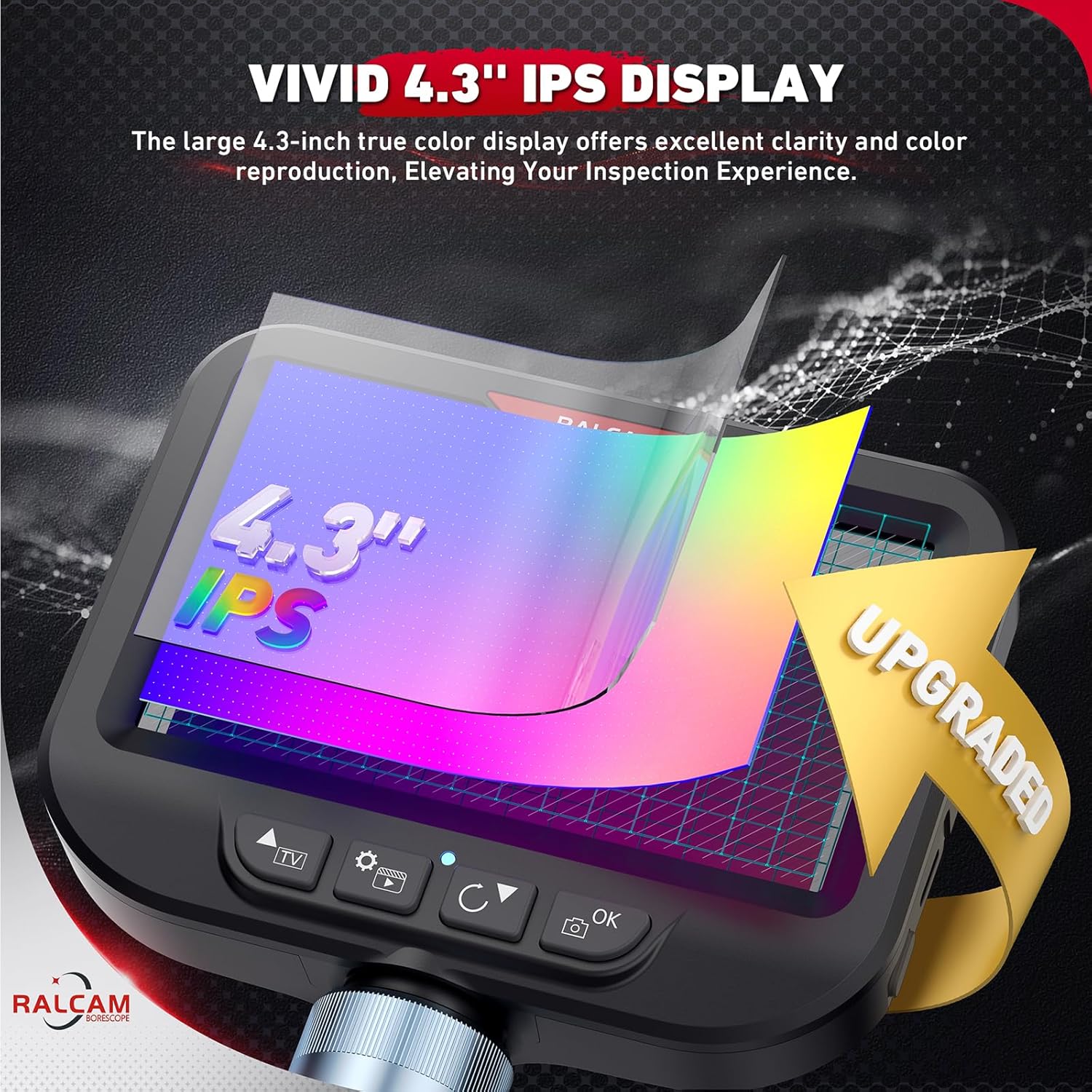
Figure 7: The vivid 4.3" IPS display provides excellent clarity and color reproduction.
4.4. Temperature Protection
The borescope is equipped with an intelligent high temperature protection system. If the probe's temperature exceeds 95°C (203°F), the device will automatically power off to prevent damage to internal components. Allow the device to cool down before resuming operation.

Figure 8: High temperature protection ensures device longevity.
4.5. Video Demonstration
Watch this official video from Ralcam demonstrating the features and usage of the borescope, including its two-way articulation and inspection capabilities in engine cylinders.
Video 1: H4B Ralcam Articulating Borescope 8.5mm Semi-rigid Cable in use.
5. Maintenance
5.1. Cleaning the Probe
The borescope probe is IP67 waterproof and oil-proof, allowing for easy cleaning after use in dirty or oily environments. After each inspection, gently wipe the probe with a damp cloth or rinse it under running water. Ensure the probe is dry before storage.

Figure 9: The IP67 rating ensures durability in wet and oily conditions.
5.2. Battery Care
To maximize battery life, fully charge the device before first use and after each use. Store the borescope in a cool, dry place when not in use. If storing for extended periods, charge the battery to approximately 50% every 3-6 months to prevent deep discharge.
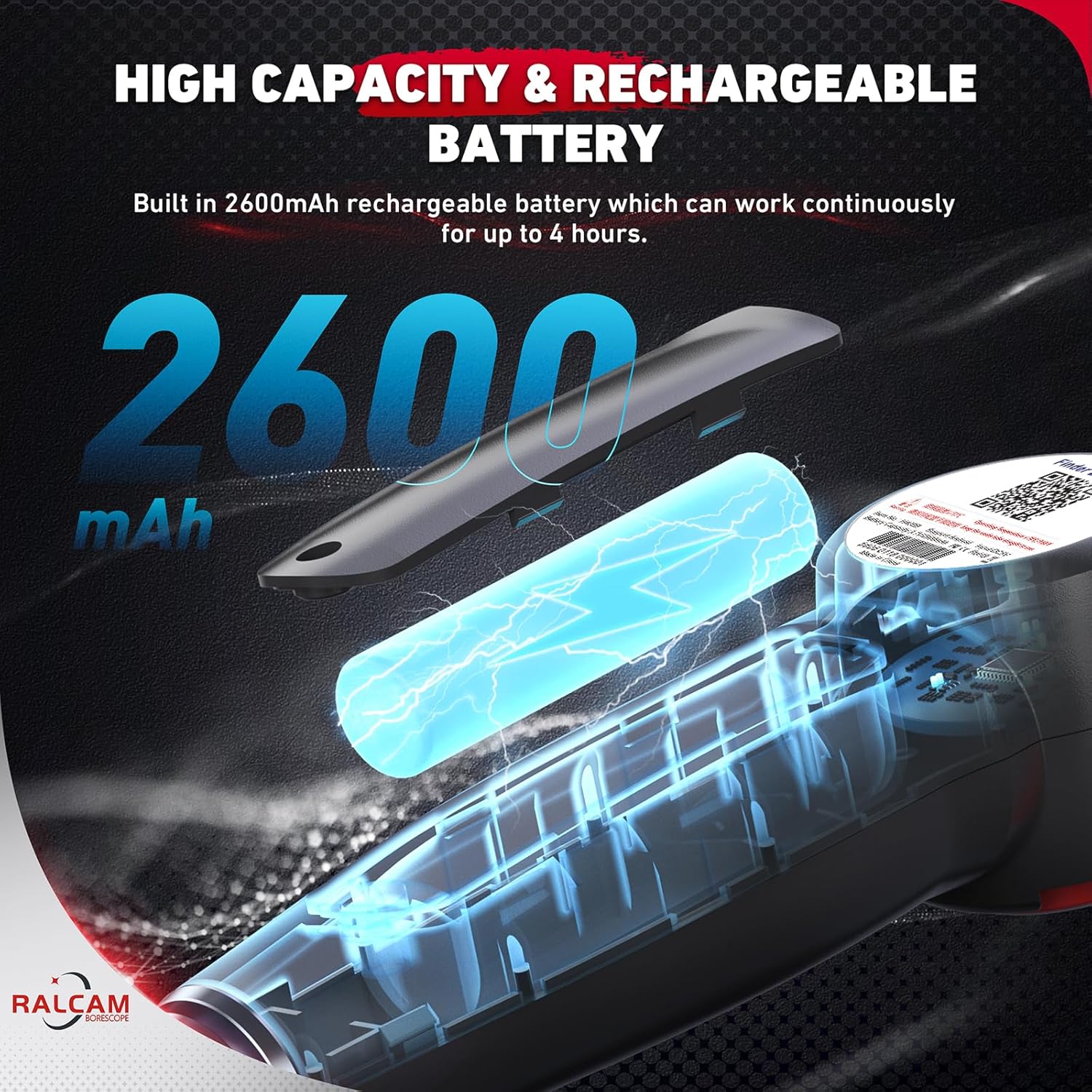
Figure 10: The 2600mAh battery provides extended operational time.
6. Troubleshooting
| Problem | Possible Cause | Solution |
|---|---|---|
| No image on screen. | Device not powered on; low battery; loose screen connection. | Ensure device is powered on. Charge the battery. Re-attach the screen securely. |
| Image is dim or unclear. | Insufficient LED brightness; dirty lens; environmental factors (e.g., too far from object). | Adjust LED brightness. Clean the camera lens. Move the probe closer to the inspection area. |
| Probe articulation is stiff or unresponsive. | Debris in articulation mechanism; cable kinked. | Gently clean the articulation joint. Ensure the cable is not severely bent or kinked. Avoid forcing the articulation. |
| Device shuts off unexpectedly. | Overheating; low battery. | Allow the device to cool down. Recharge the battery. |
| Cannot save photos/videos. | Memory card full; memory card not inserted correctly; faulty memory card. | Delete old files to free space. Reinsert the memory card. Try a different compatible memory card. |
7. Specifications
| Feature | Detail |
|---|---|
| Model Name | H408B-S1.5M Borescope |
| Product Dimensions | 16.65 x 8.82 x 3.5 inches |
| Item Weight | 3.65 pounds |
| Lens Diameter | 8.5mm / 0.33 inch |
| Cable Length | 5.0FT (Semi-rigid) |
| Display Screen | 4.3-inch HD IPS |
| Video/Image Resolution | 1920 x 1080P |
| Articulation Angle | 180° (Two-way) |
| LED Lights | 8 (Adjustable brightness) |
| Magnification Maximum | 4x |
| Battery Type | 1 Lithium Polymer (included) |
| Battery Capacity | 2600mAh |
| Power Source | Battery Powered |
| Waterproof Rating | IP67 |
| Material | Metal |
| Color | Black |
| Manufacturer | Ralcam |
| Country of Origin | China |
8. Warranty and Support
For detailed warranty information and technical support, please refer to the official Ralcam website or contact their customer service directly. Keep your purchase receipt for warranty claims.
Online resources and FAQs may also be available on the manufacturer's support pages.
Related documentsH408B-S1.5M


Ask a question about this manual
Ask about setup, troubleshooting, compatibility, parts, safety, or missing instructions. Manuals+ will review the question and use this page’s manual context to help answer it.