
Dreo DR-HTF010S
Dreo Air Purifier Tower Fan MC710S Instruction Manual
Model: DR-HTF010S
Introduction
The Dreo Air Purifier Tower Fan MC710S combines powerful airflow with advanced air purification. Featuring a dual-motor design, it delivers ultra-fast 27ft/s airflow up to 40 ft away, ensuring comprehensive air circulation. Its Dual True HEPA Filter electrostatic filtration system captures 99.97% of airborne particles down to 0.3 µm, including pet dander and pollen. Enjoy versatile operation with independent control of fan and purification motors, quiet performance as low as 25dB, and multiple oscillation options for targeted air delivery. Smart features allow for app control and integration with voice assistants.

Figure 1: Dreo Air Purifier Tower Fan MC710S with included remote control and smartphone app interface.
Important Safety Information
Always place the fan on a stable, level surface. Ensure proper ventilation around the unit. Do not insert fingers or foreign objects into the fan grilles. Unplug the device before cleaning or performing maintenance. Keep out of reach of children and pets. This product contains electrical components; avoid exposure to water or excessive humidity. Refer to the legal disclaimer for additional information.
What's in the Box
- Dreo Air Purifier Tower Fan Unit
- Remote Control
- True HEPA Filter (pre-installed)
- User Manual (this document)
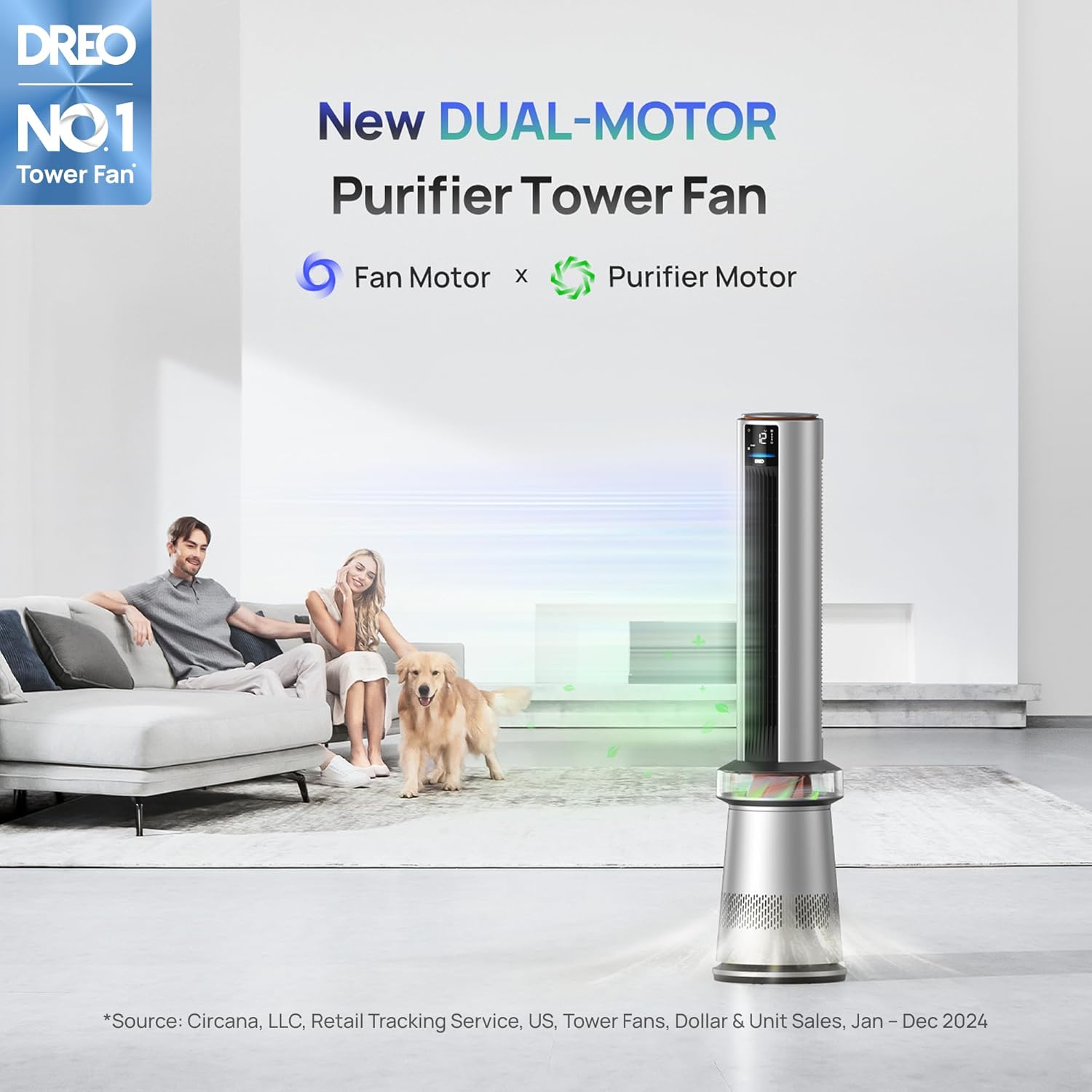
Figure 2: The main components included with your Dreo Air Purifier Tower Fan.
Setup Guide
- Unpack: Carefully remove all components from the packaging.
- Filter Installation: The True HEPA Filter comes pre-installed. Ensure it is securely in place before first use. Refer to the Maintenance section for filter access.
- Placement: Place the fan on a firm, level surface. For optimal performance and oscillation, ensure the unit is at least one foot (30 cm) away from walls or furniture.
- Power Connection: Plug the power cord into a standard electrical outlet.

Figure 3: Proper placement of the tower fan in your home environment.
Operating Instructions
Dual-Motor Technology
The Dreo MC710S features independent fan and purification motors, allowing for versatile operation. You can maximize both for performance, use only the purification motor for quiet air cleaning, or max the fan motor for powerful wind without impacting filter life.

Figure 4: The innovative dual-motor system for independent fan and purification control.
Control Panel & Display
The intuitive top control panel allows for easy operation. The front display provides real-time information on temperature, fan speed, and air quality. A light sensor enables the display to automatically turn off in dark environments, ideal for undisturbed sleep.

Figure 5: The touch-sensitive control panel located on top of the fan.

Figure 6: The clear digital display providing essential operational information.
Fan Modes & Oscillation
- Normal Mode: Provides continuous airflow at your selected speed.
- Auto Mode: Automatically adjusts fan speed and purification level based on ambient temperature and air quality (PM2.5 sensor).
- Sleep Mode: Operates at a low, quiet speed (as low as 25dB) with the display off for undisturbed rest.
- Breeze Mode: Allows purification to run with minimal fan noise, ideal for quiet air cleaning.
- Oscillation: Choose from symmetric (0-120°), asymmetric (custom range), or targeted airflow within a 120° range to direct air where needed.

Figure 7: Visual representation of the fan's versatile oscillation options.
App Control & Smart Integration
Download the Dreo App to control your fan remotely, monitor air quality and temperature history, and set schedules. The fan is compatible with Alexa and Google Home for voice control and advanced automation possibilities.

Figure 8: Control your Dreo fan from anywhere using the dedicated smartphone app.
Official Product Video
Video 1: An official product video showcasing the features and benefits of the Dreo MC710S Air Purifier Tower Fan.
Maintenance
Filter Replacement
The Dreo Air Purifier Tower Fan uses a True HEPA Filter. The app and display will indicate when the filter needs replacement. To replace, simply access the filter compartment (typically at the base), remove the old filter, and insert a new one. Ensure the new filter is correctly seated.

Figure 9: The True HEPA Filter, essential for air purification.
Cleaning
For routine cleaning, wipe the exterior of the fan with a soft, dry cloth. The fan's design allows for easy disassembly of certain parts for thorough cleaning, such as rinsing components. Always ensure the device is unplugged before cleaning.
Troubleshooting
| Problem | Possible Cause | Solution |
|---|---|---|
| Fan does not turn on | No power supply | Check power cord connection and outlet. |
| Weak airflow | Blocked air intake/outlet or dirty filter | Ensure no obstructions. Clean or replace filter. |
| Unusual noise | Foreign object or unstable placement | Check for objects inside. Place on a stable surface. |
| Air quality reading is high | High particulate matter in air | Allow purifier to run in Auto mode. Ensure proper ventilation. |
Specifications
- Product Dimensions: 11.02"D x 11.02"W x 46.46"H
- Item Model Number: DR-HTF010S
- Weight: 17.82 Pounds
- Manufacturer: Dreo
- Power Source: DC
- Noise Level: 25dB (Sleep Mode) - 35dB (Max)
- Special Features: Remote Controlled, Air Purifier, Oscillating, App Operable, Sleep Mode
- Recommended Uses: Office, Living Room, Bedroom, Home Office, Dining Room
Warranty and Support
For warranty information or technical support, please refer to the official Dreo website or contact their customer service. Extended protection plans (e.g., 3-Year, 4-Year Protection Plans) may be available for purchase to cover your device beyond the standard warranty period.
Related documentsDR-HTF010S


Ask a question about this manual
Ask about setup, troubleshooting, compatibility, parts, safety, or missing instructions. Manuals+ will review the question and use this page’s manual context to help answer it.