
1. Product Overview
The ARPHA K03 is a wireless outdoor security camera designed for home surveillance. It features 1080P HD video, a 130° wide-angle lens, two-way audio communication, PIR motion detection, and night vision capabilities. The camera is IP65 waterproof, ensuring reliable operation in various weather conditions, and is powered by a long-lasting rechargeable battery.

Image: ARPHA K03 Wireless Outdoor Security Camera highlighting key features.
2. Package Contents
Verify that all components are present in the package:
- ARPHA K03 Wireless Camera
- Wall Mount Bracket
- Mounting Screws and Anchors
- Type-C USB Charging Cable
- Quick Start Guide (User Manual)
Video: Unboxing the ARPHA K03 camera and its accessories.
3. Setup
3.1 App Download and Account Registration
To begin, download the ARPHA app from your device's app store. The app is available for both iOS and Android devices.
- Search for "ARPHA" in the Apple App Store (for iOS devices) or Google Play Store (for Android devices).
- Download and install the application.
- Open the ARPHA app and follow the on-screen instructions to register a new account or log in if you already have one.
Video: Guide on how to connect the ARPHA K03 camera to the mobile application.
3.2 Device Pairing
- Ensure your smartphone is connected to a 2.4GHz Wi-Fi network. The ARPHA K03 camera only supports 2.4GHz Wi-Fi. If you have a dual-band router, ensure your phone is on the 2.4GHz channel during setup.
- Turn on the camera. Wait until the indicator light flashes red quickly.
- In the ARPHA app, click "Add Device" and select "Security & Video Surveillance" or the appropriate camera type.
- Follow the in-app instructions, which typically involve scanning a QR code displayed on your phone with the camera.
- If the connection fails, press and hold the reset button on the camera for 5-10 seconds until the indicator light flashes red again, then retry the pairing process.
Video: Step-by-step guide on connecting the ARPHA K03 to a smartphone.
3.3 Physical Installation
The ARPHA K03 camera can be easily mounted on a wall using the provided bracket and screws. Choose a location that provides the desired viewing angle and is within Wi-Fi range.
- Select a suitable mounting location.
- Secure the wall mount bracket to the surface using the screws and anchors.
- Attach the ARPHA K03 camera to the mounted bracket. Adjust the camera angle as needed.
Video: Introduction and installation guide for the ARPHA K03 camera.
Video: Detailed installation steps for the ARPHA K03 camera.
4. Operating Instructions
4.1 Live View and Two-Way Audio
Access the live video feed from your camera through the ARPHA app. The 130° wide-angle lens provides a broad view of the monitored area. Utilize the built-in microphone and speaker for two-way communication.
- Open the ARPHA app and select your camera to view the live feed.
- Tap the microphone icon in the app to speak through the camera's speaker.
- Listen to audio from the camera's surroundings through your smartphone.
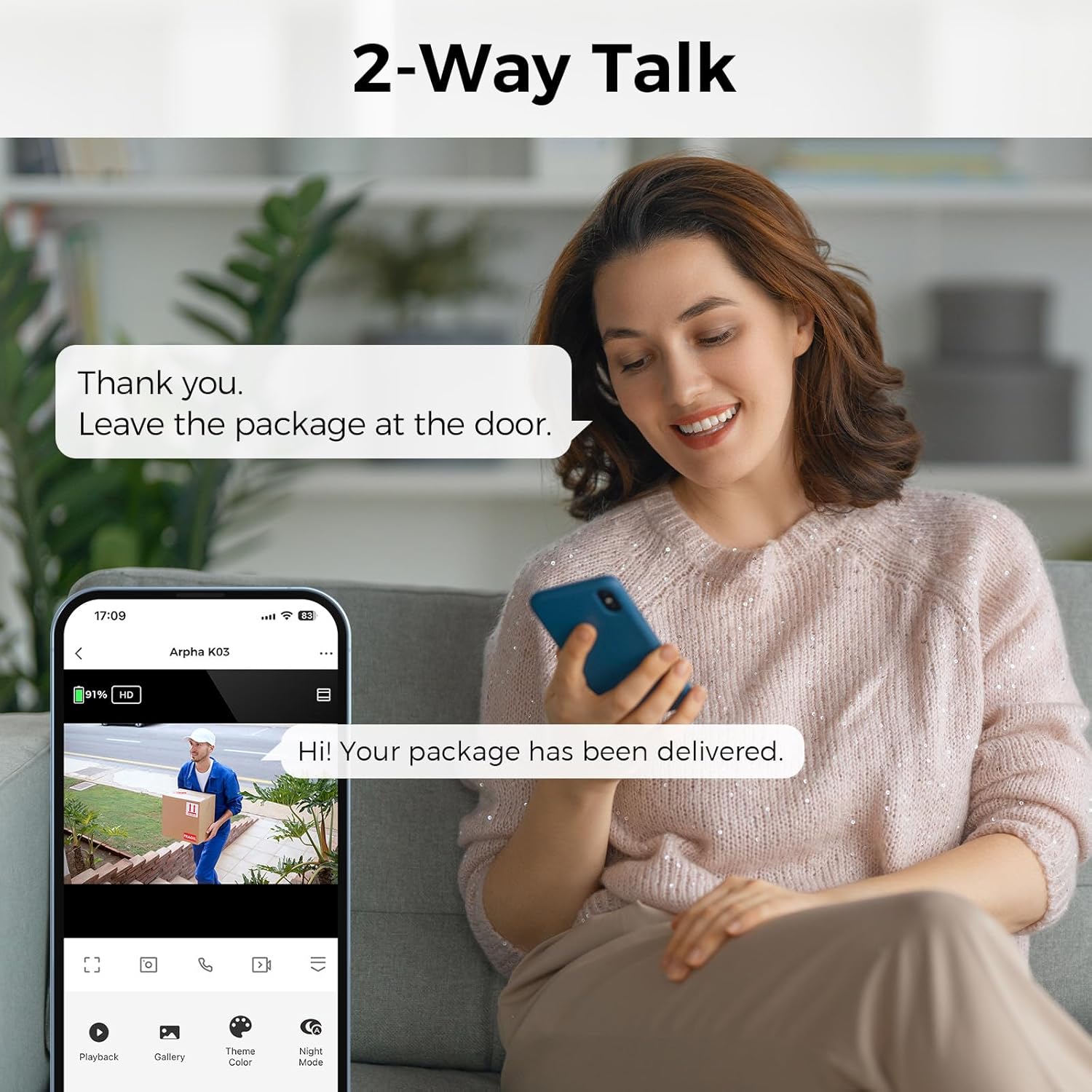
Image: Two-way talk feature allowing communication through the camera.
4.2 Motion Detection and Alerts
The camera is equipped with PIR motion detection to identify moving people or animals. When motion is detected, the camera will send instant notifications to your smartphone.
- Enable motion detection in the ARPHA app settings.
- Customize detection zones to focus on specific areas and reduce false alarms.
- Receive push notifications on your phone when motion is detected.
- The camera can also trigger a siren sound alarm upon detection for added security.
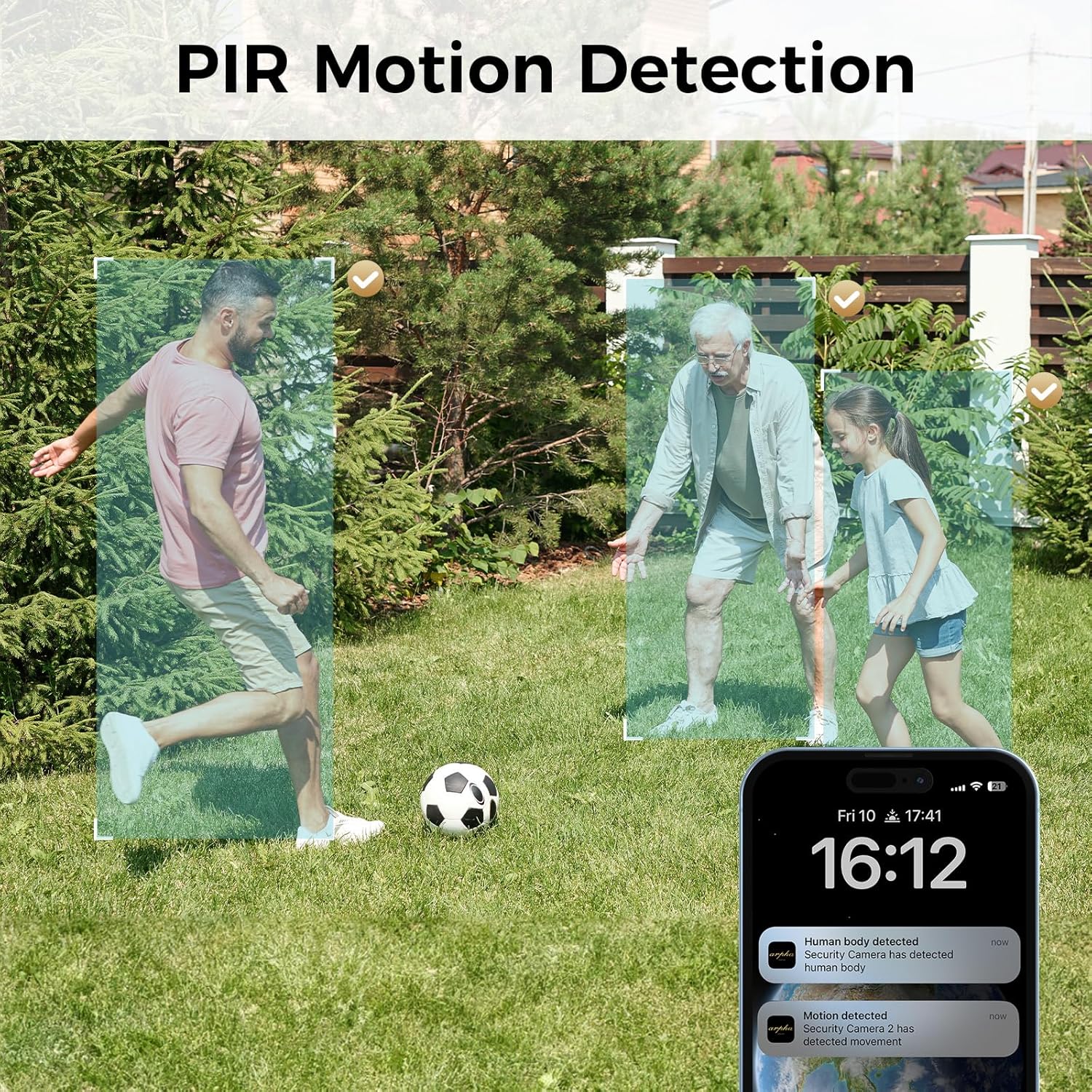
Image: PIR Motion Detection in action, showing detection zones and app notifications.

Image: Custom Detect Zone feature for precise motion monitoring.
4.3 Night Vision
The ARPHA K03 provides 1080P HD night vision, allowing clear monitoring of objects up to 10 meters away in black and white during low-light conditions.

Image: Comparison of ARPHA 1080P Night Vision clarity against 720P.
4.4 Storage Options
The camera supports both local storage via a Micro SD card (up to 64GB) and cloud storage options for recorded video footage.

Image: Dual storage options: Micro SD card and cloud storage.
5. Maintenance
5.1 Battery Charging
The ARPHA K03 camera is equipped with a rechargeable battery designed for long standby times, up to 160 days with typical usage (triggered 10 times a day). Use the provided Type-C USB cable to charge the camera.
- Connect the Type-C USB cable to the charging port on the camera.
- Connect the other end of the cable to a standard USB power adapter (not included).
- The status LED will indicate charging status (e.g., yellow light always ON during charging, white light always ON when fully charged).
5.2 Weather Resistance
The camera has an IP65 waterproof rating, allowing it to operate effectively in various outdoor weather conditions, including temperatures from -4°F to 131°C.
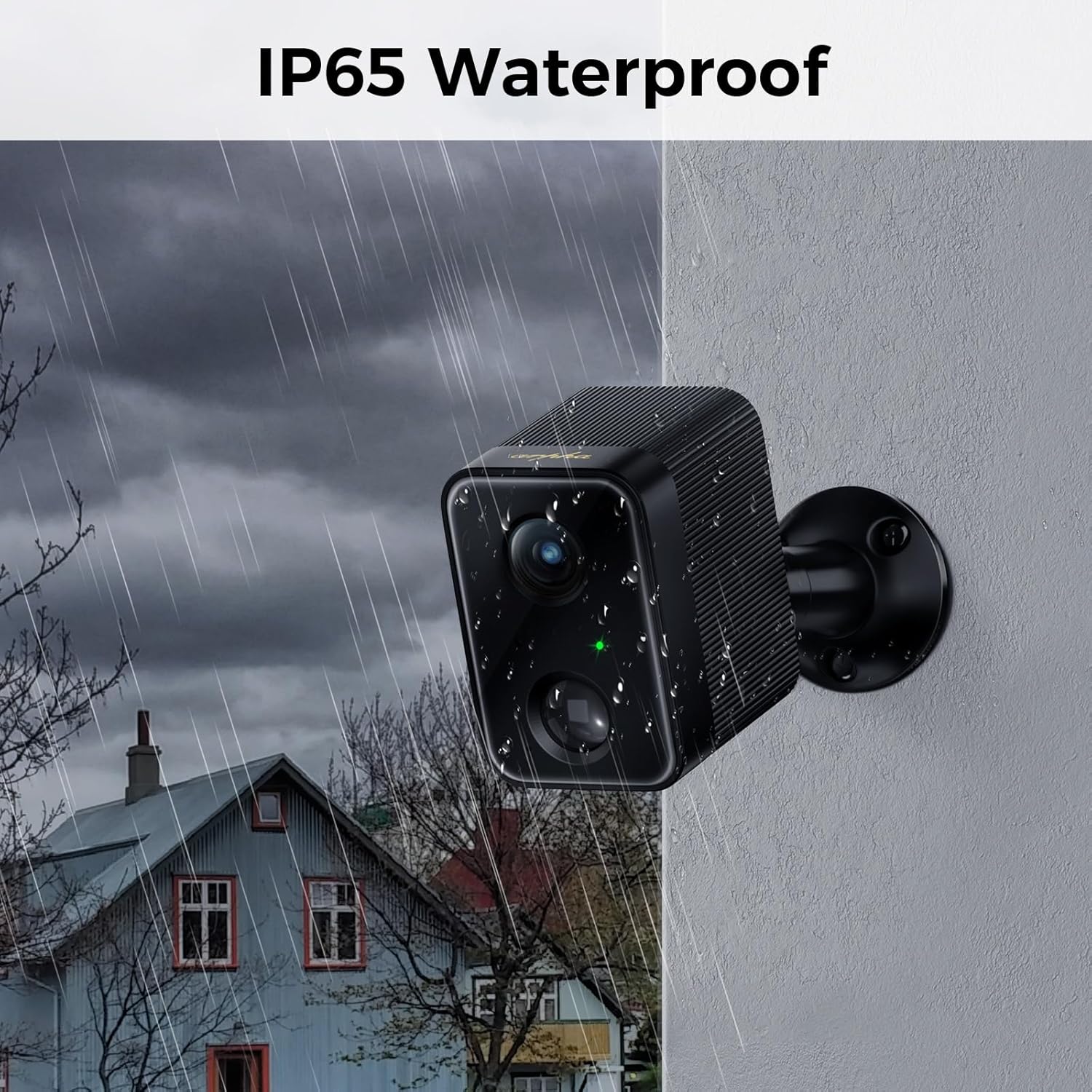
Image: ARPHA K03 camera demonstrating IP65 waterproof capabilities in rainy conditions.
6. Troubleshooting
| Issue | Possible Solution |
|---|---|
| Camera fails to connect to Wi-Fi. | Ensure your smartphone is connected to a 2.4GHz Wi-Fi network. The camera does not support 5GHz Wi-Fi. Move the camera closer to the router. Reset the camera by pressing the reset button for 5-10 seconds and retry pairing. |
| No motion detection alerts. | Check app settings to ensure motion detection is enabled. Verify notification permissions for the ARPHA app on your smartphone. Adjust detection sensitivity and zones. |
| Poor video quality. | Ensure a strong Wi-Fi signal at the camera's location. Clean the camera lens. Check app settings for video resolution options. |
| Short battery life. | Reduce the frequency of live view access and motion detection events. Ensure the camera is fully charged. Extreme temperatures can affect battery performance. |
| Two-way audio not working. | Check microphone and speaker settings in the app. Ensure your phone's volume is up. Verify camera firmware is up to date. |
7. Specifications
| Feature | Detail |
|---|---|
| Video Resolution | 1080P HD |
| Viewing Angle | 130° Wide-Angle |
| Connectivity | 2.4GHz Wi-Fi (IEEE 802.11b/g/n) |
| Weatherproof Rating | IP65 |
| Night Vision Range | Up to 10 meters (Black & White HD) |
| Audio | Two-Way Talk (Built-in Microphone & Speaker) |
| Motion Detection | PIR Motion Detection |
| Storage Options | Micro SD Card (up to 64GB), Cloud Storage |
| Battery Life | Up to 160 days (based on 10 triggers/day) |
| Operating Temperature | -4°F to 131°C |
| Control Method | ARPHA App, Alexa, Google Assistant |
| Material | Metal |
8. Warranty and Support
For warranty information, technical support, or further assistance, please refer to the official ARPHA website or contact their customer service. Details can typically be found in the Quick Start Guide included with your product or on the manufacturer's website.
Visit the official ARPHA Store for more products and support: ARPHA Store
