
NutriChef NCVK9112BGR
Contents
Nutrichef 3L Electric Kitchen Composter User Manual
Model: NCVK9112BGR
Introduction
This manual provides essential instructions for the safe and efficient operation, maintenance, and troubleshooting of your Nutrichef 3L Electric Kitchen Composter, Model NCVK9112BGR. This appliance is designed to convert organic food waste into pre-compost material through drying, crushing, and cooling processes, reducing kitchen waste and supporting sustainable practices.
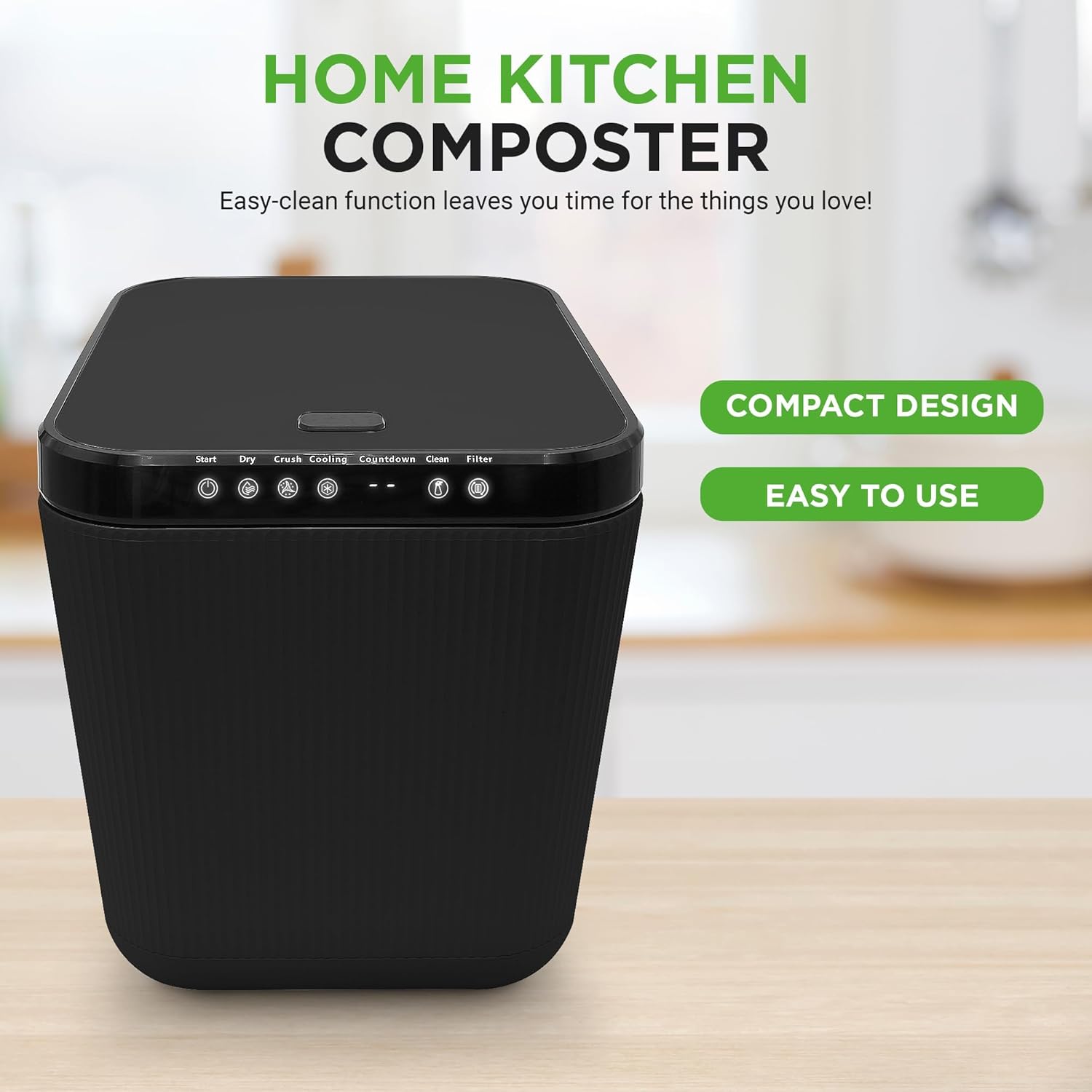
Image: The Nutrichef 3L Electric Kitchen Composter, a compact unit suitable for countertop placement.
Important Safety Instructions
Please read all safety instructions carefully before using the appliance to prevent injury or damage.
- Avoid placing sharp objects in the compost bin.
- Do not handle processed compost material without gloves to prevent exposure to potential microorganisms.
- Keep the composter lid closed when not in use to prevent pest attraction and maintain odor control.
- Ensure the appliance is placed on a stable, level surface.
- Do not immerse the main unit in water or other liquids.
- Unplug the composter from the power outlet before cleaning or performing any maintenance.
- Keep out of reach of children and pets.
- Do not operate the appliance if the power cord or plug is damaged.
Product Components
Familiarize yourself with the main parts of your Nutrichef Electric Kitchen Composter.

Image: The composter with its lid open, revealing the internal processing bucket and the control panel with various function buttons.
- Main Unit: Houses the motor, heating elements, and control panel.
- Processing Bucket: Removable inner bucket where food waste is processed.
- Lid: Covers the processing bucket, equipped with an odor-reducing filtration system.
- Control Panel: Features buttons for Start, Dry, Crush, Cooling, Countdown display, Clean, and Filter indicators.
- Carbon Filter: Located within the lid, responsible for odor reduction.
Setup
- Unpacking: Carefully remove all packaging materials and inspect the composter for any damage.
- Placement: Place the composter on a stable, flat, and heat-resistant surface in your kitchen or apartment. Ensure adequate ventilation around the unit.
- Initial Cleaning: Before first use, wash the removable processing bucket and lid according to the cleaning instructions in the Maintenance section. Ensure all parts are completely dry before reassembly.
- Filter Installation: Ensure the carbon filter is correctly installed in the designated compartment within the lid.
- Power Connection: Plug the power cord into a grounded electrical outlet. The unit is now ready for operation.
Operating Instructions
The Nutrichef Electric Kitchen Composter simplifies food waste processing with its one-touch operation.

Image: A visual guide demonstrating the three steps: filling the composter with food scraps, initiating the cycle by pressing a button, and collecting the resulting pre-compost material.
- Adding Food Waste: Open the lid and place appropriate food scraps into the processing bucket.
- Acceptable Items: Fruit and vegetable scraps, coffee grounds, eggshells, small amounts of cooked food, bread.
- Items to Avoid: Large bones, hard pits, excessive liquids, oils, dairy products, plastic, metal, glass.

Image: The internal processing bucket containing a variety of common kitchen food scraps.
- Starting a Cycle: Close the lid securely. Press the Start button on the control panel. The composter will automatically initiate the Dry, Crush, and Cooling functions.
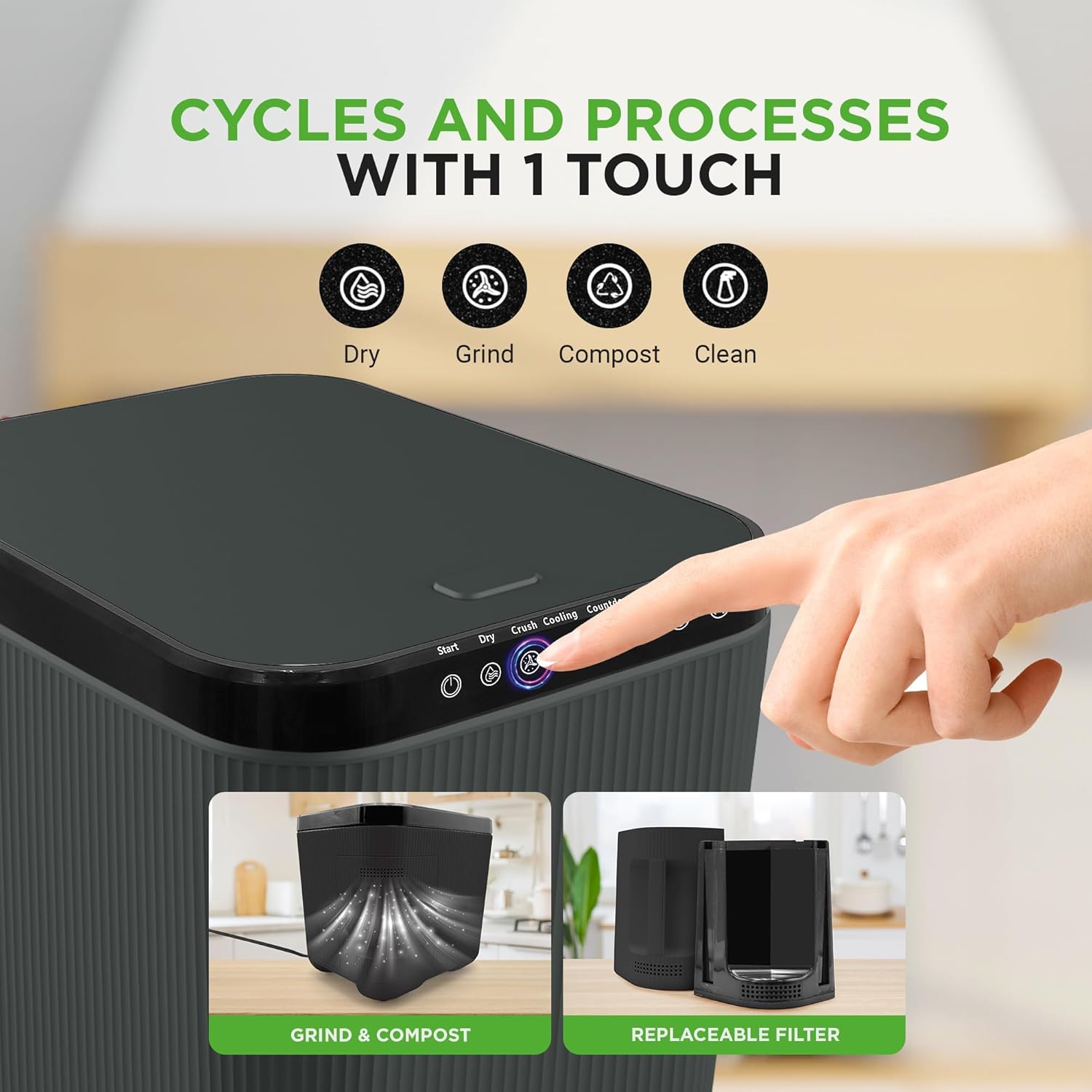
Image: The control panel showing the "Dry", "Crush", "Compost", and "Clean" cycle indicators, highlighting the one-touch operation.
- Monitoring Progress: The countdown display will show the remaining time for the cycle. The odor-reducing filtration system operates throughout the process.
- Cycle Completion: Once the cycle is complete, the unit will signal, and the processed material will be ready.
- Collecting Processed Material: Open the lid and carefully remove the processing bucket. The resulting material is a dry, crushed pre-compost that can be used for gardening or disposed of.
Maintenance
Regular cleaning and filter replacement ensure optimal performance and longevity of your composter.
- Cleaning the Processing Bucket: The removable processing bucket is dishwasher-safe. Alternatively, wash it with warm, soapy water and a non-abrasive sponge. Rinse thoroughly and dry completely before reinserting.
- Self-Cleaning Mode: The composter features a self-cleaning mode. To activate, ensure the bucket is empty and clean, then follow the instructions in your quick start guide or on the control panel.

Image: The composter's self-cleaning function in action, showing water circulating within the bucket.
- Cleaning the Exterior: Wipe the exterior of the main unit with a damp cloth. Do not use harsh chemicals or abrasive cleaners.
- Carbon Filter Replacement: The "Filter" indicator light on the control panel will illuminate when the carbon filter needs replacement. Refer to the filter replacement instructions provided with your replacement filters. Ensure the unit is unplugged before replacing the filter.
Troubleshooting
If you encounter issues with your Nutrichef Composter, refer to the following common solutions.
| Problem | Possible Cause | Solution |
|---|---|---|
| Unit does not power on. | Not plugged in; power outlet issue; damaged cord. | Ensure the power cord is securely plugged into a working outlet. Check the circuit breaker. If the cord is damaged, discontinue use and contact support. |
| Cycle does not start. | Lid not closed properly; processing bucket not seated correctly. | Ensure the lid is fully closed and latched. Verify the processing bucket is correctly inserted and seated. |
| Unpleasant odors during operation. | Filter needs replacement; inappropriate food waste added. | Check the "Filter" indicator light and replace the carbon filter if necessary. Review the list of acceptable food waste. Ensure the lid is sealed properly. |
| Processed material is still wet. | Excessive liquid content in food waste; overloaded bucket. | Drain excess liquid from food scraps before adding. Do not overfill the processing bucket. Run another cycle if needed. |
| Error lights flashing (e.g., Clean, Filter, Power). | Internal malfunction; sensor issue. | Unplug the unit for 5 minutes, then plug it back in. If the issue persists, contact customer support. |
Specifications
- Model Number: NCVK9112BGR
- Brand: NutriChef
- Capacity: 3 Liters
- Material: Polypropylene (PP) and Acrylonitrile Butadiene Styrene (ABS) plastic
- Product Dimensions (L x W x H): 11.02" x 13.5" x 12.5"
- Item Weight: Approximately 18.11 pounds (8.23 Kilograms)
- UPC: 842893163352
- Manufacturer: Sound Around
Warranty and Support
This Nutrichef Electric Kitchen Composter is covered by a Manufacturer Warranty. For detailed information regarding warranty terms, coverage, or to obtain support, please refer to the warranty card included with your product or visit the official Nutrichef website.
For technical assistance or customer service inquiries, please contact Nutrichef customer support.
Ask a question about this manual
Ask about setup, troubleshooting, compatibility, parts, safety, or missing instructions. Manuals+ will review the question and use this page’s manual context to help answer it.