
Introduction
Welcome to the user manual for your Bigben Mia Bluetooth Speaker and Nightlight. This device is designed to provide both audio entertainment and a comforting nightlight for children. Please read this manual carefully to ensure proper use, maintenance, and to fully understand all features of your new device.
The Mia speaker features a playful cat design, combining a Bluetooth and USB-compatible speaker with an adjustable nightlight. Its intuitive controls allow for easy music navigation and light intensity adjustment. With a rechargeable battery, Mia is portable and can accompany your child throughout the day.
Safety Information
- Do not expose the device to water or excessive moisture.
- Keep away from heat sources and direct sunlight.
- Do not attempt to disassemble or repair the device yourself. Refer to qualified service personnel.
- Use only the provided USB-C cable for charging.
- Ensure the device is placed on a stable surface to prevent falls.
- This product is intended for use by children under adult supervision.
Package Contents
- 1 x Bigben Mia Bluetooth Speaker and Nightlight
- 1 x USB-C Charging Cable
- 1 x User Manual (this document)
Product Overview
Familiarize yourself with the various parts of your Mia speaker.

Figure 1: Front View. This image shows the front of the Bigben Mia speaker, which is shaped like a pink cat. Its face glows, indicating the nightlight function, and it has two white circular buttons on its feet. The left button has a power symbol, and the right button has an 'A' symbol.

Figure 2: Rear View. The back of the Mia speaker features a large speaker grille. Below it, there is a USB-C charging port, a standard USB-A port for MP3 playback, and a small toggle switch, likely for Airplane Mode.
Controls and Ports:
- Feet Buttons: These buttons control Power On/Off (typically a long press on one button, often indicated by a power symbol) and Music Navigation (short presses for Next/Previous track).
- Left Ear: Controls Light Intensity.
- Right Ear: Controls Volume.
- USB-C Port (Rear): For charging the device.
- USB-A Port (Rear): For MP3 playback from a USB drive.
- Toggle Switch (Rear): Activates/Deactivates Airplane Mode (disables Bluetooth).
Setup
1. Charging the Device
- Connect the supplied USB-C cable to the USB-C port on the back of the Mia speaker.
- Connect the other end of the USB-C cable to a compatible USB power adapter (not included) or a computer's USB port.
- The charging indicator light will illuminate. Allow approximately 2-3 hours for a full charge.
- Once fully charged, the indicator light may change color or turn off. Disconnect the charging cable.
2. Powering On/Off
- To power on the device, press and hold one of the Feet Buttons (typically the one with the power symbol) for a few seconds until the nightlight illuminates and you hear an audible prompt.
- To power off the device, press and hold the same Feet Button again until the nightlight turns off and you hear an audible prompt.
Operating Instructions
Bluetooth Pairing
- Ensure the Mia speaker is powered on and not in Airplane Mode (check the toggle switch on the back).
- The speaker will automatically enter Bluetooth pairing mode, indicated by a flashing light or audible prompt.
- On your smartphone, tablet, or other Bluetooth-enabled device, go to the Bluetooth settings.
- Search for available devices and select "Mia" or "Bigben Mia" from the list.
- Once paired, the speaker will emit an audible confirmation, and the light indicator will become solid.
- You can now play audio from your connected device through the Mia speaker.
USB Playback (MP3s)
- Insert a USB flash drive containing MP3 audio files into the USB-A port on the back of the Mia speaker.
- The speaker will automatically detect the USB drive and begin playing the MP3 files.
- To navigate tracks: Short press the Feet Buttons to skip to the next or previous track.
Nightlight Control
- Adjusting Light Intensity: Use the Left Ear control to cycle through different brightness levels or turn the nightlight on/off.
Volume Control
- Adjusting Volume: Use the Right Ear control to increase or decrease the audio volume.
Music Timer Function
- The Mia speaker features a music timer with settings for 15, 30, or 60 minutes.
- Refer to the device's specific controls (not explicitly detailed in provided data for timer activation) to activate and select the desired timer duration. This function will automatically turn off music playback after the set time.
Airplane Mode
- To disable Bluetooth connectivity, activate the "Airplane Mode" using the toggle switch on the rear of the device. This is useful when only using the nightlight or USB playback, or when Bluetooth is not permitted.
Maintenance
- Cleaning: Wipe the device with a soft, dry, or slightly damp cloth. Do not use harsh chemicals or abrasive cleaners.
- Storage: When not in use for extended periods, store the speaker in a cool, dry place, away from direct sunlight.
- Battery Care: To prolong battery life, avoid fully discharging the battery frequently. Charge the device regularly, even if not in constant use.
Troubleshooting
| Problem | Possible Cause | Solution |
|---|---|---|
| Device does not power on. | Low battery. | Charge the device using the USB-C cable. |
| Device does not power on. | Power button not pressed correctly. | Press and hold one of the Feet Buttons for a few seconds. |
| Cannot pair via Bluetooth. | Bluetooth is disabled (Airplane Mode). | Check the toggle switch on the back to ensure Airplane Mode is off. |
| Cannot pair via Bluetooth. | Device is already paired to another device. | Disconnect from the previously paired device or turn off its Bluetooth. |
| No sound from speaker. | Volume is too low. | Increase volume using the Right Ear control or from the connected device. |
| USB playback not working. | USB drive not formatted correctly or no MP3 files. | Ensure USB drive contains MP3 files and is properly inserted. |
| Nightlight not working. | Light intensity set to minimum or off. | Use the Left Ear control to adjust light intensity. |
If the problem persists after trying these solutions, please contact customer support.
Specifications
| Feature | Detail |
|---|---|
| Model Name | BTKIDS |
| Brand | Bigben |
| Color | Pink/Cat |
| Connectivity Technology | Bluetooth 5.0 |
| Wireless Communication | Bluetooth |
| Speaker Output Power | 15 Watts |
| Audio Output Mode | Stereo |
| Power Source | Battery Powered (Lithium 1200 mAh) |
| Battery Life | Up to 8 hours of playback |
| Charging Port | USB-C (cable included) |
| USB Playback | Yes, for MP3s |
| Nightlight | Dimmable |
| Music Timer | 15-30-60 minutes |
| Control Method | Push Button |
| Item Weight | 1 Kilogram |
| Product Dimensions (L x W x H) | 30 x 30 x 30 cm |
| Waterproof | No |
| Compatible Devices | Smartphone, Tablet, Laptop, MP3 Player |
Warranty and Support
The product comes with a limited warranty. For specific warranty terms and conditions, please refer to the documentation provided with your purchase or contact Bigben Interactive customer support.
For technical support, troubleshooting assistance, or warranty claims, please visit the official Bigben Interactive website or contact their customer service department. Contact information can typically be found on the product packaging or the manufacturer's website.
Additional Product Images
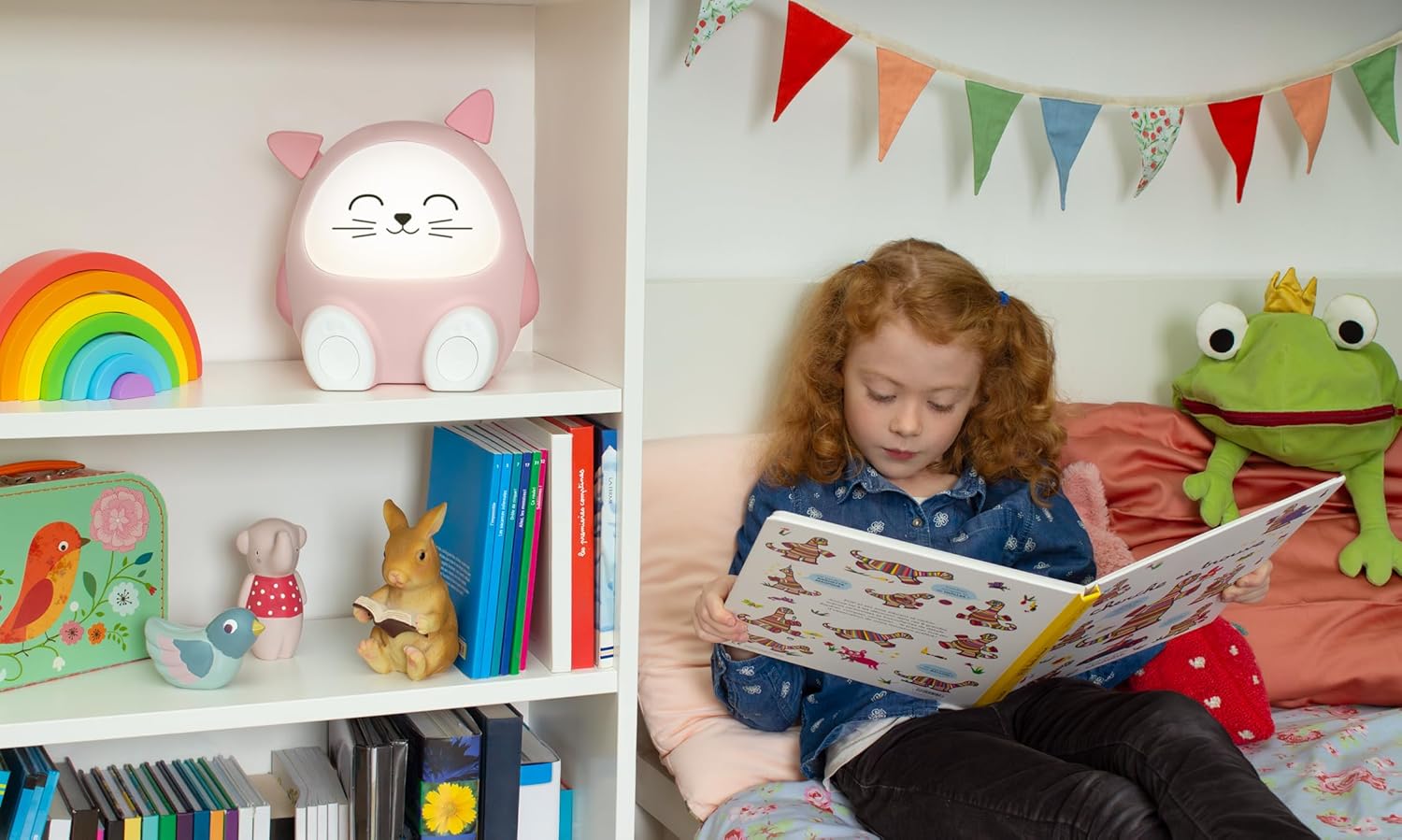
Figure 3: Lifestyle Image. The Mia speaker is shown on a white shelf in a child's room, alongside other toys. A child with red hair is sitting on a bed nearby, reading a book, illustrating the product's intended use in a child's environment.

Figure 4: Comfort Setting. The Mia speaker is placed on a soft, fluffy white cushion, highlighting its gentle and comforting presence in a child's space.

Figure 5: Room Placement. The Mia speaker is positioned on a blue dresser in a child's room, with colorful building blocks stacked beside it, demonstrating its integration into a child's play and rest area.


