
Introduction
The Vieta Pro Way 3 headphones are designed to provide a versatile audio experience with multiple connectivity options and features. This device supports Bluetooth wireless connection, an Aux-in port for wired use, an integrated microphone for hands-free communication, a dedicated gaming mode, and Dual Pairing functionality. With an impressive battery life of up to 50 hours, these headphones are suitable for extended listening sessions.
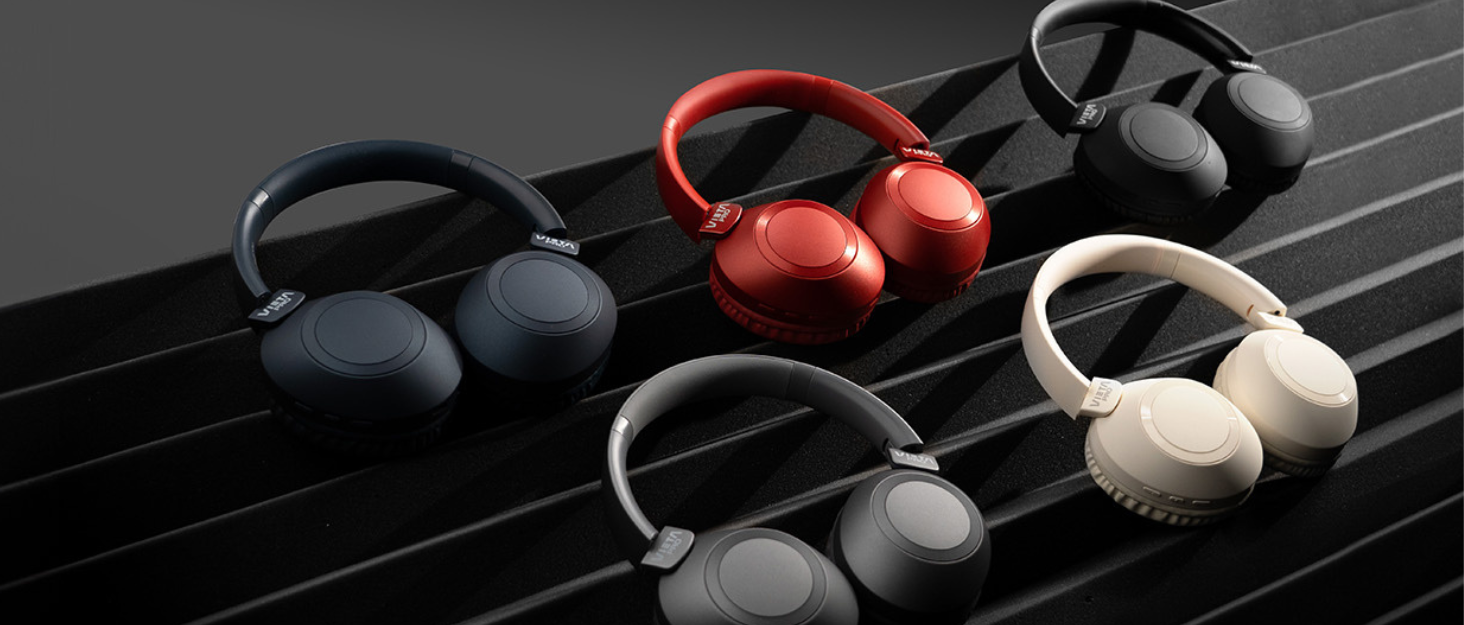
Image: Vieta Pro Way 3 headphones displayed in multiple color options.
Setup
1. Charging the Headphones
Before initial use, ensure the headphones are fully charged. The Vieta Pro Way 3 headphones support wireless charging. A full charge provides up to 50 hours of continuous playback.
- Connect the provided charging cable to the charging port on the headphones and to a compatible USB power source.
- Alternatively, place the headphones on a compatible wireless charging pad.
- The indicator light will show the charging status and turn off or change color once fully charged.
2. Powering On/Off
- To Power On: Press and hold the Power button for approximately 3 seconds until the indicator light illuminates.
- To Power Off: Press and hold the Power button for approximately 3 seconds until the indicator light turns off.
3. Bluetooth Pairing
To connect your headphones wirelessly to a device:
- Ensure the headphones are powered off.
- Press and hold the Power button for approximately 5-7 seconds until the indicator light flashes rapidly, indicating pairing mode.
- On your smartphone, tablet, or computer, enable Bluetooth and search for available devices.
- Select "Vieta Pro Way 3" from the list of found devices.
- Once connected, the indicator light will stop flashing and remain solid or flash slowly.
4. Aux-in Connection
For a wired connection, use a 3.5mm audio cable:
- Connect one end of the 3.5mm audio cable to the Aux-in port on the headphones.
- Connect the other end to the 3.5mm audio output of your audio source.
- The headphones will automatically switch to Aux-in mode when a cable is detected.
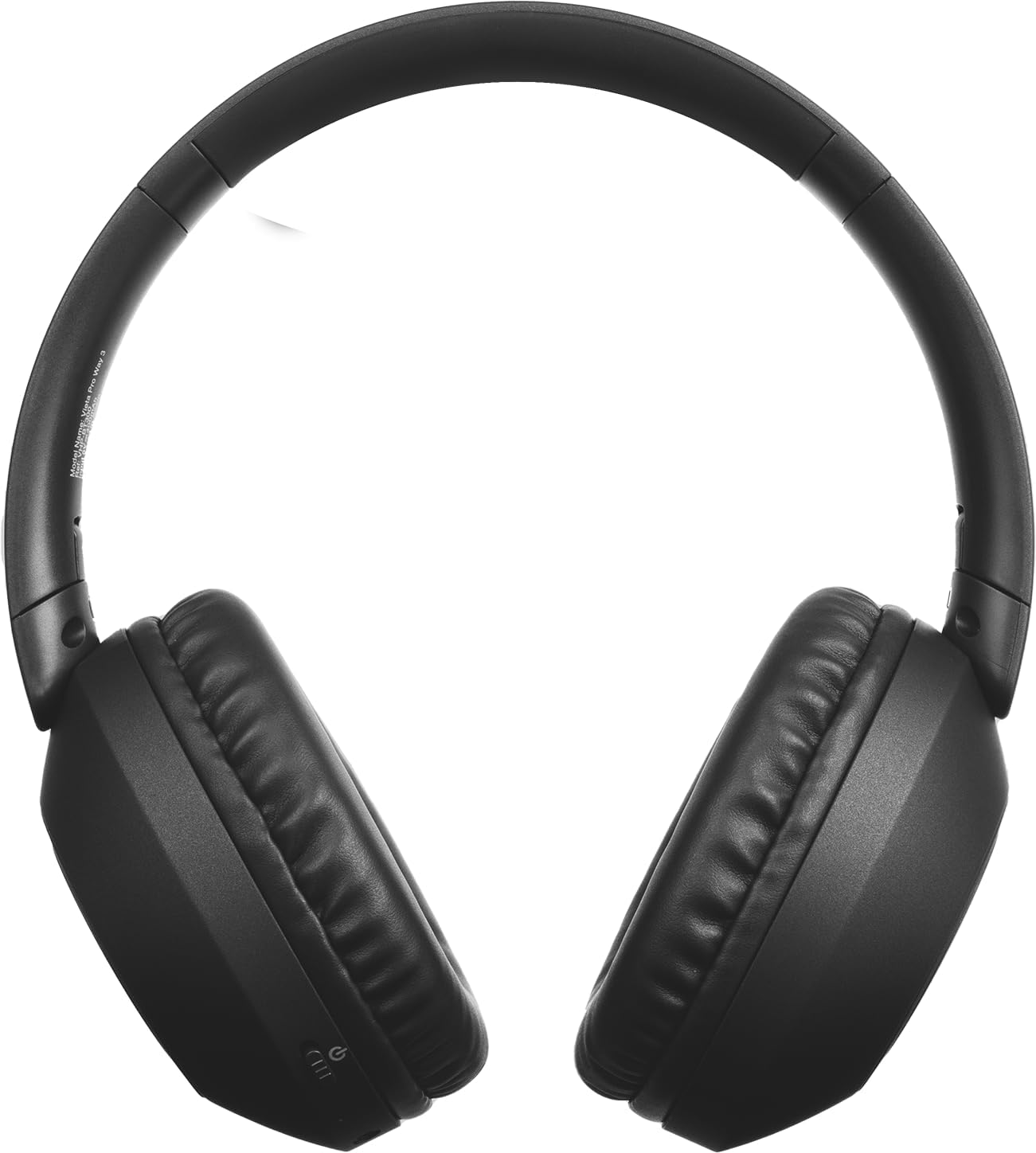
Image: Front view of the Vieta Pro Way 3 headphones, showing the earcups and headband.
Operating Instructions
1. Music Playback
When connected via Bluetooth or Aux-in, you can control your music:
- Play/Pause: Press the Multi-function button once.
- Next Track: Press and hold the Volume Up button.
- Previous Track: Press and hold the Volume Down button.
- Volume Up: Press the Volume Up button briefly.
- Volume Down: Press the Volume Down button briefly.
2. Call Management
The integrated microphone allows for hands-free calls when connected via Bluetooth:
- Answer/End Call: Press the Multi-function button once.
- Reject Call: Press and hold the Multi-function button for 2 seconds.
- Voice Assistant: Double-press the Multi-function button to activate your device's voice assistant.
3. Gaming Mode
Activate the dedicated gaming mode for optimized audio performance during gameplay, reducing latency and enhancing sound effects.
- Activate Gaming Mode: Refer to the specific button or gesture indicated in the quick start guide for your model. (Typically a dedicated button or a long press on a volume button).
4. Dual Pairing
The Dual Pairing feature allows the Vieta Pro Way 3 headphones to connect to two different Bluetooth devices simultaneously. This enables seamless switching between audio sources without the need to disconnect and re-pair.
- Pair the headphones with your first device following the Bluetooth Pairing instructions.
- Disconnect Bluetooth on the first device temporarily.
- Pair the headphones with your second device.
- Re-enable Bluetooth on the first device. The headphones should now be connected to both devices.
- Audio will play from the active source, and you can switch by pausing one and playing the other.

Image: A person wearing the Vieta Pro Way 3 headphones, demonstrating comfortable use.
Maintenance
1. Cleaning
- Wipe the headphones with a soft, dry, lint-free cloth.
- Do not use abrasive cleaners, solvents, or strong chemicals, as these may damage the surface or internal components.
- Avoid getting moisture into any openings.
2. Storage
- Store the headphones in a cool, dry place, away from direct sunlight and extreme temperatures.
- When not in use for extended periods, store them in their protective case (if included) to prevent dust and damage.
3. Battery Care
- To prolong the lifespan of the battery, avoid fully discharging the headphones frequently.
- Charge the headphones regularly, even if not in frequent use.
Troubleshooting
1. No Sound
- Ensure the headphones are powered on and charged.
- Check the volume levels on both the headphones and the connected device.
- Verify that the headphones are properly paired via Bluetooth or securely connected via the Aux-in cable.
- Try restarting both the headphones and the audio source device.
2. Pairing Issues
- Ensure the headphones are in Bluetooth pairing mode (indicator light flashing rapidly).
- Disable and re-enable Bluetooth on your device.
- Move the headphones closer to your device to ensure a strong signal.
- Clear previous Bluetooth connections from your device's Bluetooth settings and try pairing again.
3. Charging Issues
- Verify that the charging cable is securely connected to both the headphones and the power source, or that the headphones are correctly placed on the wireless charging pad.
- Ensure the power source (USB adapter, computer port, wireless charger) is functional.
- Check the charging port on the headphones for any debris that might obstruct the connection.
Specifications
| Brand | Vieta Pro |
| Model | Way 3 |
| Form Factor | Over-ear (Headband) |
| Connectivity Technology | Wireless (Bluetooth), Wired (Aux-in) |
| Wireless Communication | Bluetooth |
| Battery Life | Up to 50 hours (playback) |
| Special Features | Wireless Charging, Built-in Microphone, Gaming Mode, Dual Pairing |
| Manufacturer | FRAMASON AUDIO SA |
| ASIN | B0CRL99NBD |
Note: Specifications are subject to change without notice.
Warranty and Support
For detailed warranty information, product registration, or technical assistance, please refer to the official Vieta Pro website or contact their customer support directly. It is recommended to retain your purchase receipt as proof of purchase for any warranty claims.
- Official Website: Visit www.vietapro.com (or relevant regional site) for support resources.
- Customer Service: Contact information can typically be found on the official website.


