
1. Introduction
This manual provides essential information for the safe and efficient operation of your TCL 5,000 BTU Smart Portable Air Conditioner. This unit combines the functions of an air conditioner, fan, and dehumidifier to enhance your indoor comfort. Please read these instructions thoroughly before installation and use, and retain them for future reference.
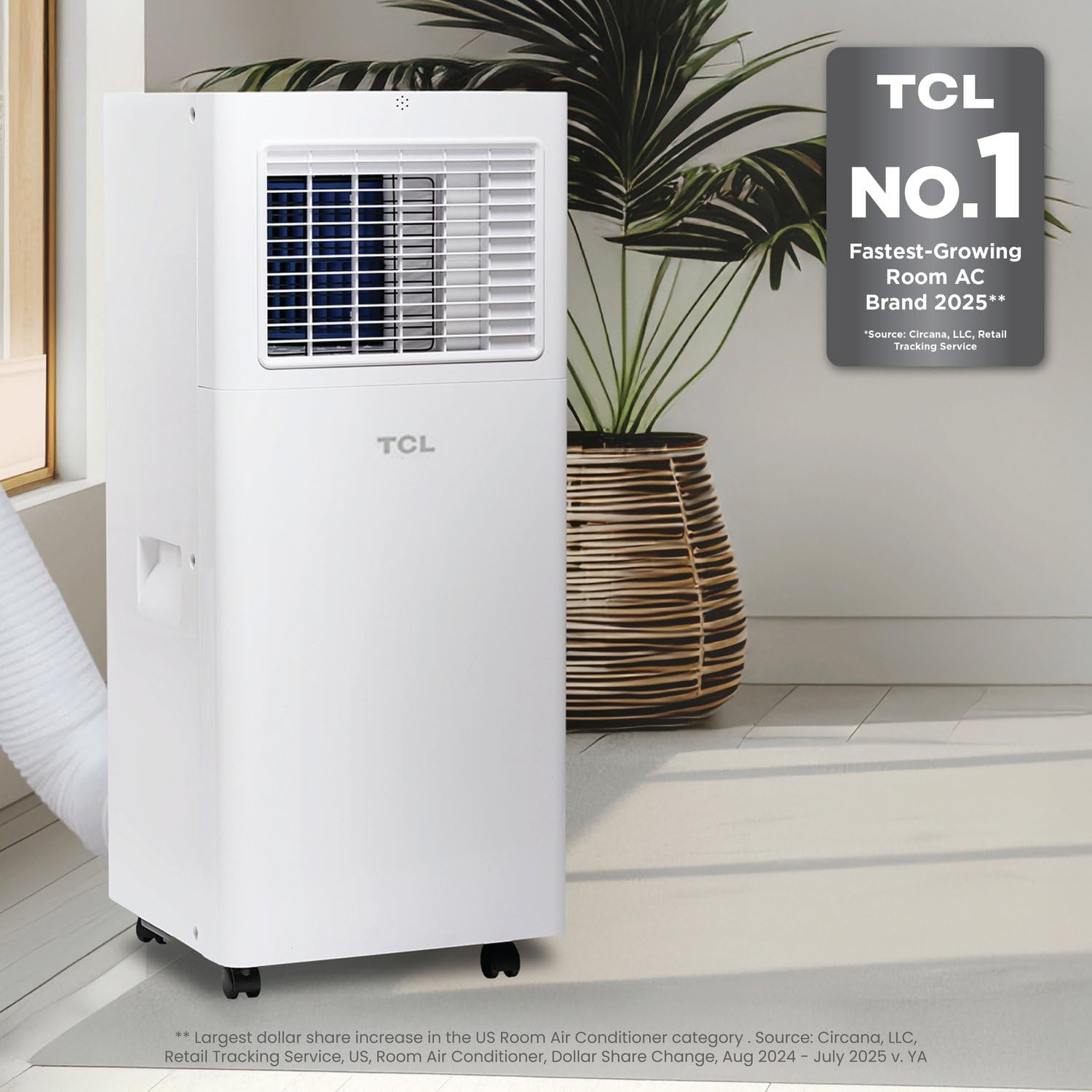
Image 1.1: The TCL Portable Air Conditioner in a living space.
2. Safety Information
To prevent injury to the user or other people and property damage, the following instructions must be followed. Incorrect operation due to ignoring instructions may cause harm or damage.
- Always use the unit with a grounded power outlet.
- Do not operate the unit with wet hands.
- Keep the unit away from heat sources and direct sunlight.
- Ensure the exhaust hose is properly installed and not blocked.
- Do not insert objects into the air inlet or outlet.
- Unplug the unit before cleaning or servicing.
3. Product Overview
3.1 Key Features
- 3-in-1 Functionality: Air Conditioning, Fan, and Dehumidifier modes.
- Ultra-Compact Design: Small footprint (10.8in x 10.6in) suitable for tight spaces.
- Smart Control: Operate via TCL Home App, remote control, or voice commands with Alexa/Google Assistant.
- Energy Efficient: Features Sleep and Eco modes to optimize energy consumption.
- Coverage: Effectively cools rooms up to 150 sq. ft.
- Easy Mobility: Equipped with two handles and four wheels for convenient movement between rooms.

Image 3.1: The unit offers 3-in-1 AC, Fan, and Dehumidifier modes.

Image 3.2: The ultra-compact design with dimensions 10.8"W x 10.6"D x 26.4"H.
3.2 Components
The package includes the portable air conditioner unit, an installation kit for window setup, and a remote control. The installation kit typically contains an exhaust hose, window slider kit, and connectors.
4. Setup and Installation
The TCL Portable Air Conditioner is designed for easy setup. An installation kit is included to facilitate window venting.
4.1 Unpacking
- Carefully remove the unit and all accessories from the packaging.
- Inspect the unit for any shipping damage. Contact customer support if damage is found.
4.2 Window Kit Installation
The included window kit is suitable for vertical or horizontal sliding windows with an opening up to 59 inches.
- Roll the AC unit to your desired location near a window.
- Assemble the window slider kit according to the instructions provided in the kit.
- Secure the window slider kit in the window opening.
- Attach one end of the exhaust hose to the unit and the other end to the window kit adapter. Ensure a tight seal to prevent hot air from re-entering the room.
- Plug the unit into a grounded electrical outlet.

Image 4.1: Illustration of the window installation process for the portable AC unit.
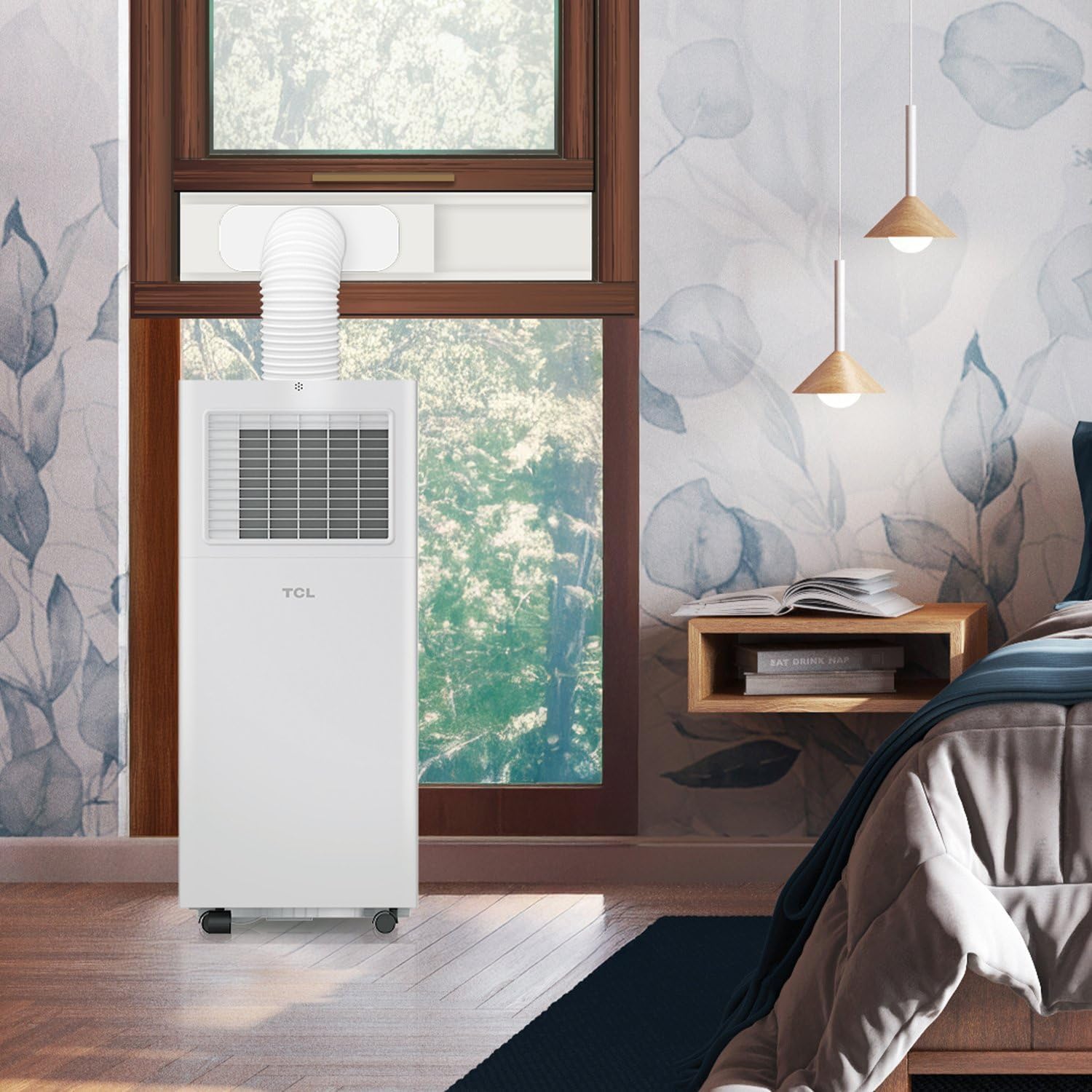
Image 4.2: The portable AC unit properly installed with its exhaust hose vented through a window.
5. Operating Instructions
Your TCL Portable Air Conditioner offers multiple ways to control your comfort.
5.1 Control Methods
- LED Display: Use the intuitive LED control panel on top of the unit for direct adjustments.
- Remote Control: The included remote allows convenient operation from a distance.
- TCL Home App: Download the TCL Home App to control your unit from your smartphone, set schedules, and monitor status from anywhere.
- Voice Control: Pair with Alexa or Google Assistant-enabled devices for hands-free operation using simple voice commands.

Image 5.1: Control your unit using the TCL Home App, remote, or voice commands.
5.2 Operating Modes
- Cool Mode: Provides powerful cooling to reduce room temperature.
- Fan Mode: Circulates air without cooling, ideal for gentle air movement.
- Dehumidifier Mode: Reduces moisture in the air, helping to create a more comfortable environment.
5.3 Special Features
- Sleep Mode: Adjusts temperature and fan speed for quiet, comfortable sleep while conserving energy.
- Eco Mode: Optimizes operation for energy efficiency, helping to reduce electricity consumption.

Image 5.2: Utilize Sleep and Eco modes for energy-efficient operation.
5.4 Official Product Video
Video 5.1: An overview of the TCL Portable Air Conditioner's features and functionality.
6. Maintenance
Regular maintenance ensures optimal performance and longevity of your portable air conditioner.
6.1 Cleaning the Air Filter
The unit features a washable and reusable air filter. Clean the filter regularly (every two weeks or as needed) to maintain air quality and unit efficiency.
- Unplug the unit from the power outlet.
- Locate and remove the air filter from the back or side of the unit.
- Wash the filter with warm, soapy water. Rinse thoroughly.
- Allow the filter to air dry completely before reinstalling.
6.2 Draining Water
In dehumidifier mode or high humidity conditions, the unit may collect water. Refer to the full user manual for specific instructions on draining the collected water, which may involve a drain hose or internal tank.
7. Troubleshooting
If you encounter issues with your unit, refer to the following common troubleshooting steps. For more complex problems, contact customer support.
| Problem | Possible Cause | Solution |
|---|---|---|
| Unit does not turn on | No power, circuit breaker tripped, power cord damaged. | Check power connection, reset circuit breaker, inspect power cord. |
| Insufficient cooling | Dirty air filter, blocked air intake/outlet, room size too large, windows/doors open. | Clean filter, clear obstructions, ensure proper room sealing, verify room size. |
| Unit is noisy | Unit not level, fan obstruction, loose parts. | Place on a flat surface, check for obstructions, contact service if noise persists. |
| Water leakage | Drain plug not secured, unit tilted, drain hose blocked. | Ensure drain plug is tight, place unit on level surface, clear drain hose. |
8. Specifications
| Feature | Specification |
|---|---|
| Model Number | H5P44W |
| Cooling Capacity | 5,000 BTU |
| Coverage Area | Up to 150 sq. ft. |
| Product Dimensions (D x W x H) | 11.4 x 11 x 26.6 inches |
| Item Weight | 42 pounds |
| Voltage | 115 Volts |
| Wattage | 950 watts |
| Noise Level | 49 Decibels |
| Special Features | Remote Controlled, WiFi Enabled |
| Included Components | Installation Kit, User Manual |
9. Warranty and Support
9.1 Warranty Information
This TCL Portable Air Conditioner comes with a 1-year limited warranty. Please retain your proof of purchase for warranty claims. The warranty covers defects in materials and workmanship under normal use.
9.2 Customer Support
For technical assistance, troubleshooting beyond this manual, or warranty inquiries, please contact TCL Customer Support. Refer to the contact information provided in your product packaging or visit the official TCL website.


