
1. Introduction
Thank you for choosing the TCL H8W35W 8,000 BTU Smart Window Air Conditioner. This manual provides essential information for the safe and efficient operation, installation, and maintenance of your new appliance. Please read it thoroughly before use and retain it for future reference.
This 3-in-1 unit offers cooling, fan, and dehumidifier functions, designed for rooms up to 350 square feet. It features smart control capabilities via the TCL Home app, remote control, and voice commands through Alexa or Google Assistant-enabled devices.
2. Important Safety Information
Before operating your air conditioner, please read all safety warnings and instructions. Failure to follow these instructions may result in electric shock, fire, or personal injury.
- Electrical Safety: Ensure the unit is plugged into a properly grounded 115 Volt outlet. Do not use extension cords or adapter plugs.
- Installation: Install the unit securely in a window according to the installation instructions to prevent it from falling.
- Maintenance: Always unplug the unit before cleaning or performing any maintenance.
- Children: This appliance is not intended for use by persons (including children) with reduced physical, sensory or mental capabilities, or lack of experience and knowledge, unless they have been given supervision or instruction concerning use of the appliance by a person responsible for their safety.
- Flammable Refrigerant: This unit uses R-32 refrigerant. Do not puncture the refrigerant circuit.
3. What's in the Box
Verify that all components are present upon unpacking:
- TCL H8W35W Window Air Conditioner Unit
- Remote Control
- Batteries for Remote Control
- User Manual (this document)
- Warranty Information
- Installation Kit (including side panels, top rail, window sash seal, foam seals, screws)
4. Setup and Installation
The TCL H8W35W is designed for installation in standard double-hung windows.
4.1 Window Requirements
- Minimum Window Opening Height: 14.5 inches
- Minimum Window Opening Width: 26 inches
- Maximum Window Opening Width: 36 inches

Figure 4.1: Window opening dimensions for proper installation.
4.2 Installation Steps (Overview)
- Prepare the Window: Clean the window sill and frame.
- Attach Top Rail: Secure the top rail to the air conditioner unit with screws.
- Install Side Panels: Slide the accordion side panels into the side channels of the unit.
- Place Unit in Window: Carefully lift the unit and place it in the window opening, ensuring the bottom rail rests on the window sill.
- Secure Unit: Close the window sash down onto the top rail of the unit. Extend the side panels to fill the window opening and secure them with screws.
- Seal Gaps: Apply foam seals to fill any gaps between the window sashes and the side panels to ensure an airtight seal.
- Plug In: Once securely installed, plug the unit into a grounded 115V electrical outlet.

Figure 4.2: Properly installed window air conditioner.
5. Operating Instructions
Your TCL H8W35W air conditioner can be operated using the control panel on the unit, the included remote control, or the TCL Home app.
5.1 Control Panel Overview
The control panel features an LED display and various buttons for mode selection, temperature adjustment, fan speed, and timer settings.

Figure 5.1: Unit control panel.
5.2 Remote Control
The remote control allows convenient operation from a distance. Insert the provided batteries before first use.
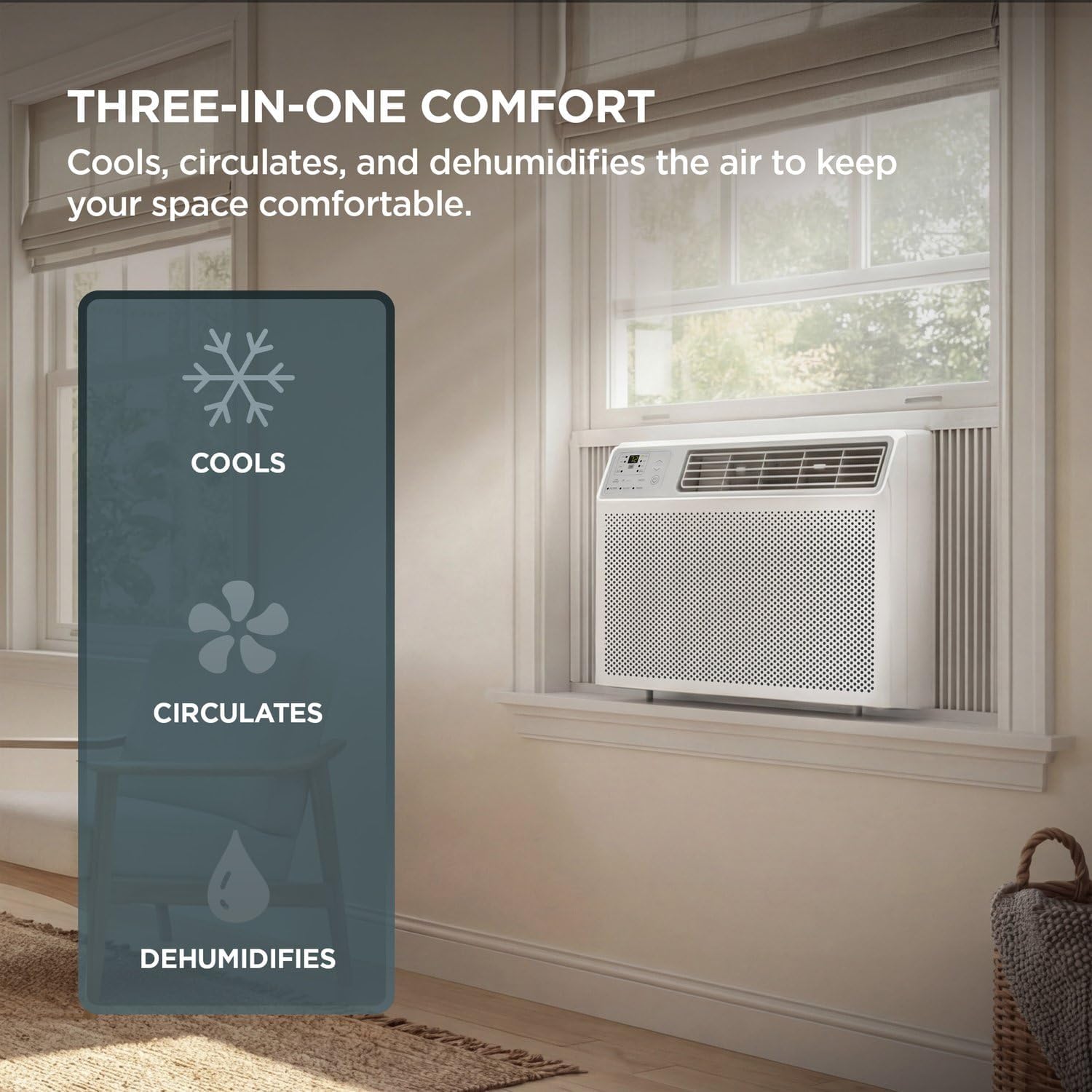
Figure 5.2: Remote control for the unit.
5.3 Operating Modes
- Cool Mode: Provides cooling to lower room temperature. Adjust temperature using the Up/Down arrows.
- Fan Mode: Circulates air without cooling. Select desired fan speed (Low, Med, High).
- Dehumidifier Mode: Reduces humidity in the room.
- Eco Mode: Saves energy by turning off the fan when cooling is not needed, restarting periodically to check room temperature.
- Sleep Mode: Gradually adjusts the temperature overnight to maintain comfort and save energy.
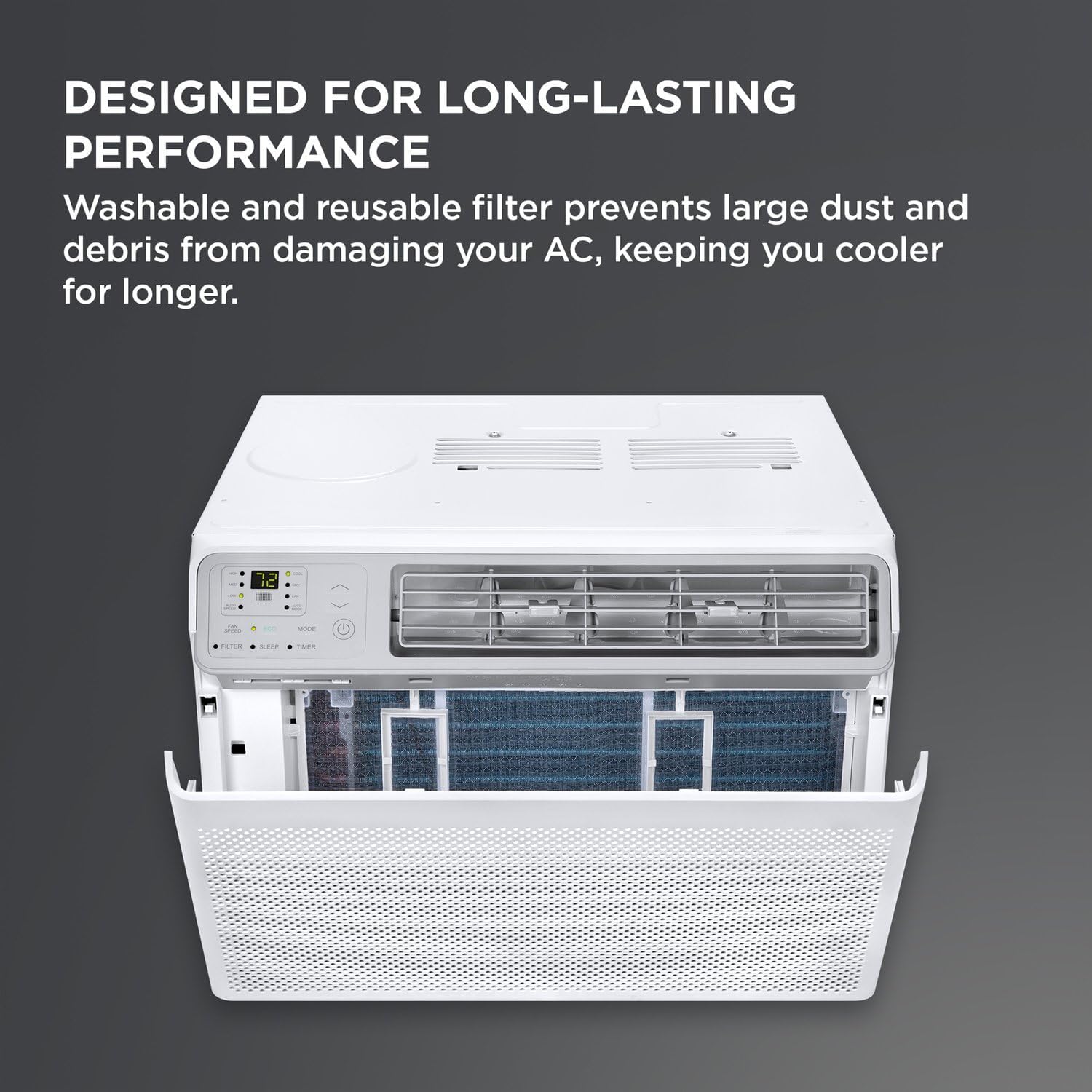
Figure 5.3: Sleep Mode for comfortable overnight operation.
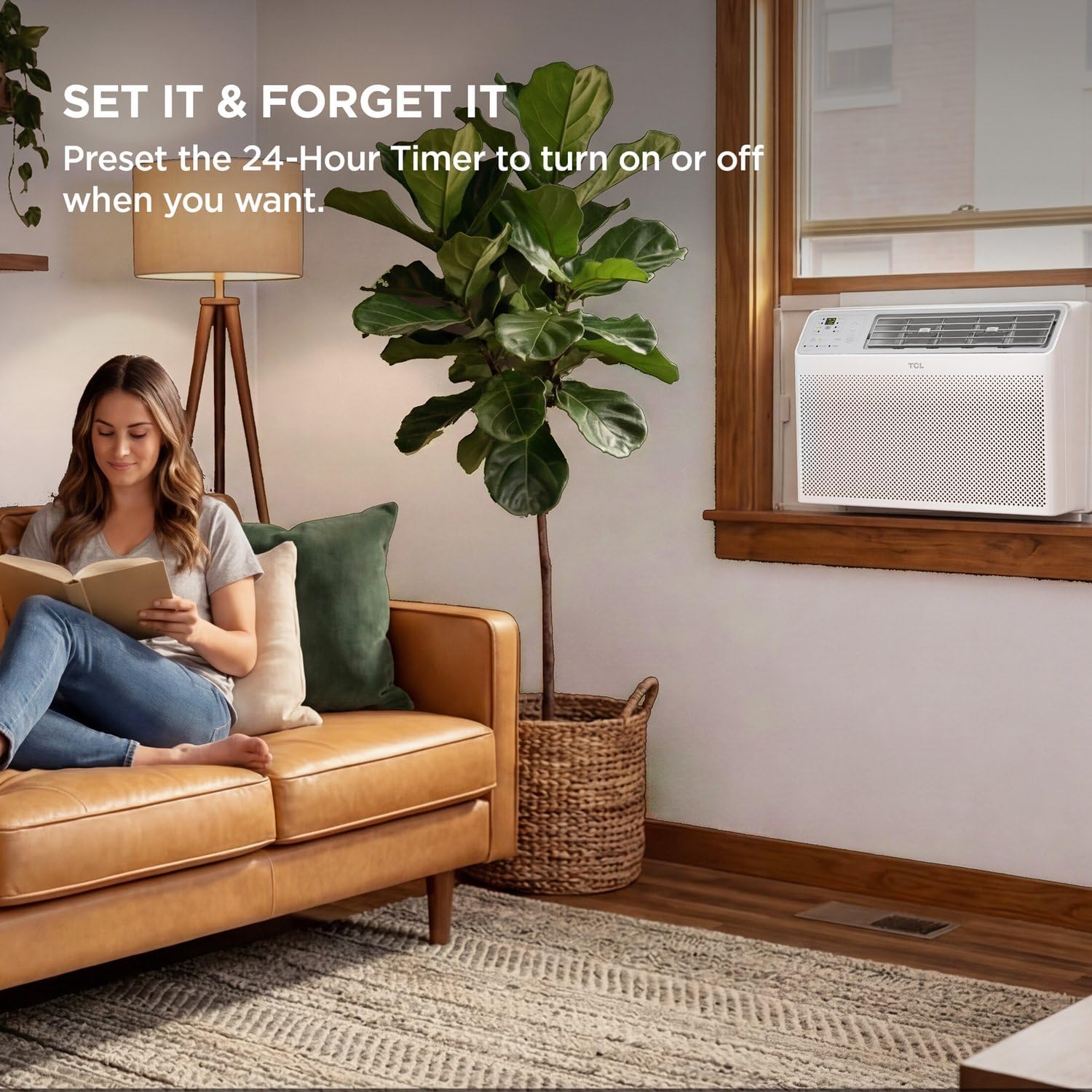
Figure 5.4: Eco Mode for energy-saving operation.
5.4 Smart Control (TCL Home App & Voice Assistants)
Download the TCL Home app from your smartphone's app store to control your air conditioner remotely. The unit is also compatible with Alexa, Google Assistant, and Siri-enabled devices for voice control. Follow the app's instructions for pairing.

Figure 5.5: Smart control options via TCL Home App and voice assistants.
5.5 24-Hour Timer
Use the 24-hour timer function to program the unit to turn on or off automatically at a set time.
Figure 5.6: Setting the 24-hour timer for convenience.
6. Maintenance
Regular maintenance ensures optimal performance and extends the lifespan of your air conditioner. Always unplug the unit before cleaning.
6.1 Cleaning the Air Filter
The washable and reusable filter should be cleaned every two weeks, or more often depending on usage and air quality.
- Open the front panel of the unit.
- Grasp the filter by its handle and pull it out.
- Wash the filter with warm, soapy water. Rinse thoroughly.
- Allow the filter to air dry completely before reinserting.
- Close the front panel.

Figure 6.1: Accessing and cleaning the reusable air filter.
6.2 Cleaning the Unit Exterior
Wipe the exterior of the unit with a soft, damp cloth. Do not use harsh chemicals or abrasive cleaners.
7. Troubleshooting
Before contacting customer service, refer to the following table for common issues and solutions.
| Problem | Possible Cause | Solution |
|---|---|---|
| Unit does not turn on | No power, circuit breaker tripped, power cord damaged. | Check power connection, reset circuit breaker, inspect power cord. |
| Insufficient cooling | Dirty air filter, blocked air intake/outlet, room too large, temperature setting too high. | Clean air filter, clear obstructions, ensure unit matches room size, lower temperature setting. |
| Unit is noisy | Loose installation, fan obstruction, normal operating sounds. | Ensure secure installation, check for obstructions, some noise is normal. |
| Remote control not working | Dead batteries, obstruction between remote and unit, remote out of range. | Replace batteries, remove obstructions, operate within range. |
| Wi-Fi connection issues | Incorrect Wi-Fi password, router too far, app not configured correctly. | Verify Wi-Fi credentials, move unit closer to router, reconfigure app settings. |
8. Specifications
| Feature | Detail |
|---|---|
| Model Number | H8W35W |
| Cooling Power | 8,000 BTU |
| Coverage Area | Up to 350 sq. ft. |
| Functions | Cool, Fan, Dehumidifier |
| Voltage | 115 Volts |
| Wattage | 690 watts |
| Noise Level | 54 Decibels |
| Refrigerant Type | R-32 |
| Filter Type | Washable |
| Control Methods | App, Remote, Voice (Alexa, Google Assistant) |
| Product Dimensions (D x W x H) | 15.59"D x 18.58"W x 13.31"H |
| Item Weight | 45.2 Pounds |
| Window Opening Minimum Height | 14.5 Inches |
| Window Opening Minimum Width | 26 Inches |
| Window Opening Maximum Width | 36 Inches |

Figure 8.1: BTU capacity guide for room sizing.
9. Warranty and Support
9.1 Limited Warranty
This TCL H8W35W air conditioner comes with a 1-year limited warranty. Please refer to the separate warranty document included in your package for full terms and conditions. Keep your purchase receipt as proof of purchase.
9.2 Customer Support
For technical assistance, troubleshooting beyond this manual, or warranty claims, please contact TCL Customer Support.
- Online Support: Visit the official TCL support website.
- Phone Support: Refer to your warranty card or the TCL website for contact numbers.
You can also visit the TCL Store on Amazon for more product information and accessories.


