
Introduction
This manual provides essential instructions for setting up, operating, and maintaining your MIXX StreamBuds Ultra Dots True Wireless Earbuds. Please read thoroughly before use to ensure optimal performance and longevity of your device.
What's in the Box
- MIXX StreamBuds Ultra Dots Earbuds
- Wireless Charging Case
- USB Charging Cable
- Ear Cushions (Multiple Sizes)

Image: MIXX StreamBuds Ultra Dots earbuds inside their open charging case, showing the earbuds and the case's interior.
Product Overview
The MIXX StreamBuds Ultra Dots feature a robust zinc alloy charging case and a sleek capsule design for comfortable in-ear fit. They offer advanced audio control through the MIXX Control App and hands-free calling with Clear Voice technology.

Image: Two MIXX StreamBuds Ultra Dots earbuds resting outside their charging case, highlighting their compact design.

Image: A person wearing a MIXX StreamBuds Ultra Dots earbud, demonstrating its discreet and comfortable fit in the ear.
Setup
1. Initial Charge
Before first use, fully charge the earbuds and the charging case. Place the earbuds into the charging case. Connect the USB charging cable to the case and a power source. The digital display on the case will show the battery status.
2. Pairing with Your Device
- Open the charging case. The earbuds will automatically enter pairing mode.
- On your device (smartphone, tablet, etc.), go to Bluetooth settings.
- Select "MIXX StreamBuds Ultra Dots" from the list of available devices.
- Once connected, you will hear an audible confirmation.
3. MIXX Control App
For enhanced control and customization, download the MIXX Control App. The app allows you to adjust EQ settings, personalize touch controls, and utilize the 'Find It' feature for misplaced earbuds.
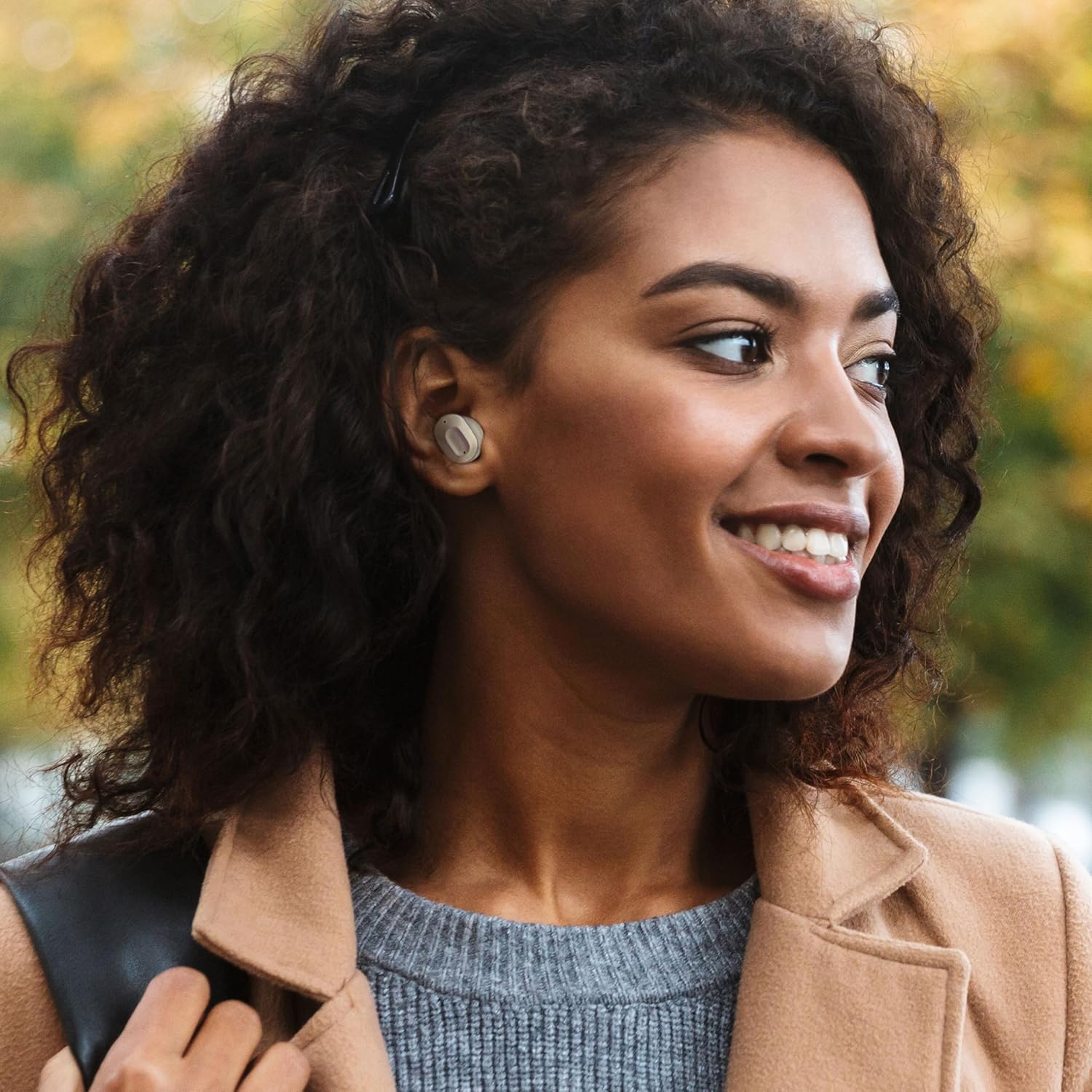
Image: Screenshot of the MIXX Control App interface, displaying options for EQ settings and custom key assignments.
Video: An overview of the MIXX StreamBuds Ultra Dots True Wireless Earbuds, demonstrating key features and usage.
Operating Instructions
Touch Controls
The earbuds feature smart touch controls for easy management of music and calls. Functions can be customized via the MIXX Control App.
- Play/Pause: Single tap on either earbud.
- Next Track: Double tap the right earbud.
- Previous Track: Double tap the left earbud.
- Volume Up: Tap and hold the right earbud.
- Volume Down: Tap and hold the left earbud.
- Answer/End Call: Single tap on either earbud.
- Reject Call: Tap and hold on either earbud.
- Activate Voice Assistant (Siri/Google Assistant): Triple tap on either earbud.
Hands-Free Calling
Equipped with Clear Voice technology and Beam Forming microphones, the earbuds focus on your voice to reduce surrounding noise, ensuring clear phone calls even in busy environments.
Charging and Battery Life
The StreamBuds Ultra Dots provide up to 6 hours of continuous playback on a single charge. The portable zinc alloy charging case offers an additional 18 hours, totaling up to 24 hours of audio playtime.
Quick Charge Feature
A quick 15-minute charge delivers up to 2 hours of playback, ensuring your earbuds are ready when you need them most.
Digital Battery Display
The charging case features a digital display that shows the battery status of both the earbuds and the case itself, allowing you to monitor power levels easily.
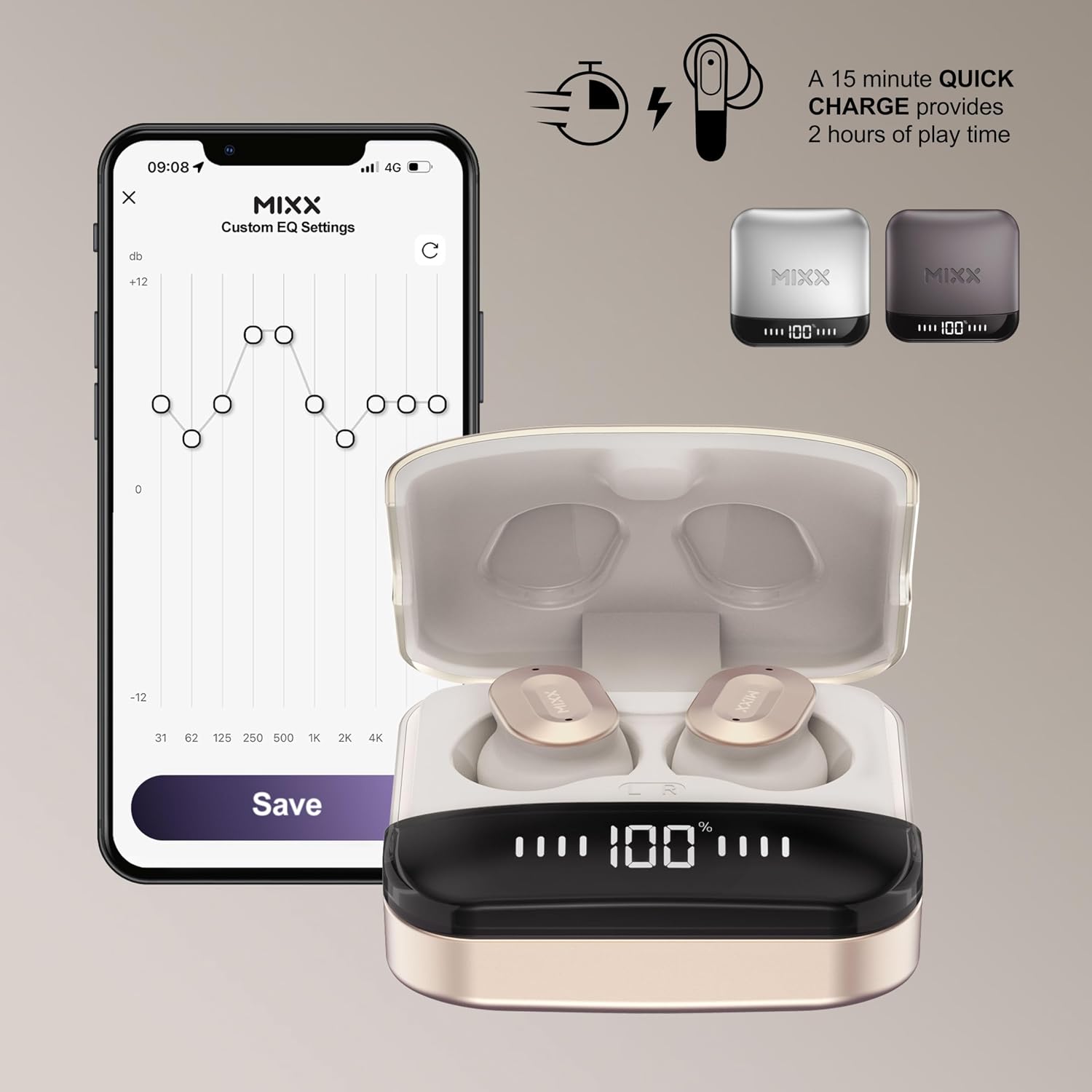
Image: The MIXX StreamBuds Ultra Dots charging case with a clear digital display indicating the current battery percentage.
Maintenance
Cleaning
Regularly clean your earbuds and charging case with a soft, dry cloth. Avoid using abrasive materials or harsh chemicals. Ensure charging contacts are free of debris.
Ear Tip Replacement
The earbuds come with three sizes of soft silicone ear cushions. Choose the size that provides the most comfortable and secure fit for optimal sound quality and noise isolation. Gently remove and replace ear tips as needed.

Image: MIXX StreamBuds Ultra Dots earbuds displayed alongside three different sizes of silicone ear tips, illustrating customization options for fit.
Storage
When not in use, store the earbuds in their charging case to protect them and keep them charged. Store in a cool, dry place away from extreme temperatures.
Water Resistance
These earbuds are not water resistant. Avoid exposure to water or excessive moisture to prevent damage.
Troubleshooting
- No Sound: Ensure earbuds are charged and properly paired. Check device volume and earbud volume.
- Pairing Issues: Turn off Bluetooth on your device, place earbuds back in the case, then try pairing again. Ensure no other devices are actively connected.
- Earbuds Not Charging: Check the charging cable and power source. Ensure earbuds are correctly seated in the charging case and contacts are clean.
- Misplaced Earbuds: Use the 'Find It' feature in the MIXX Control App to locate your earbuds.
Specifications
| Brand | MIXX |
| Model Number | USUL-DT-CG-011 |
| Model Name | StreamBuds Ultra Dots |
| Color | Champagne |
| Ear Placement | In Ear |
| Form Factor | In Ear |
| Connectivity Technology | Bluetooth, Wireless |
| Bluetooth Version | 4.2 |
| Battery Average Life | 6 Hours (earbuds), 24 Hours (total with case) |
| Battery Charge Time | 15 minutes for 2 hours playback |
| Control Method | Touch |
| Noise Control | Passive Noise Cancellation |
| Water Resistance Level | Not Water Resistant |
| Material | Metal, Plastic, Silicone |
Warranty and Support
Warranty Information
Your MIXX StreamBuds Ultra Dots come with a 1-year warranty from the date of purchase. Please retain your proof of purchase for warranty claims.
Customer Support
For further assistance, troubleshooting, or warranty inquiries, please contact MIXX USA customer support. You can find contact information on the official MIXX website or through your retailer.
Visit the MIXX Store on Amazon for more products and information.

