Introduction
Thank you for choosing the iJoy Disney Nightmare Before Christmas Glow in The Dark TWS Earbuds. These wireless Bluetooth earbuds are designed to provide a high-quality audio experience with comfort and convenience. This manual will guide you through the setup, operation, maintenance, and troubleshooting of your new earbuds.

Image: The iJoy Disney Nightmare Before Christmas Glow in The Dark TWS Earbuds, featuring Jack Skellington and Sally designs, alongside their matching glow-in-the-dark charging case.
Key Features:
- True Wireless Stereo (TWS) Design: Enjoy complete freedom of movement with no wires.
- Bluetooth 5.0 Connectivity: Ensures stable connection, faster transmission speed, and low latency.
- Extended Battery Life: Up to 30 hours of talk time and 20+ hours of standby time with the portable charging case.
- IPX8 Waterproof Rating: Designed to withstand water and sweat, suitable for active lifestyles.
- Built-in Microphone: For clear hands-free calls.
- Comfortable and Secure Fit: Ergonomically designed to stay in place during various activities.
- Glow in the Dark Design: Unique aesthetic featuring Disney's Nightmare Before Christmas characters.
Setup
1. Charging the Earbuds and Case:
Before first use, ensure both the earbuds and the charging case are fully charged.
- Place the earbuds into their respective slots in the charging case.
- Connect the charging case to a USB power source using the provided charging cable.
- The case needs approximately 1.5 hours for a full recharge, and the earbuds require about 1 hour.
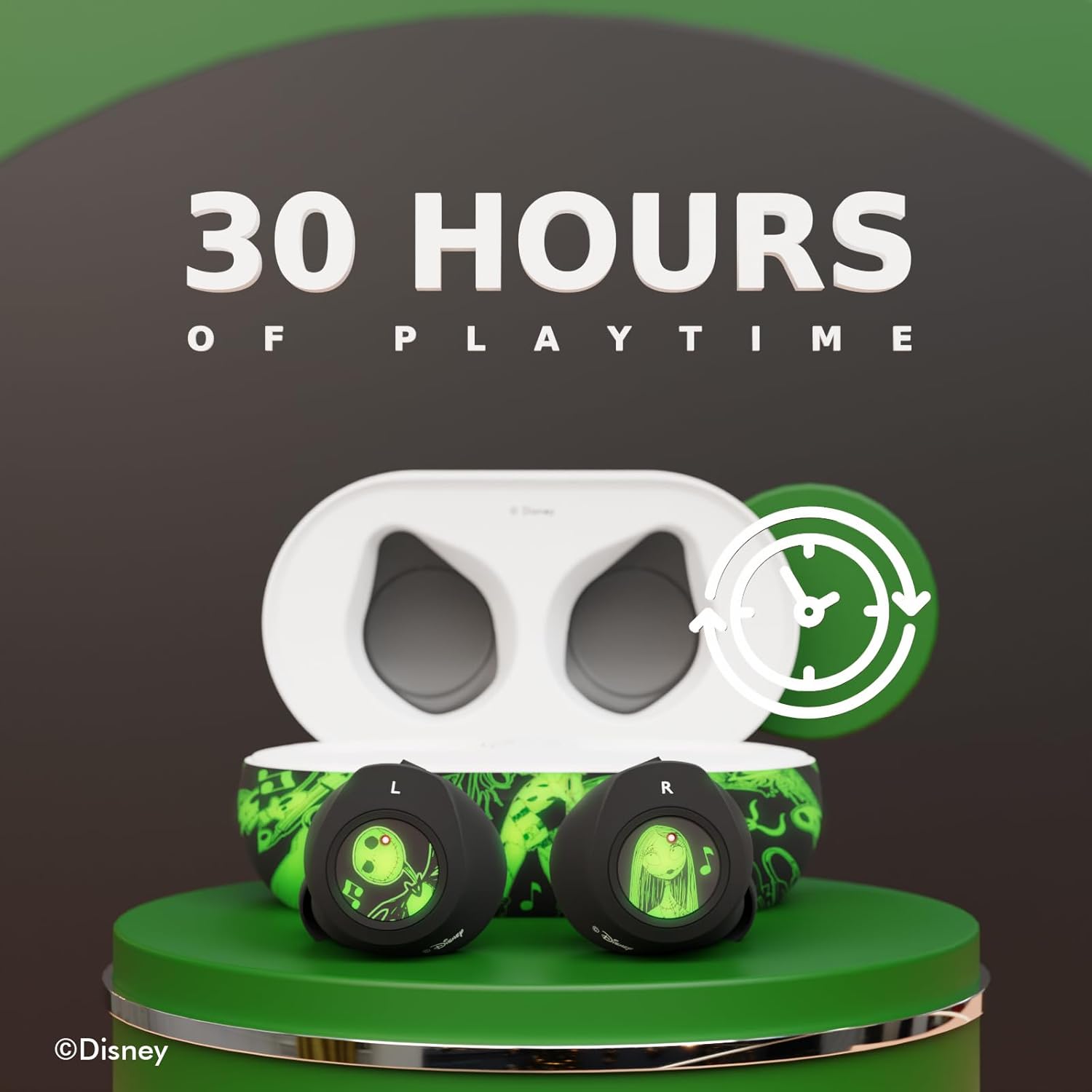
Image: The earbuds resting in their charging case, illustrating the extended playtime capability of 30 hours with the case.

Image: The charging case highlighted, indicating its compatibility with wireless charging for convenient power replenishment.
2. Pairing with Your Device:
The earbuds use Bluetooth 5.0 for a quick and stable connection.
- Open the charging case and take out both earbuds. The LED lights on both earbuds will flash red and blue, indicating they are in pairing mode.
- On your device (smartphone, tablet, etc.), go to the Bluetooth settings and turn Bluetooth on.
- Allow the left and right earbuds to sync with each other automatically.
- From the list of available Bluetooth devices, select "Disney Earbuds".
- Once connected, the earbuds will turn on and the LED lights will stop flashing.

Image: A visual guide demonstrating the pairing process, showing the "Disney Earbuds" listed as a connected device on a smartphone's Bluetooth settings screen.
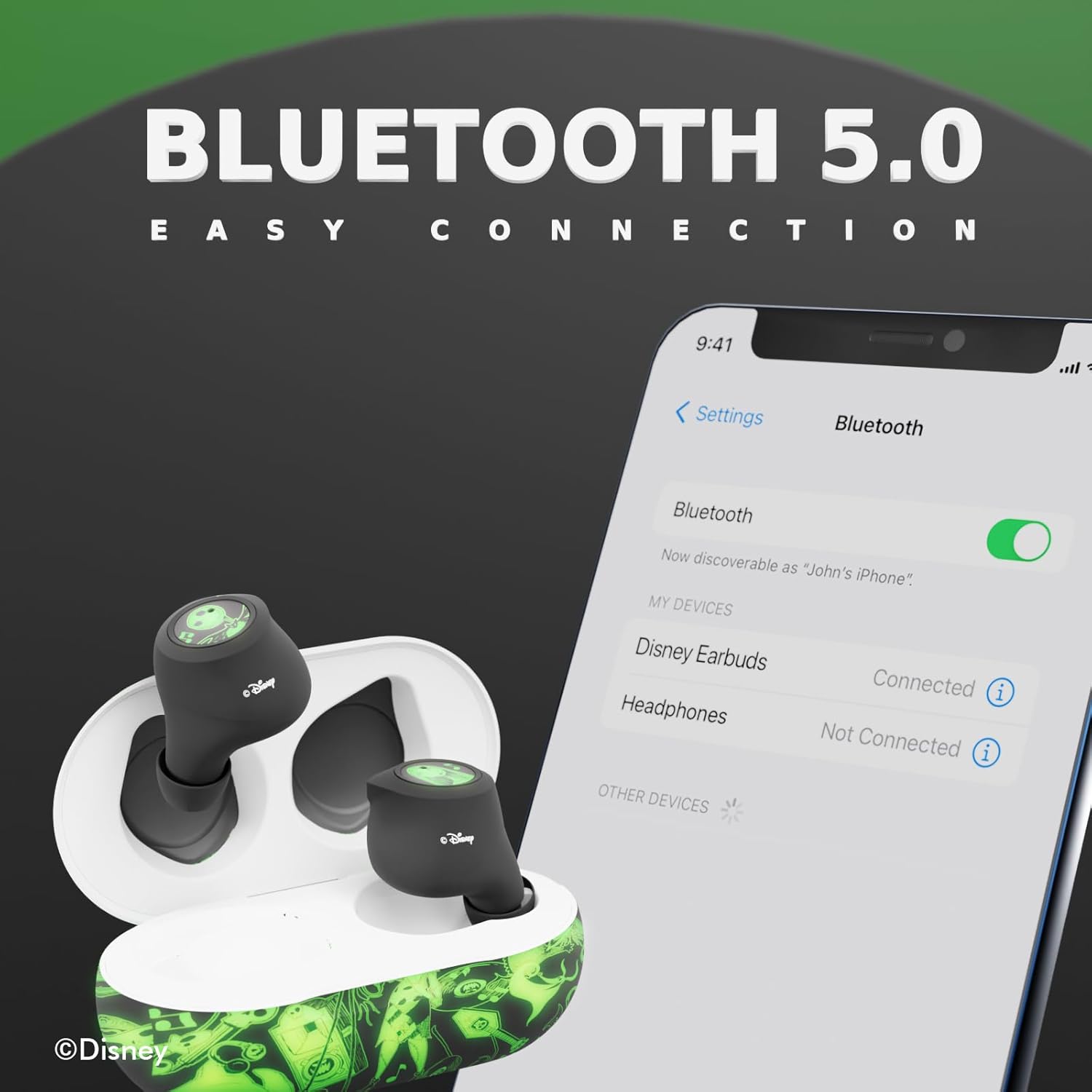
Image: A graphic highlighting the "Bluetooth 5.0 Easy Connection" feature, showing the earbuds and a smartphone connected wirelessly.
Operating Instructions
Your iJoy TWS Earbuds feature touch controls for easy management of audio and calls.
Power On/Off:
- Power On: Take the earbuds out of the charging case. They will automatically power on and attempt to connect to the last paired device.
- Power Off: Place the earbuds back into the charging case. They will automatically power off and begin charging.
Music Playback:
- Play/Pause: Tap either earbud once.
- Next Track: Double-tap the right earbud.
- Previous Track: Double-tap the left earbud.
- Volume Up: Triple-tap the right earbud.
- Volume Down: Triple-tap the left earbud.
Call Management:
- Answer/End Call: Tap either earbud once during an incoming call.
- Reject Call: Press and hold either earbud for 2 seconds during an incoming call.
Voice Assistant:
- Activate Voice Assistant: Press and hold either earbud for 3 seconds.

Image: A user enjoying music or a call with the iJoy Disney Nightmare Before Christmas TWS Earbuds, demonstrating their comfortable and discreet fit.
Maintenance
Proper care will extend the life and performance of your earbuds.
Cleaning:
- Gently wipe the earbuds and charging case with a soft, dry, lint-free cloth.
- Do not use harsh chemicals, cleaning solvents, or strong detergents.
- Clean the charging contacts on both the earbuds and the case regularly to ensure proper charging.
Storage:
- When not in use, always store the earbuds in their charging case to protect them and keep them charged.
- Store in a cool, dry place away from extreme temperatures and direct sunlight.
Water Resistance (IPX8):
The earbuds are IPX8 waterproof, meaning they are protected against continuous immersion in water beyond 1 meter. While they are highly water-resistant, avoid prolonged exposure to water and ensure they are dry before placing them back in the charging case to prevent damage to the charging contacts.

Image: An earbud shown with water splashing, visually representing its water-resistant capabilities.
Troubleshooting
If you encounter any issues, please refer to the following common problems and solutions:
| Problem | Solution |
|---|---|
| Earbuds won't turn on. | Ensure the earbuds are charged. Place them in the charging case for at least 1 hour. |
| Earbuds won't pair with my device. |
|
| Only one earbud is working. |
|
| Poor sound quality or disconnections. |
|
| Charging case not charging. |
|
Specifications
| Feature | Detail |
|---|---|
| Model Name | DEB210252 |
| Connectivity Technology | Wireless (Bluetooth 5.0) |
| Bluetooth Range | 10 Meters |
| Battery Life (Earbuds) | Up to 30 Hours (with charging case) |
| Earbud Charging Time | 1 Hour |
| Case Charging Time | 1.5 Hours |
| Water Resistance Level | IPX8 Waterproof |
| Control Type | Touch, Media Control |
| Frequency Range | 20 Hz - 20,000 Hz |
| Item Weight | 0.09 Kilograms (3.2 ounces) |
| Product Dimensions | 1.85 x 5.04 x 6.46 inches |
| UPC | 842700197181 |
Warranty and Support
iJoy stands behind the quality of its products. Your Disney Nightmare Before Christmas TWS Earbuds come with a 60-Day Free Replacement Guarantee.
If you experience any issues or have questions not covered in this manual, please contact iJoy customer support for assistance. Refer to the product packaging or the official iJoy website for the most current contact information.
For more information, you can visit the iJoy Store on Amazon.


