
Introduction
The Fockety X9 is a portable language translator device designed for real-time two-way voice translation. It supports 74 languages and 70 accents, offering a total of 144 translation combinations with a 99% accuracy rate. This device facilitates communication across language barriers for various situations, including travel, business, and learning.

Image: Front view of the Fockety X9 Language Translator Device.
Package Contents
Verify that all items are present in the package:
- 1 x Fockety X9 Language Translator Device (with built-in battery)
- 1 x Data Cable
- 1 x User Manual
Setup Guide
- Charge the Device: Before first use, fully charge the translator device using the provided data cable. Connect the cable to the device's charging port and a standard USB power source.
- Power On: Press and hold the power button (usually located on the side) until the device powers on.
- Install the "Wooask" App:
Locate the QR code on the device packaging or in the included manual. Scan the QR code with your smartphone to download and install the "Wooask" application. The app is compatible with both iOS and Android phones.
- Bluetooth Pairing:
Ensure Bluetooth is enabled on your smartphone. Open the "Wooask" app and follow the on-screen instructions to connect the Fockety X9 device via Bluetooth. The wireless transmission distance is approximately 10 meters (32.8 feet).

Image: The Fockety X9 device alongside its charging cable.
Operating Instructions
Once the device is paired with the "Wooask" app, you can begin real-time translation.
- Select Languages: Within the "Wooask" app, select the source language (the language you will speak) and the target language (the language you want to translate to).
- Initiate Translation:
The Fockety X9 device features two buttons, typically colored red and blue. Press and hold the button corresponding to your selected source language in the app. Speak clearly into the device's microphone. Release the button when you finish speaking.

Image: Close-up view of the red and blue translation buttons on the Fockety X9 device.
- Listen to Translation: The device will process your speech and provide the translation aloud in the target language. The translated text will also be displayed synchronously on your phone screen within the "Wooask" app.
- Two-Way Communication: For the other person to respond, they will press and hold the other button (corresponding to their language in the app) and speak. The device will then translate their speech back into your language.
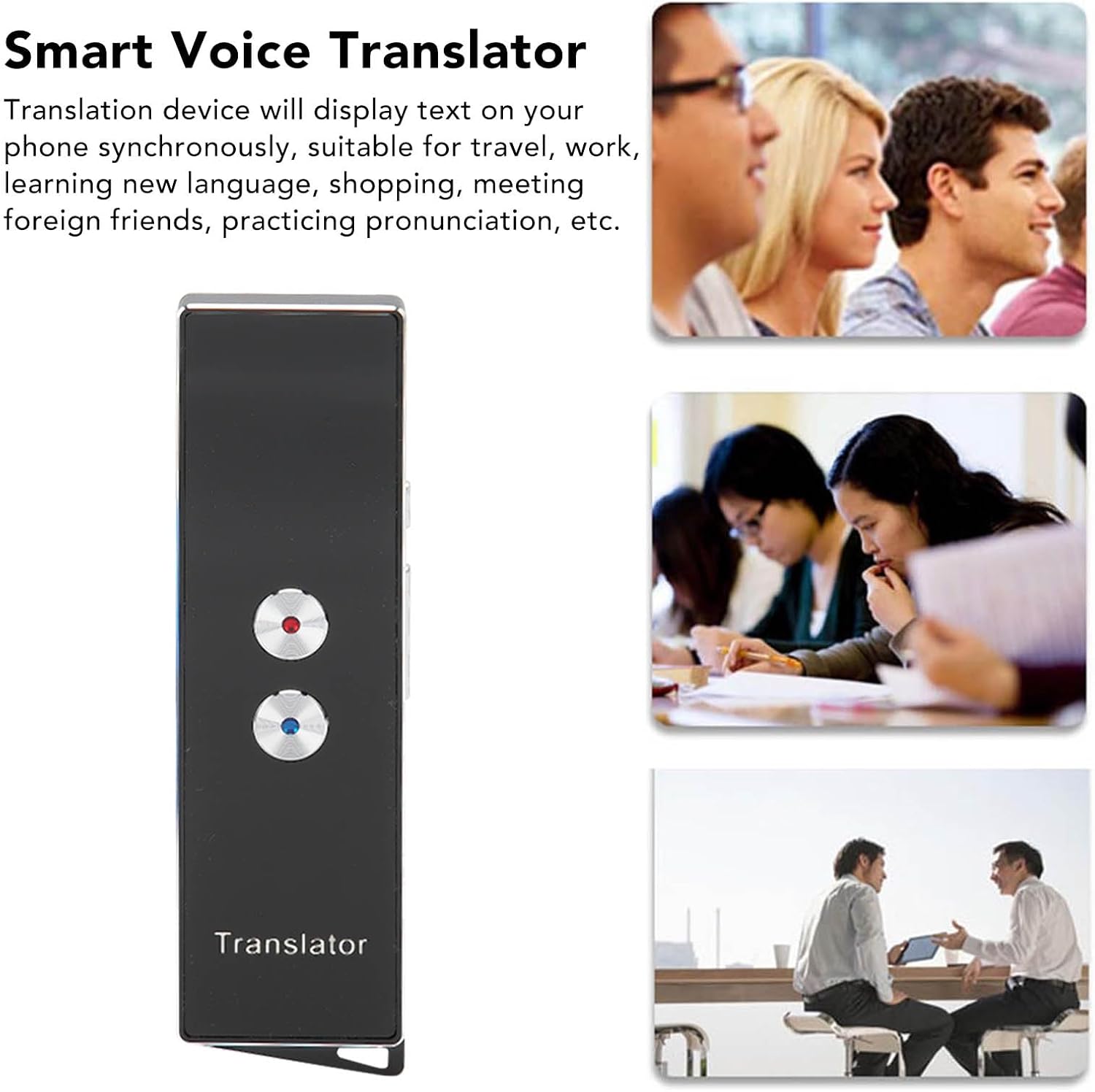
Image: Individuals using the Fockety X9 device for communication in a social or business environment.
Maintenance
- Cleaning: Use a soft, dry cloth to clean the device. Avoid using liquid cleaners or abrasive materials.
- Battery Care: The device features a built-in 650 mAh lithium-ion battery. To prolong battery life, avoid extreme temperatures and store the device with a partial charge if not used for extended periods.
- Durability: The Fockety X9 is constructed with an aluminum alloy shell, designed for durability and resistance to damage during normal use.
Troubleshooting
- Device Not Powering On: Ensure the device is fully charged. If the issue persists, try connecting it to a different USB power source.
- Bluetooth Connection Issues:
- Ensure Bluetooth is enabled on your phone and the device is within the 10-meter (32.8 feet) range.
- Restart both the translator device and your smartphone.
- Unpair and re-pair the device through your phone's Bluetooth settings and the "Wooask" app.
- Inaccurate Translation or Voice Recognition:
- Speak clearly and at a moderate pace.
- Ensure the device's microphone is not obstructed.
- Maintain a speaking distance of approximately 1 meter (3.28 feet) from the device for optimal voice recognition.
- Verify that the correct source and target languages are selected in the "Wooask" app.
- App Not Functioning Correctly:
- Ensure your "Wooask" app is updated to the latest version.
- Close and reopen the app.
- Reinstall the app if problems persist.
Specifications
| Model | X9 (Focketytd0a58fv2x-11) |
| Item Type | Language Translator Device |
| Material | Aluminum Alloy |
| Battery Type | Built-in 650 mAh Lithium-ion Battery |
| Bluetooth Version | 5.0 |
| Bluetooth Distance | Approx. 10 meters / 32.8 feet |
| Voice Recognition Distance | Approx. 1 meter / 3.28 feet |
| Supported Languages | 74 Languages, 70 Accents (144 total translation combinations) |
| Accuracy Rate | 99% |
| Display Feature | Synchronized text display on phone |
| Translation Type | Two-way Instant Translation |

Image: The Fockety X9 device, highlighting its global language support capabilities.
Warranty Information
Specific warranty details are not provided in this manual. Please refer to the product packaging or contact the retailer for information regarding warranty coverage and terms.
Customer Support
For further assistance or technical support, please refer to the contact information provided on the product packaging or the official Fockety website. Ensure you have your product model number (X9) and purchase details available when contacting support.