
1. Introduction and Overview
This manual provides essential information for the safe and effective operation of your FODEXAZY 336 LED 70W RGBW Stage Light Bar. Please read all instructions carefully before use.
The LED wall wash light bar features 336 LEDs, providing a broad spectrum of colors and lighting effects suitable for various stage performances and events. It supports multiple control modes including self-propelled, sound-activated, master-slave, and DMX control, allowing for flexible adjustment of lighting patterns and atmosphere creation.

Image: The LED Wall Washer Light in action, showcasing its vibrant color output.
2. Package Contents
Verify that all items listed below are included in your package:
- Stage wash light bar x 1
- Power cord x 1
- Support x 2
- Screw x 2
- Instructions x 1

Image: All components included in the product package.
3. Product Features
- Powerful Washing Light Bar: Equipped with 336 LEDs, this light bar offers a wide range of colors and effects.
- Multiple Control Modes: Supports self-propelled, sound-activated, master-slave, and DMX control for versatile lighting adjustments.
- Easy Daisy Chaining: Features a 3-pin DMX port for connecting multiple light bars, enhancing lighting effects for larger areas.
- Easy Installation & Adjustment: Designed with a lightweight aluminum alloy shell, it is durable and easy to install and adjust for various indoor and outdoor applications.
- Wide Beam Angle: Provides a 120° beam angle for broad light coverage.
Image: The light bar showcasing its powerful multi-color output.
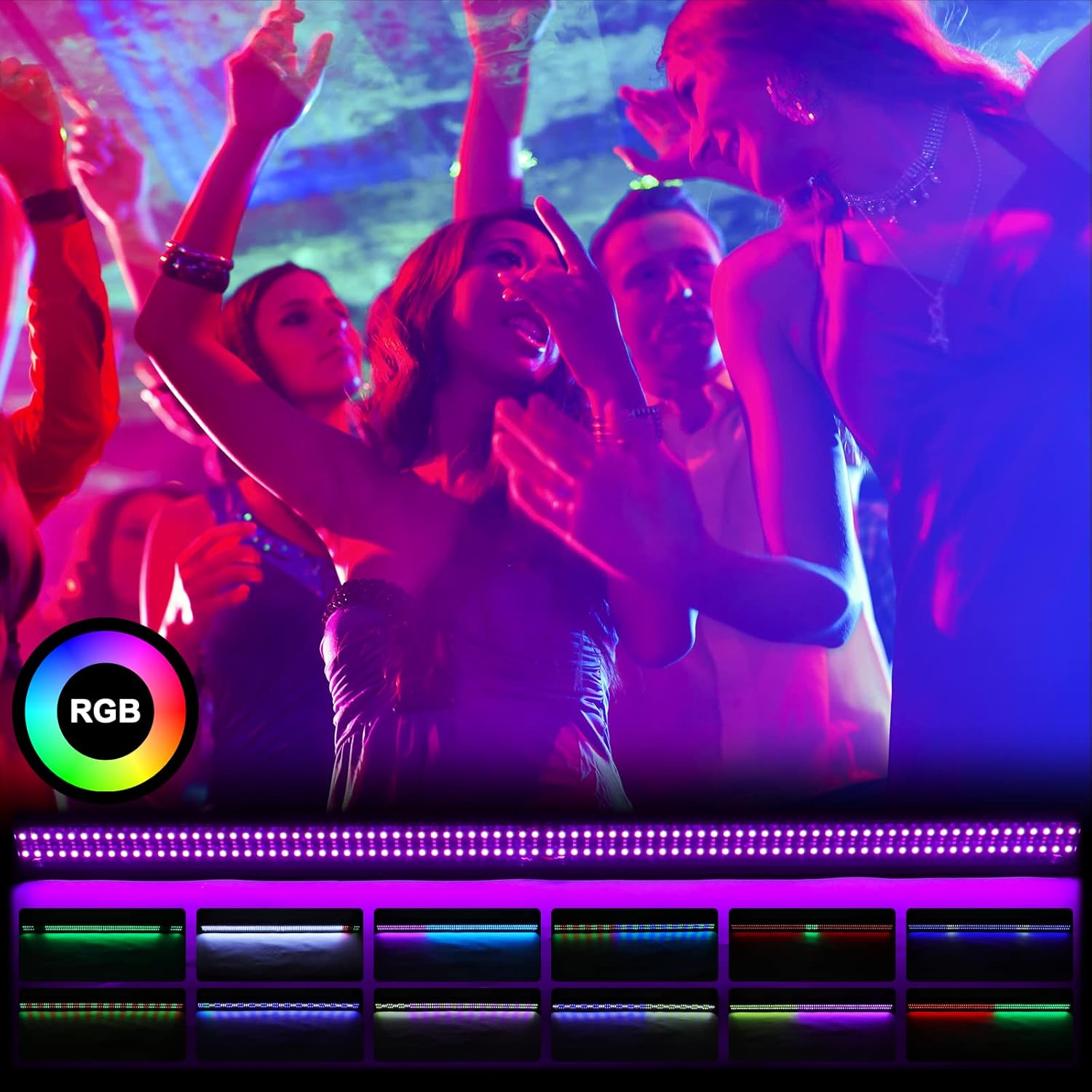
Image: The 120° beam angle provides wide coverage.
4. Setup
4.1 Mounting
The light bar includes two adjustable supports and screws for flexible mounting. These brackets allow the light to be positioned on a flat surface, mounted to a wall, or suspended from a ceiling.

Image: Adjustable brackets for easy installation and positioning.
4.2 Connections
Connect the provided power cord to the 'POWER IN' port on the back of the light bar. For DMX control, connect DMX cables to the 'DMX IN' and 'DMX OUT' ports to link multiple units or connect to a DMX controller.
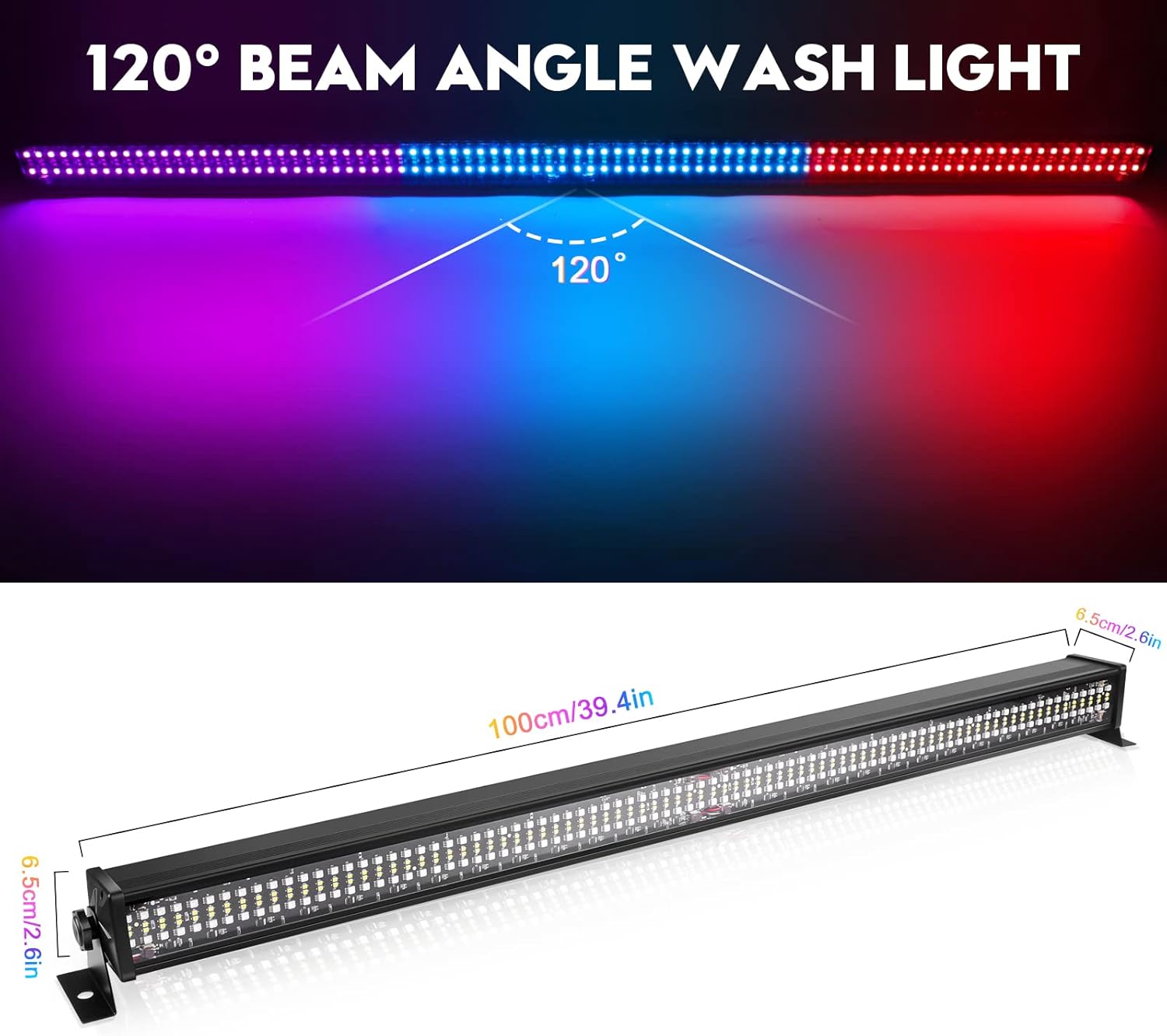
Image: DMX and power connection ports.
5. Operating Instructions
The light bar features an integrated control panel with a digital display and four buttons: MENU, UP, DOWN, and ENTER. These buttons allow you to navigate through various modes and settings.

Image: Control panel with MENU, UP, DOWN, ENTER buttons and digital display.
5.1 Control Panel Functions
- MENU: Press to cycle through the main operating modes.
- UP/DOWN: Use to navigate through options or adjust parameters within a selected mode.
- ENTER: Confirm selection or activate a setting.
5.2 Operating Modes
The light bar offers several operating modes:
- Auto Mode: Cycles through pre-programmed patterns, colors, and gradients automatically. Speed can be adjusted using the UP/DOWN buttons.
- DMX Mode: Allows external control via a DMX controller. Supports 4, 6, 9, 48, or 52 DMX channels for individual light control.
- Show Mode: Offers 56 different pre-set show programs with adjustable speed and strobe effects.
- Sound Mode: The light responds to ambient sound, creating dynamic lighting effects synchronized with music or audio.
- Slave Mode: For synchronized operation with a master DMX unit.
- Edit Color Mode: Manually adjust individual RGBW color values and strobe effects. Refer to the included manual for specific color charts.
- Static Colors: Select and display a single, solid color from a range of 41 pre-defined static colors.
- Product Set: Adjust settings such as menu light duration, light direction (left-to-right or right-to-left), and remote infrared function (on/off).
6. Specifications
| Feature | Detail |
|---|---|
| Model Number | ZQ06018 |
| Manufacturer | Dongguan Tong Global Industrial Co., Ltd. |
| Product Dimensions | 406.4 x 50.8 x 40.64 cm |
| Material | Aluminum and Plastic ABS |
| Light Source Type | Light Emitting Diode (LED) |
| Maximum Wattage | 70 Watts |
| Power Source | Corded Electric |
| Color | RGBW (Red, Green, Blue, White) |
7. Maintenance
To ensure optimal performance and longevity of your light bar, follow these maintenance guidelines:
- Keep the device clean and free from dust and debris. Use a soft, dry cloth for cleaning.
- Avoid exposing the light bar to extreme temperatures or direct sunlight for extended periods.
- Regularly check all cables and connections for any signs of wear or damage.
- Store the light bar in a cool, dry place when not in use.
8. Troubleshooting
If you encounter any issues with your light bar, refer to the following common troubleshooting steps:
- No Power: Ensure the power cord is securely connected to both the light bar and a working power outlet. Check the power source.
- No Light Output: Verify that the light bar is powered on and not in a 'blackout' or 'off' state. Check the selected operating mode.
- Incorrect Colors/Patterns: Confirm the correct operating mode is selected. In DMX mode, ensure the DMX controller settings and channel assignments are correct.
- Sound Mode Not Responding: Ensure there is sufficient audio input for the sound-activated mode to function.
- DMX Control Issues: Check DMX cable connections. Ensure the DMX address is correctly set on the light bar and matches your controller.
If problems persist, consult the manufacturer's support or a qualified technician.
9. Warranty and Support
For warranty information, technical support, or service inquiries, please contact FODEXAZY customer service through your purchase platform or the contact details provided in the original product packaging.
Please retain your proof of purchase for any warranty claims.

