
AWOL VISION LTV-3000 Pro
AWOL VISION LTV-3000 Pro User Manual
4K 3D Ultra Short Throw Triple Laser Projector
1. Introduction
This manual provides comprehensive instructions for the setup, operation, and maintenance of your AWOL VISION LTV-3000 Pro 4K 3D Ultra Short Throw Triple Laser Projector. Please read this manual thoroughly before using the product to ensure optimal performance and safety.

Figure 1: AWOL VISION LTV-3000 Pro Projector.
2. Key Features
- Integrated Center Channel Speaker: Features innovative center speaker mapping for clear dialogue directly from the screen.
- Triple Laser Technology: Utilizes RGB triple laser without a color wheel for unmatched sharp and colorful images.
- 4K UHD with Dolby Vision & HDR10+: Supports high dynamic range content for superior contrast and color accuracy.
- Dolby Atmos Audio: Provides immersive 3D audio experience.
- 3D Capability: Supports active shutter 3D glasses for an immersive cinematic experience.
- Wide Color Gamut: Covers 107% of BT.2020 and 147% of DCI-P3 for over 1 billion colors.
- PJ Link IP Control: Enables integration with home automation systems like Control4.
- Low Latency Gaming: Offers 8ms latency and 120Hz refresh rate at 1080p for smooth gaming.
- Energy Efficient: Consumes significantly less power than traditional LED televisions.

Figure 2: Overview of LTV-3000 Pro's advanced features.
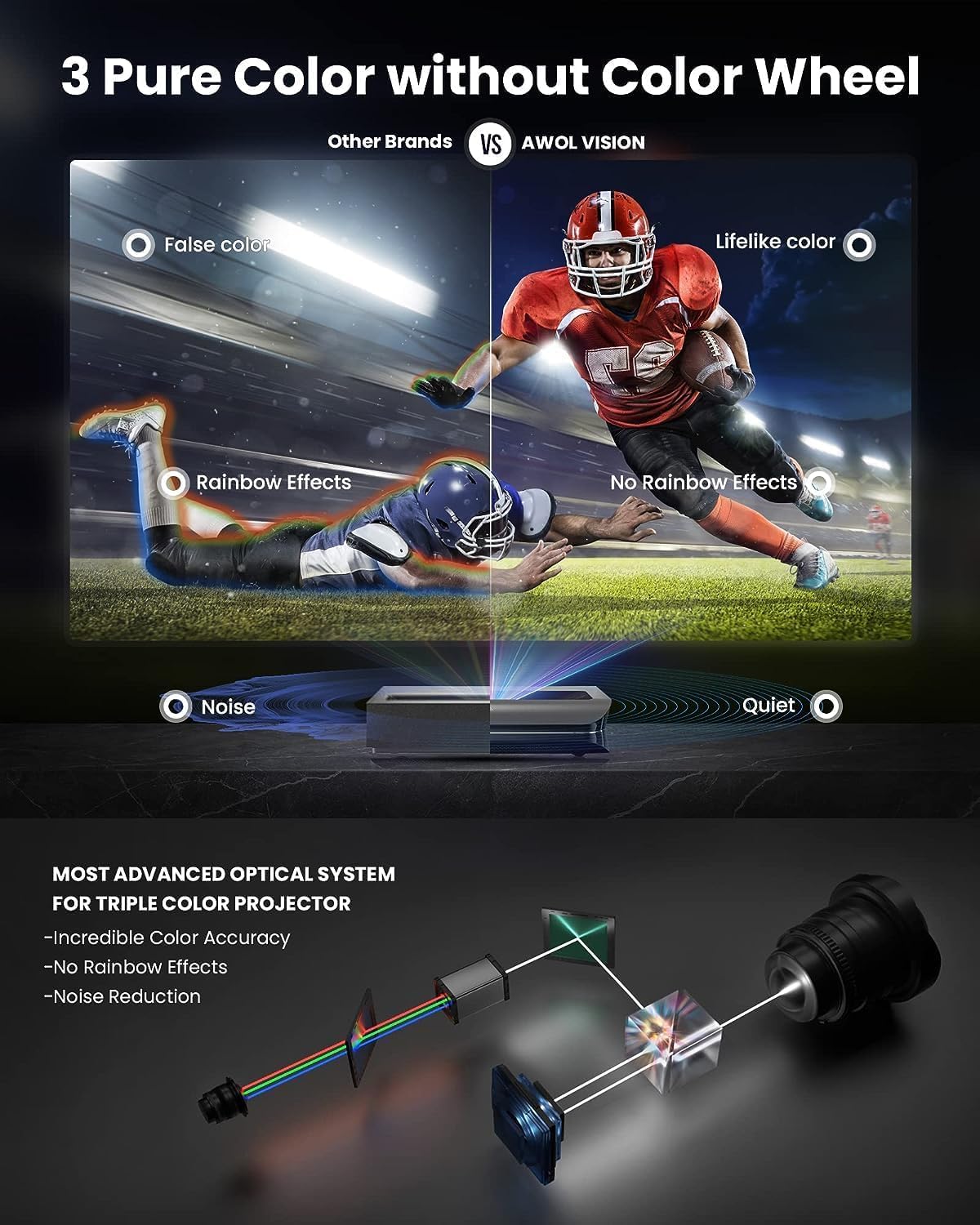
Figure 3: Illustration of the Triple Laser optical system for accurate color and noise reduction.
3. Setup
3.1. Unpacking and Placement
Carefully remove the projector from its packaging. Ensure all components listed in the "What's in the Box" section are present. The LTV-3000 Pro is an Ultra Short Throw (UST) projector, designed to be placed very close to the projection surface (wall or screen).
Optimal placement is crucial for image quality. Refer to the table below for recommended distances based on desired screen size. The projector should be placed on a stable, level surface.
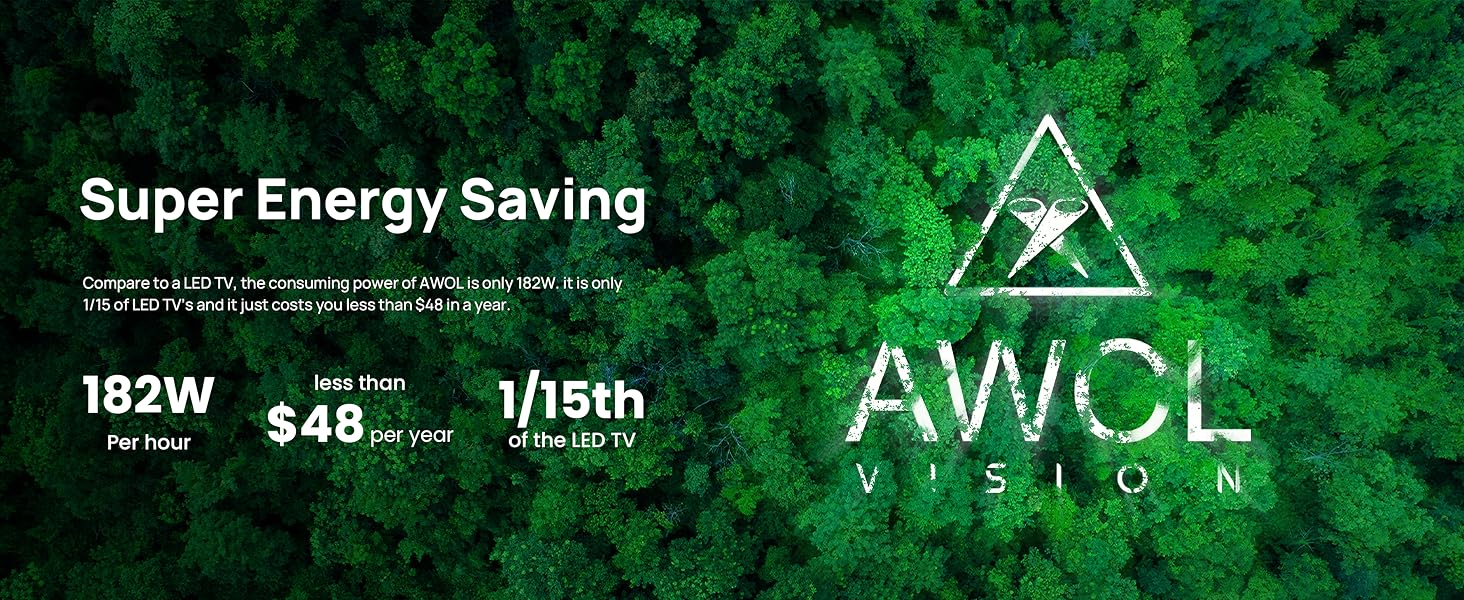
Figure 4: Detailed image throw distance ratio table for various screen sizes.
3.2. Connections
Connect your video sources (e.g., Blu-ray player, gaming console, streaming device) to the HDMI ports on the rear of the projector. The LTV-3000 Pro includes a dedicated compartment for a streaming stick (e.g., Fire TV 4K Max stick) for seamless smart functionality.
For external audio systems, utilize the available audio output ports. The projector also supports PJ Link IP control for integration with home automation systems like Control4.
3.3. Audio Setup (Dolby Atmos)
To enhance your audio experience with Dolby Atmos, follow these steps:
- Navigate to the projector's Settings menu.
- Select Sound.
- Enable the Dolby Atmos option.
Video 1: Guide to enabling Dolby Atmos for enhanced audio. Human sound can be enhanced by enabling Dolby Atmos following the sequence: [Settings] -> [Sound] -> [Dolby Atmos].
4. Operating Instructions
4.1. Power On/Off
Press the power button on the projector or the remote control to turn the unit on or off. Allow a few moments for the projector to warm up and display the image.
4.2. Image Adjustment
The LTV-3000 Pro features digital focus controls and 8-point keystone correction to fine-tune the image. Access these settings through the projector's menu to achieve a perfectly rectangular and sharp image on your screen.
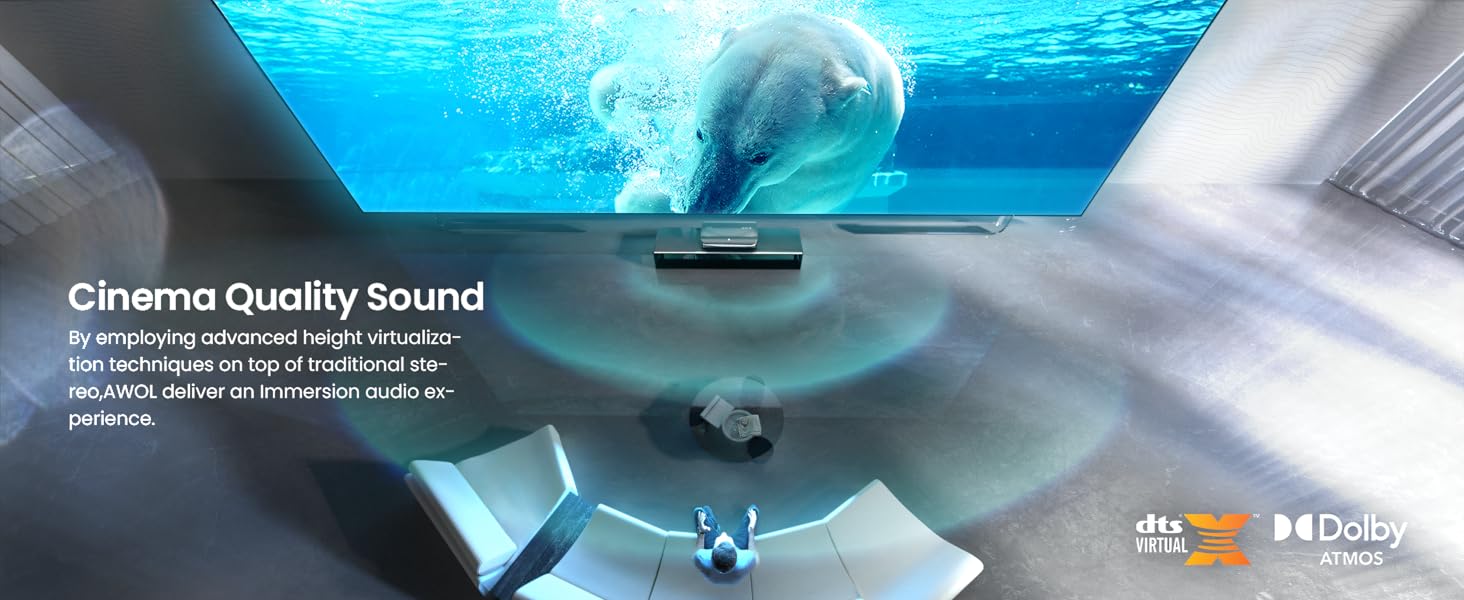
Figure 5: Interface for adjustable focus and 8-point keystone correction.
For optimal color accuracy, utilize the Full Color Management System (CMS) to fine-tune color settings to match your viewing environment. This system provides flexibility to adjust red hue, saturation, brightness, and gain/offset settings.
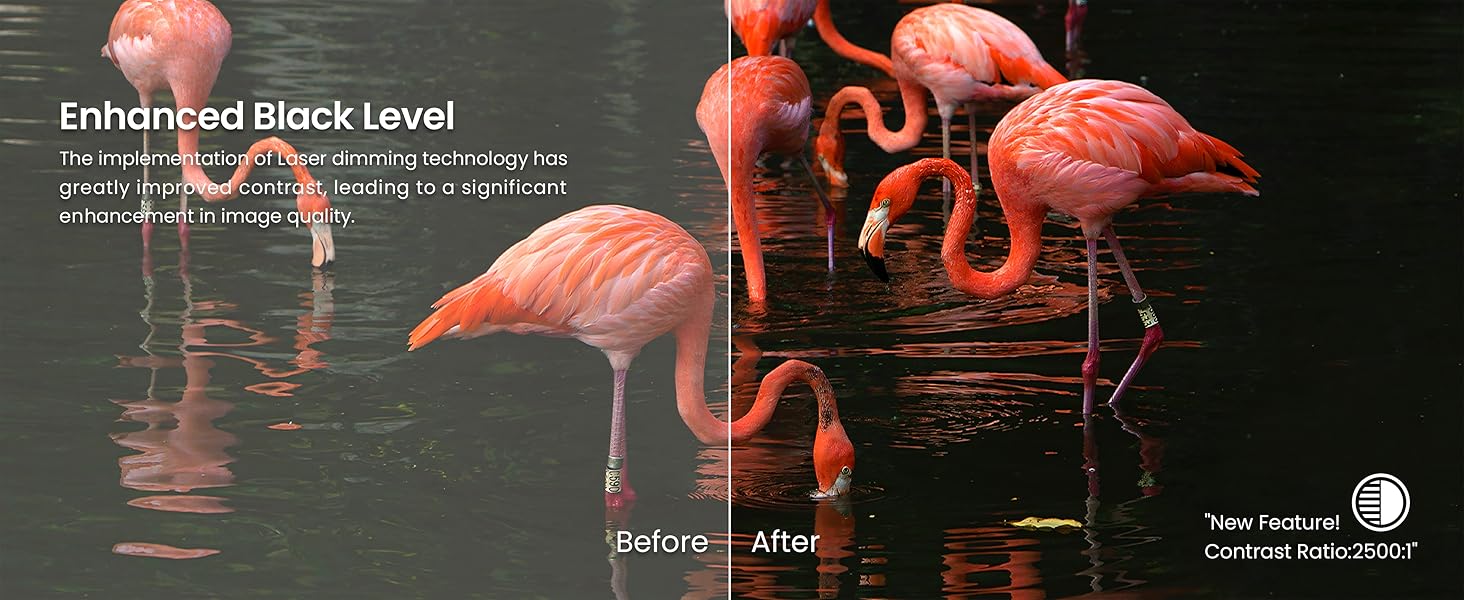
Figure 6: Full Color Management System (CMS) for precise color calibration.

Figure 7: The projector's ability to display over 1 billion true-to-life colors.
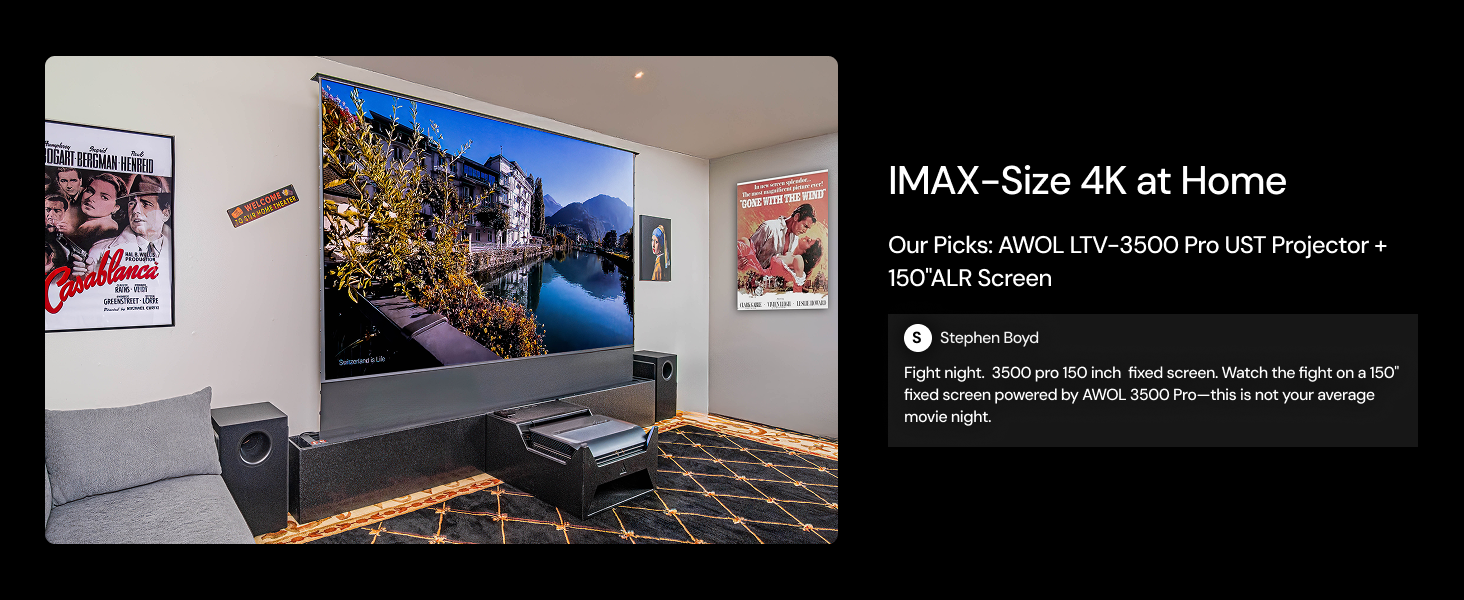
Figure 8: Demonstration of enhanced black levels through laser dimming technology.
4.3. 3D Operation
To enjoy 3D content, ensure you have active shutter 3D glasses. Insert a 3D Blu-ray disc or play compatible 3D content. You may need to manually select the 3D mode in the projector's settings. The projector will then display the content in immersive 3D.

Figure 9: Example of immersive 3D cinematic display.
4.4. Gaming Mode
For an optimized gaming experience, the LTV-3000 Pro offers a Turbo mode with 8ms ultra-low latency and a 120Hz refresh rate at 1080p, minimizing ghosting and input lag.

Figure 10: High-performance gaming with low latency and high refresh rate.
4.5. Smart Features and Integration
The projector seamlessly integrates with smart home systems like Control4, allowing control over power, volume, and HDMI source switching. It also supports voice commands via Alexa and Google Assistant for Home Cinema mode and Game mode.

Figure 11: Smart home integration capabilities for convenient control.

Figure 12: The projector's compatibility with popular smart home ecosystems.
5. Maintenance
5.1. Cleaning
- Exterior: Use a soft, dry cloth to wipe the projector's exterior. For stubborn marks, slightly dampen the cloth with water. Avoid abrasive cleaners or solvents.
- Lens: Gently clean the projector lens with a lens cleaning cloth or a soft, lint-free cloth specifically designed for optical surfaces. Do not use excessive force or harsh chemicals.
- Air Vents: Periodically check and clean the air vents to ensure proper airflow and prevent overheating. Use a soft brush or compressed air to remove dust accumulation.
5.2. Laser Care
The LTV-3000 Pro uses a durable laser light source that requires minimal maintenance. Avoid touching the laser output window directly. The projector features an auto-shutoff function if movement is detected close to the device, protecting both the laser and curious eyes.
6. Troubleshooting
| Problem | Possible Cause | Solution |
|---|---|---|
| No image displayed | Power cable disconnected; Input source not selected; Device not powered on. | Ensure power cable is securely connected. Select the correct HDMI input. Power on the connected source device. |
| Image is blurry | Incorrect focus; Lens dirty; Projector not level. | Adjust digital focus. Clean the lens. Ensure the projector is on a flat surface. |
| Image is distorted (trapezoid shape) | Incorrect keystone correction; Projector not perpendicular to screen. | Adjust 8-point keystone correction. Reposition the projector to be as square as possible to the screen. |
| No sound | Volume too low; Muted; Incorrect audio output selected; Dolby Atmos disabled. | Increase volume. Unmute. Check audio output settings. Enable Dolby Atmos if desired. |
| Remote control not working | Batteries dead; Obstruction between remote and projector; Remote not paired. | Replace batteries (2 AA batteries required). Remove obstructions. Re-pair remote if necessary. |
7. Specifications
| Feature | Detail |
|---|---|
| Brand Name | AWOL VISION |
| Model Number | LTV-3000 Pro |
| Item Weight | 28.1 pounds |
| Package Dimensions | 27 x 18 x 11 inches |
| Batteries | 2 AA batteries required (included) |
| Color Name | Black |
| Specification Met | FCC Certificate, IEC Certificate |
| Special Features | 3D-Ready, Dolby Vision |
| Recommended Uses | Home Cinema |
| Connectivity Technology | HDMI |
| Display Resolution | 3840 x 2160 (4K UHD) |
| Visible Screen Diagonal | Up to 150" / 381 cm |
8. What's in the Box
- AWOL VISION LTV-3000 Pro Ultra Short Throw Projector
- Remote Control (with 2 AA batteries)
- Power Cable
- Fire TV 4K Max Stick (typically included)
- User Manual (this document)
9. Warranty and Support
AWOL VISION offers a 24-Month Support Promise for the LTV-3000 Pro projector. Additionally, a 30-Day Price Match policy is available.
For technical assistance, warranty claims, or general inquiries, please contact AWOL VISION customer support:
- Phone: +1 (888) 891-6866
- Email: support@awolvision.com

Figure 13: AWOL VISION contact information for support.
Related documentsLTV-3000 Pro


Ask a question about this manual
Ask about setup, troubleshooting, compatibility, parts, safety, or missing instructions. Manuals+ will review the question and use this page’s manual context to help answer it.