
1. Introduction
This manual provides detailed instructions for the safe and effective use of your Retevis P62 IP68 Waterproof Dual Band Walkie Talkie. Please read this manual thoroughly before operating the device to ensure proper function and to prevent damage. The Retevis P62 is designed for reliable two-way communication in various environments, featuring robust construction and advanced functionalities.
2. Package Contents
Verify that all items listed below are included in your package. If any items are missing or damaged, please contact customer support.

Image: Contents of the Retevis P62 walkie talkie package.
- 2 x Retevis P62 Walkie Talkies
- 2 x 2500mAh Lithium-ion Batteries
- 2 x Charging Bases
- 2 x User Manuals (Multilingual)
- 2 x Belt Clips
- 2 x Hand Straps
- 1 x Type-C Charging Cable
3. Product Features
The Retevis P62 walkie talkie incorporates several features designed for reliable and efficient communication.
3.1. IP68 Waterproof and Dustproof Rating
The device is rated IP68, providing protection against dust ingress and immersion in water up to 1 meter for 2 hours. This allows for effective operation in challenging weather conditions such as heavy rain or dusty environments.

Image: Retevis P62 demonstrating IP68 waterproof capability.
3.2. Durable Construction
Constructed with solid metal aluminum plates and high-quality ABS and PC materials, the P62 is designed to be shock-resistant, ensuring prolonged use without concern for sudden drops or impacts.

Image: Illustration of the P62's durable construction.
3.3. Easy Pairing Function
The device supports easy pairing with various two-way radios, enabling quick communication with team members using different radio models.

Image: Easy pairing feature of the P62.
3.4. Emergency Alarm
The P62 includes an emergency alarm function. This can be activated by pressing the up or down key after software configuration, or by a long press of the up key. These modes enhance user safety in emergency situations.

Image: Emergency alarm function in action.
3.5. Long Range Communication
Equipped with a long antenna and 2m/70cm reception, the P62 facilitates extended-range communication, ensuring smooth and stable connections.
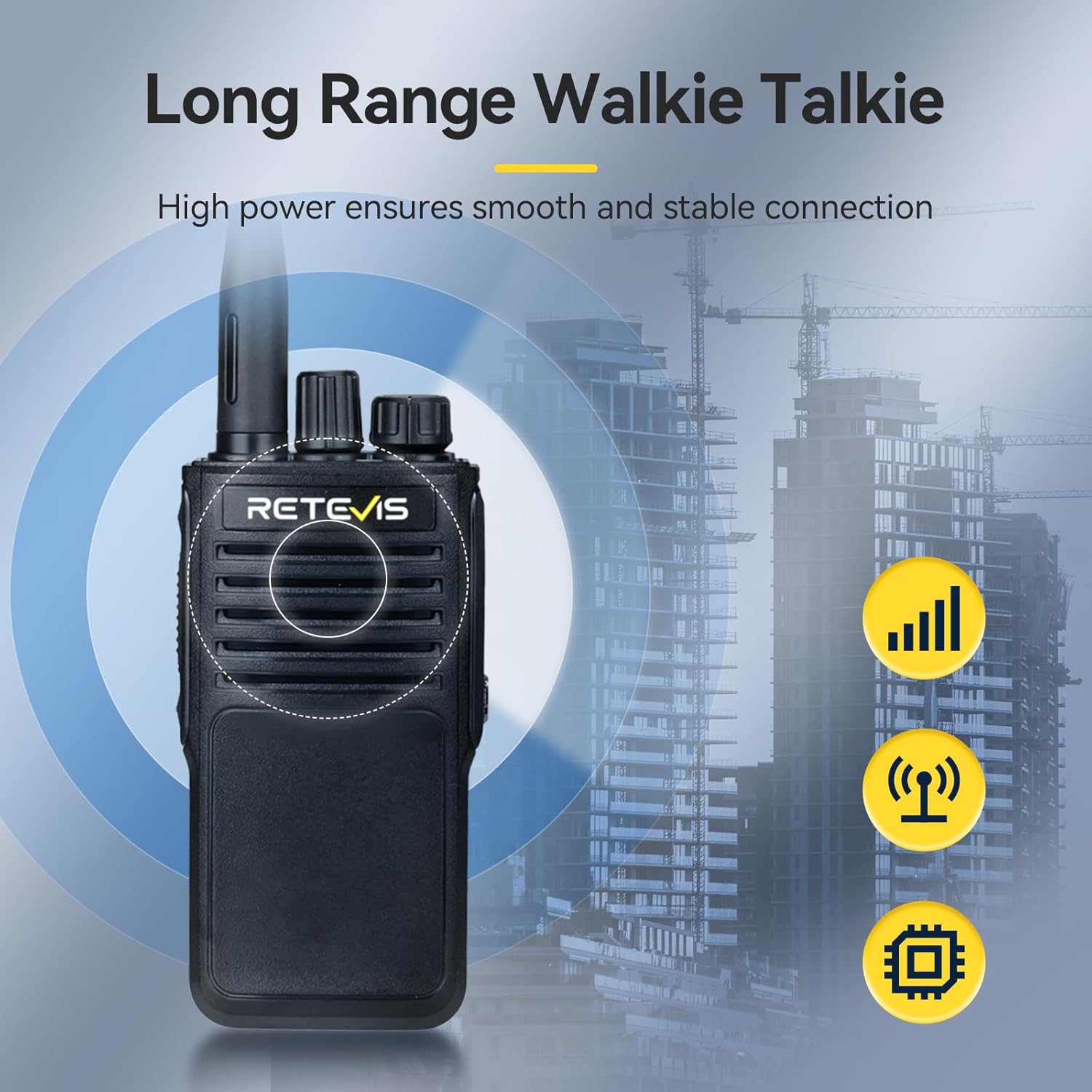
Image: Long range communication capability.
3.6. Noise Reduction
An integrated noise reduction chip minimizes background noise, providing clear reception even in noisy environments. This ensures important information is not missed.

Image: Noise reduction feature for clear audio.
3.7. VOX Hands-Free Operation
The Voice Operated Exchange (VOX) function allows transmission without pressing the Push-To-Talk (PTT) button, freeing your hands to focus on other tasks.
3.8. Side Key Function Definition
The side keys can be programmed without software to quickly activate necessary functions during use, improving operational efficiency.
4. Setup
4.1. Battery Installation
- Align the battery pack with the grooves on the back of the radio.
- Slide the battery pack upwards until it clicks into place.
- Ensure the battery is securely fastened.
4.2. Charging the Battery
The P62 walkie talkie is equipped with a 2500mAh rechargeable Lithium-ion battery. It can be charged using the provided charging base or directly via the Type-C charging cable.

Image: Retevis P62 in charging base, highlighting battery capacity and Type-C charging.
- Using the Charging Base: Connect the charging base to a power source using the Type-C cable. Place the walkie talkie into the charging slot. The indicator light will show charging status.
- Direct Type-C Charging: Connect the Type-C cable directly to the charging port on the walkie talkie and to a power source.
- Charge the battery fully before first use.
4.3. Attaching the Antenna
- Screw the antenna clockwise into the connector on the top of the radio until it is finger-tight. Do not overtighten.
4.4. Attaching the Belt Clip and Hand Strap
- Attach the belt clip to the designated slot on the back of the radio.
- Thread the hand strap through the loop on the radio for secure carrying.
5. Operating Instructions
5.1. Power On/Off and Volume Control
- Power On: Rotate the Power/Volume knob clockwise until a click is heard. The radio will power on.
- Power Off: Rotate the Power/Volume knob counter-clockwise until a click is heard. The radio will power off.
- Volume Adjustment: Rotate the Power/Volume knob to increase or decrease the volume.
5.2. Channel Selection
- Rotate the Channel Selector knob to choose the desired channel. Ensure all radios in your group are on the same channel.
5.3. Transmitting and Receiving
- To Transmit: Press and hold the Push-To-Talk (PTT) button on the side of the radio. Speak clearly into the microphone, holding the radio approximately 2-5 cm from your mouth. Release the PTT button to listen.
- To Receive: Ensure the PTT button is not pressed. The radio will automatically receive signals on the selected channel.
5.4. Emergency Alarm Function
The emergency alarm can be activated in two ways:
- Software Configured: If configured via software, press the designated side key (up or down) to activate the alarm.
- Manual Activation: Long press the up key to activate the alarm.
5.5. VOX (Voice Operated Exchange)
When VOX is enabled (typically via software programming), the radio will automatically transmit when it detects your voice, eliminating the need to press the PTT button. Adjust VOX sensitivity as needed to prevent accidental transmissions or missed speech.
5.6. Side Key Customization
The programmable side keys allow for quick access to frequently used functions without requiring software. Refer to the detailed programming guide (if available) or experiment with default settings to understand their functions.
6. Maintenance
6.1. Cleaning
- Clean the radio surface with a soft, damp cloth. Do not use harsh chemicals or abrasive cleaners.
- Ensure the charging contacts are clean and free of debris.
6.2. Battery Care
- Avoid overcharging or completely discharging the battery.
- Store batteries in a cool, dry place when not in use for extended periods.
- If the battery performance significantly degrades, consider replacing it with an original Retevis battery.
6.3. Storage
- Store the walkie talkie in a dry, dust-free environment away from direct sunlight and extreme temperatures.
- Remove the battery if storing for more than a month.
7. Troubleshooting
If you encounter issues with your Retevis P62, refer to the table below for common problems and solutions.
| Problem | Possible Cause | Solution |
|---|---|---|
| Radio does not power on | Battery is low or not installed correctly. | Charge the battery or re-install it securely. |
| Cannot transmit or receive | Incorrect channel selected; out of range; antenna not attached. | Verify channel settings; move closer to other radios; ensure antenna is securely attached. |
| Poor audio quality / Static | Weak signal; interference; volume too low/high. | Move to an open area; adjust volume; check for sources of interference. |
| Battery drains quickly | Battery old or damaged; frequent high-power transmission. | Replace battery; reduce transmission power if possible. |
If the problem persists after attempting these solutions, please contact Retevis customer support.
8. Specifications
Technical specifications for the Retevis P62 Walkie Talkie.
| Feature | Detail |
|---|---|
| Brand | Retevis |
| Model Number | P62 |
| Color | Black |
| Special Features | Emergency Alarm, Dual-band, IP68 Waterproof, Long Range |
| Compatible Devices | Two-way Radios |
| Battery Composition | Lithium-ion |
| Rechargeable Battery | Yes (2 included) |
| Number of Channels | 200 |
| Frequency Range | Dual-band (2m/70cm reception) |
| Voltage | 7.4 Volts |
| Product Dimensions | 4.2D x 6W x 11.3H cm |
| Item Weight | 298 Grams |
| Manufacturer | Retevis |
| Country of Origin | China |
9. Warranty and Support
Retevis offers the following warranty and support for the P62 Walkie Talkie:
- Warranty Period: 2-year warranty for the radio body and 1-year warranty for accessories from the date of purchase.
- Return Policy: 30-day return policy without specific reason.
- Post-Warranty Service: Maintenance services are available beyond the warranty period. Buyers are responsible for associated costs.
- Customer Support: For any inquiries or support needs, please contact Retevis customer service on Amazon. Responses are typically provided within 12 hours.


