
ViewSonic VA270-H
ViewSonic VA270-H Monitor User Manual
Model: VA270-H
Introduction
This user manual provides comprehensive instructions for the setup, operation, and maintenance of your ViewSonic VA270-H computer monitor. The VA270-H is a 27-inch Full HD LED flat display designed for various computing needs, offering a clear and vibrant visual experience.
What's in the Box
Before you begin, please verify that all components are present in the package.

Image Description: This image displays the contents typically found in the ViewSonic VA270-H monitor box. It shows the VA270-H monitor itself, a power cable, an HDMI cable, and a Quick Start Guide. Note that the power cable type may vary by region.
- ViewSonic VA270-H Monitor
- Power Cable (may vary by region)
- HDMI Cable
- Quick Start Guide
Setup
1. Monitor Assembly
Carefully remove the monitor and stand components from the packaging. Attach the stand base to the stand neck, then secure the assembled stand to the back of the monitor. Ensure all connections are firm.
2. Connecting Cables
The VA270-H monitor offers flexible connectivity options, including HDMI and VGA ports. Choose the appropriate cable for your device.

Image Description: This image highlights the flexible connectivity options available on the ViewSonic VA270-H monitor. It shows the rear of the monitor with labels pointing to the HDMI and VGA input ports, indicating that users can easily connect to a wide range of devices.
- Power Connection: Connect the power cable to the monitor's power input and then to a power outlet.
- Video Connection:
- HDMI: Connect one end of the HDMI cable to the HDMI port on your monitor and the other end to the HDMI output port on your computer or device.
- VGA: Connect one end of the VGA cable to the VGA port on your monitor and the other end to the VGA output port on your computer or device.

Image Description: This diagram illustrates the dimensions and input/output (I/O) ports of the ViewSonic VA270-H monitor. It shows the front, side, and rear views with measurements in millimeters and labels for the Menu Control Panel (01), HDMI (02), VGA (03), Power In (04), and VESA Compatible mounting points (05) for wall mounts (75 x 75mm).
Operating the Monitor
Power On/Off
Press the power button located on the bottom right side of the monitor to turn it on or off. The power indicator light will illuminate when the monitor is active.
Menu Navigation
Use the control buttons located on the bottom right bezel of the monitor to access and navigate the On-Screen Display (OSD) menu. From the OSD menu, you can adjust various settings such as brightness, contrast, color temperature, input source, and more.
Key Features

Image Description: This image shows the ViewSonic VA270-H monitor from the front, highlighting its key features: 27-inch display size, 1ms Response Time, 100Hz Refresh Rate, and IPS SuperClear technology.

Image Description: This image presents a grid of six feature icons for the ViewSonic VA270-H monitor: IPS SuperClear, 1080 Full HD, 100Hz refresh rate, 1ms response time, Eye ProTech, and connectivity options (HDMI, VGA).
- IPS SuperClear Technology: Experience consistent and accurate colors from virtually any viewing angle.
- Full HD 1080p Resolution: Enjoy crisp, clear images with 1920 x 1080 pixel resolution.
- 100Hz Refresh Rate: Provides smooth visuals, reducing motion blur for a more fluid viewing experience.
- Eye ProTech: Features flicker-free technology and a blue-light filter to help reduce eye strain during extended use.
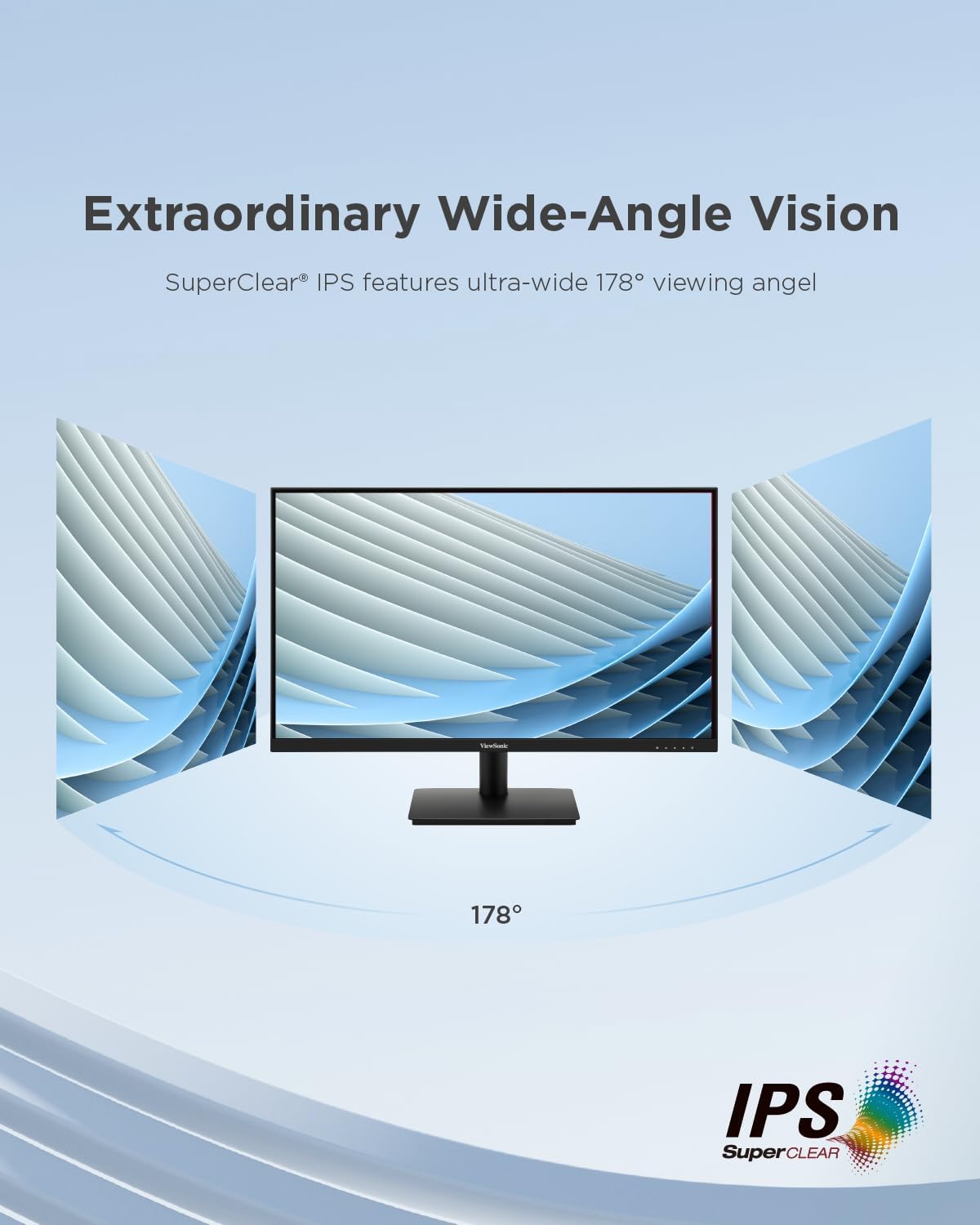
Image Description: This image illustrates the "Extraordinary Wide-Angle Vision" feature of the ViewSonic VA270-H monitor, showing a monitor with a 178° viewing angle, enabled by SuperClear IPS technology.
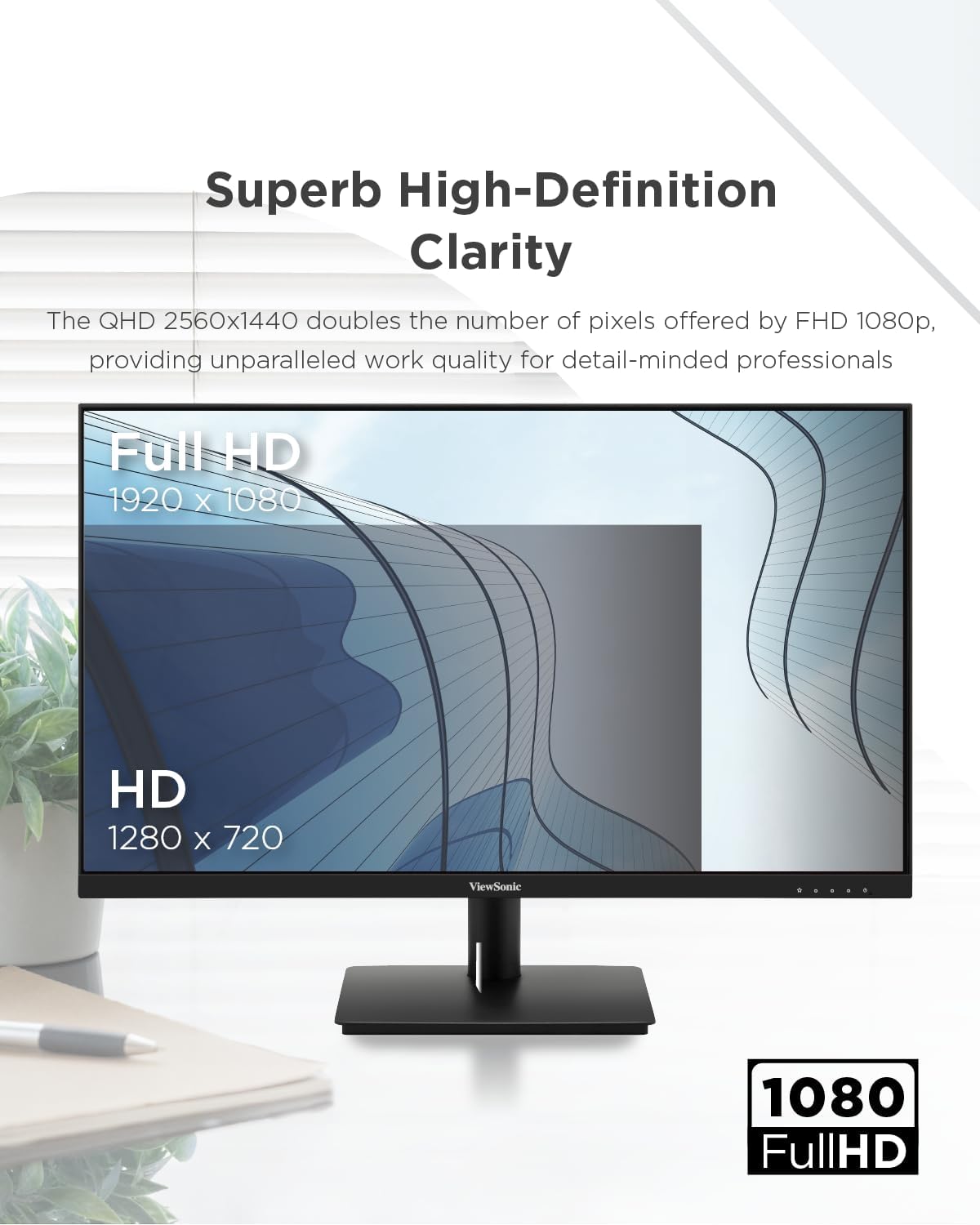
Image Description: This image emphasizes the "Superb High-Definition Clarity" of the ViewSonic VA270-H monitor, showcasing its Full HD 1920 x 1080 resolution compared to HD 1280 x 720, indicating enhanced work quality.

Image Description: This image visually represents "Smooth Visuals with 100Hz Refresh Rate," depicting a futuristic car in motion, suggesting improved viewing clarity and increased productivity compared to a lower refresh rate (75Hz).

Image Description: This image demonstrates the "Eye ProTech for Comfortable Viewing" feature, showing a split view of a building. One side is labeled "Blue Light Filter Off" (normal view), and the other is "Blue Light Filter On" (warmer, less blue light), illustrating how the feature reduces eye strain.
Maintenance
To ensure the longevity and optimal performance of your ViewSonic VA270-H monitor, follow these maintenance guidelines:
- Cleaning the Screen: Gently wipe the screen with a soft, lint-free cloth. For stubborn marks, dampen the cloth slightly with water or a non-abrasive, monitor-safe cleaning solution. Avoid spraying liquid directly onto the screen.
- Cleaning the Casing: Use a soft, dry cloth to clean the monitor's casing. Do not use strong detergents or abrasive cleaners.
- Ventilation: Ensure the ventilation openings on the monitor are not blocked to prevent overheating.
- Storage: When not in use for extended periods, store the monitor in a cool, dry place, away from direct sunlight and extreme temperatures.
Troubleshooting
If you encounter issues with your ViewSonic VA270-H monitor, refer to the following common troubleshooting steps:
- No Image on Screen:
- Check if the monitor is powered on and the power indicator light is illuminated.
- Ensure the video cable (HDMI or VGA) is securely connected to both the monitor and your computer.
- Verify that the correct input source is selected on the monitor's OSD menu.
- Test the monitor with another computer or device, or test your computer with another monitor, to isolate the problem.
- Image is Blurry or Distorted:
- Adjust the resolution settings on your computer to match the monitor's native resolution (1920 x 1080).
- Check the refresh rate settings on your computer and ensure it is set to 100Hz or a compatible frequency.
- If using VGA, perform an auto-adjust from the OSD menu.
- No Sound (if applicable):
- Ensure the audio cable (if separate) is connected correctly.
- Check the volume settings on both the monitor and your computer.
- Buttons Not Responding:
- Unplug the monitor's power cable, wait for 30 seconds, and then plug it back in to reset the monitor.
If the problem persists after trying these steps, please contact ViewSonic customer support.
Specifications
| Parameter | Value |
|---|---|
| Product Dimensions | 7.44 x 24.13 x 17.6 inches |
| Item Weight | 7.7 pounds |
| Manufacturer | VIEWSONIC |
| Item Model Number | VA270-H |
| ASIN | B0CQX9FJCC |
| Date First Available | August 27, 2024 |
| Display Size | 27 inches (68.6 cm) |
| Resolution | 1920 x 1080 Pixels (Full HD) |
| Panel Technology | LED Flat (IPS SuperClear) |
| Refresh Rate | 100 Hz |
| Response Time | 1ms |
| Connectivity | HDMI, VGA |
Energy Information

Image Description: This image displays the EU Energy Label for the ViewSonic VA270-H monitor (model VS19972(VA270-H)). It shows an energy efficiency class of E and an energy consumption of 18 kWh/1000h. The label also indicates the screen size as 27 inches (69 cm) with a resolution of 1920x1080 pixels.
For detailed product information, including the Product Information Sheet, please visit the official EPREL database: https://eprel.ec.europa.eu/qr/1931356
Warranty and Support
ViewSonic provides a general guarantee for this product. Based on the product information sheet, the minimum guaranteed product support and the duration of the general guarantee offered by the supplier is 3 years.
For technical support, warranty claims, or further assistance, please visit the official ViewSonic support website or contact their customer service department. You can find contact information and support resources on the ViewSonic Store on Amazon or their main corporate website.
Related documentsVA270-H


Ask a question about this manual
Ask about setup, troubleshooting, compatibility, parts, safety, or missing instructions. Manuals+ will review the question and use this page’s manual context to help answer it.