
Introduction
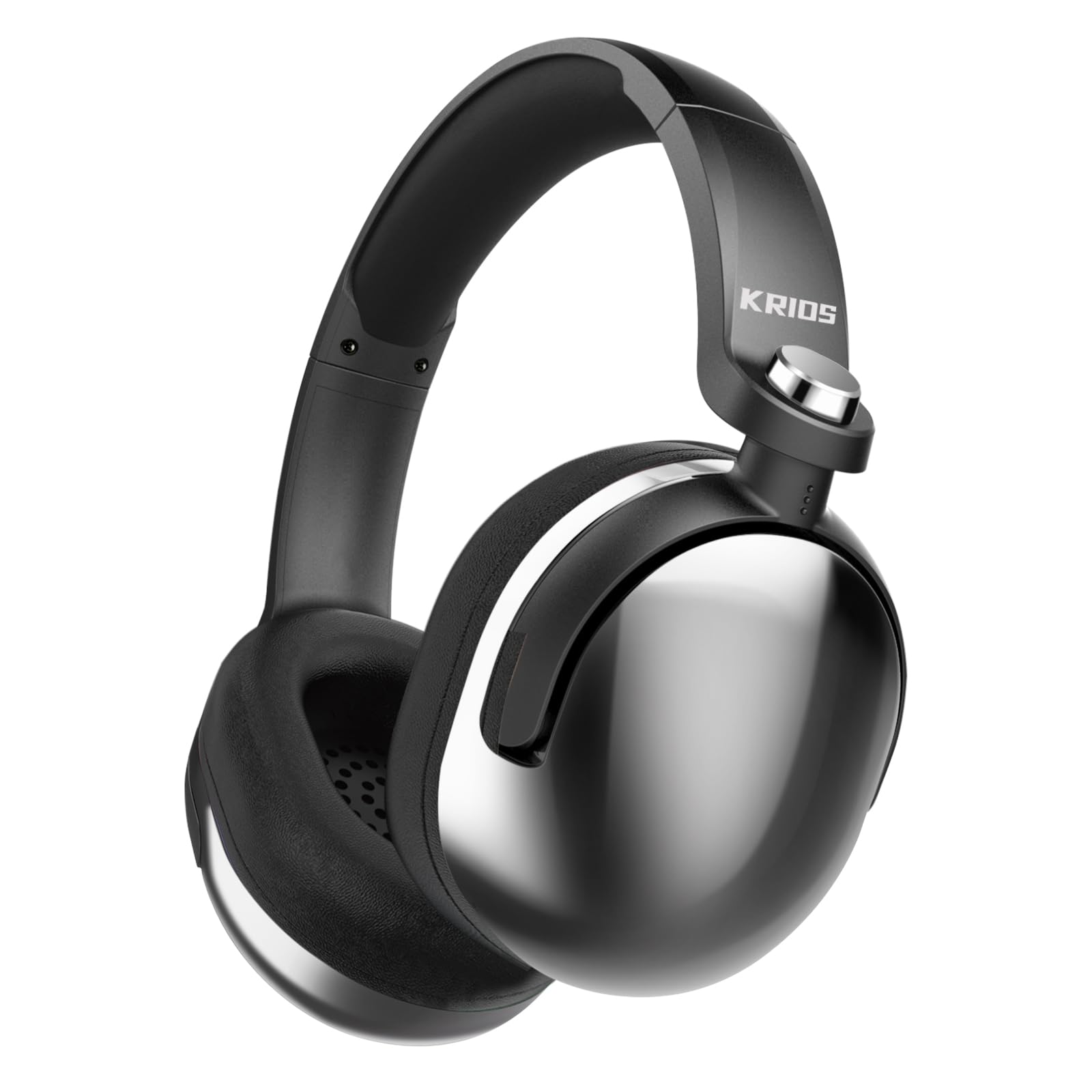
Thank you for choosing the KRIOS KRIOS-BK4 Wireless Gaming Headphones. These over-ear headphones are designed to provide a high-quality audio experience for gaming and music, featuring Bluetooth 5.2 connectivity, a built-in microphone, and comfortable protein fiber earpads. This manual provides detailed instructions for setup, operation, maintenance, and troubleshooting to ensure optimal performance and longevity of your device.
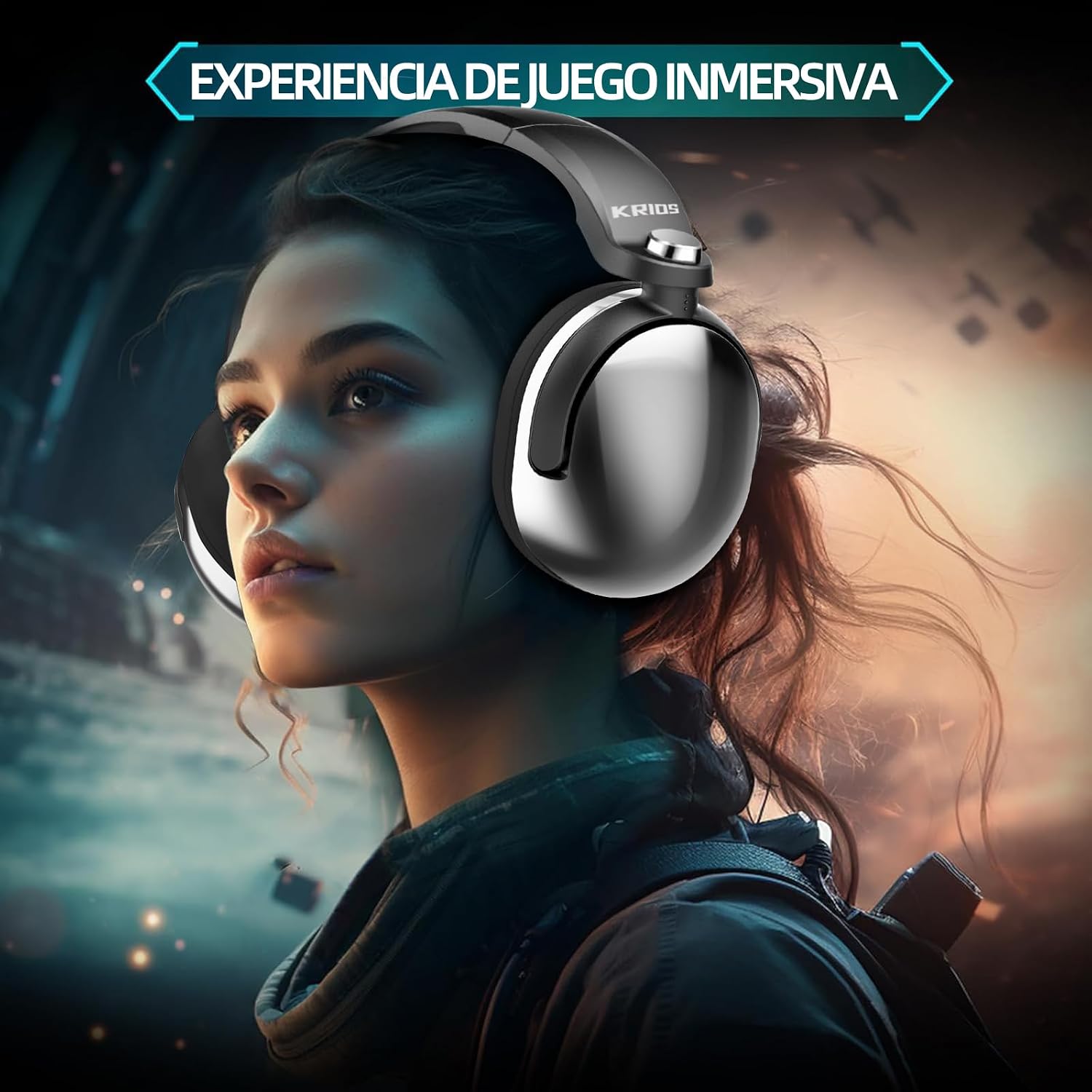
The KRIOS headphones are designed to provide an immersive audio experience, enhancing gaming and multimedia content.
Setup
1. Charging the Headphones
Before first use, fully charge your KRIOS KRIOS-BK4 headphones. Connect the included charging cable to the charging port on the headphones and to a USB power source (e.g., computer, wall adapter). The LED indicator will show charging status.
- Charging Time: Approximately 3 hours for a full charge.
- Battery Life: Up to 22 hours of continuous playback on a full charge.

The KRIOS headphones are equipped with a long-lasting battery. While the image indicates 1000 mAh capacity and 25 hours of use, the product specifications confirm approximately 22 hours of continuous use and a 3-hour charge time.
2. Powering On/Off
- To Power On: Press and hold the Power button for approximately 3 seconds until the LED indicator lights up.
- To Power Off: Press and hold the Power button for approximately 3 seconds until the LED indicator turns off.
Operating Instructions
1. Bluetooth Pairing (Wireless Mode)
The KRIOS KRIOS-BK4 headphones use Bluetooth 5.2 for wireless connectivity.
- Ensure the headphones are powered off.
- Press and hold the Power button for approximately 5-7 seconds until the LED indicator flashes rapidly (usually blue and red), indicating pairing mode.
- On your device (smartphone, PC, console), enable Bluetooth and search for available devices.
- Select "KRIOS-BK4" from the list of found devices.
- Once paired, the LED indicator on the headphones will typically show a solid blue light or flash slowly.
The KRIOS-BK4 headphones utilize Bluetooth 5.2 technology for a stable and high-speed wireless connection. The image illustrates the pairing process, showing a Bluetooth version of 5.3.
2. Wired Mode (AUX Connection)
If the headphone battery is depleted or if you prefer a wired connection, you can use the included 3.5mm audio cable.
- Connect one end of the 3.5mm audio cable to the AUX port on the headphones.
- Connect the other end to the 3.5mm audio jack on your device.
- The headphones will automatically switch to wired mode.
3. Controls
The headphones feature integrated controls for easy management of audio and calls:
- Power Button: Press and hold to power on/off. Short press for play/pause (music) or answer/end call.
- Volume Up (+): Short press to increase volume.
- Volume Down (-): Short press to decrease volume.
- Microphone: The built-in noise-canceling microphone is automatically active during calls and voice chat.
4. RGB Lighting
The headphones feature cool RGB lighting. The colors (red, green, blue) continuously change when the lighting is active, providing a dynamic visual effect. Refer to the product packaging or manufacturer's website for specific instructions on how to activate or deactivate the RGB lighting, if not controlled automatically.
5. Multi-Platform Compatibility
The KRIOS KRIOS-BK4 headphones are compatible with a wide range of devices and gaming platforms:
- Xbox One, Xbox Series X & S
- PlayStation 4, PlayStation 5
- Nintendo Switch
- PC (Windows, macOS)
- Mobile Devices (iOS, Android)
- iPad and other tablets

The KRIOS headphones support wireless connectivity across a wide range of platforms, including Xbox One, Nintendo Switch, PlayStation 4, PlayStation 5, mobile devices, personal computers, and iPads.
Maintenance
- Cleaning: Use a soft, dry cloth to clean the headphones. Do not use abrasive cleaners or solvents.
- Earpads: The protein fiber earpads are designed for comfort and durability. If they become dirty, gently wipe them with a slightly damp cloth and allow them to air dry completely before use.
- Storage: Store the headphones in a cool, dry place away from direct sunlight and extreme temperatures.
- Water Exposure: Avoid exposing the headphones to water or excessive moisture. They are not waterproof.

The KRIOS headphones feature premium protein leather earpads with breathable fabric for extended comfort. The adjustable headband and galvanized ear cup housing contribute to both durability and user comfort.
Troubleshooting
No Power
- Ensure the headphones are fully charged.
- Verify the charging cable and power source are working correctly.
- Press and hold the Power button for the required duration (approx. 3 seconds) to turn on.
No Sound / Low Sound
- Check the volume levels on both the headphones and your connected device.
- Ensure the headphones are properly paired via Bluetooth or the AUX cable is securely connected.
- If using Bluetooth, try unpairing and re-pairing the headphones.
- Test with a different audio source or device.
Bluetooth Pairing Issues
- Ensure the headphones are in pairing mode (LED flashing rapidly).
- Make sure Bluetooth is enabled on your device and it's within range (typically 10 meters).
- Turn off and on Bluetooth on your device.
- Clear previous Bluetooth connections on your device and try pairing again.
- Restart both the headphones and your device.
Microphone Not Working
- Ensure the headphones are properly connected (Bluetooth or wired).
- Check microphone settings on your connected device to ensure the KRIOS-BK4 is selected as the input device.
- Ensure the microphone is not muted on your device or application.
Specifications
| Brand: | KRIOS |
| Model: | KRIOS-BK4 |
| Color: | Silver |
| Ear Placement: | Over-Ear |
| Connectivity: | Wireless (Bluetooth 5.2), Wired (3.5mm AUX) |
| Bluetooth Version: | 5.2 |
| Battery Capacity: | 500 mAh (approximate) |
| Playback Time: | Up to 22 hours |
| Charging Time: | Approximately 3 hours |
| Driver Size: | 40mm (Image indicates 50mm HD drivers) |
| Noise Control: | None (Passive noise isolation up to -38dB) |
| Microphone: | Built-in, Noise-canceling |
| Material: | Galvanized Silver, Protein Fiber (earpads) |
| Compatibility: | Xbox One, Xbox Series X & S, PS4, PS5, Nintendo Switch, PC, Mobile, iPad |
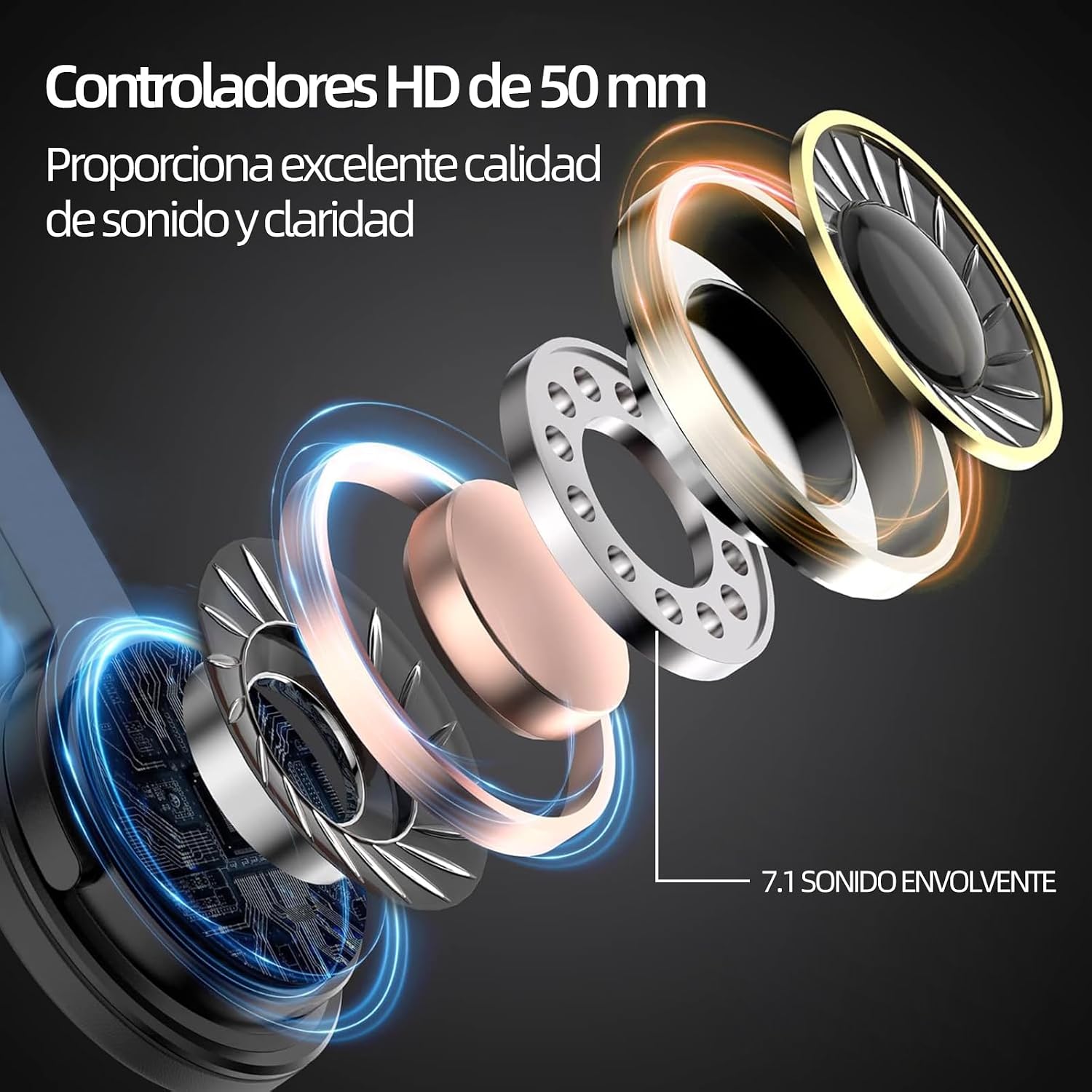
This diagram illustrates the advanced 50mm HD drivers and 7.1 surround sound technology integrated into the KRIOS headphones, designed to deliver high-quality audio and clarity.
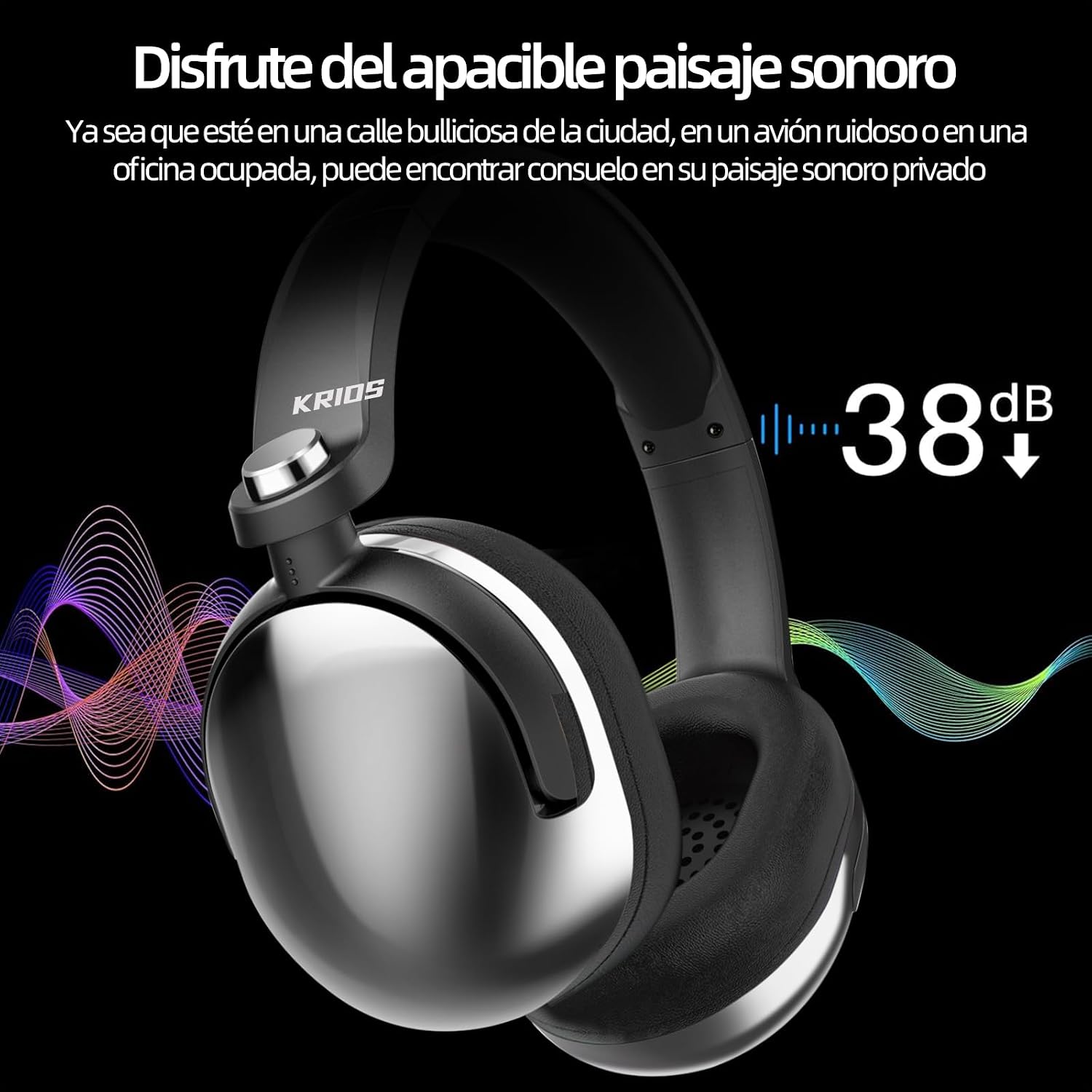
The KRIOS headphones offer passive noise isolation, reducing ambient noise by up to 38dB, allowing for a more focused audio experience in various environments.
Warranty Information
The KRIOS KRIOS-BK4 Wireless Gaming Headphones come with a three-month product warranty from the date of purchase. This warranty covers manufacturing defects. Please retain your proof of purchase for warranty claims. The warranty does not cover damage caused by misuse, accidents, unauthorized modifications, or normal wear and tear.
Support
For technical assistance, troubleshooting beyond this manual, or warranty inquiries, please contact the retailer where you purchased the product or visit the official KRIOS website for further support information.
Online Resources: Check the KRIOS official website for updated FAQs, drivers, and additional support materials.