
Introduction
Welcome to the Jzones CT11 Open Ear Headphones user manual. These wireless Bluetooth 5.3 earbuds are designed to provide a superior audio experience while maintaining awareness of your surroundings. Featuring dual 16.2mm dynamic drivers, a secure and comfortable open-ear fit, and extended battery life, the CT11 is ideal for sports, daily commutes, and various activities.
What's in the Box
- Wearable Stereo Earbuds (Left and Right)
- 1x 1000mAh Charging Case
- 1x Type-C Cable
- User Manual

Image: Contents of the Jzones CT11 Open Ear Headphones package, including the earbuds, charging case, USB-C cable, and user manual.
Setup
1. Initial Charging
Before first use, fully charge the charging case and earbuds. Connect the provided Type-C cable to the charging port on the back of the case and to a 5V/1A power source. The LED indicator on the front of the case will show charging status.

Image: The Jzones CT11 charging case with a glowing LED indicator, showing it is charging.
2. Pairing with Your Device
- Ensure the earbuds are in the charging case and the case is open.
- Activate Bluetooth on your smartphone or other compatible device.
- In your device's Bluetooth settings, search for "CT11" and select it to pair.
- Once paired, the earbuds are ready for use. They will automatically connect to the last paired device when removed from the case.

Image: A smartphone screen showing "CT11" as a connected Bluetooth device, with the earbuds and case nearby.
Operating Instructions
Wearing the Earbuds
The Jzones CT11 features an open-ear design with ergonomic silicone earhooks. Place the earbuds over your ears, ensuring the earhooks sit securely behind your ear. The audio drivers rest outside the ear canal, allowing you to hear your audio while remaining aware of ambient sounds.

Image: A person wearing the Jzones CT11 Open Ear Headphones, demonstrating the secure fit with the earhooks.
Touch Controls
The earbuds are equipped with smart touch controls for easy management of music and calls:
- Play/Pause: Tap once.
- Next/Previous Track: Tap twice (Left for previous, Right for next).
- Answer/Hang Up Call: Tap twice.
- Reject Call: Long press for 2 seconds.
- Voice Assistant: Tap three times.
- Volume Up/Down: Hold on (specific earbud for up/down).

Image: A visual guide detailing the touch control functions for the Jzones CT11 earbuds.
Audio Experience
Equipped with dual 16.2mm dynamic drivers, these headphones deliver crystal-clear HD stereo sound. The open-ear design allows for situational awareness, making them suitable for outdoor activities where hearing your surroundings is important.

Image: Individuals engaged in physical activity, wearing Jzones CT11 Open Ear Headphones, highlighting their suitability for active use while maintaining environmental awareness.
Maintenance
Water Resistance
The Jzones CT11 headphones are IPX5 waterproof, meaning they are resistant to water splashes and sweat. This makes them suitable for workouts and outdoor sports. However, they are not designed for submersion in water (e.g., swimming).
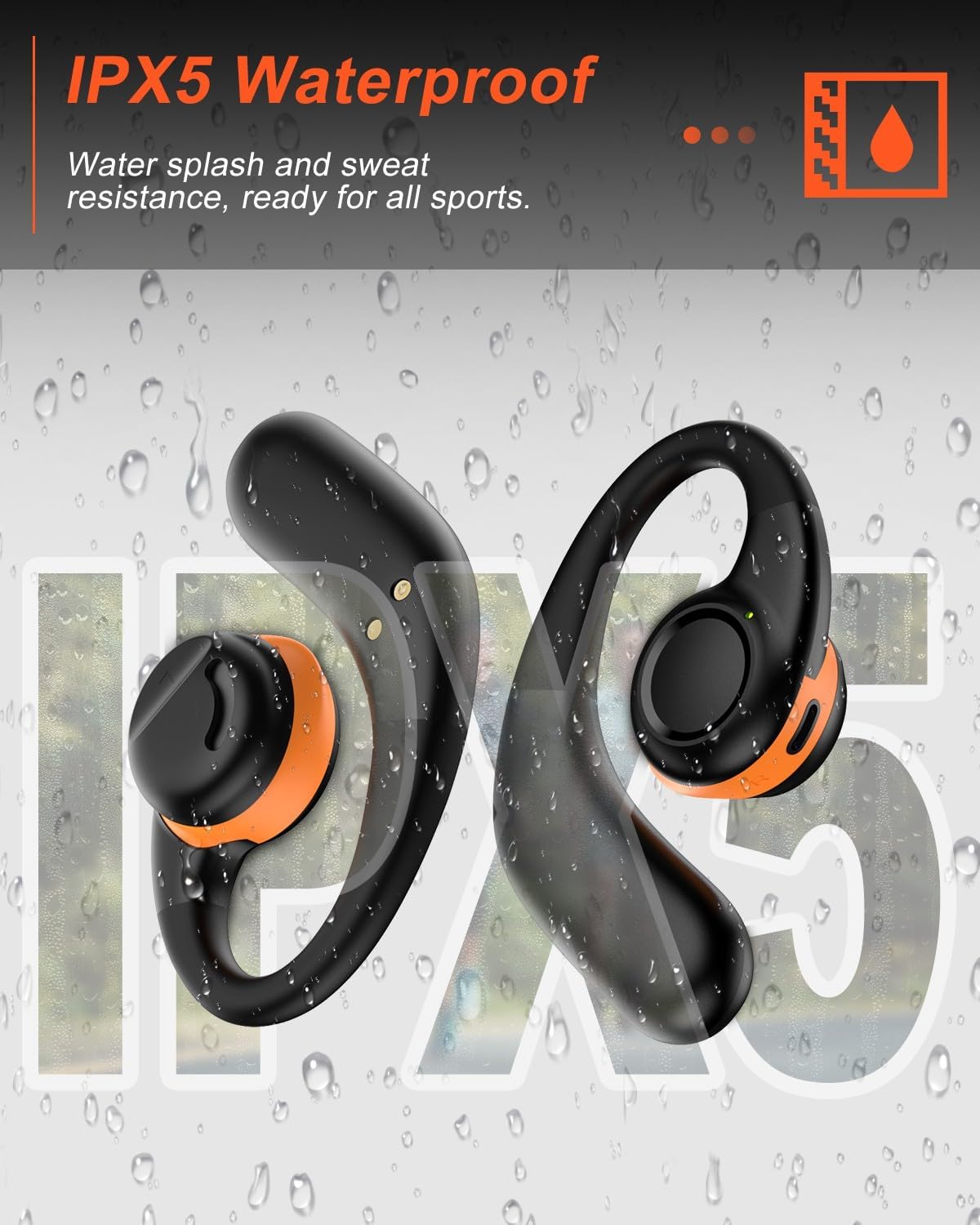
Image: Jzones CT11 Open Ear Headphones shown with water droplets, illustrating their IPX5 water resistance.
Cleaning and Storage
Wipe the earbuds and charging case with a soft, dry cloth. Avoid using abrasive materials or harsh chemicals. Store the headphones in their charging case when not in use to protect them and ensure they remain charged.
Troubleshooting
- Earbuds not pairing: Ensure both earbuds are in the charging case, the case is open, and your device's Bluetooth is on. Forget "CT11" from your device's Bluetooth list and try pairing again.
- No sound: Check the volume levels on both your device and the earbuds. Ensure the earbuds are properly connected to your device.
- Intermittent connection: Move closer to your paired device. Ensure there are no significant obstructions between the earbuds and your device.
- Earbuds not charging: Ensure the charging cable is securely connected to both the case and the power source. Check the charging port for any debris.
Specifications
| Feature | Detail |
|---|---|
| Model Name | CT11 |
| Connectivity Technology | Wireless (Bluetooth 5.3) |
| Audio Driver Size | 16.2mm Dynamic Drivers |
| Battery Life (Earbuds) | Up to 12 hours (music), 10 hours (talk time) |
| Total Playtime (with Charging Case) | Up to 60 hours |
| Charging Case Battery Capacity | 1000mAh |
| Charging Time | 1.5 Hours |
| Water Resistance Level | IPX5 (Splashproof, Sweatproof) |
| Bluetooth Range | Up to 100 meters (33 feet standard) |
| Control Type | Touch Control |
Official Product Videos
Video: An overview of the Jzones CT11 Open Ear Headphones, highlighting key features such as Bluetooth 5.3, Hi-Fi Stereo, IPX5 Waterproofing, 60 hours playtime, comfort design, and touch control.
Warranty and Support
For warranty information and customer support, please refer to the contact details provided in the packaging or visit the official Jzones website. Keep your purchase receipt for warranty claims.
