
Intex ZR100
Intex Pool and Spa Vacuum ZR100 User Manual
Model: ZR100 (28626E)
Brand: Intex
Introduction
The Intex Pool and Spa Vacuum ZR100 is a versatile and efficient cleaning tool designed for use with all PureSpas, above-ground pools, and in-ground pools. This compact, battery-powered vacuum provides powerful suction to effectively remove debris, ensuring a clean and clear aquatic environment. Its robust design and user-friendly features make pool and spa maintenance simple and convenient.
Safety Information
Please read and understand all safety instructions before operating the Intex Pool and Spa Vacuum ZR100. Failure to follow these instructions may result in electric shock, fire, and/or serious injury.
- Always ensure the vacuum is fully charged before use.
- Do not operate the vacuum out of water for extended periods, as it is designed for submerged use and features an automatic shut-off when not submerged.
- Keep the USB charging cable and charging port dry at all times.
- Do not attempt to disassemble or repair the vacuum yourself. Contact qualified service personnel for assistance.
- This product contains chemicals known to the State of California to cause cancer and birth defects or other reproductive harm.
Package Contents
Verify that all components are present in the package:
- Intex Pool and Spa Vacuum ZR100 Unit
- Telescoping Aluminum Pole (2.39m / 94 inches)
- 2 Interchangeable Brush Heads
- Micro-filter Bag
- USB Charging Cable
- Removable Large Canister

Figure 1: Overview of the Intex Pool and Spa Vacuum ZR100 and its included components, including the main vacuum unit, telescoping pole, two brush heads, micro-filter bag, and USB charging cable.
Setup and Assembly
Follow these steps to assemble your Intex Pool and Spa Vacuum ZR100:
- Charge the Vacuum: Before first use, fully charge the vacuum using the included USB charging cable. The charging time is approximately 5-6 hours for a maximum 50-minute runtime. Ensure the charging port is dry before connecting the cable.
- Attach Brush Head: Select the desired brush head (either the standard brush or the wider cleaning head) and firmly attach it to the vacuum unit's suction opening.

Figure 2: Demonstrates how to attach the interchangeable brush heads to the main vacuum unit.
- Connect Telescoping Pole: Connect the vacuum unit to the 2.39m (94-inch) lightweight telescoping aluminum pole. Ensure it is securely fastened. The pole extends to reach various depths and areas of your pool or spa.

Figure 3: A user adjusting the length of the telescoping pole for optimal reach.
- Insert Filter Bag: Ensure the micro-filter bag is properly inserted into the removable large canister before use. This bag collects debris during operation.
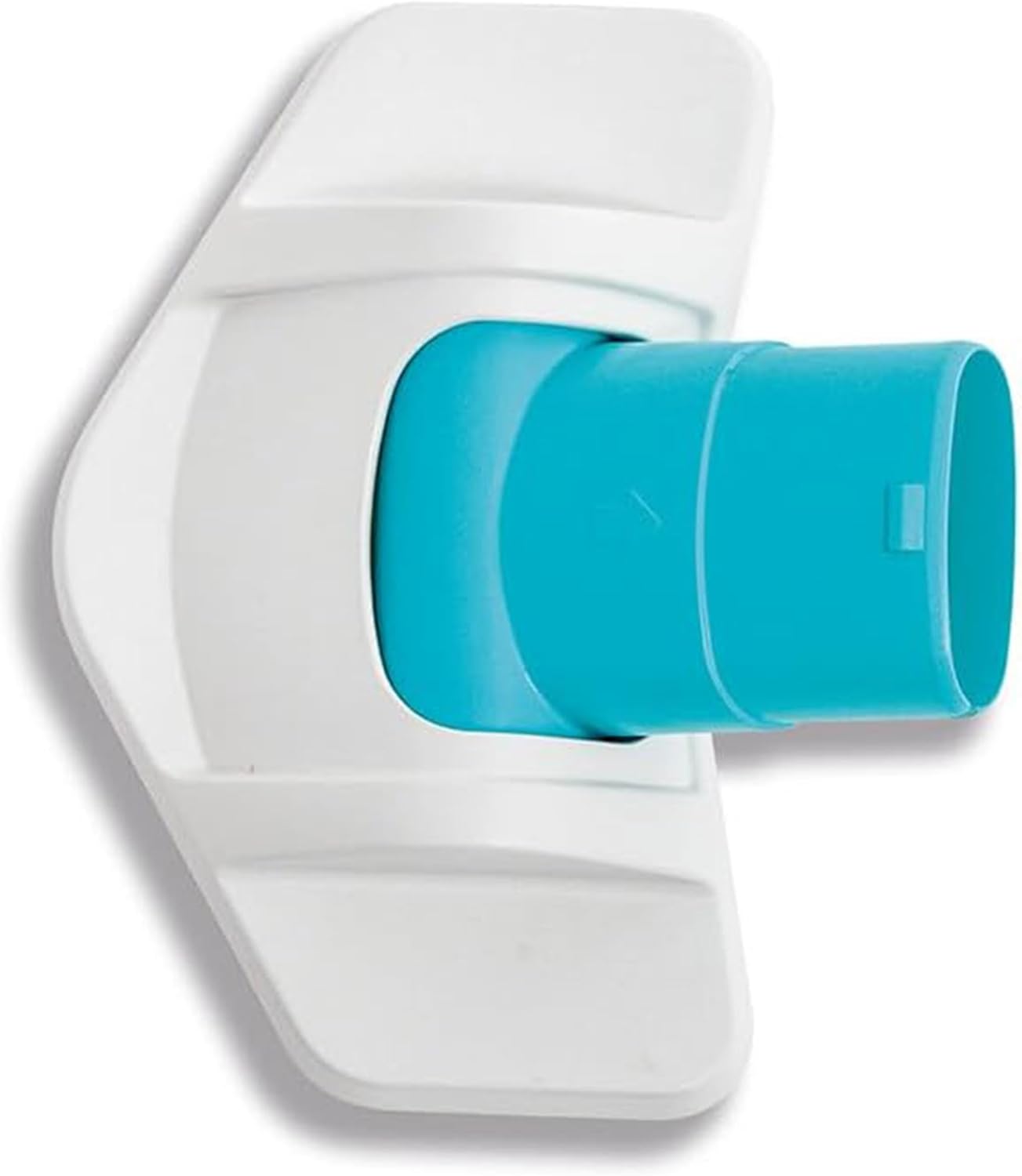
Figure 4: The micro-filter bag, which is inserted into the vacuum's canister to capture debris.
Operating Instructions
Operating the Intex Pool and Spa Vacuum ZR100 is straightforward:
- Submerge the Vacuum: Gently lower the vacuum into the water of your pool or spa.
- Activate Power: Locate the IPX8 waterproof switch on the vacuum unit and turn it on. The vacuum will begin to operate once submerged.
- Begin Cleaning: Guide the vacuum along the bottom and sides of your pool or spa to collect debris. The 12 gallons/45 liters water suction efficiently picks up dirt and particles.

Figure 5: A person demonstrating the use of the Intex ZR100 vacuum to clean a spa.

Figure 6: A woman using the Intex ZR100 vacuum to clean the bottom of an above-ground pool.
- Automatic Shut-off: The vacuum features an automatic shut-off function that activates when the unit is not submerged in water, helping to conserve battery life and prevent damage.
- Monitor Performance: If the vacuum becomes harder to push or suction decreases, it indicates that the filter bag may be full and needs emptying.
Maintenance
Regular maintenance ensures optimal performance and longevity of your vacuum:
- Empty and Clean Canister: After each use, or when suction decreases, remove the large canister and empty the collected debris. Rinse the canister and the micro-filter bag thoroughly with clean water.

Figure 7: Illustration of how to remove the large canister from the vacuum for emptying and cleaning.
- Clean Brush Heads: Periodically inspect and clean the brush heads to remove any tangled hair or debris that may reduce cleaning efficiency.
- Store Properly: When not in use, store the vacuum in a cool, dry place, away from direct sunlight and extreme temperatures. Ensure the unit is dry before storage.
- Battery Care: For long-term storage, it is recommended to charge the battery every 3-6 months to maintain its health.
Troubleshooting
If you encounter issues with your Intex Pool and Spa Vacuum ZR100, refer to the following common solutions:
| Problem | Possible Cause | Solution |
|---|---|---|
| Vacuum does not turn on. | Battery is depleted. | Charge the vacuum for 5-6 hours using the USB charging cable. |
| Vacuum turns off automatically. | Vacuum is not submerged in water. | Ensure the vacuum is fully submerged during operation. |
| Poor suction or ineffective cleaning. | Filter bag is full or clogged. Brush heads are dirty. | Empty and clean the micro-filter bag and canister. Clean the brush heads. |
| Charging indicator not working. | USB cable or power source issue. | Ensure the USB cable is properly connected and try a different USB power adapter. |
If the problem persists after attempting these solutions, please contact Intex customer support for further assistance.
Specifications
| Feature | Detail |
|---|---|
| Model Number | 28626E (ZR100) |
| Power Source | Battery Powered |
| Battery Type | 4V 2Ah Ni-Mh rechargeable batteries |
| Charging Time | 5-6 hours |
| Maximum Runtime | Up to 50 minutes |
| Water Suction Capacity | 12 gallons / 45 liters |
| Telescoping Pole Length | 2.39m (94 inches) |
| Waterproof Rating | IPX8 (Waterproof Switch) |
| Product Dimensions (L x W x H) | 14.56" x 4.33" x 7.48" (Vacuum Unit) |
| Material | Aluminum (Pole) |
| UPC | 078257286263 |
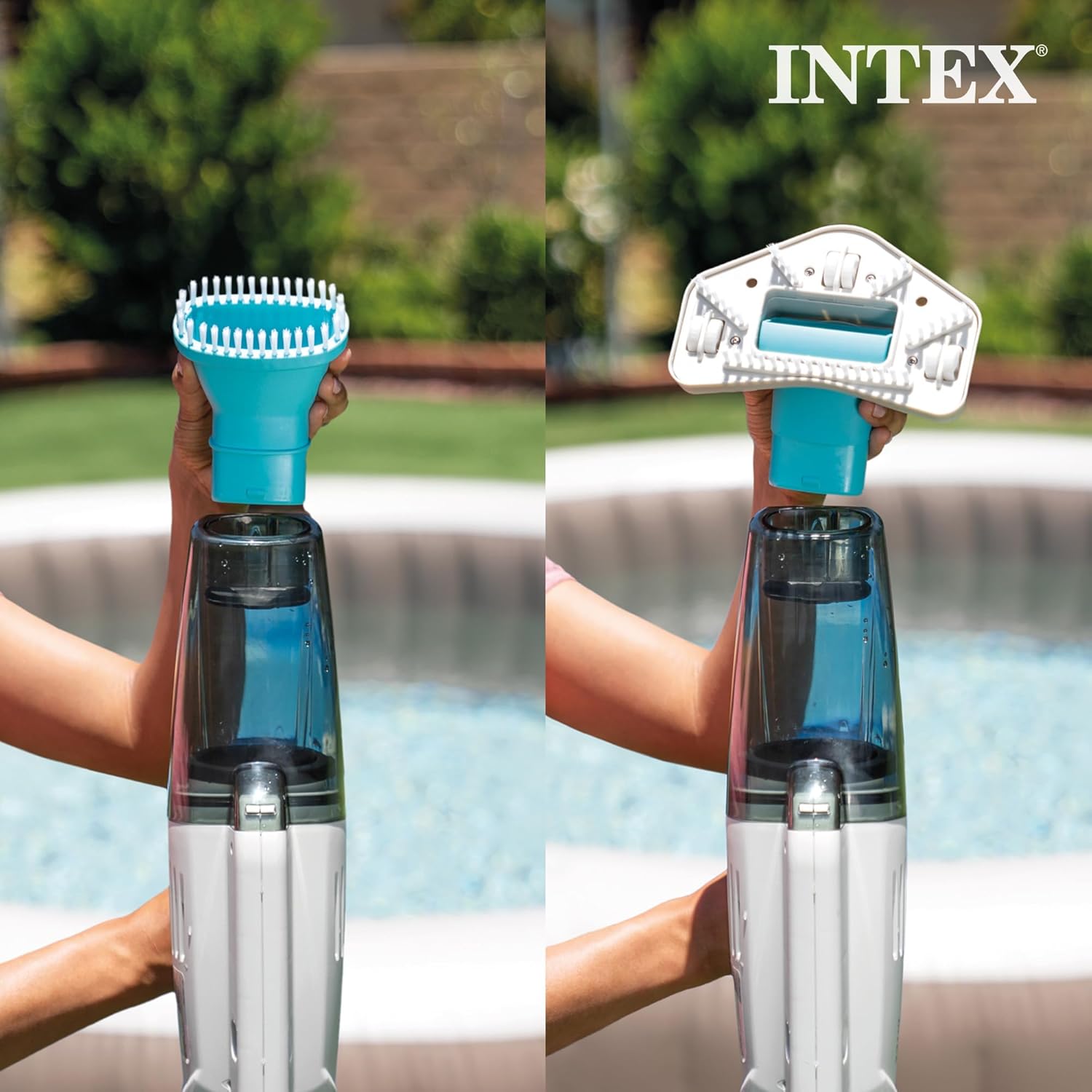
Figure 8: Visual representation of key specifications including compatibility, automatic shut-off, battery type, and IPX8 switch.
Warranty and Support
Intex products are manufactured to the highest quality standards. Specific warranty details, including coverage period and terms, are typically provided with your product packaging or can be found on the official Intex website. Please retain your proof of purchase for warranty claims.
For technical support, replacement parts, or warranty inquiries, please visit the official Intex website or contact their customer service department. Contact information can usually be found in the product packaging or on the Intex brand store page on Amazon: Intex Official Store.
Related documentsZR100


Ask a question about this manual
Ask about setup, troubleshooting, compatibility, parts, safety, or missing instructions. Manuals+ will review the question and use this page’s manual context to help answer it.