
ARCCAPTAIN HSH-S800-Lion
ARCCAPTAIN Auto Darkening Welding Helmet Instruction Manual
Model: HSH-S800-Lion
Brand: ARCCAPTAIN
Introduction
This manual provides essential information for the safe and effective use of your ARCCAPTAIN Auto Darkening Welding Helmet. Please read it thoroughly before operation.
Key Features
- Larger & Clearer Screen: 3.86" x 1.69" viewing size with 1/1/1/1 optical clarity and true color technology. Cheater Lens / Magnifying Lens Compatible.
- Faster Auto-Darkening: 4 premium arc sensors, 1/25000 sec switching time. Adjustable shade and sensitivity (4/9-13).
- Extended Service Life: Powered by solar cells and replaceable CR2450 lithium batteries. Constructed from high-quality PA material for shock, heat, and wear resistance. Compliant with ANSI Z87.1/EN379 CE/CSA Z94.3 standards.
- All-Day Comfort: Lightweight (1 lb) PA material with up to 120MPa tensile strength and 4000 MPa flexural modulus. Adjustable headband with breathable padding.
- Eye Protection: 12-in-1 smart filter with automatic DIN 16 UV/IR protection.

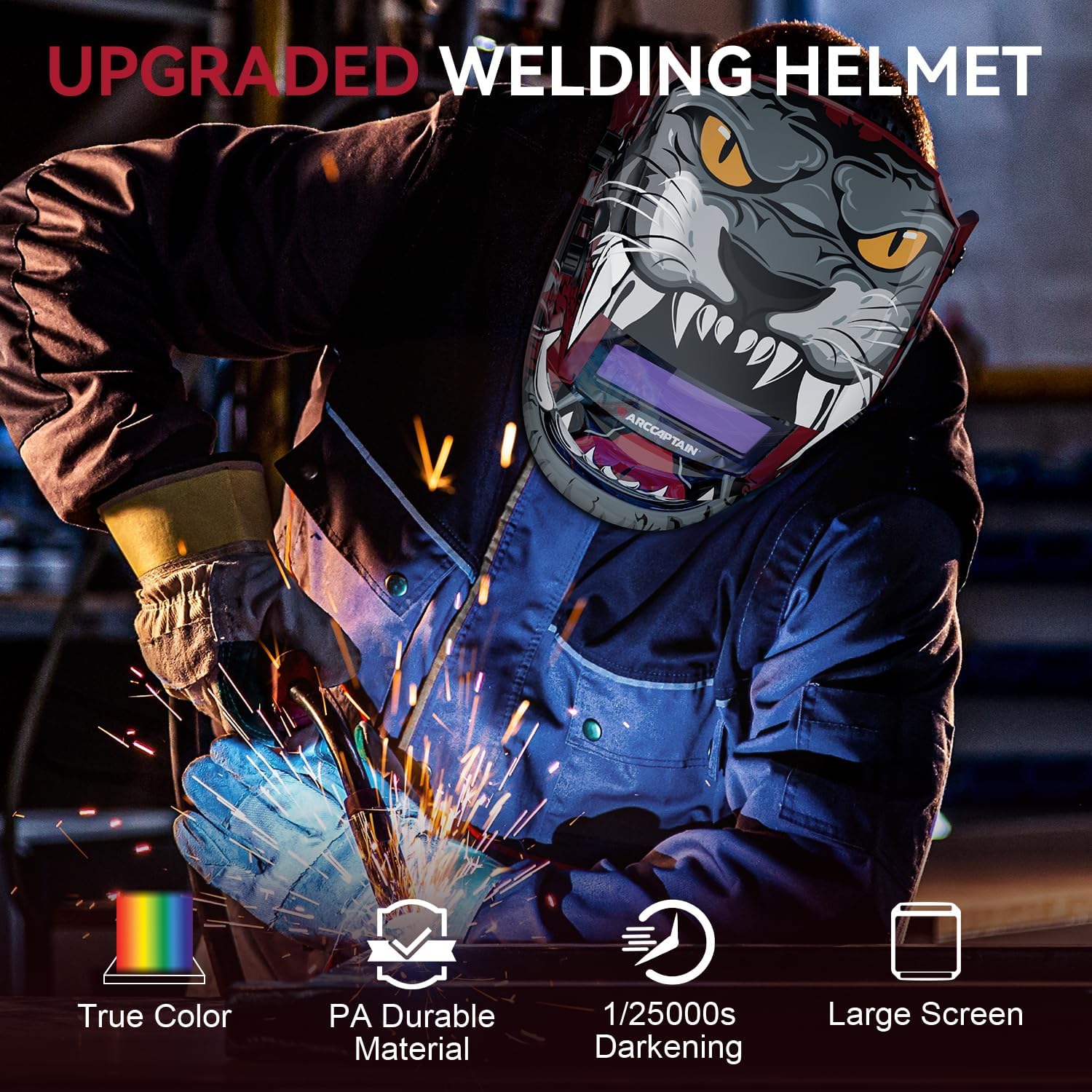
Front view of the ARCCAPTAIN HSH-S800-Lion Auto Darkening Welding Helmet, featuring a red and black lion graphic design.
Safety Information
Always wear appropriate personal protective equipment (PPE) when welding. Ensure proper ventilation. Read and understand all safety warnings provided with the product.

Image highlighting the helmet's durability, showing icons for corrosion resistance, shock resistance, flame resistance, lightweight design, and comfort, with a background of rocks.
What's in the Box
| Item | Quantity |
|---|---|
| Welding helmet | 1 |
| Random Cool Stickers | 1 |
| Replacement Lens | 3 |
| User manual | 1 |
A top-down view of the welding helmet, extra lenses, and user manual laid out on a metal surface.
Setup
Headgear Adjustment
The helmet features an adjustable headgear designed for comfort and stability. Adjust the straps and angle to ensure a snug and balanced fit, reducing pressure points during extended use.

Diagram showing the adjustable headgear with features for comfort, sweatproof material, and 130-degree antiskid adjustment.
Official ARCCAPTAIN video demonstrating the adjustment of the welding helmet's headgear for optimal fit and comfort.
Lens Installation/Replacement
The helmet is compatible with cheater lenses/magnifying lenses. Ensure the lens is clean and free from scratches for optimal clarity.

Diagram illustrating the slot for inserting a magnifying lens into the auto-darkening filter of the welding helmet.
Operating Instructions
Auto-Darkening Function
The helmet automatically switches from light to dark when an arc is struck. Adjust the shade level (DIN 4/9-13) and sensitivity according to your welding process (TIG, MIG, ARC) and ambient light conditions.
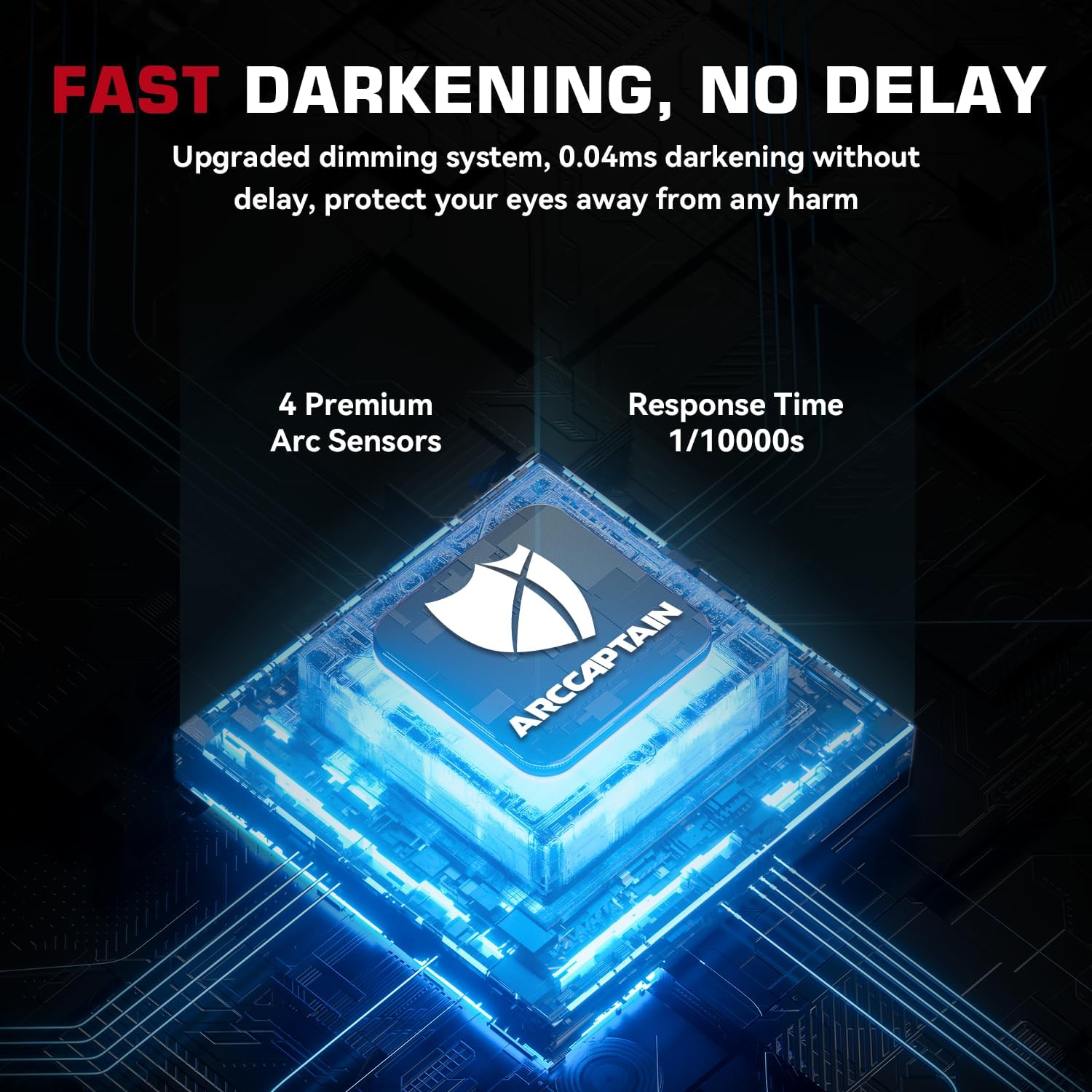
Image showing the helmet's fast darkening system with 4 premium arc sensors and a 1/10000s response time.

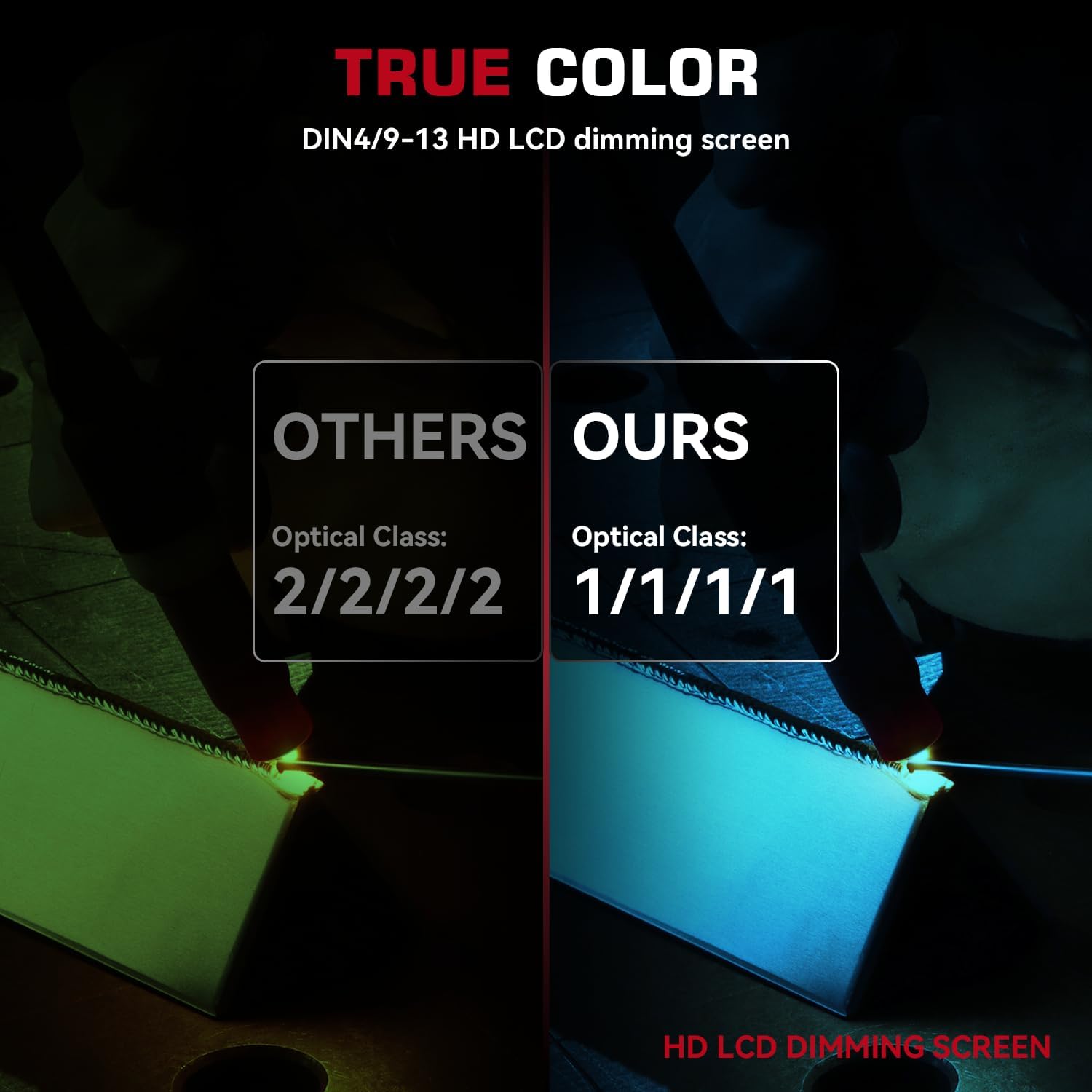
Diagram detailing the upgraded 3.0 True Color lens with optimal UV/IR protection (DIN 16), top 1/1/1/1 optical clarity, and built-in 4 arc sensors.

Comparison image showing the superior true color clarity of the ARCCAPTAIN 1/1/1/1 optical class lens compared to a 2/2/2/2 optical class lens.
Mode Selection (Weld/Grind)
Select the appropriate mode for your task. "Weld Mode" provides auto-darkening for welding operations. "Grind Mode" sets the lens to a lighter shade (DIN 4) for grinding, offering eye protection without darkening.

Visual representation of Grind Mode (DIN 4) and Weld Mode (DIN 9 and DIN 13) for different welding applications.
Applications
This welding helmet is suitable for various applications including STICK, MIG, TIG welding, and cutting operations.
Four panels showing the helmet being used for Stick welding, MIG welding, TIG welding, and cutting.
Maintenance
Cleaning
Regularly clean the helmet's outer and inner lenses with a soft cloth and mild soap. Avoid abrasive materials that could scratch the lens.
Battery Replacement
The helmet is powered by solar cells and replaceable CR2450 lithium batteries. Replace batteries as needed to ensure consistent auto-darkening performance.
Troubleshooting
Lens Not Darkening
- Check battery level and replace if low.
- Ensure arc sensors are clean and unobstructed.
- Verify sensitivity settings are appropriate for the welding current.
Poor Clarity
- Clean the lens thoroughly.
- Check for scratches or damage on the lens and replace if necessary.
- Ensure correct shade level is selected.
Specifications
| Feature | Detail |
|---|---|
| Manufacturer | ARCCAPTAIN |
| Part Number | A1 |
| Item Weight | 1.79 pounds |
| Package Dimensions | 11.69 x 10.04 x 7.87 inches |
| Country of Origin | China |
| Item model number | SUN5 |
| Batteries | 1 Lithium Metal batteries required (included) |
| Size | One size and Adjustable |
| Color | Red |
| Style | HSH-S800-Lion |
| Material | Polyamide (PA) |
| Certification | CSA Z94.3, DIN EN 379, ANSI/ISEA Z87.1-2010, DIN EN 175 |
| Battery Cell Type | Lithium Manganese Dioxide |
Side view of the ARCCAPTAIN welding helmet with key dimensions highlighted, showing its compact size.
Warranty & Support
This product comes with a 180-day warranty. For support or warranty claims, please contact ARCCAPTAIN directly.
Seller: ARCCAPTAIN
For more information, visit the ARCCAPTAIN Store.
Related documentsHSH-S800-Lion


Ask a question about this manual
Ask about setup, troubleshooting, compatibility, parts, safety, or missing instructions. Manuals+ will review the question and use this page’s manual context to help answer it.