
Important Safety Instructions
Please read and save these important safety instructions before using this fan. Failure to follow these instructions may result in electric shock, fire, or injury.
- Always unplug the fan before cleaning, assembling, or disassembling parts, or when moving from one location to another.
- Do not operate any fan with a damaged cord or plug. Discard fan or return to an authorized service facility for examination and/or repair.
- Do not run cord under carpeting. Do not cover cord with throw rugs, runners, or similar coverings. Do not route cord under furniture or appliances. Arrange cord away from traffic area and where it will not be tripped over.
- Use this fan only as described in this manual. Any other use not recommended by the manufacturer may cause fire, electric shock, or injury to persons.
- To reduce the risk of fire or electric shock, do not use this fan with any solid-state speed control device.
- This appliance has a polarized plug (one blade is wider than the other). To reduce the risk of electric shock, this plug is intended to fit in a polarized outlet only one way. If the plug does not fit fully in the outlet, reverse the plug. If it still does not fit, contact a qualified electrician. Do not attempt to defeat this safety feature.
- Do not insert or allow fingers or foreign objects to enter any ventilation or exhaust opening as this may cause an electric shock or fire, or damage the fan.
- Do not block air intakes or exhaust in any manner. Do not use on soft surfaces, like a bed, where openings may become blocked.
- This fan is intended for indoor use only. Do not use outdoors.
- Do not place the fan near an open flame, cooking or heating appliance, or hot surface.
- Do not operate the fan in areas where gasoline, paint, or flammable liquids are used or stored.
Product Overview
The HOLMES 12" Table Fan is designed to provide efficient and adjustable airflow for various indoor spaces. It features multiple speed settings, oscillation, and an adjustable head tilt for personalized comfort.

Image: Front view of the HOLMES 12" Table Fan, showcasing its white finish and protective grille.
Key Features:
- 3 Speed Settings: Select from low, medium, or high for optimal airflow.
- 75° Wide Angle Oscillation: Motorized movement to cool larger areas.
- 15° Adjustable Head Tilt: Direct airflow precisely where needed.
- Manual Control Knob: Easy-to-use interface for speed and power.
- Quiet Operation: Operates at 56 decibels on the highest setting.
- Compact Design: Ideal for placement on tables, desks, or nightstands.
Included Components:
- HOLMES 12" Table Fan unit
- Instruction Manual
Setup
The HOLMES 12" Table Fan requires minimal assembly. Follow these steps to prepare your fan for use.
Assembly:
- Carefully remove all components from the packaging.
- Place the fan base on a stable, flat surface.
- Attach the fan head assembly to the base, ensuring it is securely fastened. Refer to the diagrams in the packaging for specific attachment points if needed.
- Ensure all parts are firmly connected before plugging in the fan.
Placement:
- Place the fan on a firm, level surface to prevent tipping.
- Ensure there is adequate space around the fan for proper air circulation and oscillation.
- Keep the fan away from curtains, drapes, or any objects that could be drawn into the fan blades.
- This fan is suitable for use in bedrooms, living rooms, home offices, and kitchens.
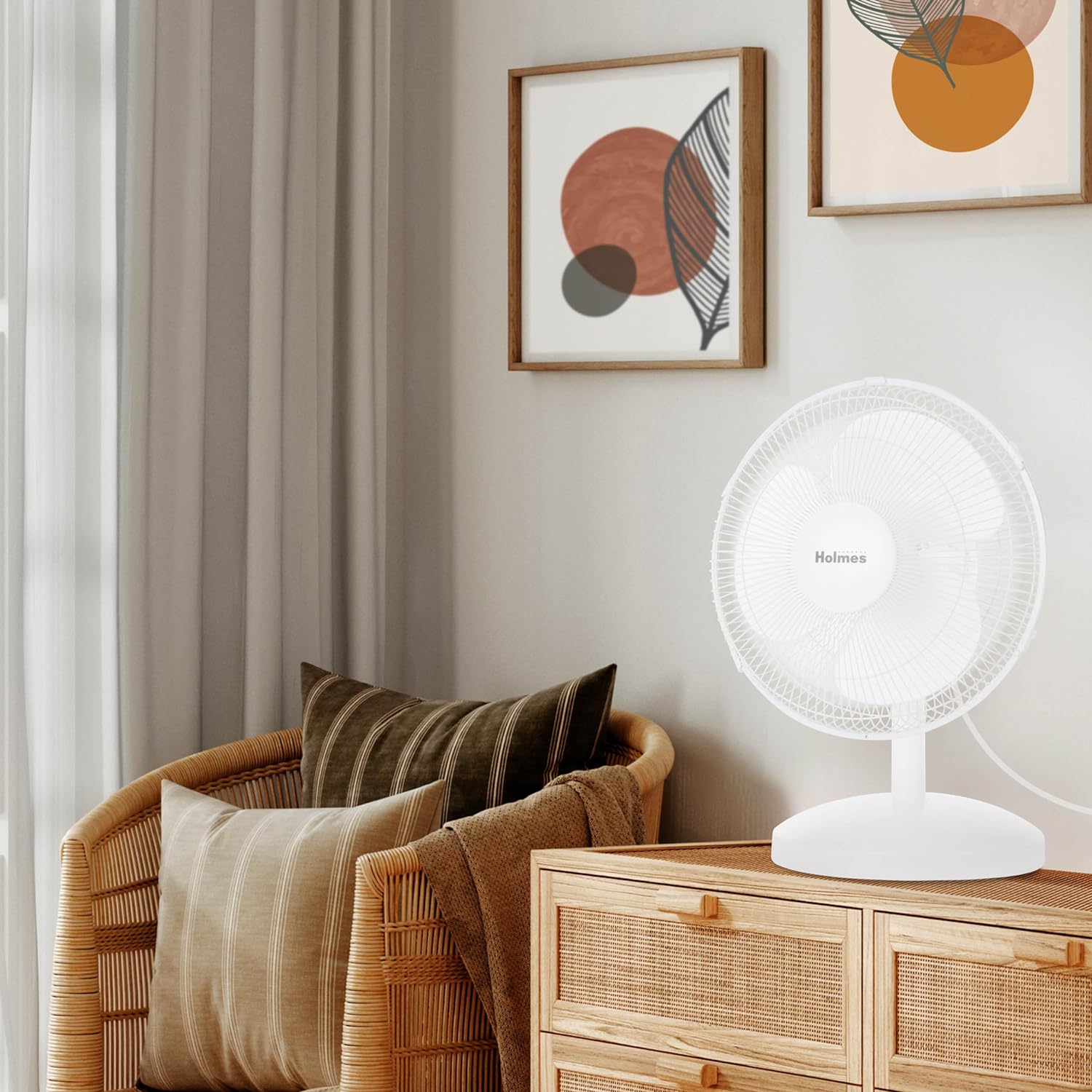
Image: The HOLMES 12" Table Fan positioned in a living room, demonstrating suitable placement.
Operating Instructions
Familiarize yourself with the fan's controls for optimal use.

Image: Close-up view of the fan's control knob, indicating settings for 0 (off), 1 (low), 2 (medium), and 3 (high speed), along with the oscillation control.
Power and Speed Control:
- Plug the fan into a standard 120V AC electrical outlet.
- Locate the control knob on the fan base.
- Turn the knob clockwise to select your desired speed setting:
- 0: Off
- 1: Low Speed
- 2: Medium Speed
- 3: High Speed
- To turn the fan off, rotate the knob counter-clockwise to the '0' position.
Oscillation Function:
The fan features a 75° motorized oscillation to distribute air across a wider area.
- To activate oscillation, press down the oscillation knob located on top of the motor housing.
- To stop oscillation and direct airflow in a fixed position, pull up the oscillation knob.
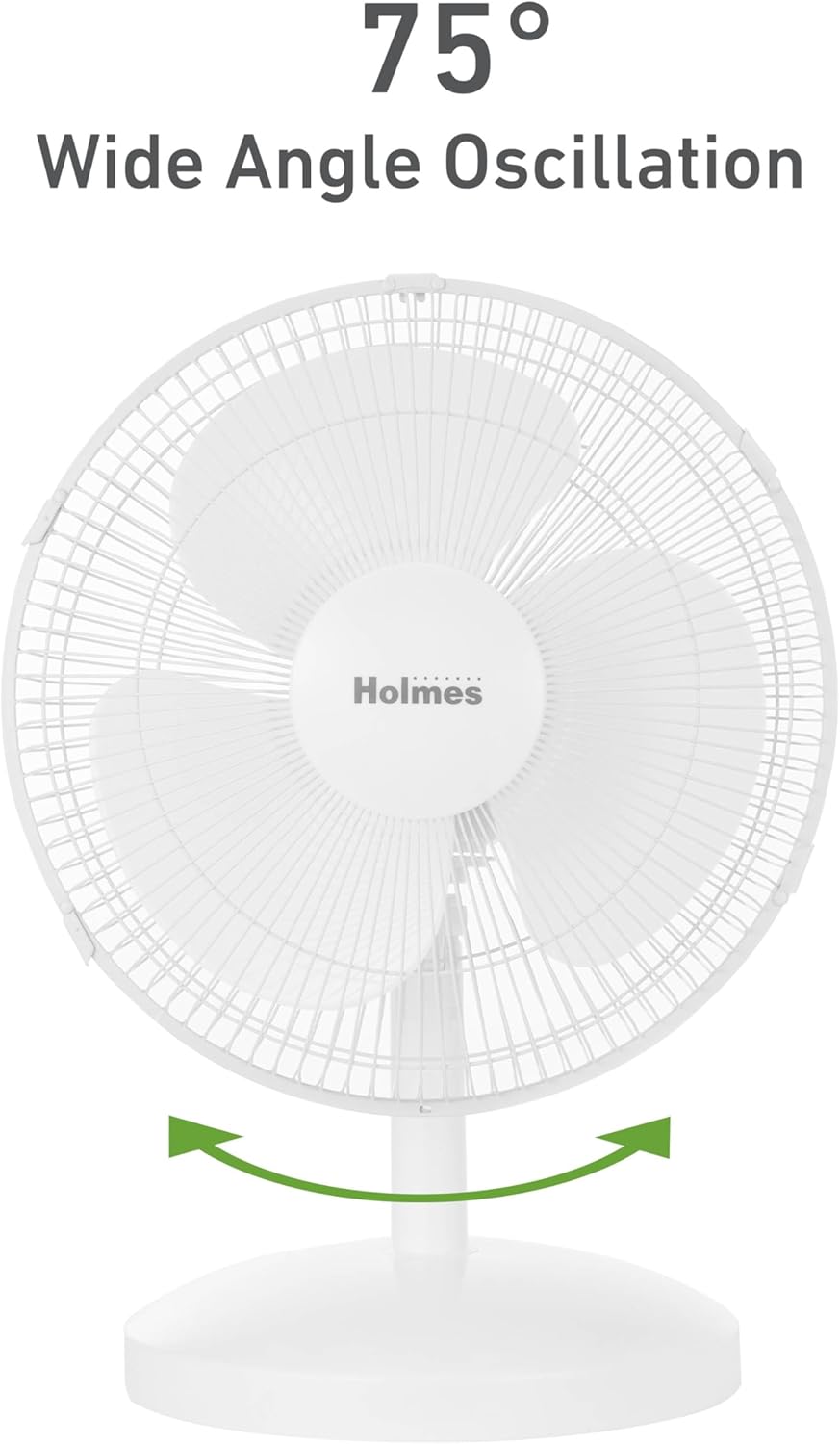
Image: A graphic representation of the fan's 75° wide-angle oscillation feature.
Adjustable Head Tilt:
The fan head can be tilted up to 15° to customize the vertical angle of airflow.
- Gently grasp the fan head and tilt it up or down to the desired angle.
- The head will remain in the set position.

Image: A graphic representation of the fan's 15° adjustable head tilt feature.
Maintenance
Regular cleaning and proper storage will ensure the longevity and efficient operation of your fan.
Cleaning:
- Always unplug the fan before cleaning.
- Use a soft, damp cloth to wipe the exterior surfaces of the fan.
- Do not immerse the fan in water or allow water to drip into the motor housing.
- For cleaning the fan blades, carefully remove the front grille if possible (refer to assembly instructions for removal). Wipe blades with a soft, damp cloth. Ensure blades are completely dry before reattaching the grille and operating the fan.
- Do not use abrasive cleaners or solvents as they may damage the fan's finish.
Storage:
- When not in use, store the fan in a cool, dry place.
- It is recommended to store the fan in its original packaging to protect it from dust and damage.
Troubleshooting
If your fan is not operating as expected, consult the following common issues and solutions.
| Problem | Possible Cause | Solution |
|---|---|---|
| Fan does not turn on. | No power to the unit. | Ensure the fan is plugged into a working electrical outlet. Check household fuse/circuit breaker. |
| Fan is noisy. | Loose parts or fan not on a level surface. | Ensure all parts are securely assembled. Place the fan on a flat, stable surface. |
| Airflow is weak. | Fan speed setting is too low or air intake/exhaust is blocked. | Increase the speed setting. Ensure there are no obstructions blocking the fan's grilles. |
| Oscillation not working. | Oscillation knob not engaged correctly. | Press down the oscillation knob firmly to engage the oscillation function. |
Specifications
Detailed technical specifications for the HOLMES 12" Table Fan.

Image: Diagram showing the dimensions of the HOLMES 12" Table Fan: 13.5" width, 10.6" depth, and 18.5" height.
| Feature | Detail |
|---|---|
| Brand | HOLMES |
| Model Number | 12744 |
| Fan Size | 12 Inch |
| Color | White |
| Product Dimensions (D x W x H) | 13.39" x 10.63" x 18.5" |
| Item Weight | 3.53 Pounds |
| Power Source | AC (Corded Electric) |
| Voltage | 120 Volts |
| Wattage | 40 watts |
| Number of Power Levels | 3 |
| Noise Level | 56 dB (on highest setting) |
| Special Feature | Manual Controls, 75° Oscillation, 15° Adjustable Head Tilt |
| Certification | ETL Certified |

Image: Rear view of the HOLMES 12" Table Fan, highlighting the ETL certification logo.
Warranty and Support
This HOLMES 12" Table Fan comes with a 1-year limited warranty from the date of purchase. This warranty covers defects in material and workmanship under normal use.
For warranty claims, technical support, or replacement parts, please contact HOLMES customer service. Keep your proof of purchase for warranty validation.
Please visit the official HOLMES website or refer to the contact information provided in your product packaging for the most current support details.