
ESR iPhone 15 Pro Max/14 Pro Max
ESR Waterproof Phone Pouch Instruction Manual
Model: iPhone 15 Pro Max/14 Pro Max
Brand: ESR
1. Product Overview
The ESR Waterproof Phone Pouch is designed to protect your iPhone 15 Pro Max or 14 Pro Max from water damage, allowing for full functionality and media capture in aquatic environments. Its robust design ensures your device remains dry and accessible during various water activities.

Figure 1.1: ESR Waterproof Phone Pouch with phone displaying an underwater scene.
Key Features:
- IPX8 Waterproof Rating: Tested to remain dry at depths up to 100 feet (30 meters), ideal for various water sports.
- Underwater Touch Sensitivity: Enables touchscreen use on land and up to 10 feet (3 meters) underwater.
- Designed to Float: A buoyant sponge airbag prevents the phone from sinking.
- Perfect Fit: Precise cutouts and easy-press buttons ensure full functionality of your iPhone's controls.
- Pixel-Perfect Pictures: Clear camera window for uncompromised photo and video quality.
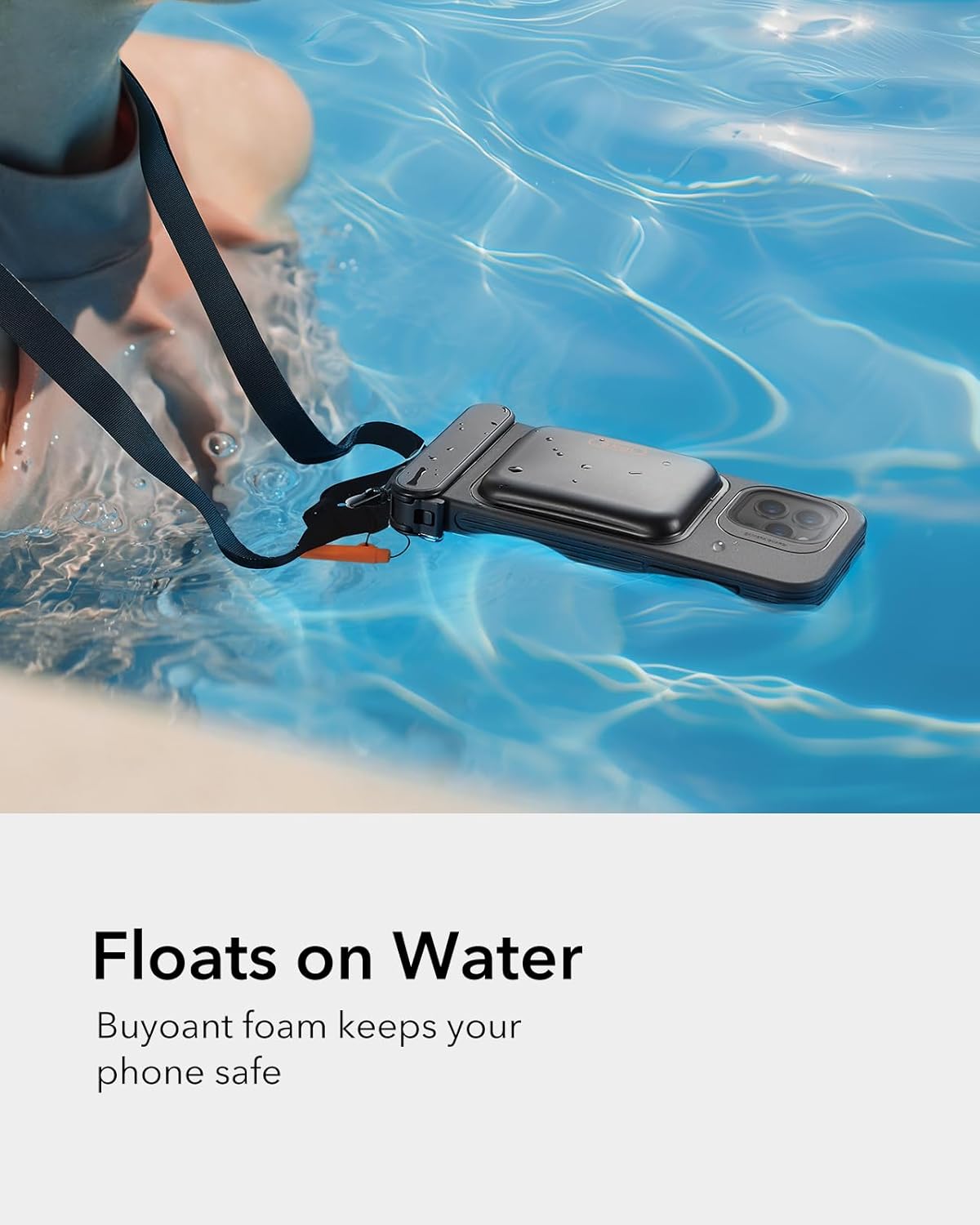
Figure 1.2: SGS-Certified IPX8 Waterproof Rating for the pouch.
Video 1.1: Official product demonstration of the ESR Waterproof Phone Pouch for iPhone 15 Pro Max /14 Pro Max.
2. Compatibility
This phone pouch is specifically designed for the iPhone 15 Pro Max and iPhone 14 Pro Max. Please ensure your device matches these models for optimal fit and protection.
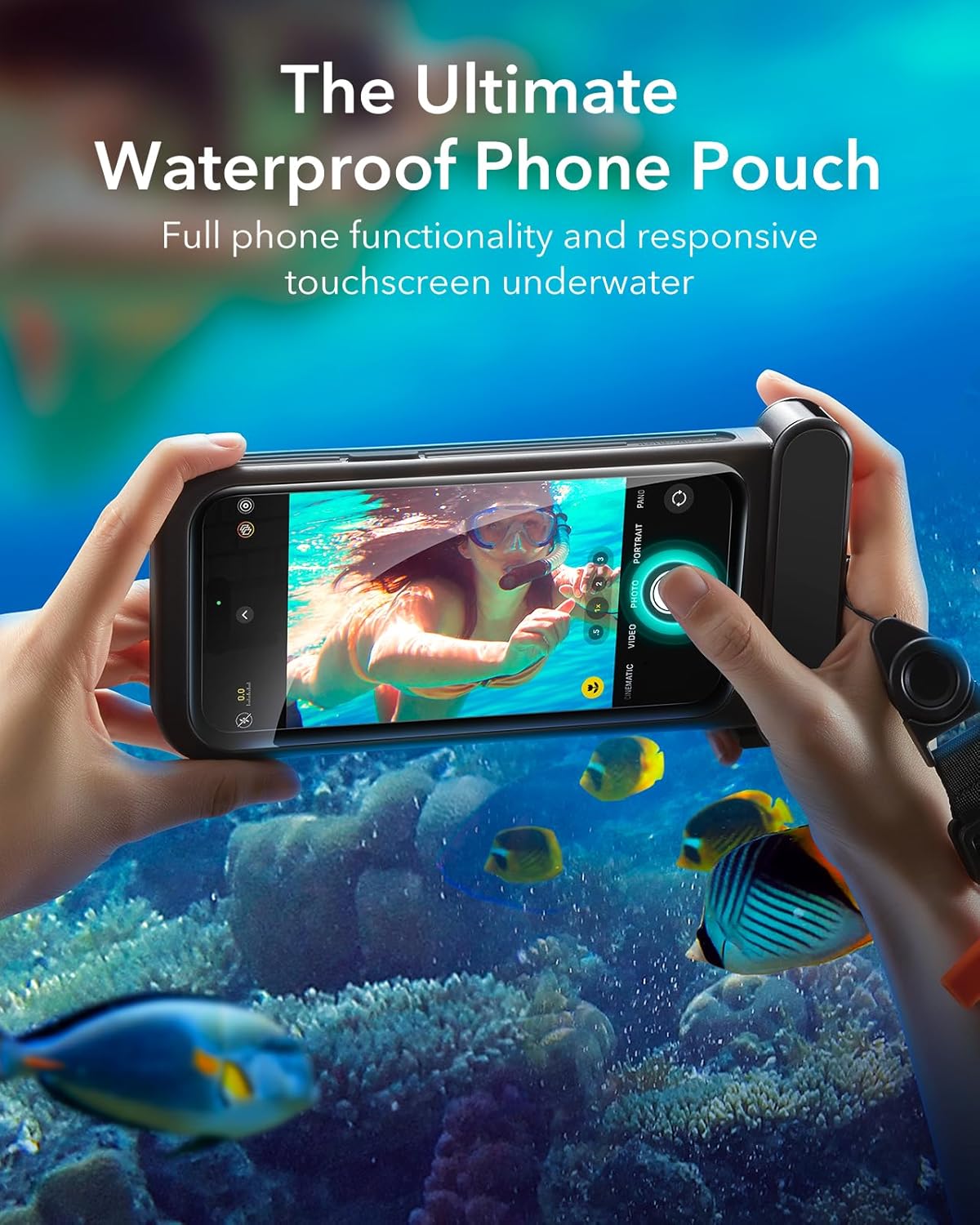
Figure 2.1: Compatibility details for the phone pouch.
3. Getting Started (Setup)
3.1 Initial Waterproof Test
Before first use with your phone, perform a waterproof test. Place a dry paper towel inside the pouch, seal it completely, and submerge it in water for at least 15 minutes. After 15 minutes, remove the pouch and check the paper towel. If the towel is dry, the pouch is ready for use. If wet, contact customer support.
3.2 Inserting Your Phone
- Remove Phone Case: Before placing your phone into the inner tray, remove any existing phone case or ring holder.
- Fully Extend Locking Latch: Ensure the locking latch is fully extended before opening the pouch.
- Place Phone in Inner Tray: Slide your iPhone (without its case) into the designated inner tray. The tray also has slots for up to 2 cards and 1 banknote.
- Slide Inner Tray Back into Pouch: Carefully slide the tray with your phone back into the main pouch.
- Close Locking Latch: Securely close the locking latch to ensure a watertight seal.
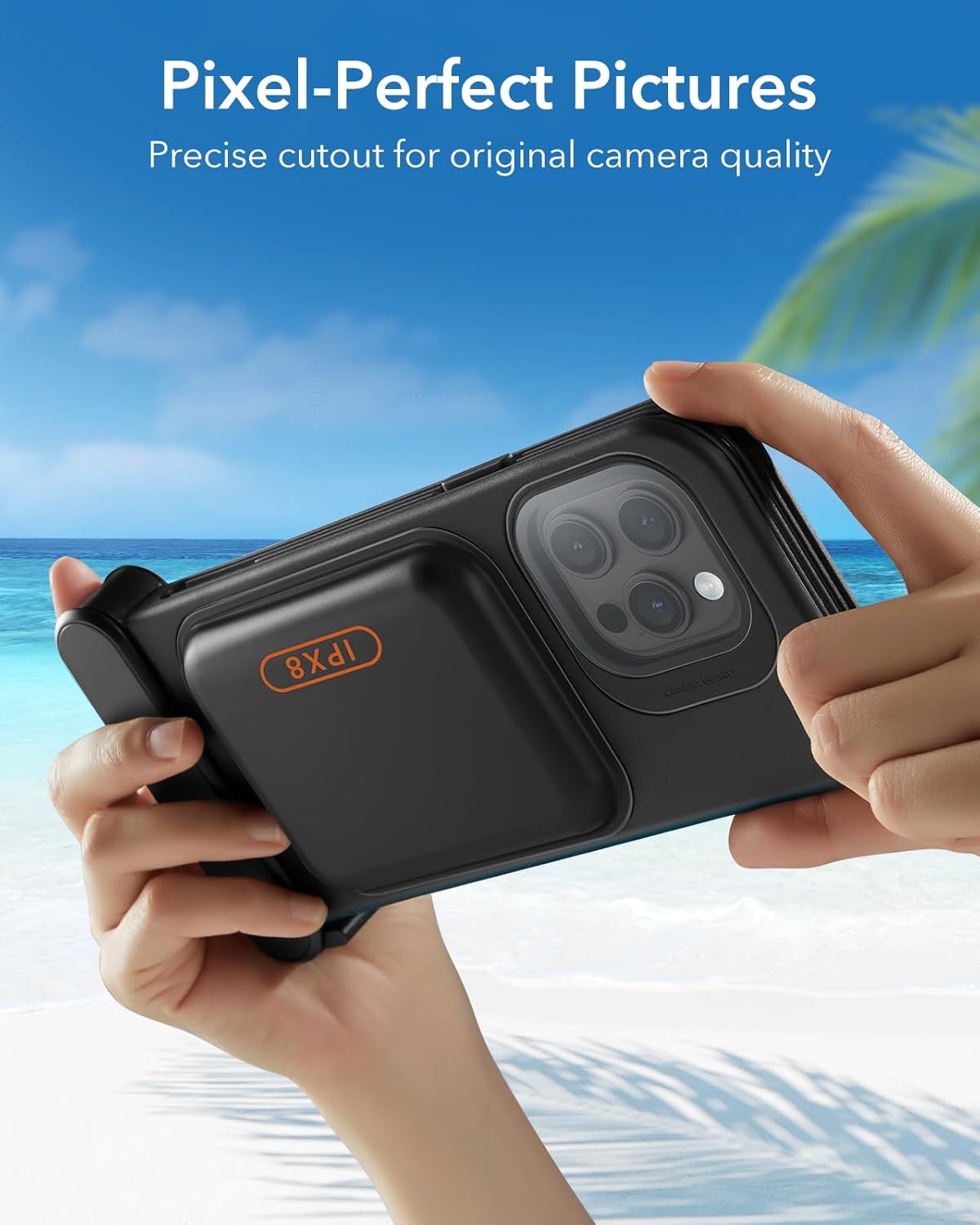
Figure 3.1: Important note to remove phone case before inserting your device.

Figure 3.2: The inner tray securely holds the phone and offers space for cards.
3.3 Inflating the Pouch (for Underwater Touch Sensitivity)
For optimal touchscreen responsiveness in water between 0-10 ft (0-3 m) deep, inflate the pouch:
- Insert the included inflation nozzle into the air valve.
- Blow into the pouch until there is a small gap between the screen and the pouch, then close the rubber seal.
Note: It's normal for the pouch to swell after inflation. Underwater, water pressure will slightly deflate the pouch, allowing normal touchscreen use. For depths greater than 10 ft (3 m), touchscreen cannot be used, and inflation is not needed; pictures can be taken using the volume button.

Figure 3.3: Inflating the pouch for enhanced underwater touch sensitivity.
4. Usage Guidelines (Operating)
4.1 Underwater Photography and Videography
The pouch allows for responsive touchscreen use up to 10 ft (3 m) deep. For deeper dives (10-100 ft / 3-30 m), use the volume buttons on your iPhone to capture photos and videos, as touchscreen functionality may be limited due to water pressure.
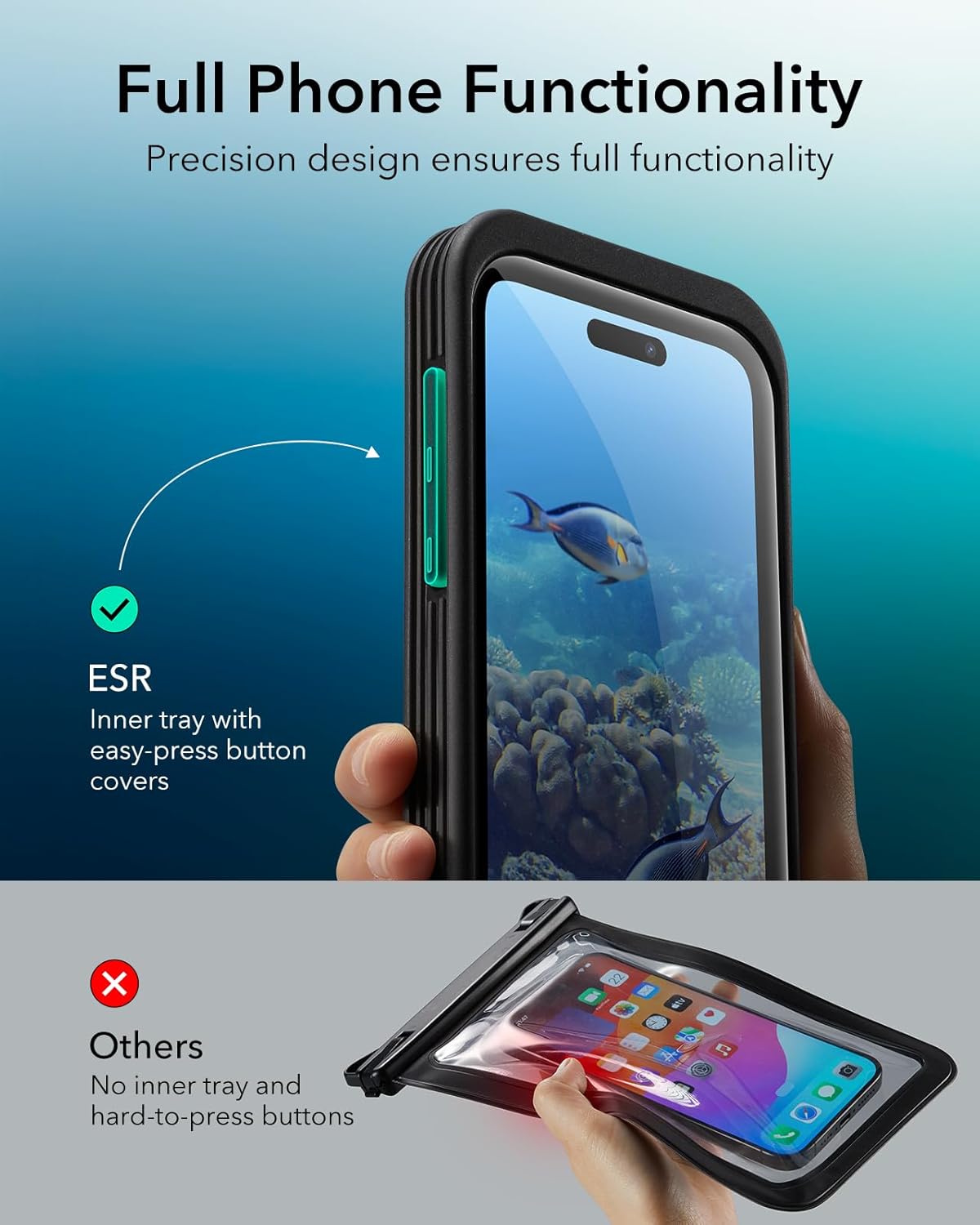
Figure 4.1: Capturing moments underwater with the phone pouch.
4.2 Floating Design
The integrated sponge airbag ensures the pouch floats on water, preventing your phone from sinking and getting lost during surface water activities.
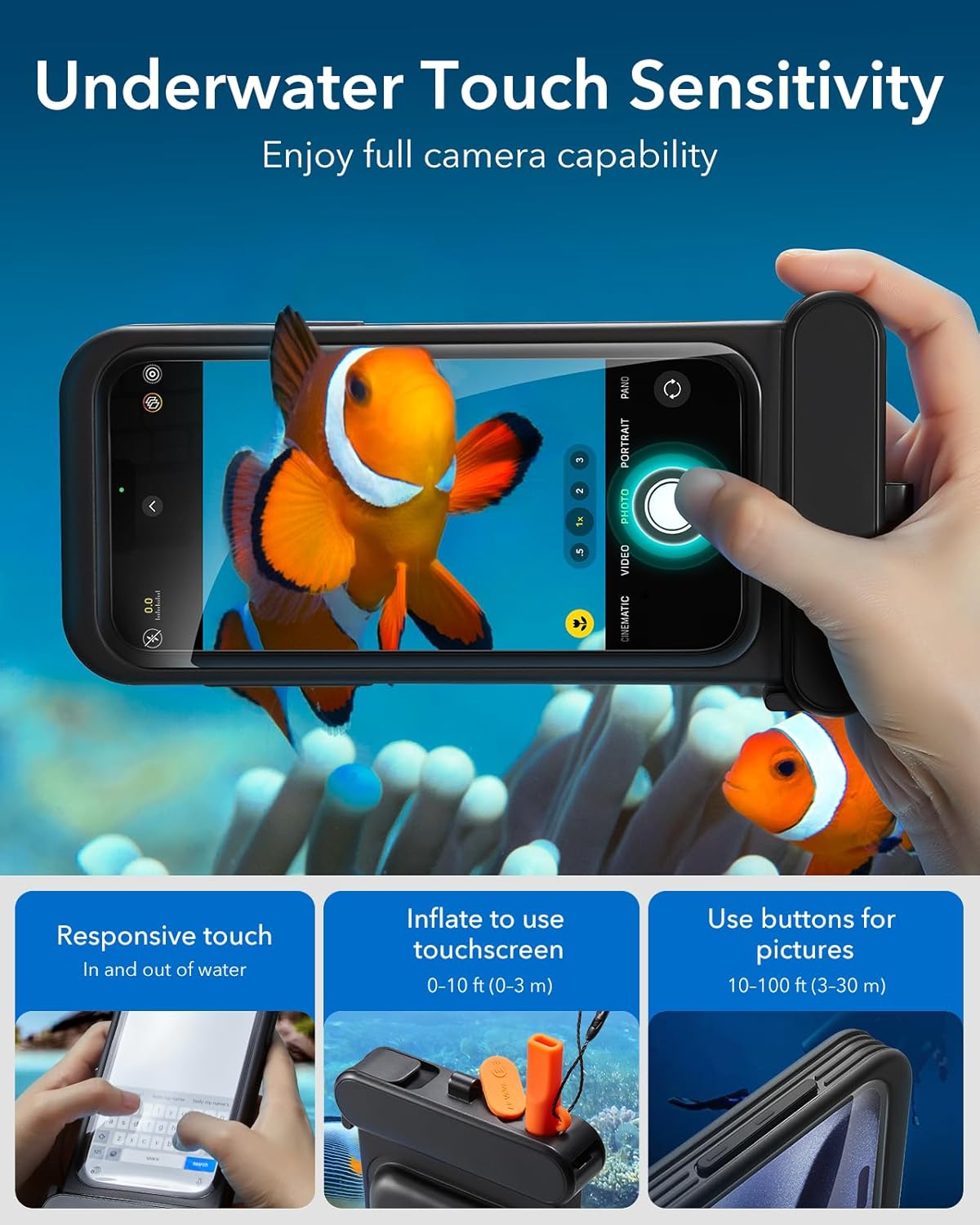
Figure 4.2: The pouch's buoyant design keeps your phone safe on the water's surface.
4.3 Lanyard Use
Attach the adjustable lanyard to the designated loop on the pouch for secure carrying around your neck or wrist, preventing accidental drops or loss.
5. Care and Maintenance
- After each use, especially in saltwater, rinse the pouch with fresh water and allow it to air dry completely before storing.
- Avoid exposing the pouch to sharp objects or extreme temperatures.
- Regularly inspect the seals and overall condition of the pouch for any signs of wear or damage.
6. Troubleshooting
- Touchscreen Unresponsive: Ensure the pouch is properly inflated for shallow water use. For deeper water, use volume buttons for camera control.
- Water Inside Pouch: Immediately remove phone and dry thoroughly. Re-perform the waterproof test without the phone. If leakage persists, the pouch may be damaged and should not be used.
- Phone Not Fitting: Confirm that your phone model is compatible (iPhone 15 Pro Max/14 Pro Max) and that all external cases or accessories have been removed.
7. Specifications
| Feature | Detail |
|---|---|
| Product Dimensions | 8.22 x 4.12 x 1.14 inches |
| Item Weight | 4.7 ounces |
| Waterproof Rating | IPX8 (up to 100 ft / 30 m) |
| Material | Thermoplastic Polyurethane |
| Compatible Phone Models | iPhone 15 Pro Max / 14 Pro Max |
8. Warranty and Support
For warranty information or technical support, please refer to the product packaging or visit the official ESR website. Keep your purchase receipt for any warranty claims.
Ask a question about this manual
Ask about setup, troubleshooting, compatibility, parts, safety, or missing instructions. Manuals+ will review the question and use this page’s manual context to help answer it.