
Introduction
This manual provides essential information for the setup, operation, and maintenance of your ASHATA 1.28inch Round Touch LCD ESP32 Development Board. This module features a 1.28-inch 240x240 IPS round HD display with an integrated touch panel, powered by an ESP32 core CPU. It offers rich peripheral resources including high-speed SDIO, SPI, and UART, and supports automatic program downloads. The display utilizes 16-bit color and is fully laminated for a clear, dustproof, and stable viewing experience.
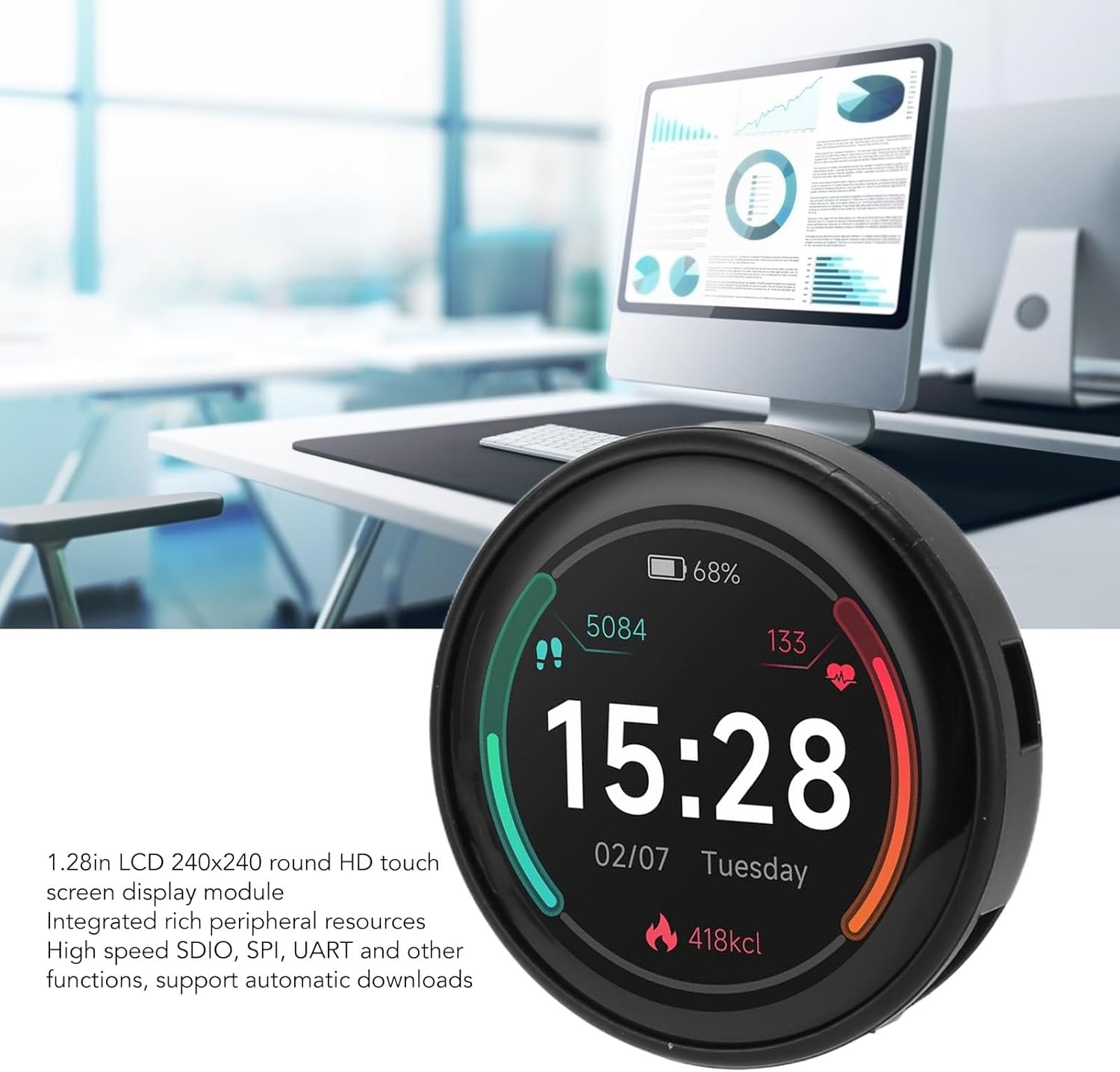
Figure 1: The ASHATA 1.28inch Round Touch LCD Module in operation, displaying time, date, steps, heart rate, and calorie burn. A computer monitor is visible in the background, suggesting its use in a development environment.
Setup
1. Unpacking and Inspection
Carefully remove the development board from its packaging. Inspect the module for any visible damage. Ensure all components are present.
2. Power Connection
The module operates on a 5V power supply. Connect the module to a power source using a compatible USB cable. The USB port also facilitates data communication.
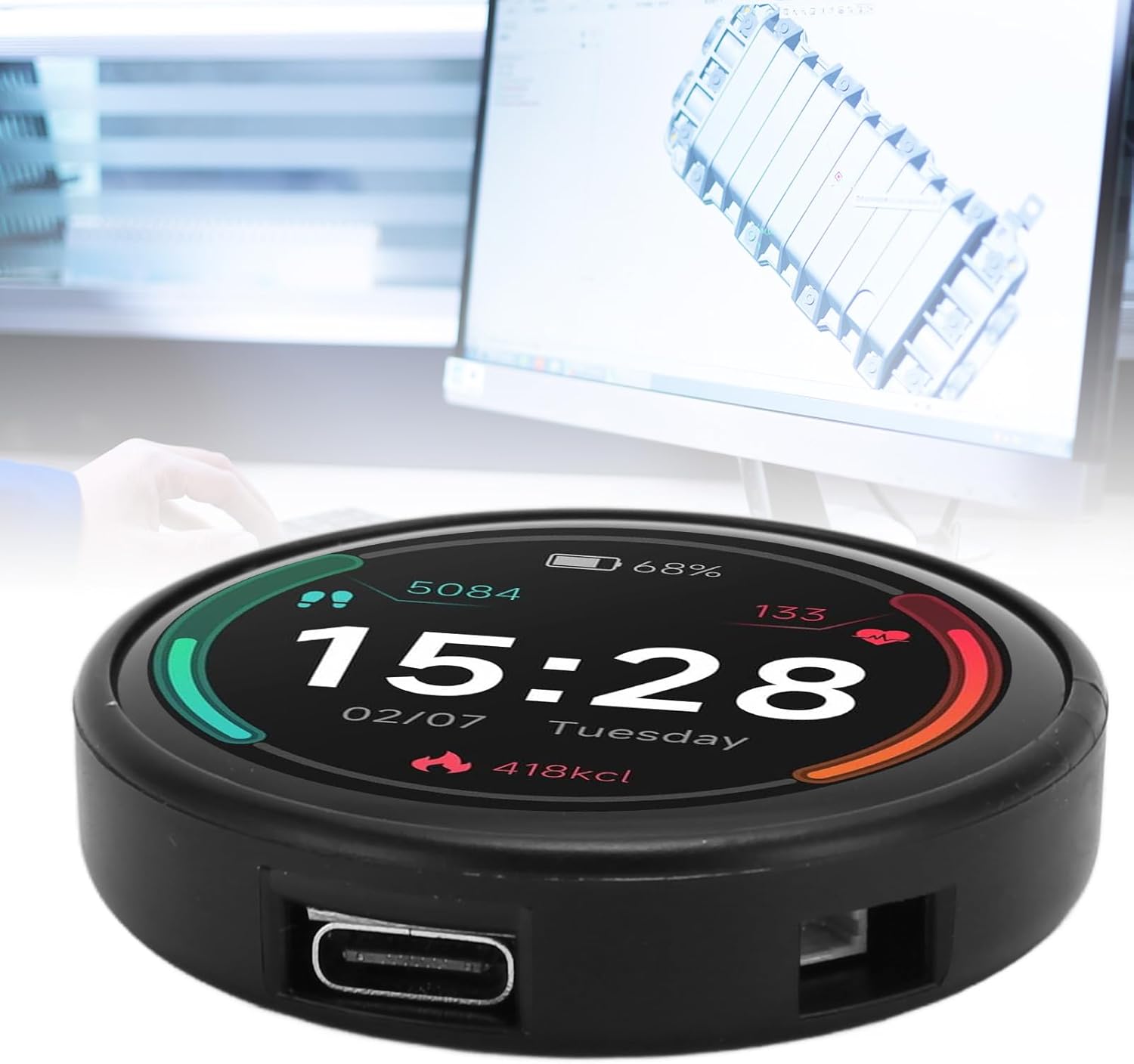
Figure 2: A view of the module highlighting its USB port, which is used for power and data communication, set against a blurred background of a computer workstation.
3. Driver Installation
Depending on your operating system, you may need to install specific USB-to-serial drivers for the ESP32 chip. Refer to the ESP32 official documentation or community resources for driver installation guides.
4. Development Environment Setup
To program the ESP32, set up a suitable development environment such as the Arduino IDE with ESP32 board support or the ESP-IDF (Espressif IoT Development Framework). Detailed instructions for setting up these environments are available online.
5. Initial Firmware Upload
Once your development environment is configured, you can upload your first program (firmware) to the ESP32 module. Connect the module via USB, select the correct board and port in your IDE, and initiate the upload process. The module supports automatic downloads, simplifying the programming workflow.
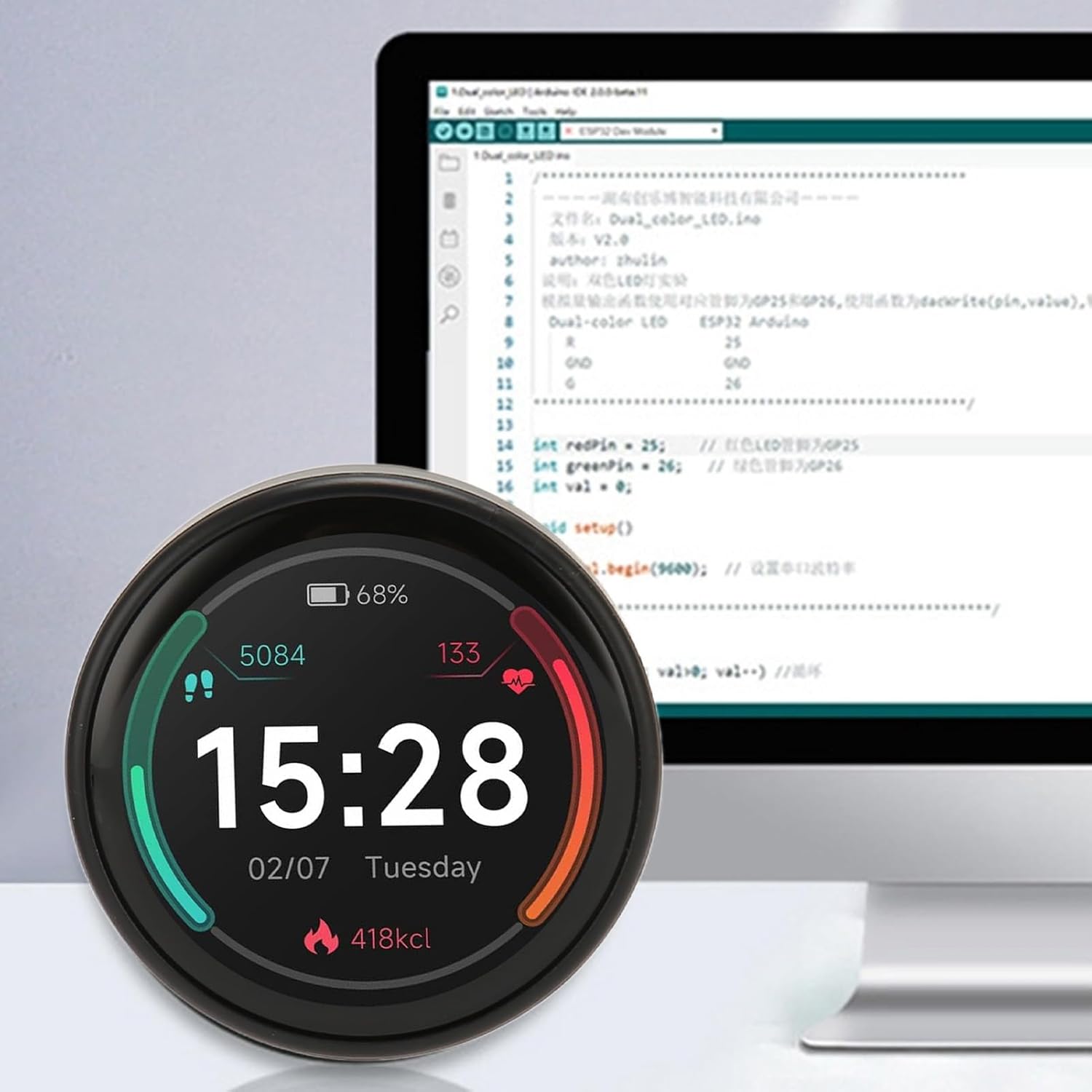
Figure 3: The module is shown alongside a computer screen displaying source code, illustrating its use in a software development context for programming and testing.
Operating Instructions
1. Displaying Graphics and Text
The 1.28-inch IPS display supports 240x240 resolution and 16-bit color. Utilize graphics libraries compatible with ESP32 (e.g., LVGL, TFT_eSPI) to draw shapes, display images, and render text on the screen. Refer to the library documentation for specific functions and examples.

Figure 4: A detailed view of the module's 1.28-inch IPS display, emphasizing its 240x240 resolution and vibrant color reproduction. A smaller, similar display is shown for size comparison.
2. Using the Touch Panel
The integrated touch panel allows for interactive user interfaces. Implement touch detection routines in your firmware to respond to user input. Libraries often provide functions to read touch coordinates and detect gestures.
3. Bluetooth Functionality
The ESP32 features integrated Bluetooth. You can develop applications that communicate with other Bluetooth-enabled devices, such as smartphones or sensors. Refer to ESP32 Bluetooth examples for implementation details.
4. Peripheral Communication
The module provides high-speed SDIO, SPI, and UART interfaces for connecting external sensors, memory cards, or other peripherals. Ensure correct wiring and software configuration for these communication protocols.
Video 1: A demonstration of the ASHATA 1.28inch Round Touch LCD ESP32 Development Board in action, showcasing its display capabilities and potential applications.
Video 2: A brief overview highlighting the compact design and display clarity of the ASHATA 1.28inch Round Touch LCD module.
Maintenance
1. Cleaning the Display
To clean the display, gently wipe it with a soft, lint-free cloth. For stubborn smudges, slightly dampen the cloth with water or a screen-safe cleaning solution. Avoid abrasive materials or harsh chemicals.
2. Storage
When not in use, store the module in a dry, dust-free environment. Avoid extreme temperatures and direct sunlight. Keep it away from static-generating materials.
3. Environmental Conditions
Operate the module within its specified temperature and humidity ranges. Avoid exposing it to moisture or corrosive substances.
Troubleshooting
- Display Not Turning On:
- Ensure the module is correctly powered via the USB port.
- Verify that the firmware uploaded includes display initialization code.
- Check for any loose connections if the display is connected via external pins.
- Touch Panel Not Responding:
- Confirm that the touch controller is correctly initialized in your firmware.
- Ensure the touch library is properly configured for the specific touch controller used on the module.
- Calibrate the touch screen if your application requires it.
- Firmware Upload Failures:
- Check that the correct ESP32 board and COM port are selected in your development environment.
- Ensure necessary USB-to-serial drivers are installed.
- Try a different USB cable or port.
- Verify that the module is in programming mode (if manual boot button pressing is required for your specific setup, though this module supports automatic download).
- Module Not Detected by Computer:
- Install or update USB-to-serial drivers.
- Try a different USB cable and port.
- Restart your computer.
Specifications
| Feature | Value |
|---|---|
| Display Type | 1.28 inch Round IPS LCD with Touch Panel |
| Resolution | 240x240 pixels |
| Color Depth | 16-bit |
| CPU | ESP32 Core |
| Clock Frequency | Up to 160MHz |
| Working Voltage | 5V |
| Power Consumption | 100mA (typical) |
| Communication Interfaces | SDIO, SPI, UART, Bluetooth |
| Automatic Download Support | Yes |
| Package Dimensions | 2.36 x 2.36 x 0.79 inches |
| Item Weight | 1.02 ounces |
| Model Number | ASHATA9w0u2gsc47 |
| ASIN | B0CQKL66YS |
| Date First Available | December 18, 2023 |
Warranty Information
This product is covered by a standard manufacturer's warranty against defects in materials and workmanship. Please retain your proof of purchase for warranty claims. For specific warranty terms and conditions, refer to the documentation provided with your purchase or contact ASHATA customer support.
Support
For technical assistance, additional resources, or inquiries regarding your ASHATA 1.28inch Round Touch LCD ESP32 Development Board, please visit the official ASHATA store or contact their customer support channels.
ASHATA Store: https://www.amazon.com/stores/ASHATA/page/07B17FA8-992A-44A0-8F2E-B6A29E3207A3