
1. Introduction
This manual provides detailed instructions for the installation, operation, and maintenance of your OBO HANDS S601 Outdoor IP68 Waterproof Access Control System. This system is designed to provide secure access management for various environments, including homes, offices, apartments, and factories. Please read this manual thoroughly before installation and use to ensure proper functionality and safety.
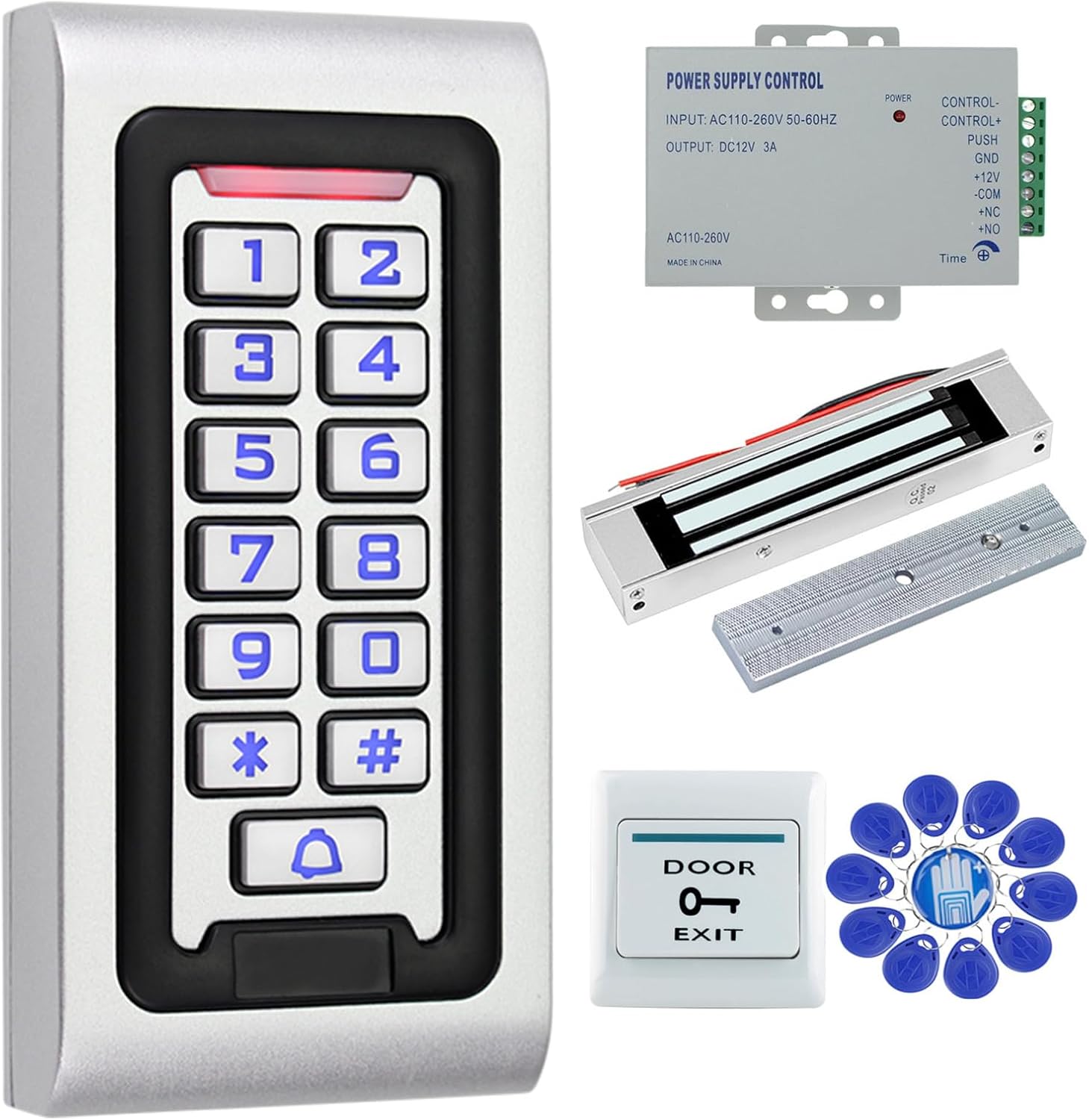
Figure 1: Complete OBO HANDS S601 Access Control System components, including the keypad, power supply, magnetic lock, door exit button, and RFID keyfobs.
2. Package Contents
Verify that all the following components are included in your package:
- 1 x Access Control Keypad
- 1 x DC12V 3A Power Supply
- 1 x 180KG/350lb Electric Magnetic Lock
- 1 x Door Exit Button
- 10 x RFID Blue Keyfobs
- 1 x User Manual (this document)
3. Component Descriptions and Specifications
3.1 Access Control Keypad
The access control keypad is the primary interface for user authentication. It features a durable metal plate design and is rated IP68 for outdoor use.
- Waterproof Rating: IP68 (suitable for direct rain exposure)
- Programming: Full programming directly from the keypad; no computer connection required.
- Interface: WG26 input/output
- User Capacity: 2000 user cards
- Working Frequency: 125KHz
- Verification Methods: RFID card, Password, RFID card + Password
- Reading Distance: 0-10cm
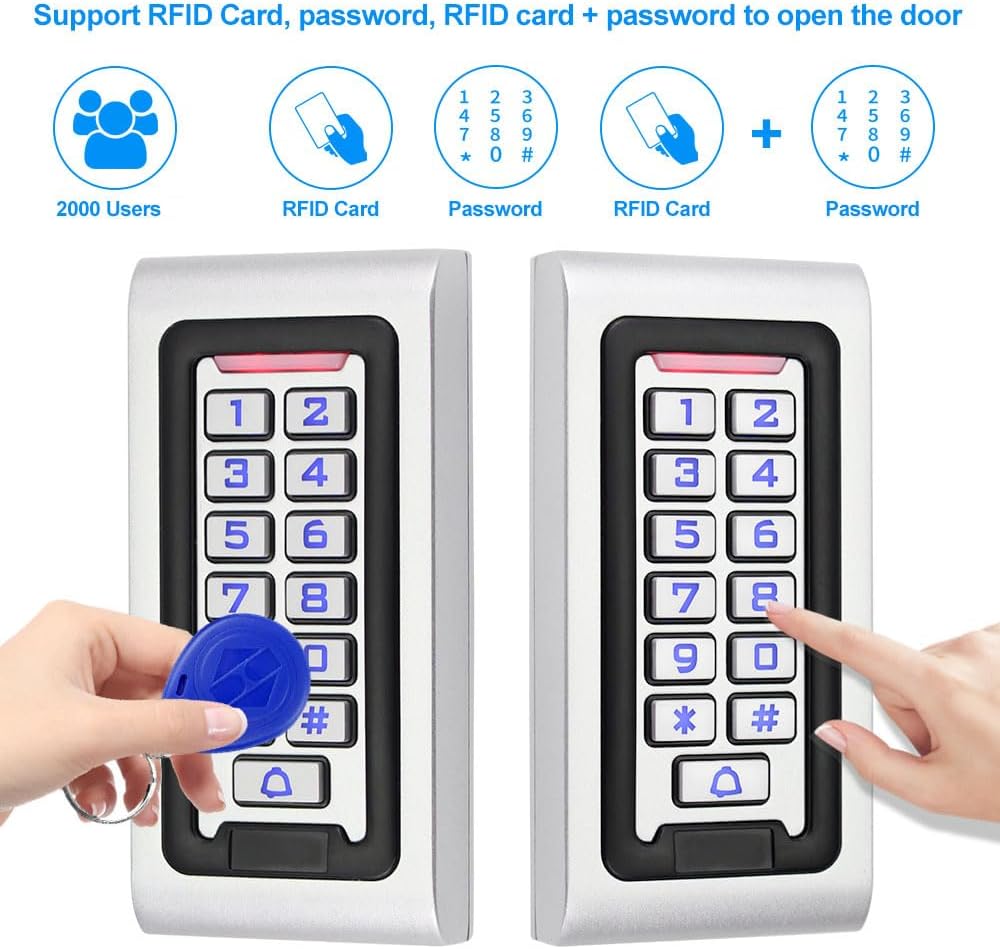
Figure 2: The access control keypad supports RFID card, password, or a combination of both for door access.
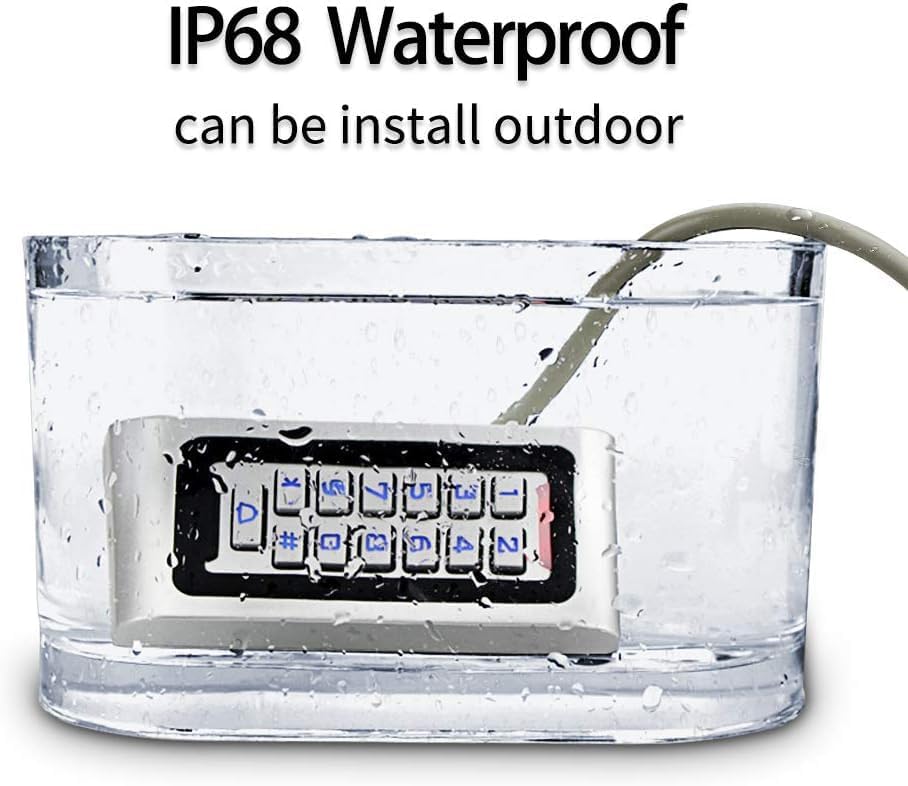
Figure 3: The keypad's IP68 rating ensures it can be installed outdoors and withstand direct exposure to water.
3.2 DC12V 3A Power Supply
The power supply unit converts AC power to DC12V for the system and provides control outputs for the electric lock.
- AC Input: AC100V-240V, 50-60Hz, 36W
- DC Output: DC12V, 3A
- Output Voltage: DC12V
- Momentary Current: 5A
- Persistent Current: 3.5A
- Control Outputs: NC / NO (for various electric locks)
- Protection: Automatic short circuit protection (no voltage output)
- Adjustable Time Delay: 0-30 seconds
- Operating Temperature: -20°C to +60°C
- Operating Humidity: ≤90%
- Remote Control Function: Yes
- Dimensions: 140mm x 67mm x 33mm (L x W x H)
- Material: Metal

Figure 4: The power supply unit, showing its input/output specifications and wiring terminals.
3.3 Electric Magnetic Lock
The 180KG/350lb magnetic lock provides secure door locking, operating in a failsafe mode.
- Holding Force: 180 kg (350 lb)
- Working Voltage: DC12V
- Working Current: 380-500mA
- Working Mode: NC Failsafe (locked when powered on, unlocked when power is off)
- Unlock Time: ≤1 second
- Operating Temperature: -20°C to +55°C
- Material: Aluminum alloy shell + iron plate
- Suitable For: Wooden doors, metal doors, glass doors (requires bracket for frameless glass doors)

Figure 5: The 180KG magnetic lock, illustrating its physical dimensions and components.
3.4 Door Exit Button
The door exit button provides a convenient way to exit from the secured area.
- Dimensions: 86mm x 86mm x 8mm
- Material: Fireproof ABS plastic
- Power Input: DC 12V
- Output Contact: NO / COM
3.5 RFID Keyfobs
The included RFID keyfobs are pre-programmed for use with the access control keypad.
- Frequency: 125KHz
- Chip Type: TK4100 (EM ID type)
- Color: Blue
- Functionality: Read Only
- Quantity: 10 pieces
4. Setup and Installation
The OBO HANDS S601 system operates on a DC12V power system and is designed for straightforward installation. It does not require connection to a computer for programming.
4.1 Wiring Diagram
Refer to the following diagram for proper wiring connections between the components. Ensure all power is disconnected before performing any wiring.

Figure 6: System wiring diagram illustrating connections between the access controller, power supply, magnetic lock, and exit button.
Key Wiring Connections:
- Connect the Access Controller to the Power Supply's DC12V output.
- Connect the Magnetic Lock to the Power Supply's NC (Normally Closed) and COM (Common) terminals.
- Connect the Door Exit Button to the Power Supply's NO (Normally Open) and COM (Common) terminals.
- Ensure all connections are secure and insulated.
4.2 Mounting Components
Mount the Access Control Keypad, Magnetic Lock, Power Supply, and Door Exit Button in their desired locations using appropriate fasteners. Consider the IP68 rating for outdoor keypad placement.
5. Operating Instructions
The system supports multiple methods for unlocking the door.
5.1 Unlocking with RFID Card
- Present a registered RFID keyfob or card to the keypad's reader area.
- The door will unlock for the set delay period.
5.2 Unlocking with Password
- Enter your registered password on the keypad.
- Press the '#' key to confirm.
- The door will unlock for the set delay period.
5.3 Unlocking with RFID Card + Password
- Present a registered RFID keyfob or card to the keypad's reader area.
- Immediately enter your registered password on the keypad.
- Press the '#' key to confirm.
- The door will unlock for the set delay period.
5.4 Exiting the Secured Area
Press the Door Exit Button located inside the secured area to momentarily unlock the door.
6. Maintenance
Regular maintenance ensures the longevity and reliable operation of your access control system.
- Cleaning: Wipe the keypad and other components with a soft, damp cloth. Avoid abrasive cleaners or solvents.
- Cable Inspection: Periodically check all wiring for signs of wear, damage, or loose connections.
- Magnetic Lock: Ensure the magnetic lock and armature plate are clean and free of debris to maintain optimal holding force.
- Keyfobs: Keep RFID keyfobs in good condition and replace if damaged.
7. Troubleshooting
If you encounter issues with your access control system, refer to the following common problems and solutions:
| Problem | Possible Cause | Solution |
|---|---|---|
| Door does not unlock with valid RFID card/password. | Incorrect programming, power issue, faulty component. | Verify user programming. Check power supply and wiring connections. |
| Magnetic lock does not engage (door remains unlocked). | No power to lock, incorrect wiring (NO instead of NC), lock malfunction. | Check power supply output. Ensure lock is wired to NC terminals. Inspect lock for damage. |
| Keypad is unresponsive. | No power to keypad, damaged keypad. | Check power supply and keypad wiring. If still unresponsive, contact support. |
| Door Exit Button does not work. | Incorrect wiring, faulty button. | Ensure button is wired to NO and COM terminals. Test button functionality. |
For issues not covered here, please contact customer support.
8. Safety Information
Observe the following safety precautions during installation and operation:
- Always disconnect power before performing any wiring or maintenance.
- Ensure all wiring is correctly connected and insulated to prevent short circuits and electrical hazards.
- Do not expose the power supply unit to water or excessive moisture.
- The magnetic lock operates at DC12V. Do not connect it to higher voltage sources.
- This system is designed for access control. It is not a substitute for other security measures.
9. Support
For any questions, concerns, or technical assistance, please contact OBO HANDS customer support:
- WhatsApp: +86 177 2255 8183
- Availability: Monday - Sunday, 24/7