
ADIMO BGX-M/D-K1
Contents
ADIMO Biometric Handgun Safe Instruction Manual
Brand: ADIMO | Model: BGX-M/D-K1
1. Introduction
Welcome to the instruction manual for your new ADIMO Biometric Handgun Safe. This safe is designed to provide superior security and quick access to your firearms and valuables through advanced biometric technology, a secure keypad, and traditional key access. Please read this manual thoroughly before operating your safe to ensure proper setup and usage.
2. Key Features
2.1 Advanced Biometric Technology
The ADIMO gun safe features cutting-edge biometric fingerprint technology, ensuring superior security and rapid access to your firearm. This system is more reliable than traditional keypad locks and allows for single-handed access with a high-resolution fingerprint scanner. It can store up to 32 user fingerprints, allowing multiple authorized users to access the safe without hassle, ensuring accurate recognition.

Image: The biometric fingerprint scanner on the ADIMO safe, highlighting its quick and secure access.
2.2 Three Ways Quick Access
The biometric handgun safe offers instant access via three methods: biometric fingerprint, a 5-digit backlit keypad, and two backup keys. The automatic opening door allows for firearm access within 3 seconds using fingerprint, ensuring readiness. A silent mode feature allows muting the keypad beep for discreet entry.
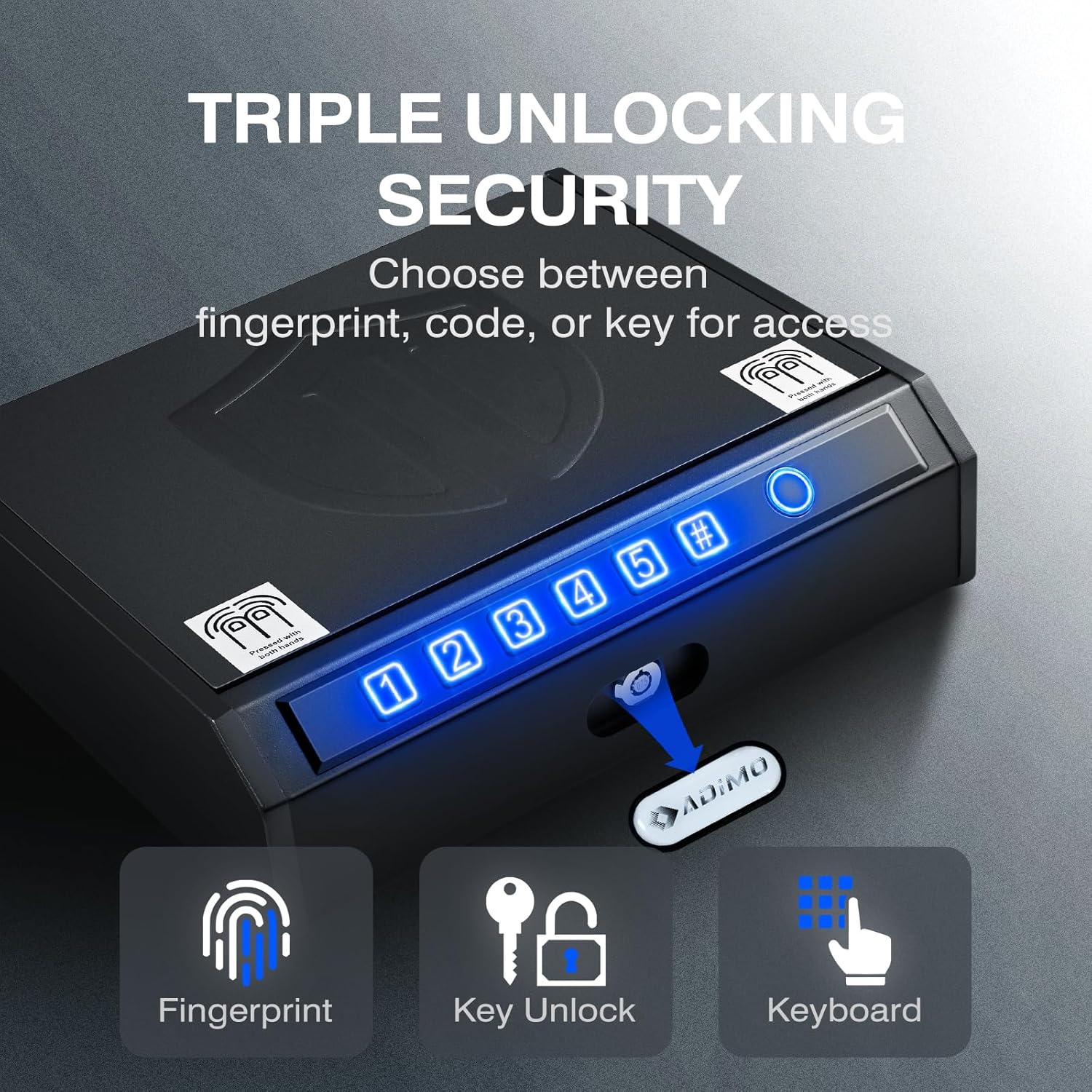
Image: Visual representation of the three unlocking methods: fingerprint, key, and keypad.

Video: Demonstrates the various access methods including keypad, fingerprint, and key, along with battery installation and mute mode.
2.3 Sturdy and Secure Construction
Constructed with a sturdy 1.8mm thickened steel lid and a pry-resistant door, this gun safe is designed to withstand break-in attempts. A reliable high-strength locking mechanism and precise fittings ensure your firearms are always secure. The safe includes a steel wire rope and 2 screws for easy mounting, a backlit keyboard, and LED lights for quick access in the dark during emergencies.

Image: The safe's dimensions and capacity, illustrating its robust design.
2.4 Child Safety
For families with children, the ADIMO biometric gun safe provides a solution for balancing firearm accessibility and safety. Its fingerprint access ensures firearms are secure yet quickly accessible in emergencies, keeping them out of children's reach.

Image: The safe positioned in a home environment, highlighting its role in protecting families.
2.5 Capacity and Interior Protection
The safe can securely hold 2 standard handguns and extra ammunition. It can also store other valuables like jewelry. The interior is lined with soft foam to prevent scratches. Its lightweight and compact size allows for placement in a car, nightstand, drawer, or bedside.

Image: The main product image, showcasing the safe's interior capacity and included accessories.
2.6 Low Battery Alarm
When the battery is low, the red light on the fingerprint button flashes 4 times, indicating it's time to replace the batteries (AA*4 batteries, not included).

Image: The safe's power awareness feature, showing the low battery indicator.
2.7 Emergency USB Power Port
The ADIMO pistol safe includes a built-in USB power port, ensuring continuous power even if the battery dies or backup keys are lost. This port allows connection to an adapter, power bank, or car charger for temporary power, ensuring constant security and accessibility. Note: This feature does not charge the internal batteries.
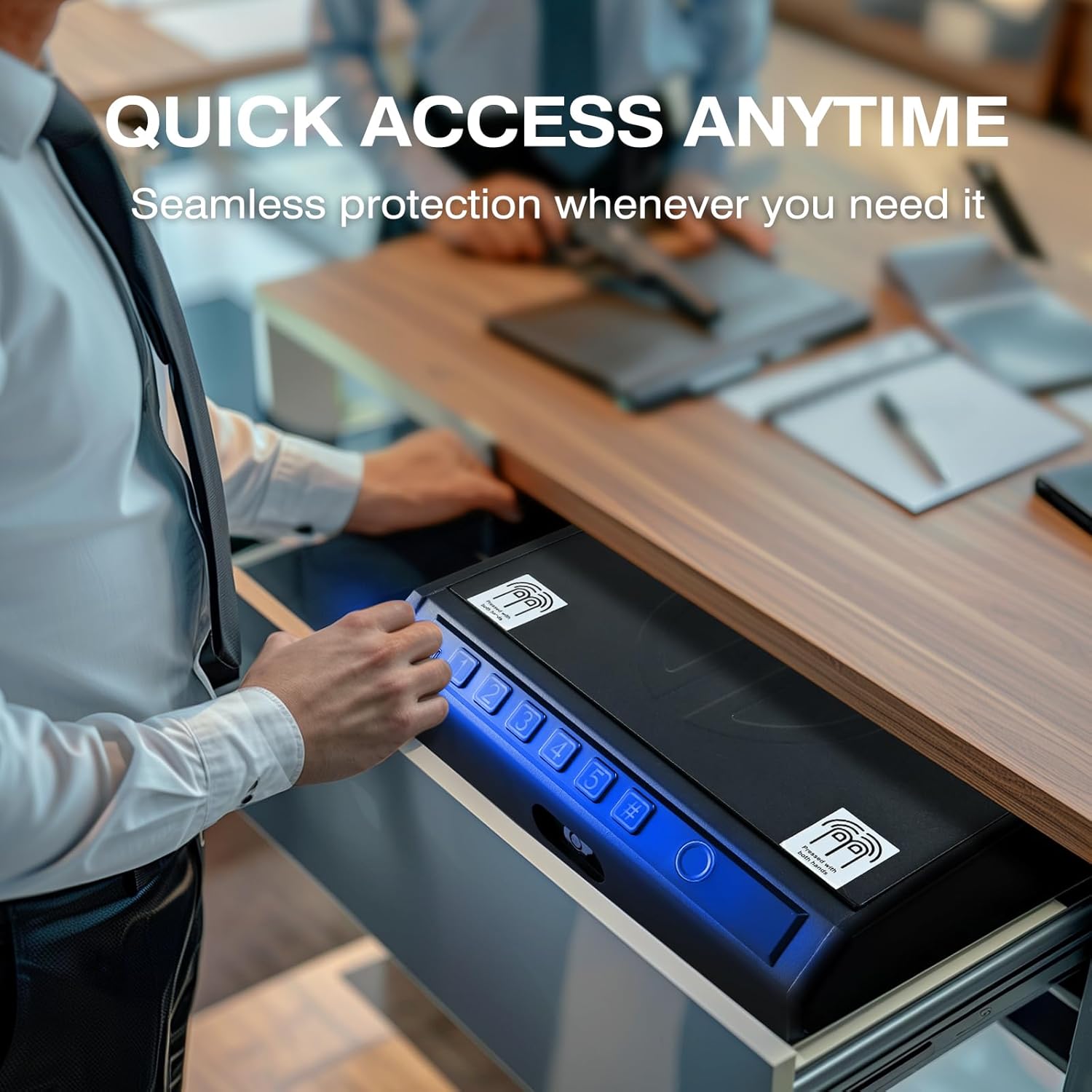
Image: The safe's emergency USB power port in use, providing temporary power.
3. Setup
3.1 Battery Installation
The safe requires 4 AA batteries (not included) for operation. The battery compartment is located inside the safe, behind the front panel. Ensure correct polarity when inserting batteries.
3.2 Initial Access and Default Password
For first-time access, use the default password: 12345#. Alternatively, use one of the provided backup keys by inserting it into the hidden keyhole located behind the ADIMO logo plate on the front panel.
3.3 Mounting the Safe
The safe comes with a steel wire rope and 2 screws for secure mounting. You can attach the safe to a fixed object or furniture to prevent unauthorized removal.
Image: The safe's security cable attachment point, demonstrating how to secure it.
4. Operating the Safe
4.1 Setting/Changing Passcode
- Open the safe.
- Locate the 'SET' button inside the safe (usually near the battery compartment).
- Short press the 'SET' button. The keypad lights will illuminate.
- Enter your desired 4-8 digit password, followed by '#'.
- Re-enter the same password, followed by '#', to confirm.
- A successful beep indicates the password has been set.
4.2 Setting/Changing Fingerprints
- Open the safe.
- Short press the 'SET' button. The keypad lights will illuminate.
- Place your finger on the fingerprint sensor. The sensor will beep and turn green.
- Lift and place your finger on the sensor two more times (total of 3 times continuously).
- A successful beep indicates the fingerprint has been set. The safe can store up to 32 fingerprints.
4.3 Unlocking with Keypad
Press any key to wake up the keypad. Enter your programmed 4-8 digit password followed by '#'. The safe will open automatically.
4.4 Unlocking with Fingerprint
Place your registered finger on the fingerprint sensor. The safe will open automatically upon successful recognition.
4.5 Unlocking with Key
Locate the hidden keyhole behind the ADIMO logo plate on the front panel. Insert one of the provided backup keys and turn it to unlock and open the safe.
4.6 Silent Mode Setting
To turn off key sound: Press '3' then '#'. To turn on key sound: Press '3' then '#'.
Video: Provides a comprehensive guide on setting passwords, registering fingerprints, and activating/deactivating mute mode.
5. Maintenance
5.1 Battery Replacement
When the low battery alarm activates (red light flashes 4 times), replace all 4 AA batteries promptly. Ensure the safe is open when replacing batteries.
5.2 Cleaning
Wipe the exterior of the safe with a soft, damp cloth. Avoid using abrasive cleaners or solvents. Keep the fingerprint sensor clean and dry for optimal performance.
6. Troubleshooting
6.1 Safe Not Opening
- Check Batteries: Ensure batteries are correctly installed and not depleted. Replace if necessary.
- Try All Access Methods: Attempt to open using the keypad, fingerprint, and physical key.
- Emergency Power: If batteries are completely dead, connect a USB power source to the emergency USB port to temporarily power the keypad.
6.2 Forgot Password or Fingerprint Not Working
- Use Backup Key: The physical backup keys are the primary method for access if electronic methods fail or are forgotten.
- Reset to Factory Settings: To erase all fingerprints and passwords, press and hold the 'SET' button for 5-6 seconds. The initial password will revert to 12345#.
6.3 False Rejections (Fingerprint)
- Ensure your finger and the sensor are clean and dry.
- Try re-registering your fingerprint, ensuring full contact and consistent placement during the process.
7. Specifications
| Feature | Detail |
|---|---|
| Brand | ADIMO |
| Model Number | BGX-M/D-K1 |
| Product Dimensions | 12.6"D x 10.23"W x 3.14"H |
| Interior Dimensions | 12.2" x 7.87" x 2.83" |
| Internal Volume | 4.5 Liters |
| Lock Type | Key Unlock, LED Keypad, Fingerprint Recognition |
| Color | Black |
| Material | Alloy Steel, Carbon Steel |
| Special Features | 2 Guns Capacity, Emergency USB Power Port, Mute Mode, Backlit Keyboard, 3 Ways Quick Access |
| Mounting Type | Wall Mount |
| Control Type | Fingerprint, Keyboard, Key |
| Included Components | 1 USB Cable, 2 Screws, 1 Gun Safe, 1 Security Cable, 2 Keys |
| Item Weight | 6.6 Pounds |
| Alarm | Audible |
| Water Resistance Level | Not Water Resistant |
| Country of Origin | China |
8. Warranty
The ADIMO Biometric Handgun Safe comes with a 1-year warranty from the date of purchase. Please retain your proof of purchase for warranty claims. This warranty covers manufacturing defects and malfunctions under normal use.
9. Support
For any questions, technical assistance, or warranty inquiries, please contact ADIMO US, the seller. Refer to your purchase platform or product packaging for specific contact details.
Documents and downloads
Ask a question about this manual
Ask about setup, troubleshooting, compatibility, parts, safety, or missing instructions. Manuals+ will review the question and use this page’s manual context to help answer it.