
1. Introduction
Thank you for choosing the EWORK 3.0Ah Lithium-Ion Battery (Model: EK-3.0G). This battery is designed to provide reliable power for your EWORK 20V/21V Max Series Cordless Power Tools. This manual provides essential information for the safe and effective use, maintenance, and troubleshooting of your battery. Please read this manual thoroughly before first use and retain it for future reference.
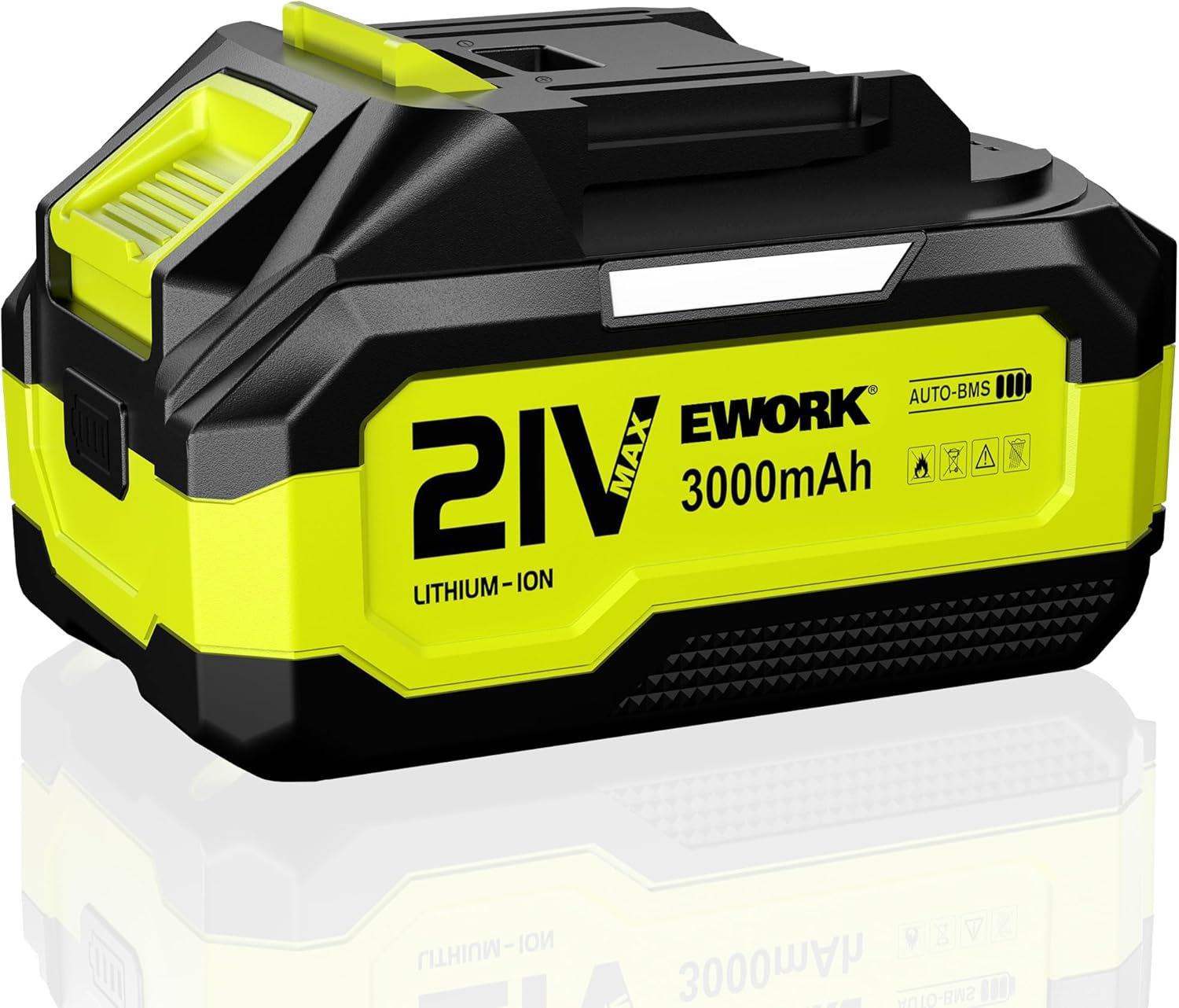
Figure 1.1: EWORK 3.0Ah Lithium-Ion Battery (Model EK-3.0G)
2. Safety Instructions
Always observe the following safety precautions to prevent injury or damage to the battery and tools:
- Do not disassemble, open, or shred battery pack.
- Do not short-circuit a battery pack. Do not store battery packs haphazardly in a box or drawer where they may short-circuit each other or be short-circuited by conductive materials.
- Do not expose battery pack to heat or fire. Avoid storage in direct sunlight.
- Do not subject battery pack to mechanical shock.
- In the event of battery leakage, do not allow the liquid to come into contact with the skin or eyes. If contact has been made, wash the affected area with copious amounts of water and seek medical advice.
- Do not use any charger other than that specifically provided for use with the equipment.
- Do not use any battery pack which is not designed for use with the equipment.
- Keep battery packs out of the reach of children.
- Seek medical advice immediately if a battery pack has been swallowed.
- Keep battery pack clean and dry.
- Recharge only with the charger specified by EWORK.
- Do not leave a battery on charge when not in use.
- Do not store the battery in temperatures exceeding 40°C (104°F).
- Dispose of battery packs properly according to local regulations.
3. Product Overview
The EWORK 3.0Ah Lithium-Ion Battery is engineered for optimal performance and safety with your EWORK 21V power tools. Key features include:
- High Capacity: 3.0Ah (3000mAh) for extended runtime.
- Lithium-Ion Technology: Provides consistent power output and long cycle life.
- AUTO-BMS (Core Battery Management System): Ensures efficient operation and protection.
- Intelligent Protection System: Includes overcurrent, short circuit, overvoltage, and overheat protection.
- LED Charge Indicators: Real-time display of remaining battery power.
- Low Self-Discharge: Retains charge longer when not in use.
- No Memory Effect: Can be charged at any time without damaging the battery's capacity.

Figure 3.1: Key features including upgraded dual-side LED indicators, fully charged automatic power outage, and low self-discharge.
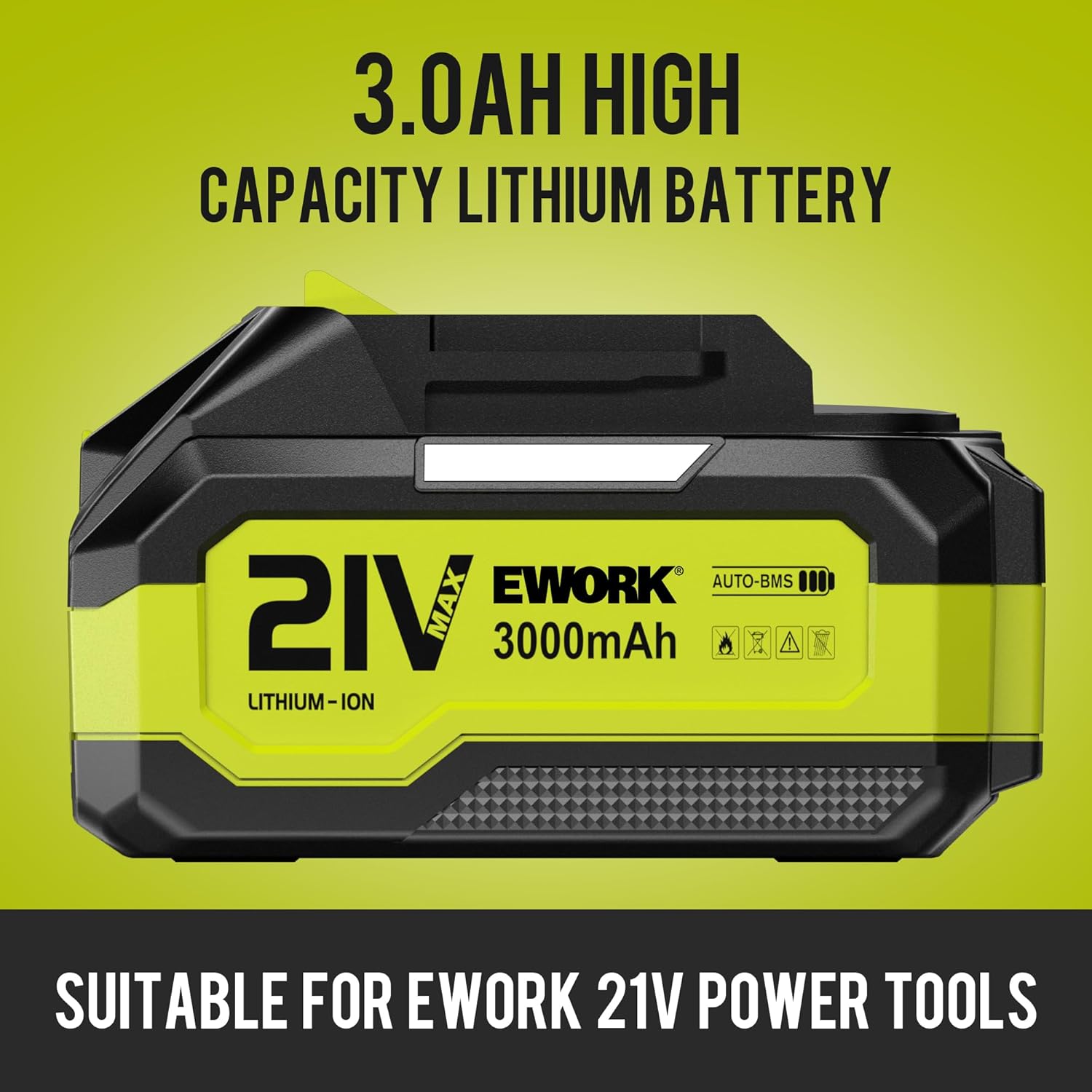
Figure 3.2: The 3.0Ah high capacity lithium battery is specifically designed for EWORK 21V power tools.

Figure 3.3: Close-up view of the LED charge indicator for real-time power display.

Figure 3.4: The new battery indicator provides a real-time display of remaining battery power, showing levels at 100%, 66%, and 33%.

Figure 3.5: The battery incorporates protection against over-current and over-voltage to ensure safe operation.

Figure 3.6: Features fast charging capabilities along with overcharge and overheat protection for enhanced safety and battery longevity.

Figure 3.7: The multi-intelligent protection system includes safeguards against overcurrent, short circuit, overvoltage, and overheating, contributing to a lower discharge rate and longer battery life.

Figure 3.8: The EWORK 3.0Ah battery is compatible with a range of EWORK 21V power tools, including sprayers, trimmers, and leaf blowers.

Figure 3.9: Please note that two versions of the battery, differing in LED indicator style (blue or green), are randomly available.
4. Setup
Before first use, ensure the battery is fully charged.
- Charging the Battery:
- Connect the compatible EWORK 21V battery charger (sold separately) to a power outlet.
- Slide the EK-3.0G battery pack onto the charger until it clicks into place.
- The charger's indicator light will show the charging status. Refer to your charger's manual for specific light patterns.
- A full charge from zero typically takes approximately 4 hours.
- Once fully charged, the charger will indicate completion (e.g., a solid green light). The battery features an automatic power outage function when fully charged.
- Remove the battery from the charger once charging is complete.
5. Operating Instructions
To use the EWORK 3.0Ah Lithium-Ion Battery with your compatible EWORK 20V/21V Max Series Cordless Power Tools:
- Inserting the Battery: Align the battery pack with the battery port on your EWORK power tool. Slide the battery into the tool until it clicks securely into place. Ensure it is firmly seated to prevent accidental dislodgement during operation.
- Checking Battery Level: Press the battery indicator button (if present) on the battery pack to view the current charge level via the LED indicators.
- Operating the Tool: Refer to your specific EWORK power tool's user manual for operating instructions.
- Removing the Battery: To remove the battery, press the battery release button(s) on the tool and slide the battery pack out.
6. Maintenance
Proper maintenance extends the life of your EWORK battery:
- Cleaning: Keep the battery contacts clean and free of dirt or debris. Use a dry cloth to wipe the battery exterior. Do not use solvents or harsh chemicals.
- Storage: Store the battery in a cool, dry place away from direct sunlight, heat sources, and moisture. For long-term storage, it is recommended to store the battery with a partial charge (around 50%) rather than fully charged or completely depleted.
- Charging Practices: Avoid overcharging or deep discharging the battery. While the battery has built-in protection, consistent good charging habits contribute to longevity.
- Temperature: Do not expose the battery to extreme temperatures. Optimal operating and storage temperatures are between 0°C and 40°C (32°F and 104°F).
7. Troubleshooting
| Problem | Possible Cause | Solution |
|---|---|---|
| Battery not charging. | Charger not plugged in; faulty charger; battery too hot/cold; faulty battery. | Ensure charger is properly connected. Try a different outlet. Allow battery to reach room temperature. Test with another battery/charger if available. Contact EWORK support if issue persists. |
| Battery not holding charge. | Battery nearing end of life; improper storage; extreme temperatures. | Ensure proper storage conditions. If battery is old, replacement may be necessary. |
| Tool not operating with battery. | Battery not fully inserted; battery depleted; tool malfunction. | Ensure battery is fully clicked into place. Charge battery fully. Test battery with another compatible tool, or test tool with another battery. |
| LED indicators not working. | Battery fault; indicator fault. | Ensure battery is charged. If indicators remain unresponsive, contact EWORK support. |
8. Specifications
| Feature | Specification |
|---|---|
| Model Number | EK-3.0G |
| Battery Type | Lithium-Ion |
| Voltage | 20V/21V Max |
| Capacity | 3.0Ah (3000 Milliamp Hours) |
| Item Weight | 1.47 pounds |
| Package Dimensions | 5.04 x 3.43 x 3.27 inches |
| Recommended Use | Power Tool |
9. Warranty and Support
EWORK products are manufactured to high-quality standards. For warranty information, technical support, or service inquiries, please contact EWORK customer service through the official EWORK store or website. Please have your product model number (EK-3.0G) and purchase details ready when contacting support.
Visit the official EWORK Store: EWORK Store on Amazon